
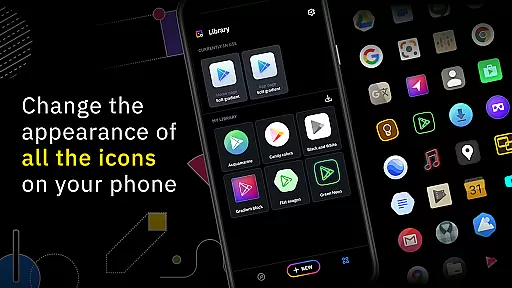
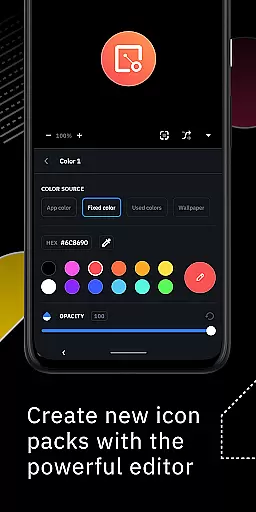
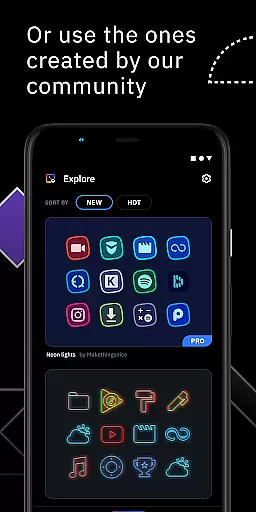
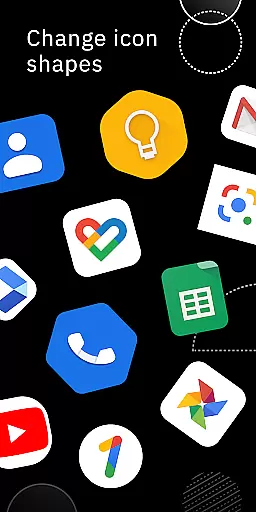
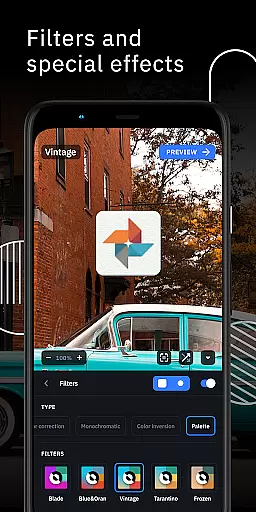
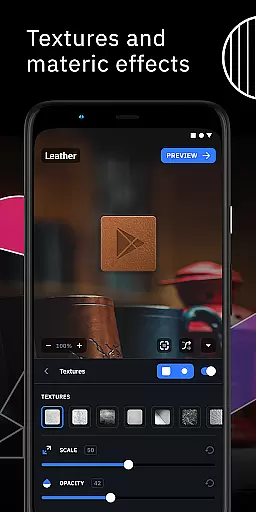
Icon Pack Studio is a powerful personalization tool that allows users to create custom icon packs tailored to their preferences. With its advanced editor, you can resize and move elements of your icons while applying filters like lights shadows textures and bezels. The app also supports importing and tweaking existing icon packs providing unparalleled customization options.
This app stands out by ensuring that every app on your device can be customized with your self-made icons something no other Play Store icon pack can achieve. Whether you use Smart Launcher or other popular launchers like Nova or Action Launcher Icon Pack Studio integrates seamlessly offering a universal solution for icon customization.
One of the standout features of Icon Pack Studio is its advanced icon editing capabilities. Users can manipulate every aspect of their icons including resizing moving and applying various artistic filters such as shadows and textures. This level of control ensures that each icon perfectly matches the desired aesthetic of your home screen.
Additionally the app supports importing existing icon packs allowing further customization and personalization. With compatibility across numerous launchers including Nova Action and Lawnchair Icon Pack Studio offers flexibility and versatility for all users seeking to enhance their device's appearance.
Icon Pack Studio offers an extensive range of customization options, allowing users to create their own icon packs from scratch. This feature is crucial for those who seek a personalized home screen that perfectly fits their aesthetic preferences.
The advanced editor within the app provides tools for resizing and moving elements of custom icons. Special filters such as lights, shadows, textures, and bezels enable users to enhance their designs, ensuring each icon is unique and tailored to individual tastes.
With the ability to import and tweak any installed icon pack, starting from version 2, users can modify existing designs or create something entirely new. This flexibility ensures that no two icon packs need to be the same, offering limitless creative possibilities.
Ultimately, this level of customization empowers users to craft a smartphone experience that is distinctly their own, enhancing both functionality and personal expression on their devices.
Theme compatibility in Icon Pack Studio ensures that the icon packs you create will work seamlessly with a wide array of launchers. This compatibility is essential for maintaining a cohesive look across different devices and launcher preferences.
Designed primarily to work with Smart Launcher, Icon Pack Studio also supports numerous other popular launchers. This includes but is not limited to Nova Launcher, Action Launcher, and Lawnchair Launcher, providing a versatile theming solution for a broad user base.
Despite some unsupported launchers like Xperia Home Launcher and Pixel Launcher, the vast majority of users will find Icon Pack Studio's creations compatible with their chosen launcher. This widespread support underlines the app's commitment to accessibility and user convenience.
By ensuring that its icon packs cover any app on your device, Icon Pack Studio delivers a level of theme compatibility that surpasses many other icon packs available on the Play Store, making it a top choice for customization enthusiasts.
Highly customizable icon creation
Supports multiple launchers
Advanced editing tools
Active community contributions
Regular feature updates
Not compatible with all launchers
Advanced tools may overwhelm beginners
Limited default icon themes
Requires time investment for quality results
Some features are complex to master

Customizable flower power digital watch face for Wear OS watches.
 4.00
4.00
Winter's Journey: digital watch face for Galaxy Watch & Wear OS
4.80
A launcher for Samsung Good Lock and Good Guardians modules without ads
4.70
Art & Emoji Keyboard with Cool Fonts, Cute Themes and Custom Designs.
4.40
Interactive Miniature Painting Catalogue
3.30
⭐ OneUI inspired Fluffy Icon Pack – Soft. Stylish. Standout. ⭐
4.3
One 8 icons glass color version
4.80
350+ widgets with a premium glass-style finish, perfect for home & lock screens.
4.70
Fast SMS & group chat - use GIFs and emojis from your home screen launcher.
4.50
Stunningly Different look with Line Icons and Neon Colors
4.60
Over 28,000 high quality icons to bring color & homogeneity to your phone.
4.60
Customizable screen pets that play, climb, and keep you company.
4.50 4.50
4.50
Yandex Browser — stylish and secure, with voice search and data compression
4.40
Unleash Your Creativity and Connect with Loved Ones with Lockscreen Drawing!
4.20
Magic fluids wallpaper 4D: Relax with stunning fluid simulation wallpaper app
4.20
Create unique, fun emojis with Funny Emoji Maker! Unlimited creativity!
4.00
Customize glowing edges, wallpapers, and caller screen with EdgeAura.
3.50
Turn your lock screen into fun with smile live wallpapers & animated wallpapers!
2.50


User Reviews