
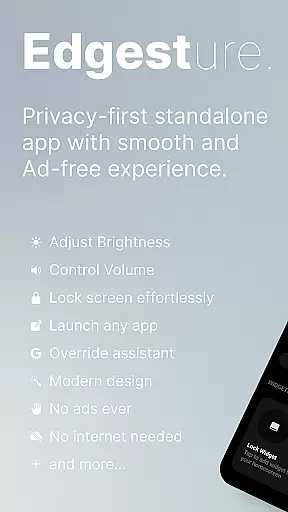
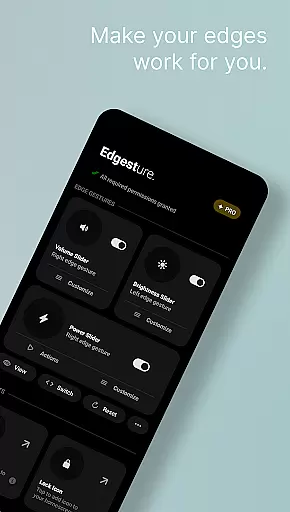
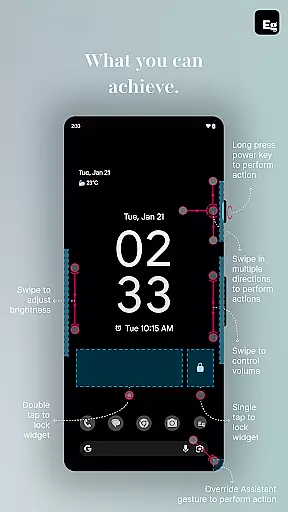
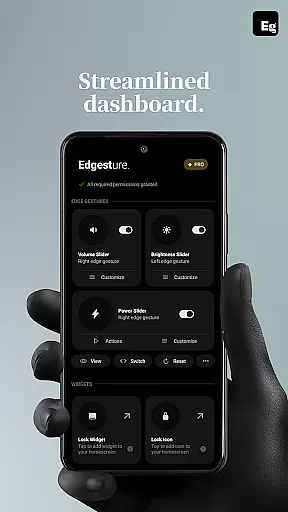
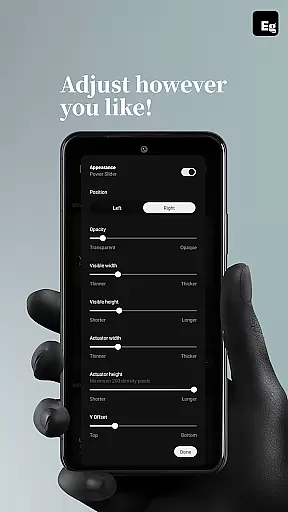
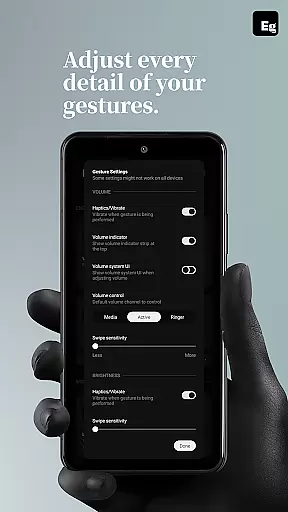
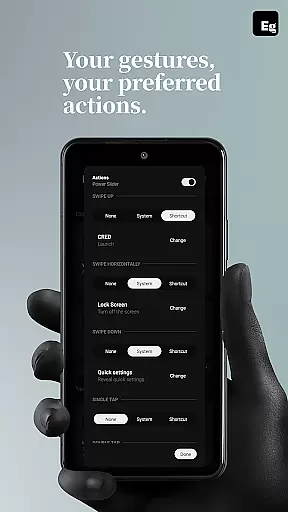
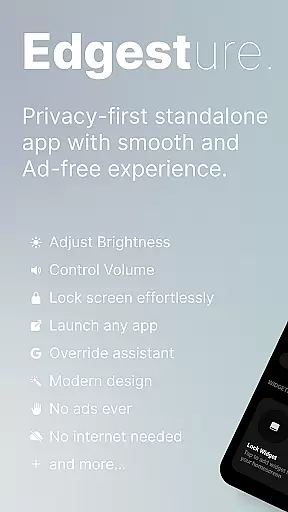
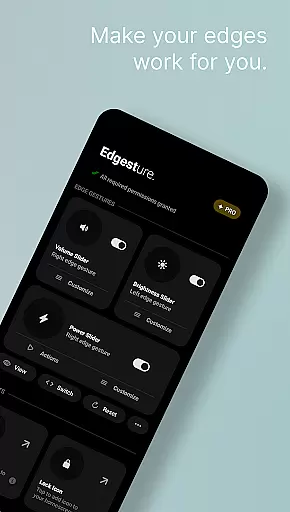
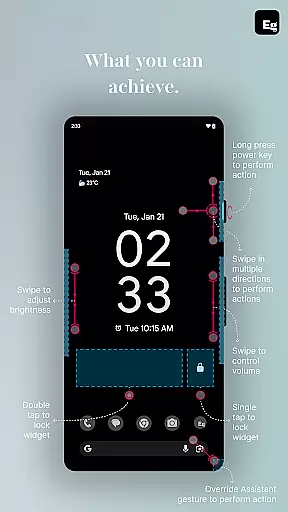

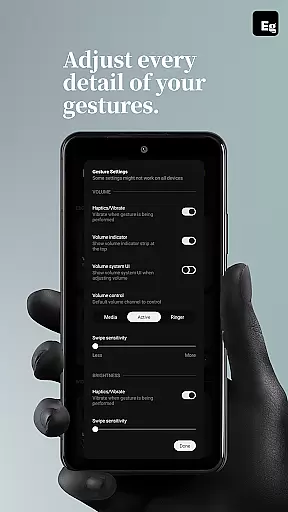
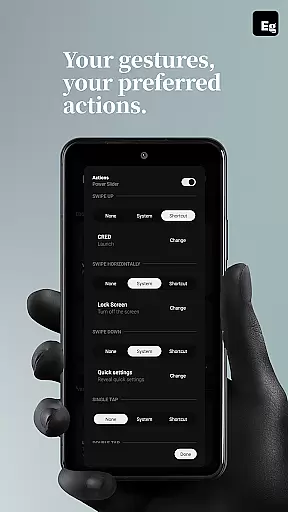
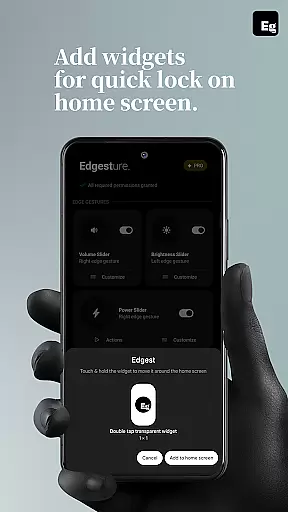
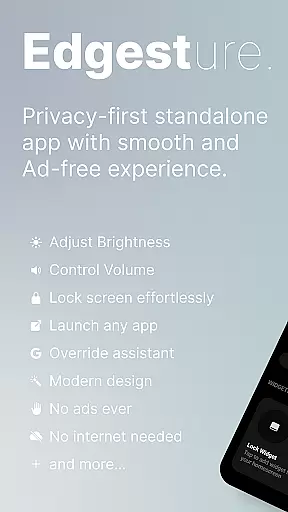
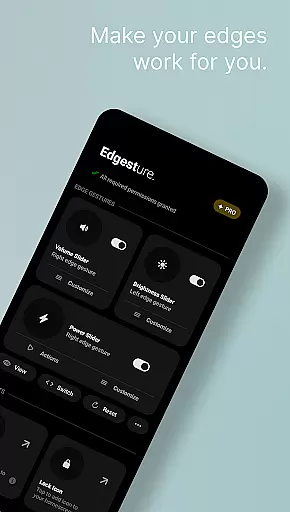
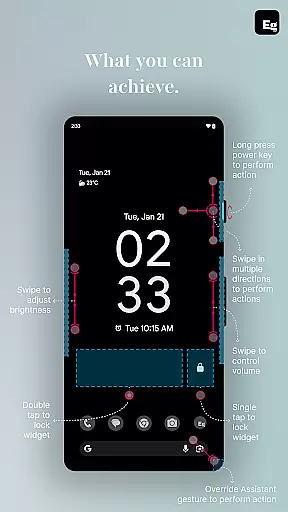
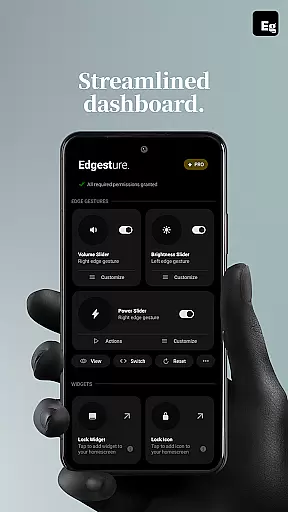
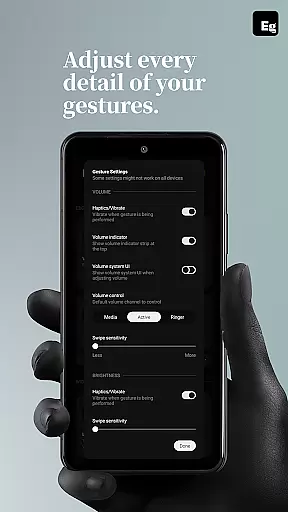
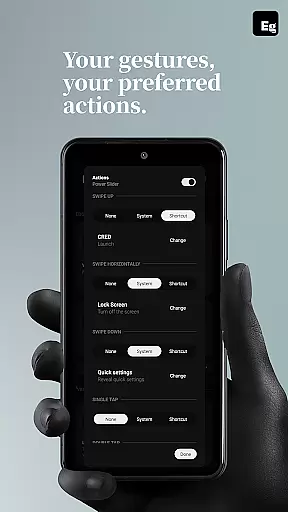
Edgest is a powerful personalisation tool designed to enhance your smartphone experience through intuitive gesture controls. This application allows users to take complete control of their device with smart edge gestures, custom shortcuts, and instant access to frequently used actions. The app enables effortless navigation by using screen edge swipes, taps, and long presses to perform tasks like launching apps, adjusting volume and brightness, locking the screen, and managing media playback.
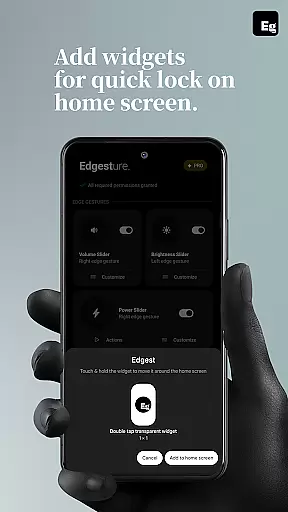
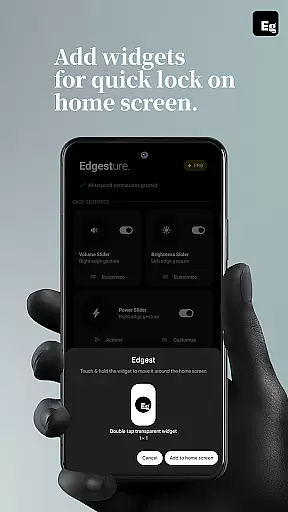
What sets Edgest apart is its deep customisation options. Users can personalise gestures for specific functions, create shortcuts for system menus, and even trigger actions such as taking screenshots or opening URLs. With features like lock screen widgets, quick settings tiles, and override assistant triggers, Edgest ensures that every interaction with your device is both seamless and tailored to individual preferences. Built with simplicity in mind, it offers an ad-free experience that prioritises user privacy and satisfaction.
Edgest stands out with its comprehensive feature set tailored for enhanced device personalisation. One of the key highlights is its edge gesture functionality, which lets users navigate their devices effortlessly. By simply swiping from the screen's edge, users can return to the home screen, toggle settings, or launch favourite apps. The app also includes dedicated controls for volume and brightness, allowing instant adjustments without needing to open additional menus.
Customisation is at the core of Edgest's offering. Users can design custom gestures to perform a variety of actions, from opening apps to triggering system-level commands. The app supports assigning unique gestures for different tasks, including opening notifications, managing media playback, or locking the screen with a double tap. Additionally, Edgest provides quick settings tiles and lock screen widgets, ensuring that essential functions are always within reach. These robust features make daily smartphone interactions faster, more efficient, and uniquely personalised.
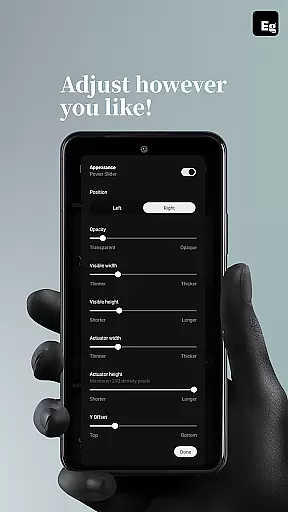
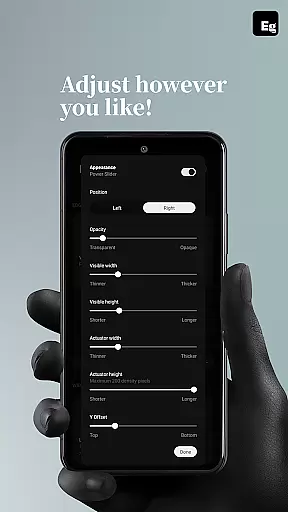
Edgest offers an extensive range of customization options that allow users to tailor their device interaction according to personal preferences. With the ability to create custom gestures for launching apps, opening system menus, or triggering shortcuts, the app ensures a highly personalized user experience.
The app's flexibility extends to gesture sensitivity, animation speed, and feedback settings, providing users with control over how they interact with their device. This level of customization empowers users to streamline daily tasks by assigning specific actions to unique gestures, enhancing both efficiency and convenience.
Moreover, Edgest supports productivity through its quick settings tile feature, which can be customized for instant access to frequently used actions. Whether it's media control or opening the notification shade, these tailored shortcuts contribute significantly to a seamless digital experience.
While Edgest focuses primarily on gesture-based navigation and shortcuts, theme compatibility is integral for users seeking visual consistency across their devices. Although direct theme editing isn't its main function, Edgest complements existing themes by maintaining design integrity when executing commands.
Users will appreciate how Edgest integrates smoothly with their chosen aesthetics without disrupting the overall look and feel of their deviceu2019s interface. Its design-savvy approach means that whether you're adjusting volume control or brightness, interactions remain visually coherent with your selected theme.
Furthermore, as new features are rolled out, Edgest promises continued attention to aesthetic harmony, ensuring that all updates respect and preserve the user's thematic choices. This commitment allows users to enjoy enhanced functionality without compromising on style or visual coherence.
Intuitive gesture controls
Highly customisable options
Lightweight and battery-friendly
No ads or tracking
Enhances productivity
Limited to Android devices
Requires accessibility permissions
Learning curve for new users
Premium features may require payment
Some gestures may conflict with system defaults

A light in the dark, a unique style and an andless cutomization!
 4.30
4.30
Glass style colourful icons with a One UI look and feel
4.60
Realistic animated snow on your wrist, with 10 images landscapes to choose from
4.00
3D, live, and moving wallpapers & themes in 4K and HD for your device.
4.50
Interactive Miniature Painting Catalogue
3.30
Ultimate widget creator. Design custom widgets for a truly unique home screen!
3.90
Want to make your phone more special than ever?
4.60
Embrace the Night. Unleash the power of darkness with Raven Dark Icon Pack
4.60
200+ Material Inspired Widgets
4.50
Wallpaper HD 4K Live - Thousands of high-quality Anime backgrounds for you.
4.80
Vertically oriented rectangular icons
4.70
Add cute Shimeji pets to screen, interact with them and relax with cute motions
4.60
300+ Beautifully crafted widgets inspired by OneUI.
4.60
Customizable screen pets that play, climb, and keep you company.
4.50
Magic fluids wallpaper 4D: Relax with stunning fluid simulation wallpaper app
4.20
Run multiple accounts of the same app on a single device
4.10
Transfer your live wallpapers from Windows to Android using Wallpaper Engine!
4.00
Crystal-clear, square icon provides a sleek and sophisticated visual upgrade
4.00
Design your screen with unique, vibrant clocks
3.80


User Reviews