
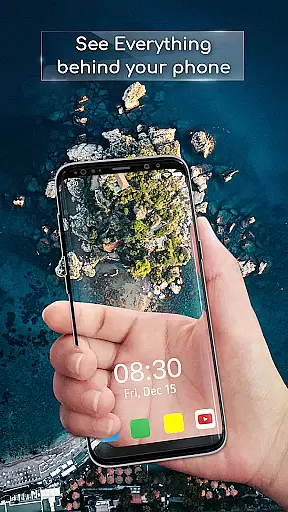
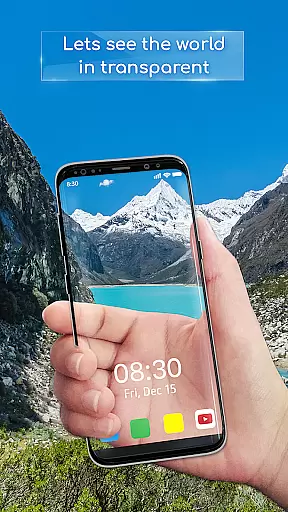
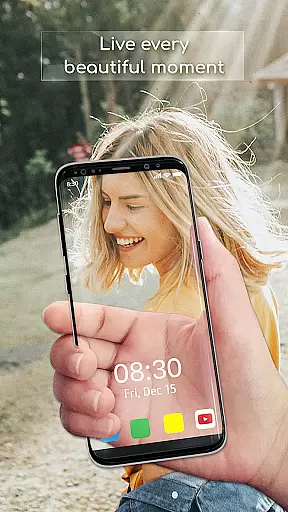
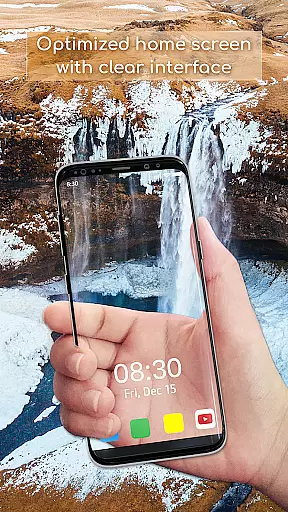
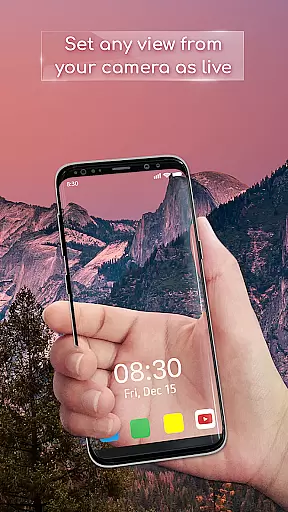
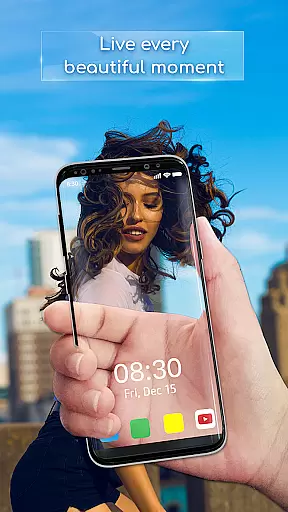
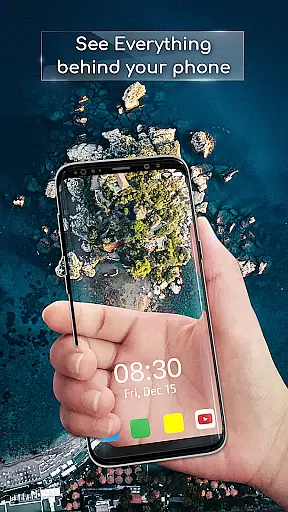
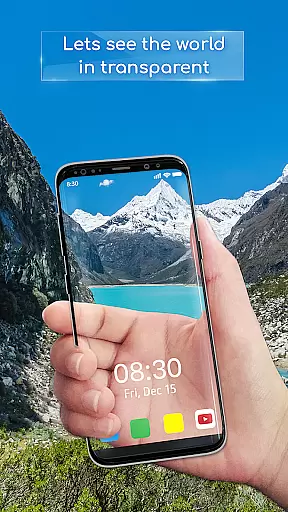
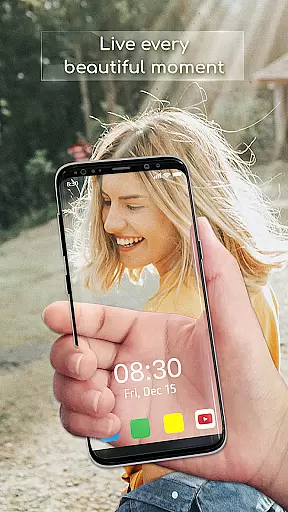
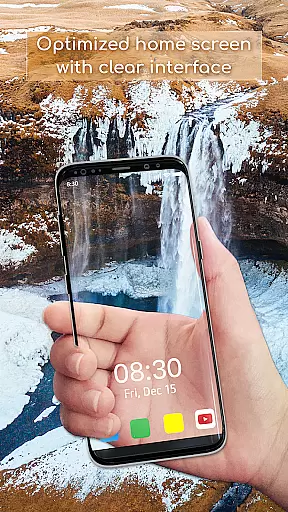
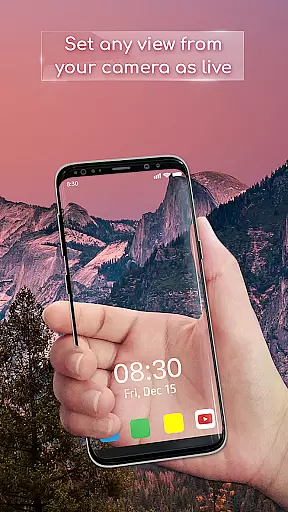
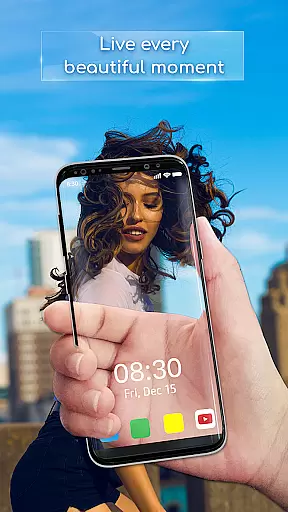
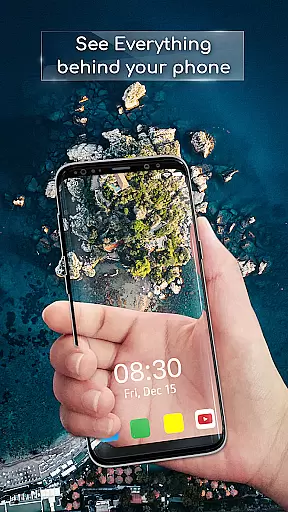
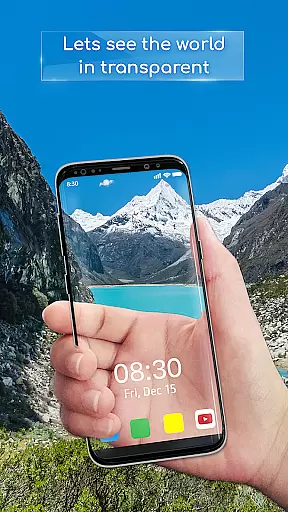
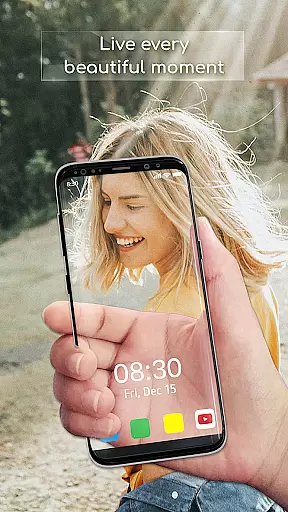
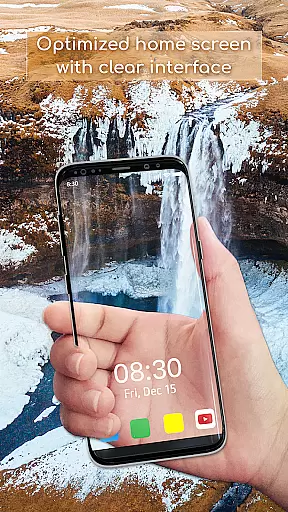
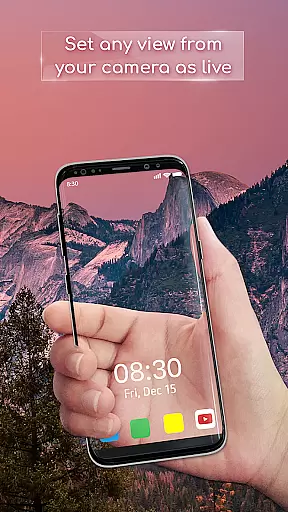
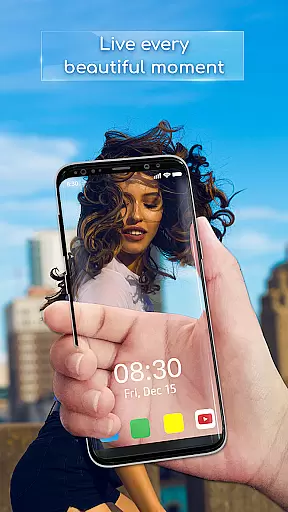
Transparent Wallpaper is a unique personalization app that transforms your device's screen into a transparent window. Using the device's back camera, it creates an illusion of a see-through display, offering users an immersive and innovative experience. This app allows you to set a live wallpaper that simulates transparency, making your device stand out with its cutting-edge visual effect.
The app is designed for those who seek a new way to interact with their smartphones or tablets. Whether you want to impress your friends or simply enjoy a fresh look on your device, Transparent Wallpaper delivers a seamless and fluid experience. Its high-resolution visuals and easy setup make it accessible to all users who wish to elevate their device aesthetics.
Transparent Wallpaper offers several key features that enhance user experience. The app provides an authentic transparent effect, surpassing other similar applications in realism and quality. With a user-friendly interface, setting up your transparent live wallpaper is intuitive and straightforward, ensuring that anyone can use it without hassle.
Performance is smooth and reliable, allowing users to enjoy a crystal-clear display without any lag or interruptions. The app supports high-resolution visuals, which means your transparent background will look stunning on any device. Additionally, you have the flexibility to choose between front or back cameras, depending on your preference, giving you full control over how the transparency effect is displayed.
Transparent Wallpaper offers a unique approach to device personalization through its innovative customization options. The app allows users to transform their device's background into a transparent live view, creating an illusion of a see-through screen. This feature leverages the device's back camera, providing a dynamic and interactive wallpaper experience that stands out from traditional static backgrounds.
The level of customization is further enhanced by allowing users to choose between front or back cameras for the live wallpaper effect. This flexibility ensures that users can tailor the transparency feature to their preference, whether they want to showcase their surroundings or create a mirrored effect. The easy setup process makes it accessible even to non-tech-savvy users, maintaining simplicity without compromising on functionality.
By offering high-resolution visuals and smooth performance, Transparent Wallpaper ensures that the customization experience doesn't come at the cost of device performance. Users can enjoy crystal-clear display quality while experiencing seamless transitions and fluidity in their live wallpaper. These technical considerations make the customization process both enjoyable and reliable.
The value of this customization feature lies in its ability to provide a completely unique user experience. Unlike conventional wallpapers, Transparent Wallpaper creates an immersive environment that connects the digital interface with real-world surroundings. This distinctive approach to personalization enables users to express their individuality while enjoying the practical benefits of a transparent background.
Theme compatibility is a crucial aspect of any personalization app, and Transparent Wallpaper excels in this area by offering a solution that works seamlessly across different device themes. The app's transparent live wallpaper adapts to various color schemes and UI themes, ensuring consistent visual quality regardless of the device's current settings. This adaptability makes it an ideal choice for users who frequently switch between light and dark modes or use custom themes.
The application maintains perfect visual harmony with different themes through its high-resolution display capabilities. Whether using a bright theme during daytime or switching to a darker theme at night, the transparent effect remains clear and visually appealing. This consistency in quality demonstrates the app's attention to detail in theme compatibility, providing users with an uninterrupted personalization experience.
Moreover, Transparent Wallpaper's compatibility extends beyond just color themes. The app integrates smoothly with various device interfaces and operating system versions, ensuring that the transparent effect works consistently across different platforms. This broad compatibility range enhances the app's accessibility and reliability for diverse user groups.
The true value of this theme compatibility lies in its ability to maintain the integrity of the transparent effect while adapting to different visual environments. Users can enjoy the benefits of a see-through background without worrying about compatibility issues or degraded visual quality. This seamless integration with various themes and interfaces makes Transparent Wallpaper a versatile tool for device personalization.
Unique transparent effect
User-friendly interface
Smooth performance
High-resolution visuals
Easy setup process
Privacy concerns with camera
Battery consumption may increase
Limited customization options
Potential overheating during extended use
Compatibility issues with older devices

A Colorful and Minimal icon pack in an Outline Style - Over 13,600 icons!
 4.70
4.70
Beautiful realistic hybrid watch face with numerous customization options.
4.50
Turn your lock screen into fun with smile live wallpapers & animated wallpapers!
2.50
Ultimate widget creator. Design custom widgets for a truly unique home screen!
3.90
More than 3000+ themes and 9000+ wallpapers for everybody!
4.10
Ultimate Gallery Lock App - Hide Pictures, Videos and Lock Apps Instantly!
4.60
Customize glowing edges, wallpapers, and caller screen with EdgeAura.
3.50 4.50
4.50
⭐ OneUI inspired Fluffy Icon Pack – Soft. Stylish. Standout. ⭐
4.4
Only for Wear OS devices!
4.90
Classic analogue watch face. For wear os devices.
4.60
Glass style colourful icons with a One UI look and feel
4.60
Add cute Shimeji pets to screen, interact with them and relax with cute motions
4.60
3D, live, and moving wallpapers & themes in 4K and HD for your device.
4.50
Customizable screen pets that play, climb, and keep you company.
4.50
Vibrant Adaptive Icons with Material You and Enhanced Monet Colors.
4.50
Adorable pets roam and play right on your phone screen!
3.30
Custom edge gestures for volume control, brightness, apps, and shortcuts.
4.2
Modern Glass Icon Pack with glossy icons, clean minimal theme & aesthetic style
4.1


User Reviews