
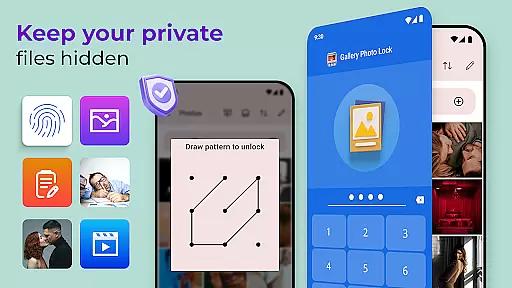
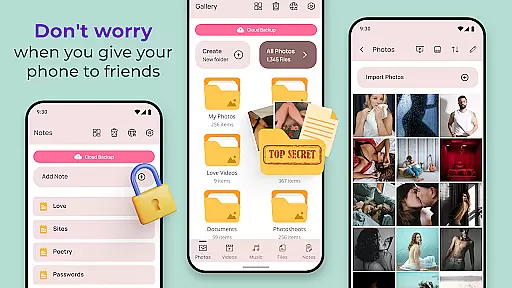
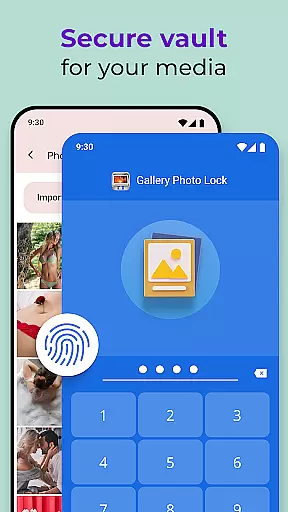
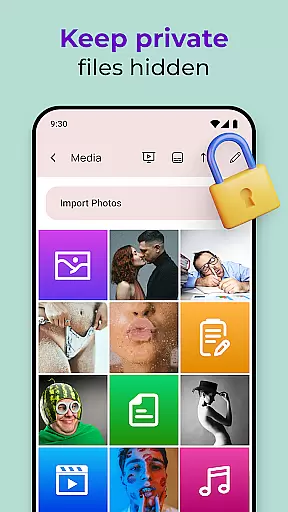
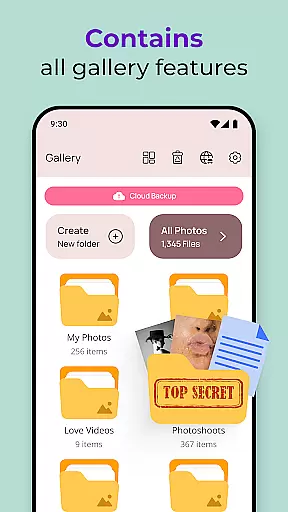
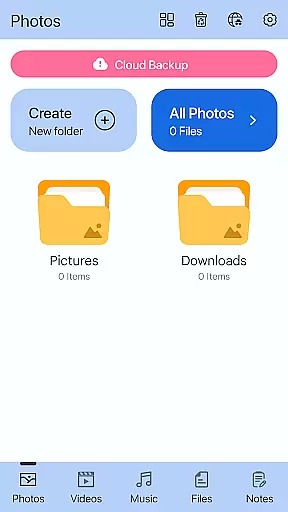
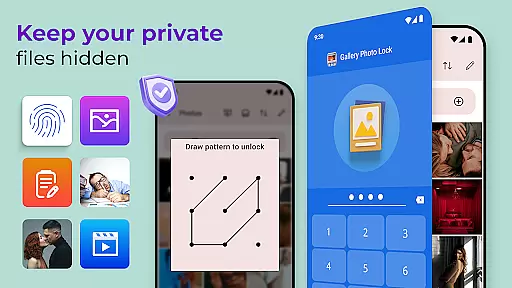
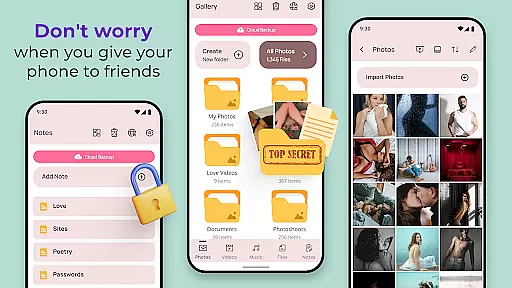
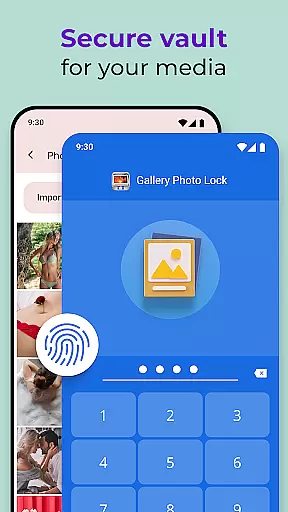
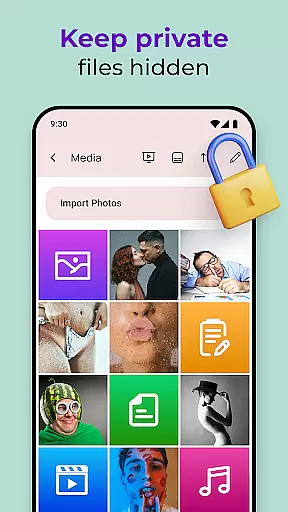
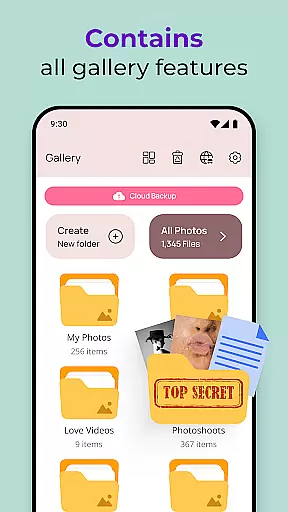
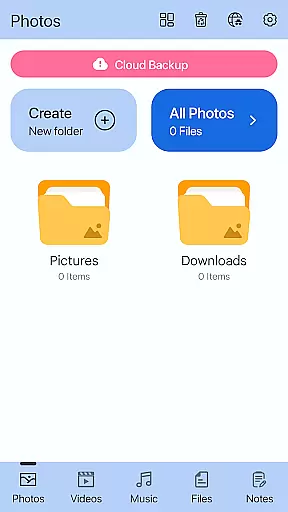
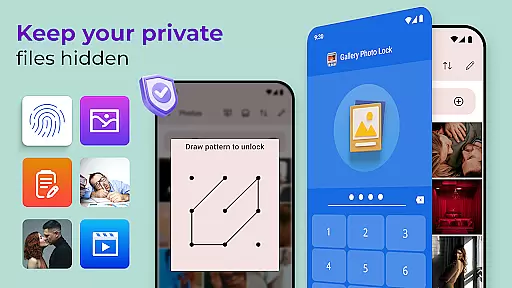
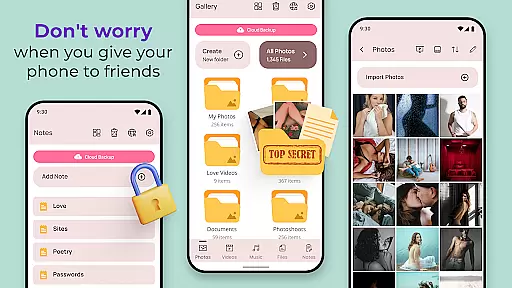
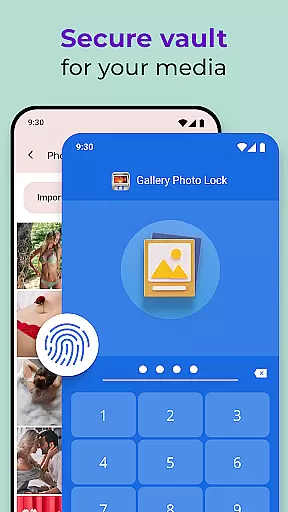
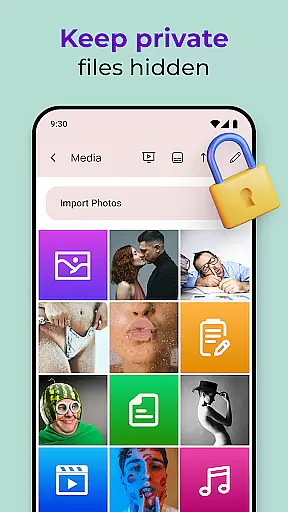
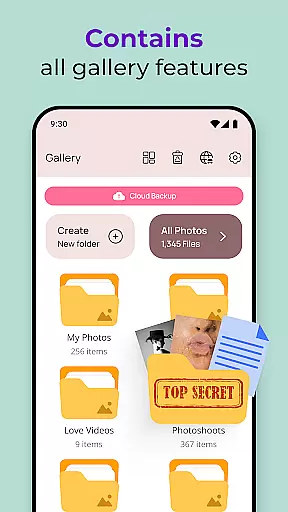
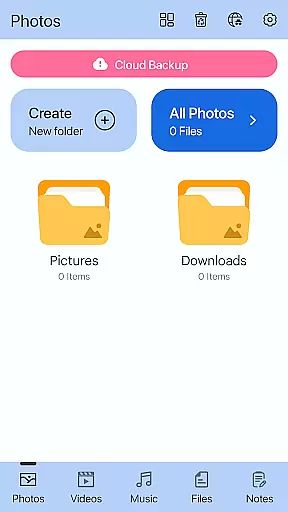
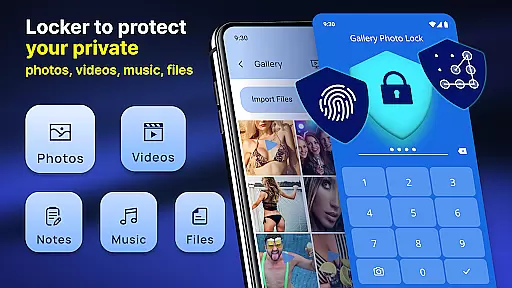
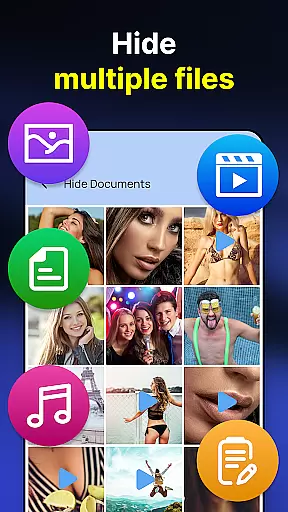
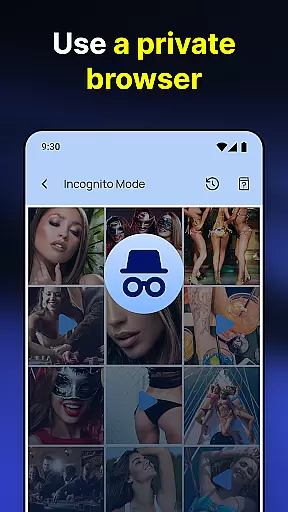
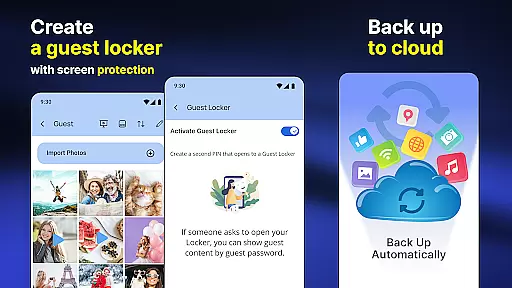
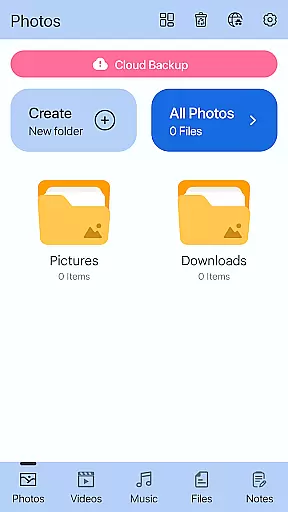
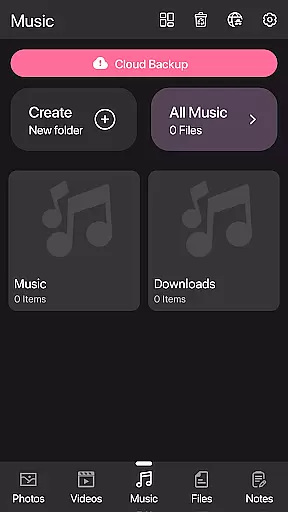
Photo Lock App - Hide Pictures is a comprehensive privacy protection solution designed to secure personal media files. This app allows users to effortlessly hide an unlimited number of images and videos, ensuring that private content remains confidential. With features like fingerprint authentication, cloud backup, and customizable lock screens, it offers both security and convenience.
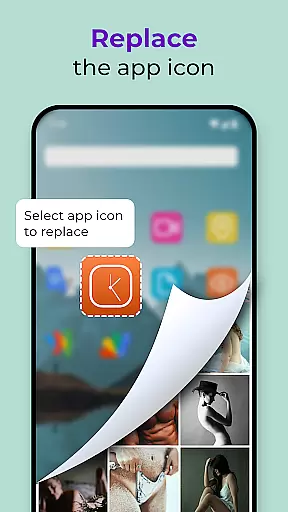
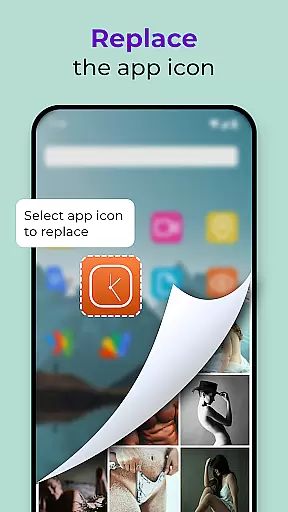
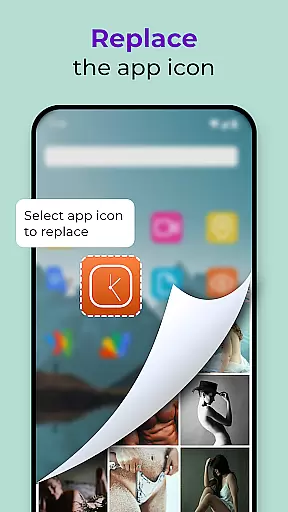
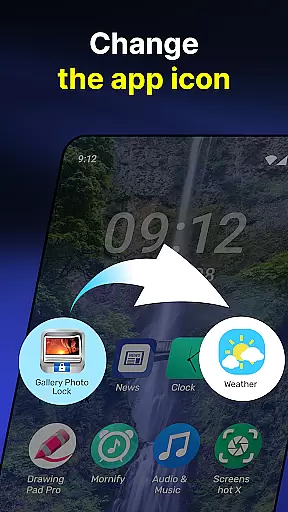
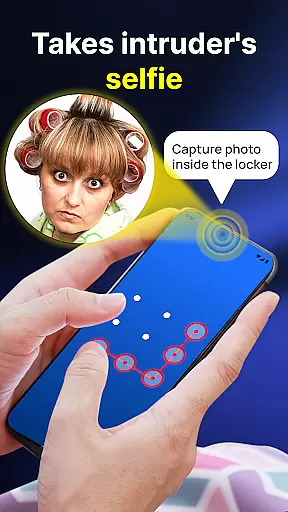
The application provides peace of mind by enabling users to lend their smartphones without worrying about unauthorized access to sensitive content. Its unique functionalities include the ability to replace the app icon with common icons like news or weather, adding an extra layer of disguise. Additionally, advanced security measures such as intruder selfies and face-down locking enhance user privacy.
Photo Lock App - Hide Pictures boasts a variety of robust features tailored for privacy-conscious individuals. One of its standout capabilities is the Hidden Photo Vault, which allows users to store private media securely while offering seamless integration with the device's gallery. The app supports fingerprint unlock, providing a quick and secure way to access hidden files.
Further enhancing its utility, the app includes a built-in viewer and player, cloud backup options, and a guest locker feature for storing decoy media. Users can customize their experience with various themes and even capture intruder images when incorrect passwords are entered. These features collectively ensure that personal data remains protected yet easily accessible to authorized users.
Customization is at the heart of the Gallery Photo Locker, allowing users to tailor their privacy experience like never before. With features such as Galerie Lock Themes and the ability to Replace App Icon, users can modify the appearance of their security app to blend seamlessly with their device's other apps or to reflect their personal style.
The Replace App Icon feature cleverly disguises the Gallery Photo Locker as an ordinary app, such as news, weather, or radio, ensuring that your private vault doesn't attract unwanted attention. This level of disguise adds a layer of stealth to your privacy protection strategy, making it less likely for unauthorized users to even recognize the app's true purpose.
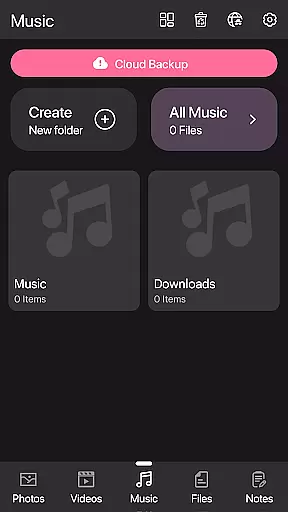
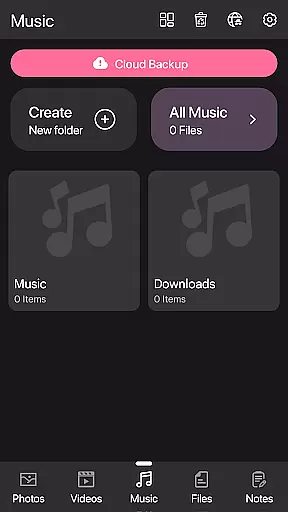
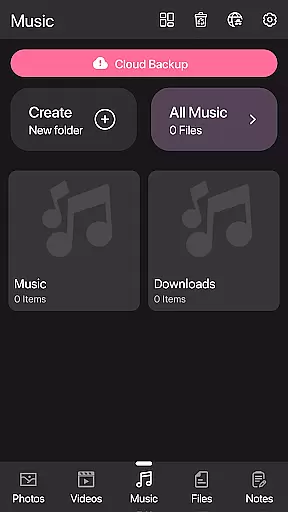
Moreover, the Galerie Lock Themes offer a range of customization options for the Private Photo Vault interface, enhancing user engagement while maintaining top-notch security. Users can choose themes that resonate with their aesthetic preferences without compromising on the functionality and safety of their hidden media.
By providing these diverse customization options, the Gallery Photo Locker empowers users to create a personalized and secure environment for their sensitive data, ensuring both privacy and peace of mind.
Theme compatibility in the Gallery Photo Locker ensures that users have a consistent and visually pleasing experience across all aspects of the application. The availability of various themes within the Private Photo Vault allows users to select designs that best suit their style while maintaining the integrity and security of their hidden content.
With the option to customize the look and feel of the app through different themes, users are more inclined to engage with the security features regularly. This regular interaction enhances the overall effectiveness of the privacy solution, as users are more likely to keep their data protected when they enjoy the interface they interact with daily.
In addition to aesthetic benefits, theme compatibility extends to functional elements within the app. For instance, regardless of the chosen theme, features like fingerprint unlock and cloud backup remain easily accessible and intuitive to use, ensuring that security measures are not compromised for the sake of customization.
Ultimately, the Gallery Photo Locker's commitment to theme compatibility demonstrates its dedication to providing a secure yet flexible personalization tool, catering to individual tastes while safeguarding sensitive information.
User-friendly interface
Advanced security features
Cloud backup support
Customizable app icons
Intruder detection system
Premium features require payment
Occasional bugs reported
Limited free storage
Ads in the free version
Complex setup for beginners

Glass style colourful icons with a One UI look and feel
 4.60
4.60
Customizable flower power digital watch face for Wear OS watches.
4.00
Transform your phone with Launcher iOS 26 - Smooth & elegant iOS experience
4.50
More than 3000+ themes and 9000+ wallpapers for everybody!
4.10
App Icon Changer & Shortcut Creator. Customize your icons without any watermarks
4.30
Design your screen with unique, vibrant clocks
3.80
Choose your keyboard with RGB colors effect, themes, fonts, emojis.
4.60
Customize phone with anime themes, 3D icons, aesthetic widgets & wallpapers
4.80
Amazing letter fonts in your messages and social statuses
4.70
Enjoy a variety of amazing live wallpapers and colorful EDGE lighting borders!
4.80
Winter's Journey: digital watch face for Galaxy Watch & Wear OS
4.80
Add cute Shimeji pets to screen, interact with them and relax with cute motions
4.60
Stylish Pink Cute Hippo keyboard with 10000+ customized keyboard themes!
4.60
Handcrafted pixel art icons, widgets & wallpapers
4.60
Turn text & photos into stunning AI videos, art, and creative visual stories.
4.50
Unleash Your Creativity and Connect with Loved Ones with Lockscreen Drawing!
4.20
Emoji Maker app - Design custom emojis and effortlessly blend them with Mixer
3.80
Turn your lock screen into fun with smile live wallpapers & animated wallpapers!
2.50
Struggling to find apps? Use this app to locate and open any app on your phone!
2.20


User Reviews