

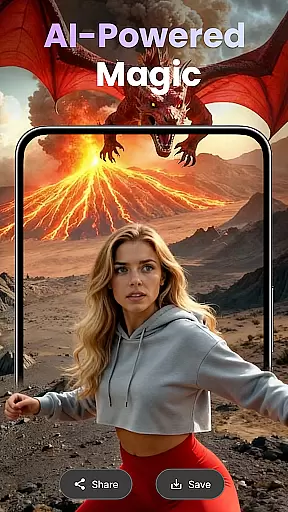
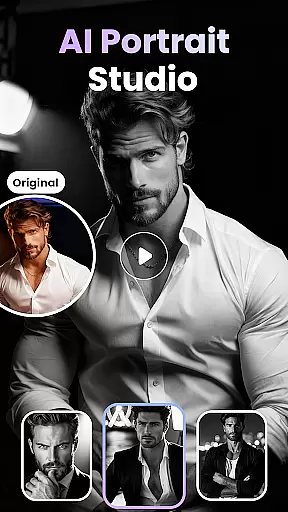
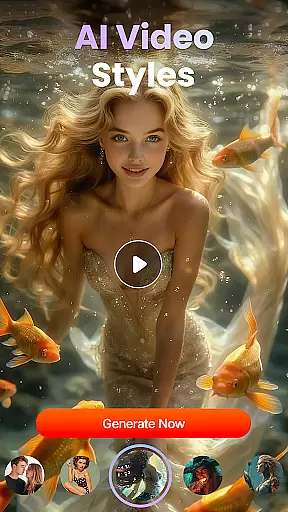
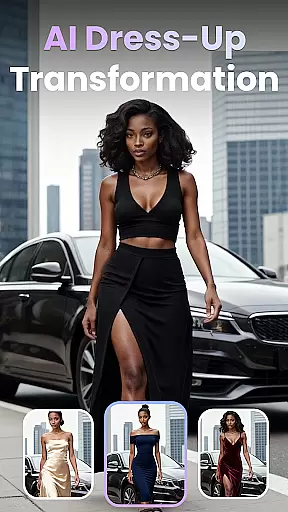
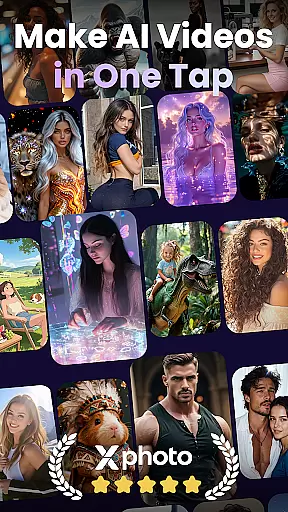

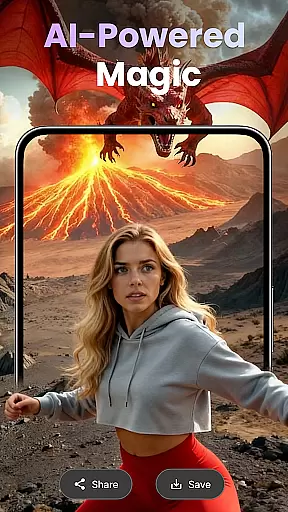
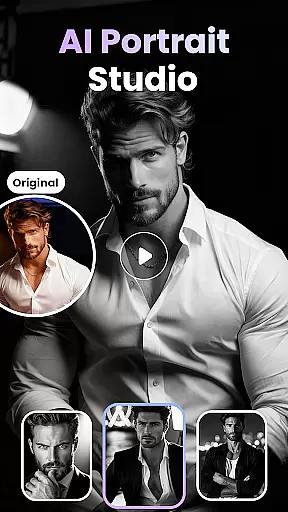
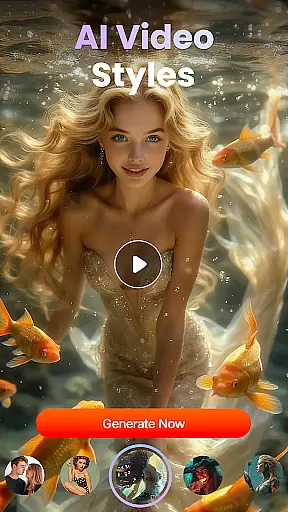
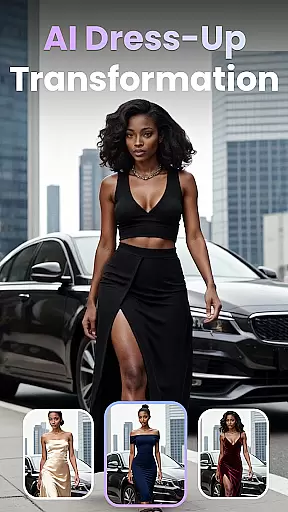
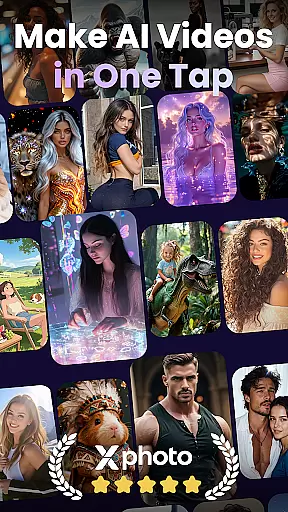

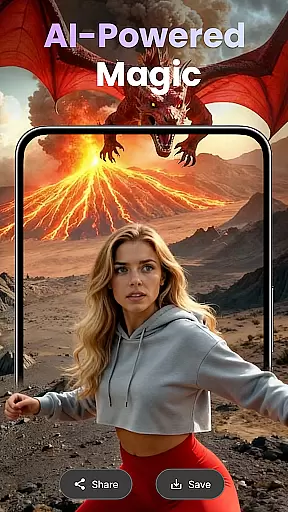
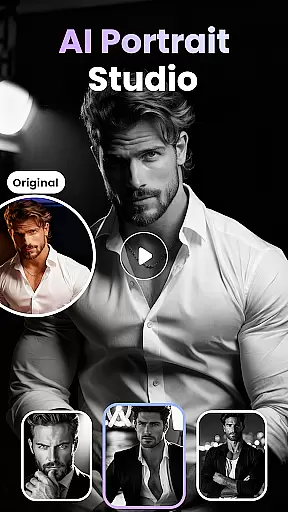
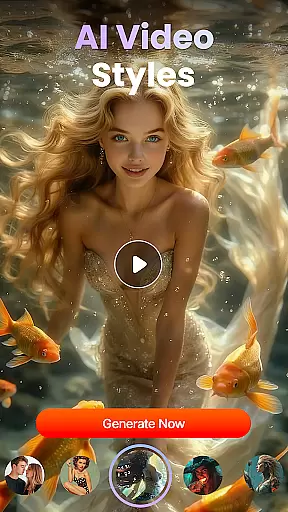
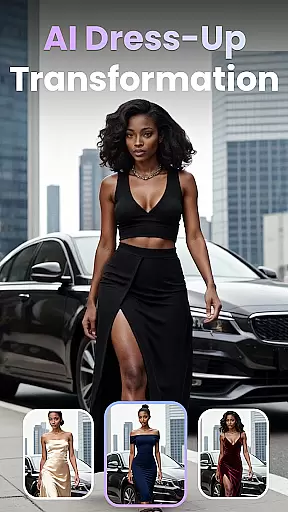
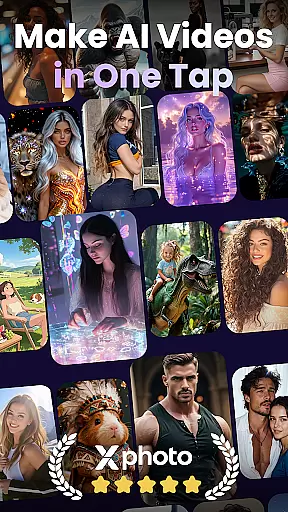
XPhoto is an AI-powered creative studio that allows users to generate professional-grade visual art and videos effortlessly. With features like AI Text to Video, Text to Image Generator, and Photo to Video Animation, it caters to content creators, influencers, and artists looking to enhance their storytelling capabilities.
The app provides smart editing tools, HD export options, and a variety of creative video templates, making it ideal for platforms like TikTok, Instagram Reels, and YouTube Shorts. XPhoto stands out with its beginner-friendly interface while offering powerful tools for professionals.
XPhoto offers a comprehensive suite of AI-driven features designed to bring creative visions to life. The AI Text to Video function transforms textual descriptions into cinematic experiences, while the Text to Image Generator creates stunning visuals from simple phrases.
Users can animate photos with emotional depth using the Photo to Video Animation feature and experiment with Face Swap & AI Effects for viral content creation. Smart Editing Tools allow automatic addition of captions, background music, or voiceovers, ensuring every piece of content is polished and engaging.
Customization is at the heart of XPhoto, allowing users to tailor their creative process extensively. The app offers a wide array of customization options that cater to both beginners and professionals in the field of visual arts and video production.
XPhoto's features such as AI Text to Video, Text to Image Generator, and Photo to Video Animation provide diverse tools for users to experiment with. These features enable the transformation of simple text prompts or static images into dynamic video content or professional-grade art, thus greatly expanding the creative possibilities.
Moreover, with capabilities like Face Swap & AI Effects, Creative Video Templates, and Smart Editing Tools, users can further personalize their projects. Whether it's swapping faces, applying artistic filters, or adding automatic captions and voiceovers, XPhoto equips its users with intuitive controls to refine every detail according to their preference.
The value derived from these extensive customization options lies in empowering creators to produce unique, high-quality visuals without needing deep technical expertise. This flexibility ensures that each project created with XPhoto can be as unique as the imagination of the creator behind it.
Theme compatibility in XPhoto refers to the seamless integration and adaptability of various artistic themes within the content created using the platform. It is crucial for users who wish to maintain thematic consistency across different visual elements and scenes in their videos or artworks.
XPhoto supports this through its advanced AI algorithms that understand and apply thematic elements consistently throughout a project. Whether you're crafting a story-driven short film or designing an animated advertisement, the coherence in theme enhances the narrative quality and viewer engagement.
In addition to supporting multiple themes, XPhoto also allows exporting projects in HD or 4K resolution without watermarks. This means that regardless of where your audience views your worku2014be it on mobile devices or large screensu2014the clarity and impact remain uncompromised while preserving your intended aesthetic.
Ultimately, by ensuring robust theme compatibility, XPhoto not only elevates the standard of user-generated content but also simplifies the complex process of maintaining visual harmony across diverse media formats, making it an indispensable tool for modern storytellers and artists alike.
User-friendly interface
High-quality AI generation
Variety of creative tools
HD and 4K export options
Watermark-free content
Limited advanced controls
Requires internet connection
Premium features may cost extra
Occasional processing delays
Learning curve for new users

Beautiful realistic hybrid watch face with numerous customization options.
 4.50
4.50
Realistic animated snow on your wrist, with 10 images landscapes to choose from
4.00
Make your phone look simple & luxury, like iDevice
4.60
Turn your lock screen into fun with smile live wallpapers & animated wallpapers!
2.50
Color phone with cool effects for call screen, flash alert & ringtones music
4.50
Customize your home screen with stunning themes, blur, widgets & icons.
4.60
Launcher OS™ Pro without ads help make your phone simple and pretty
4.30
set a new experience for the Android mobile phone
4.20
Customize phone with anime themes, 3D icons, aesthetic widgets & wallpapers
4.80
Gun Chase - Let the chase begin.
4.80
Customizable Glass widgets. Over 360+ stunning widgets and more!
4.70
Personalize your phone with stunning HD and 4K wallpapers!
4.70
Classic analogue watch face. For wear os devices.
4.60
Over 28,000 high quality icons to bring color & homogeneity to your phone.
4.60 4.50
4.50
Vibrant Adaptive Icons with Material You and Enhanced Monet Colors.
4.50
Your home screen, just the way you like it.
4.30
Ultimate widget creator. Design custom widgets for a truly unique home screen!
3.90
Custom edge gestures for volume control, brightness, apps, and shortcuts.
4.3


User Reviews