
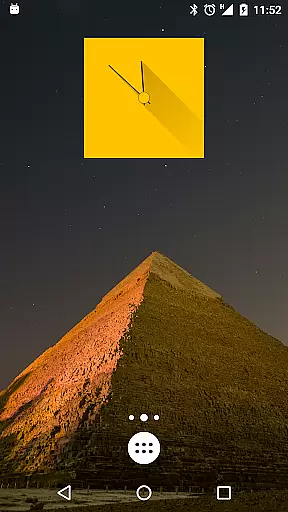
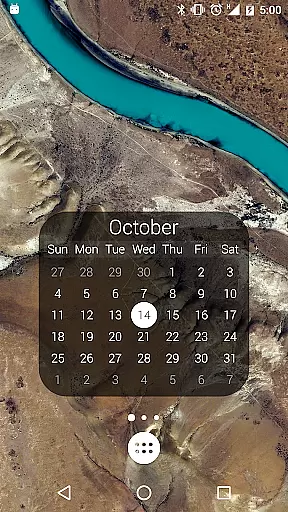
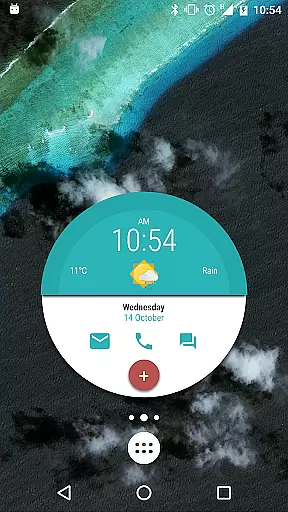
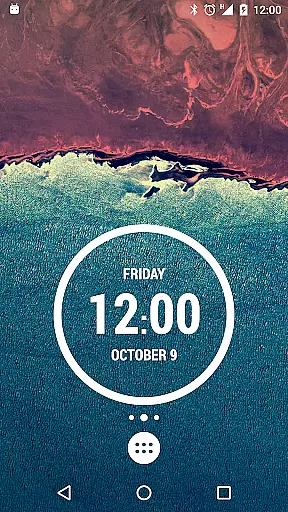
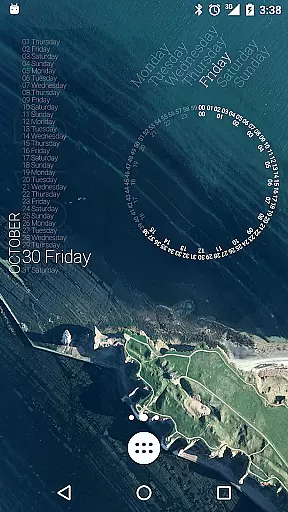
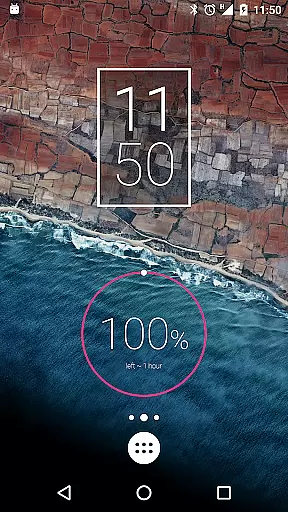
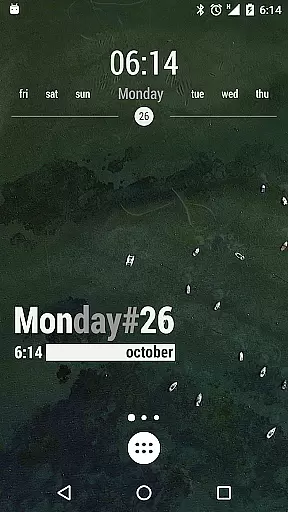
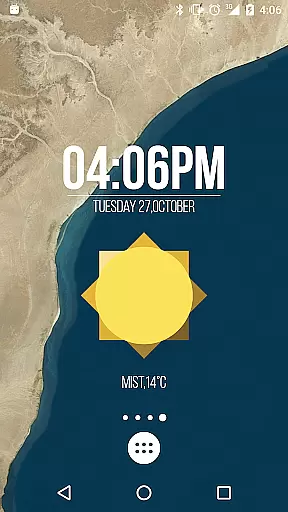
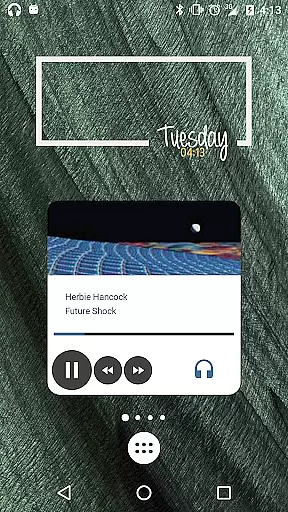
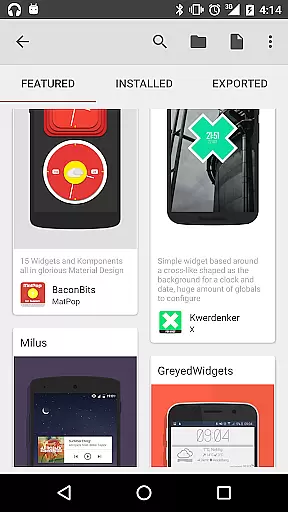
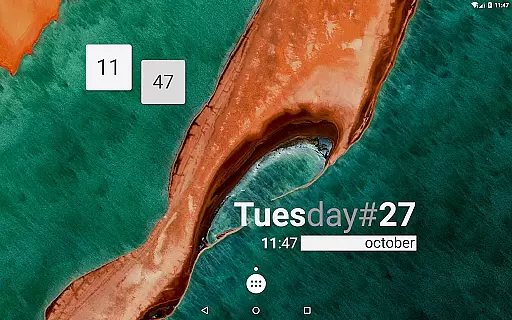
KWGT Kustom Widget Maker is the ultimate tool for Android users seeking to personalize their home screens. This powerful widget maker allows you to design custom widgets that display any data you need, exactly how you want it.
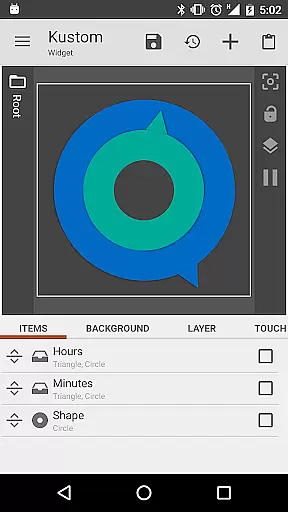
With a robust WYSIWYG editor, KWGT provides total control over text, shapes, images, and layers, enabling you to create interactive widgets with touch actions and hotspots. Whether you're building aesthetic photo widgets or sophisticated system monitors, KWGT supports your creativity with advanced features like complex logic, dynamic data, and Tasker integration.
Ideal for power users, KWGT transforms your Android home screen into a personalized masterpiece, offering unmatched customization possibilities.
KWGT stands out with its comprehensive feature set tailored for creative expression. The app's WYSIWYG editor lets you manipulate text with custom fonts, colors, sizes, and effects such as 3D transformations and shadows.
You can build with various shapes or import your own images and Scalable Vector Graphics (SVG). Pro-level layering capabilities allow you to apply gradients, color filters, and overlay effects like blur and saturation, creating visually stunning designs.
The app supports an extensive range of widget types including weather, clocks, system monitors, music players, fitness trackers, and calendar widgets. Advanced functionalities like complex logic programming, dynamic data fetching via HTTP, RSS, XML parsing, and seamless Tasker integration make KWGT indispensable for power users aiming for ultimate automation and customization.
Customization is at the heart of KWGT Kustom Widget Maker, allowing users to break free from the monotony of preset widgets. With a powerful WYSIWYG editor, users can craft any widget layout imaginable, starting from scratch or modifying starter skins.
The level of personalization is immense; users have total text control with custom fonts, colors, sizes, and effects such as 3D transformations and shadows. Shapes and images are also customizable, supporting various formats including PNG, JPG, WEBP, and SVGs, which ensures that creativity is limitless.
Interactive elements can be added to widgets, enabling actions such as launching apps or toggling settings. This hands-on approach provides an engaging experience and allows for an infinite variety of widgets, ranging from aesthetic photo displays to data-rich weather information panels.
KWGT Kustom Widget Maker excels in theme compatibility, ensuring that every widget you create not only functions perfectly but also looks cohesive with your device's aesthetics. The app supports complex logic and dynamic data display, which means widgets can adapt to various themes based on time, weather, or other variables.
Pro-Level Layers functionality works akin to professional design software, letting users apply gradients, color filters, and overlay effects like blur and saturation. This creates visually stunning designs that remain consistent with different themes applied across the device.
Furthermore, KWGT integrates seamlessly with Tasker, enhancing its ability to maintain theme consistency even when automation comes into play. Users looking for unmatched customization will find KWGT's ability to match sophisticated system monitors or personalized music players with their home screen's look and feel truly invaluable.
Highly customizable
Extensive widget options
Powerful WYSIWYG editor
Advanced logic capabilities
Vibrant user community
Steeper learning curve
Paid pro version needed
Ads in free version
Requires technical skills
Complex interface

Only for Wear OS devices!
 4.90
4.90
Ninja Turtles Cowabunga SE watch face for Wear OS
4.50
Ultimate Gallery Lock App - Hide Pictures, Videos and Lock Apps Instantly!
4.60
Transfer your live wallpapers from Windows to Android using Wallpaper Engine!
4.00
Aesthetic Widgets, HD Wallpapers, Themes in Mico Widget for Home and Lock Screen
4.50
Design your screen with unique, vibrant clocks
3.80
Launcher OS™ Pro without ads help make your phone simple and pretty
4.30
Create unique, fun emojis with Funny Emoji Maker! Unlimited creativity!
4.00
Amazing letter fonts in your messages and social statuses
4.70
Wallpaper HD 4K Live - Thousands of high-quality Anime backgrounds for you.
4.80
A launcher for Samsung Good Lock and Good Guardians modules without ads
4.70
Nothing Icon pack with more than 3750+ highly crafted icons.
4.70
Embrace the Night. Unleash the power of darkness with Raven Dark Icon Pack
4.60
300+ Beautifully crafted widgets inspired by OneUI.
4.60
App Icon Changer & Shortcut Creator. Customize your icons without any watermarks
4.30
Magic fluids wallpaper 4D: Relax with stunning fluid simulation wallpaper app
4.20
Customizable flower power digital watch face for Wear OS watches.
4.00
Realistic animated snow on your wrist, with 10 images landscapes to choose from
4.00
Your go to Weather App & Home Screen. Get your weather at a swipe of a finger!
3.80


User Reviews