
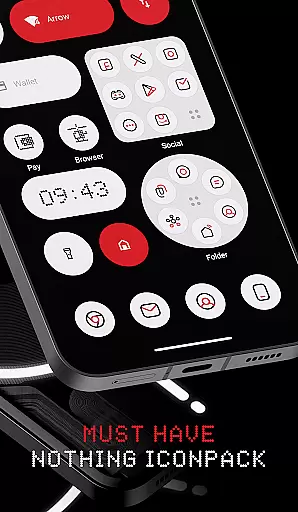
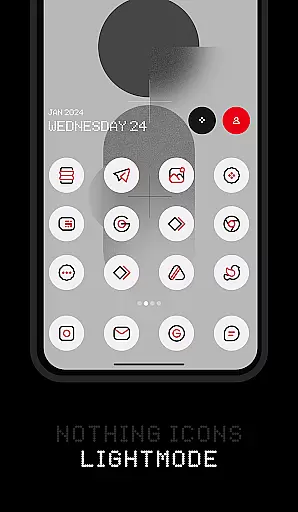
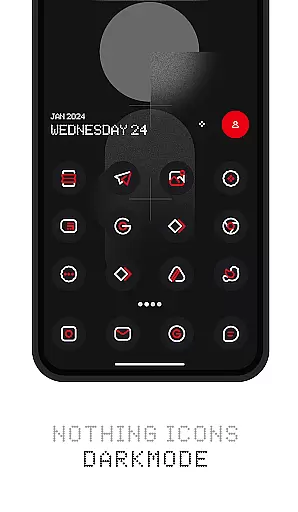
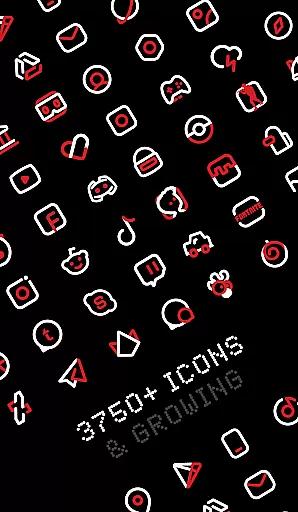
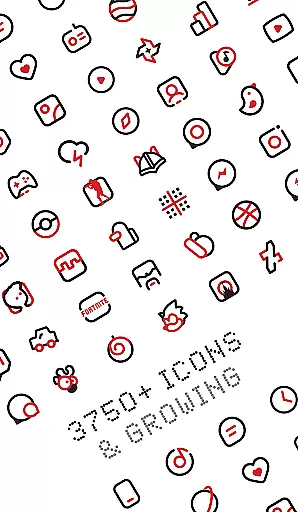
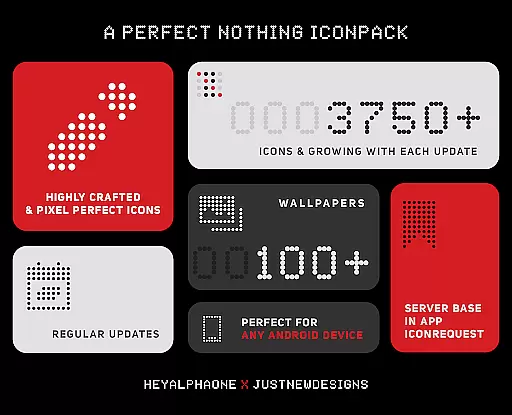
Nothing Icon Pack : Line is a premium icon pack inspired by the Nothing brand's design philosophy, offering users a unique way to customize their Android devices. With over 3750 meticulously crafted icons, this pack brings a fresh and modern look to your smartphone interface.
The icon pack follows Google's Material Design guidelines while incorporating creative touches that make each icon a visual masterpiece. It also includes cloud-based wallpapers and supports features like icon requests and dynamic calendar functionality. Compatible with popular launchers such as Nova Launcher and Lawnchair, this pack ensures broad device support.
Whether you own a Nothing Phone or any other Android device, this icon pack provides a sleek and professional appearance that enhances your overall user experience.
Nothing Icon Pack stands out with its comprehensive feature set tailored for customization enthusiasts. The pack offers over 3750 high-quality icons, each designed with attention to detail, ensuring top-notch quality and aesthetic consistency across all icons.
In addition to the extensive icon library, the pack includes alternative icons for popular apps, custom folder icons, and app drawer icons. Users can enjoy advanced functionalities such as icon search, preview options, and support for dynamic calendars. The inclusion of a material dashboard further enhances usability.
One of the key highlights is the server-based icon request system, allowing users to request missing icons directly through the app. This feature, combined with frequent updates, ensures that the icon pack remains relevant and continually expands its library.
Customization is at the heart of personalizing your digital experience, and Nothing Icon Pack : Line offers a vast array of options to transform your device's interface. With over 3750 icons designed with a minimalist and colorful linear approach, this icon pack breathes new life into your smartphone's aesthetics.
The pack adheres to Googleu2019s Material Design guidelines while infusing a unique creative touch to each icon, ensuring they are not just functional but also visually striking masterpieces. Every icon is meticulously crafted, paying attention to the smallest details that make a difference.
Users can enjoy additional customization features such as alternative icons for popular apps, custom folder icons, app drawer icons, and dynamic calendar support. These elements collectively offer a highly personalized and engaging user interface that stands out from the stock appearance.
Theme compatibility is crucial for an icon pack to function seamlessly across different devices and launchers. Nothing Icon Pack : Line excels in this area by supporting a wide range of launchers including Nova Launcher, Action Launcher, Apex Launcher, and many others, thus catering to a broad user base.
Despite its extensive launcher support, it's important to note that some launchers like Google Now Launcher and ONE UI do not support third-party icon packs. However, the pack has been tested and proven to work well with listed supported launchers, providing a smooth application process directly from the dashboard or theme settings.
Moreover, the pack includes a Material Design-based dashboard for easy navigation and application of the theme. Should users encounter any issues, the app provides a comprehensive FAQ section addressing common concerns, ensuring users have a hassle-free theming experience.
Extensive icon library
Frequent updates
High-quality designs
Broad launcher support
Dynamic calendar support
Paid icon pack
Requires compatible launcher
No stock launcher support
Limited initial icon count
Missing some niche icons

Beautiful realistic hybrid watch face with numerous customization options.
 4.50
4.50
Gun Chase - Let the chase begin.
4.80
AI-powered Copilot. Personalized keyboard with gifs, stickers & themes
4.40
Personalize your phone with stunning HD and 4K wallpapers!
4.70
Wallpaper HD 4K Live - Thousands of high-quality Anime backgrounds for you.
4.80 4.50
4.50
A minimalist productivity launcher. One-hand-friendly. Zero ads.
4.70
Emoji Maker app - Design custom emojis and effortlessly blend them with Mixer
3.80
Custom ringtones songs, music ringtones for Android phones
4.60
Winter's Journey: digital watch face for Galaxy Watch & Wear OS
4.80
Stunningly Different look with Line Icons and Neon Colors
4.60
Unique Android Launcher
4.60
Embrace the Night. Unleash the power of darkness with Raven Dark Icon Pack
4.60
Ultra realistic gold analog watch face with lots of customization options.
4.50
Romantic Kiss Stickers App. Start romantic messaging now!
4.30
Adult video chat, dating, making friends, random matching
4.20
Unique Fonts, typefaces and stylish text. Fonts for Instagram, Whatsapp & others
4.20
Transfer your live wallpapers from Windows to Android using Wallpaper Engine!
4.00
Modern Glass Icon Pack with glossy icons, clean minimal theme & aesthetic style
4.5


User Reviews