
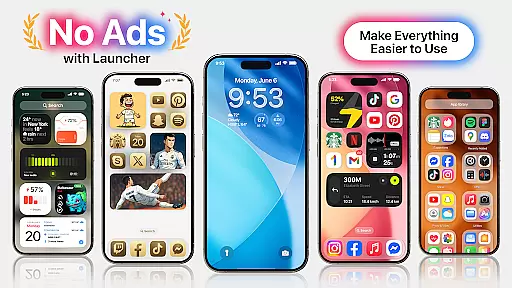
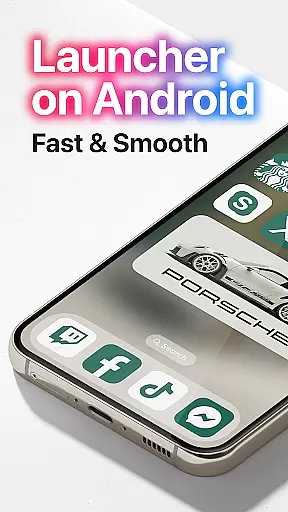
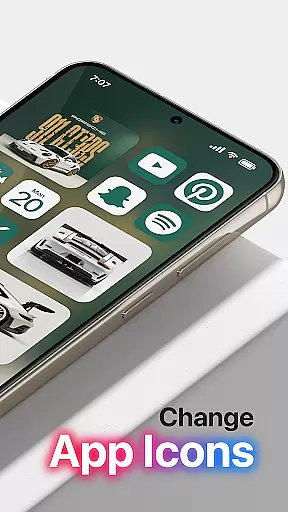
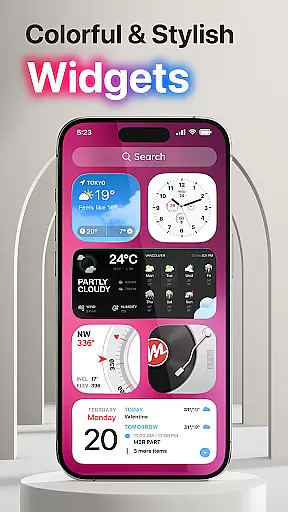
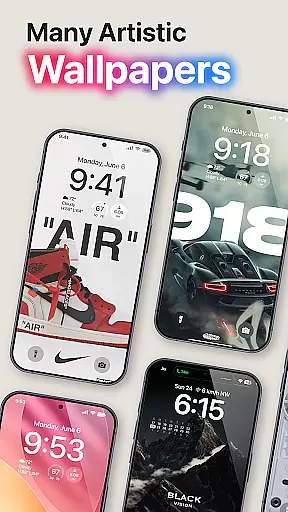
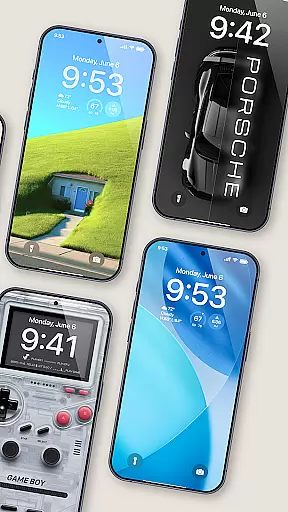
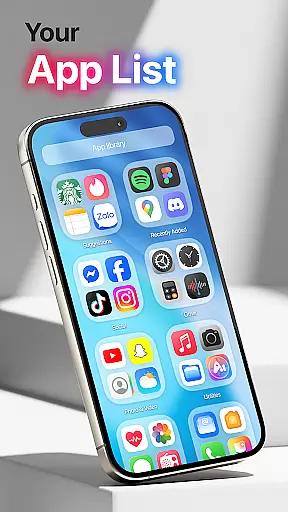
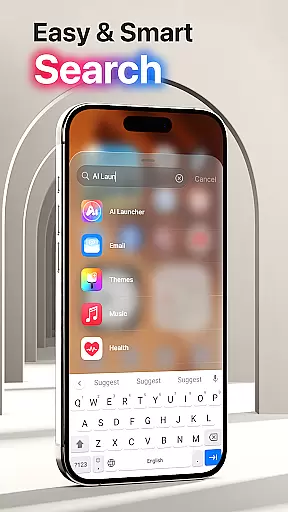
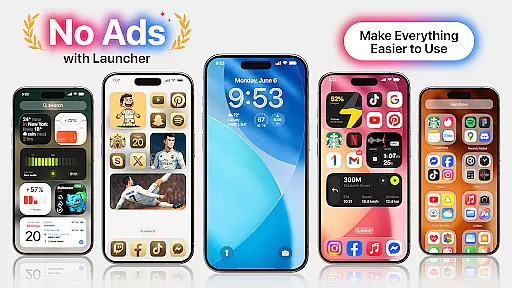
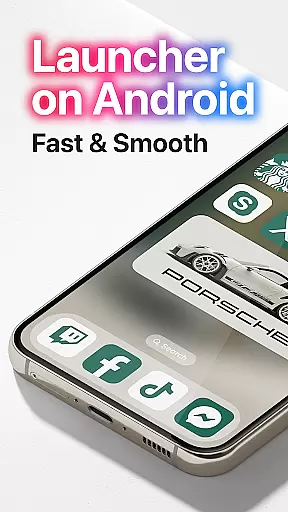
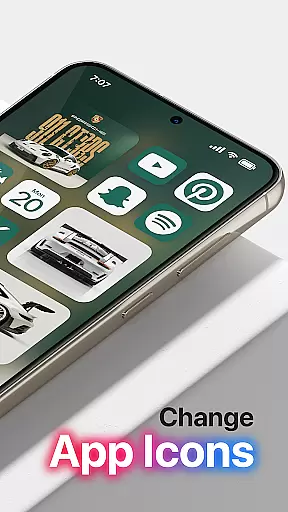

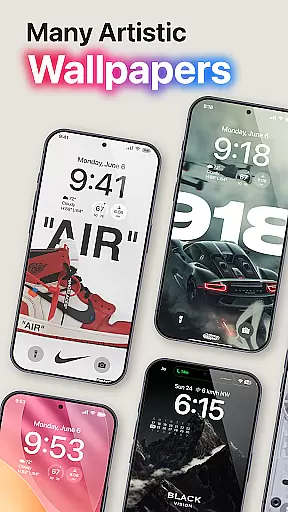
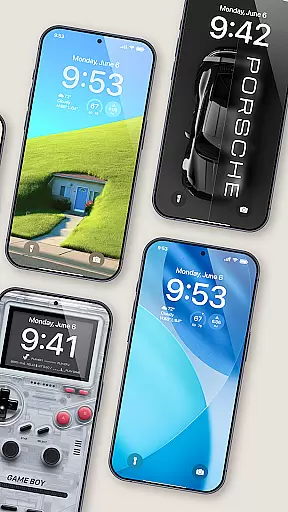
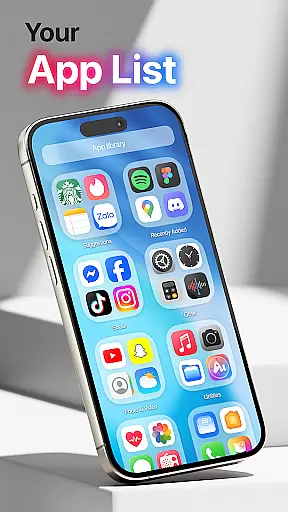
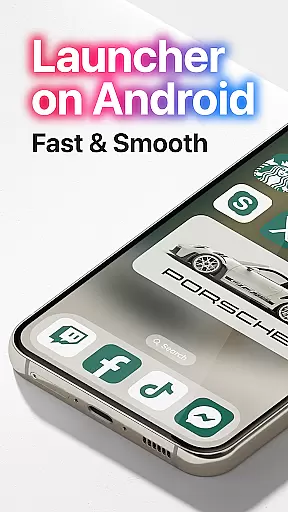
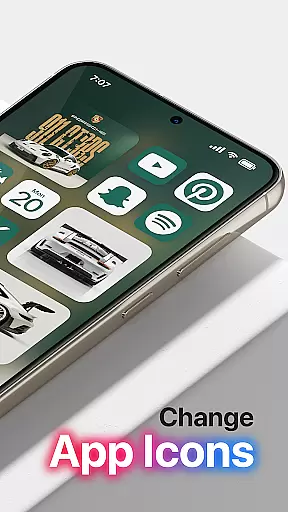
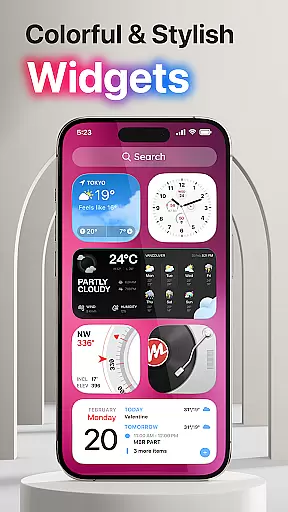
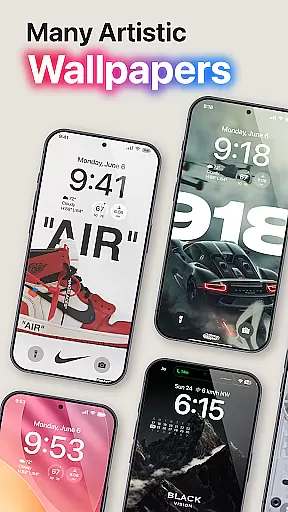
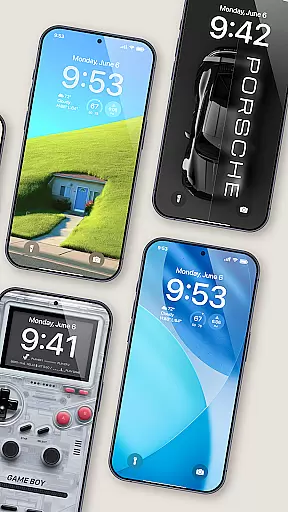
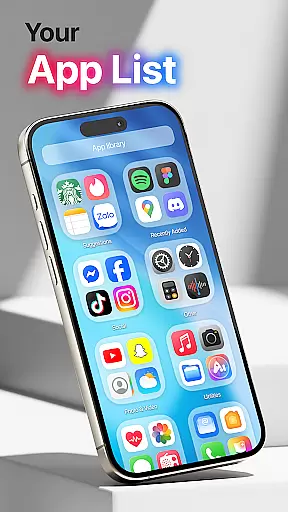
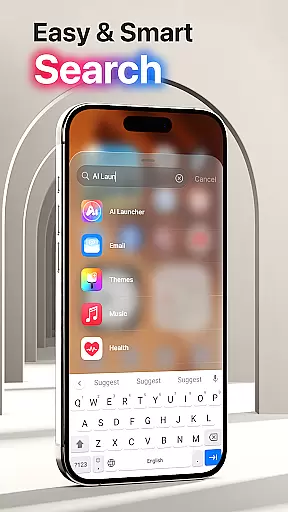
Launcher OS Pro is a premium Android launcher app that redefines the mobile operating system experience. Designed for users seeking a personalized and intelligent interface, this app offers advanced customization features such as unique wallpapers, color widgets, and themes that support both light and dark modes. The user-friendly design incorporates row and column icon elements, ensuring an intuitive navigation experience.
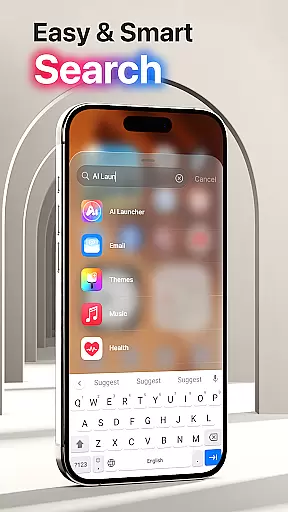
One of the standout features of Launcher OS Pro is its ability to customize your lock screen and widgets, allowing you to tailor your device's appearance to your preferences. Additionally, the app supports various gestures for quick access to apps, contacts, settings, and search functions. With over 50 unique wallpapers and numerous color options, Launcher OS Pro provides countless ways to personalize your device while maintaining a clean and ad-free interface.
This app is particularly useful for users who want to optimize their smartphone experience by customizing every aspect of their home screen. Whether you're looking to enhance productivity or simply express your personal style, Launcher OS Pro delivers powerful tools that make your phone more functional and visually appealing.
Launcher OS Pro stands out with its comprehensive feature set designed to enhance the Android user experience. The app offers over 50 unique wallpapers and multiple color widgets that support both light and dark modes, giving users extensive customization options. These visual elements are carefully crafted to provide a modern and professional look while maintaining optimal usability.
The app's intelligent features include customizable lock screens and widgets, allowing users to create a truly personalized interface. Launcher OS Pro also supports various gestures that enable quick access to essential functions such as apps, contacts, settings, and search. These gestures can be customized to suit individual preferences, making navigation more efficient and intuitive.
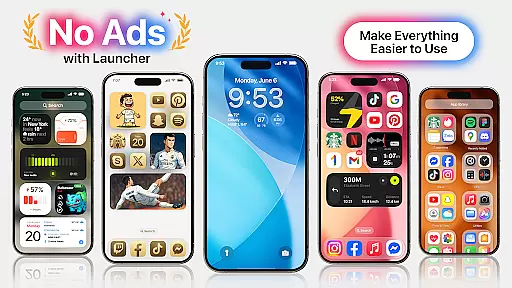
What sets Launcher OS Pro apart from other launchers is its commitment to providing a pure and clean user interface by removing all ads. The developers have implemented powerful features while maintaining system stability and performance. Regular updates ensure compatibility with the latest Android versions and devices, making it a reliable choice for users seeking a premium launcher experience.
Launcher OS Pro offers an extensive range of customization options that allow users to tailor their device's interface according to their personal preferences. With over 50 unique wallpapers and a variety of color widgets and themes, the app supports both light mode and dark mode, catering to different aesthetic tastes and usability needs.
The application goes beyond mere aesthetics by providing advanced functional customizations. Users can modify their lock screen and widgets, ensuring that the most frequently used features are easily accessible. This level of personalization empowers users to create a home screen layout that not only looks good but also enhances their productivity and overall user experience.
Moreover, Launcher OS Pro introduces more gestures for quicker access to apps, contacts, settings, and search functionalities. These gestures add another layer of customization, allowing users to interact with their devices in a way that feels intuitive and natural to them. The ability to swipe up and perform other gesture-based commands makes navigation seamless and efficient.
Theme compatibility is a crucial aspect of Launcher OS Pro, ensuring that all visual and functional modifications integrate seamlessly with the user's device. The app provides themes that are designed to be compatible across various devices and screen sizes, maintaining a consistent look and feel without compromising performance or usability.
Users will find that the themes available within Launcher OS Pro support both modern and classic design elements, making it possible to achieve the desired appearance while retaining access to essential features. Whether opting for a minimalist design or something more elaborate, the theme system ensures that icons, widgets, and other UI components adapt accordingly.
Furthermore, the adaptive nature of these themes means they work harmoniously with the deviceu2019s existing software environment. This compatibility extends to third-party applications as well, providing a cohesive experience throughout the device. As Launcher OS Pro continues to evolve, users can expect ongoing improvements and additional theme options that maintain this high standard of integration.
Ad-free interface
Extensive customization
User-friendly design
Regular updates
Intuitive gestures
Paid version only
Requires permissions
Learning curve
Limited free options
Device compatibility

3D, live, and moving wallpapers & themes in 4K and HD for your device.
 4.50
4.50
Themes - Widget & Wallpaper: Customize home screen, icon changer w unique themes
4.30
100+ Stylish Fonts, Emojis, Symbols keyboard for Instagram & TikTok!
4.80
Transfer your live wallpapers from Windows to Android using Wallpaper Engine!
4.00
Customize glowing edges, wallpapers, and caller screen with EdgeAura.
3.50
200+ Material Inspired Widgets
4.50
Modern Glass Icon Pack with glossy icons, clean minimal theme & aesthetic style
4.5
Magic fluids wallpaper 4D: Relax with stunning fluid simulation wallpaper app
4.20
set a new experience for the Android mobile phone
4.20
Sparkle your screen with Glitter Wallpapers For Girls and Cute Backgrounds!
4.80
Classic analogue watch face. For wear os devices.
4.60
A retro cartoon style watch face and a punch right in the face of the copyright
4.60
Add cute Shimeji pets to screen, interact with them and relax with cute motions
4.60
Beautiful realistic hybrid watch face with numerous customization options.
4.50
Aesthetic Widgets, HD Wallpapers, Themes in Mico Widget for Home and Lock Screen
4.50
Romantic Kiss Stickers App. Start romantic messaging now!
4.30
Create unique, fun emojis with Funny Emoji Maker! Unlimited creativity!
4.00
Adaptive Dot Style IconPack with Light & Dark Theme.
3.70
Struggling to find apps? Use this app to locate and open any app on your phone!
2.20


User Reviews