
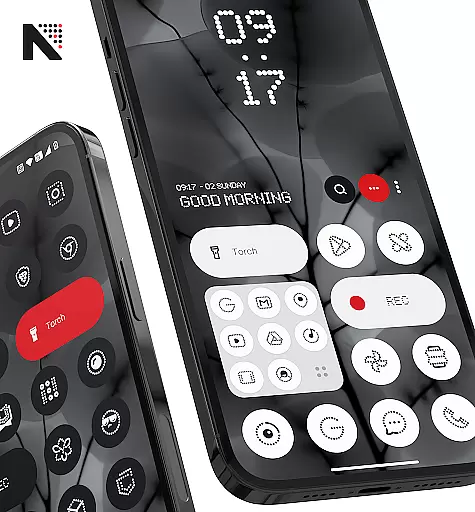
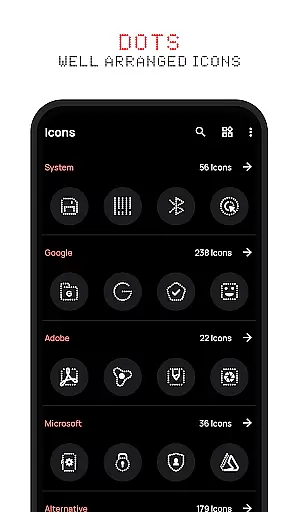
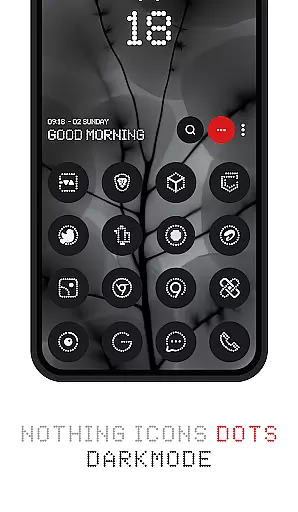
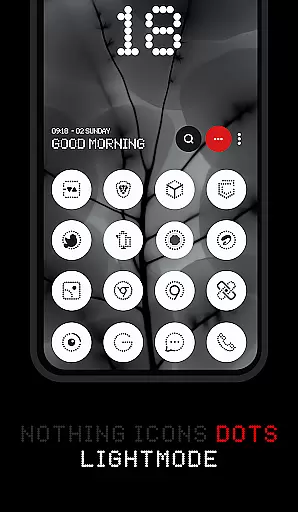


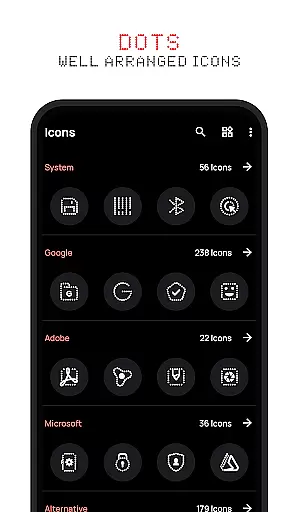
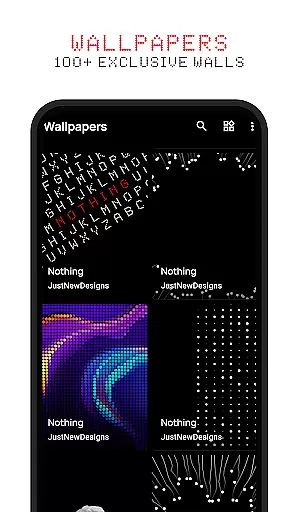
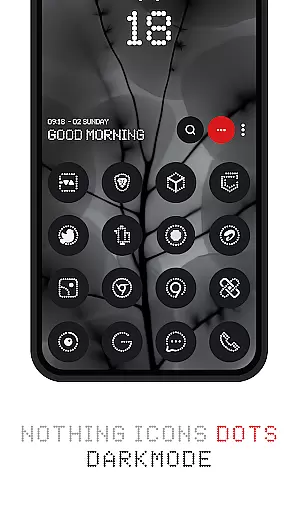


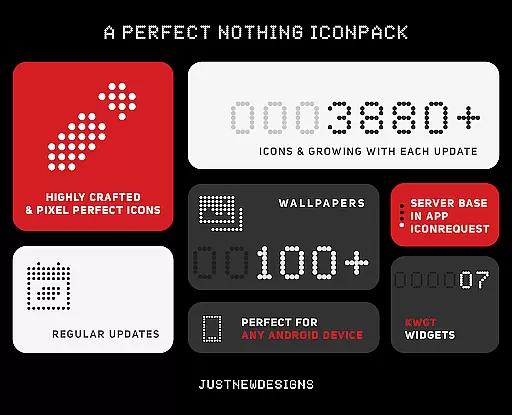
Dots : Adaptive Icon pack is a premium icon pack that delivers beautifully designed icons in combination with Dots Theme and White Color, inspired by the Nothing Brand. The design adapts based on the original app icon, offering users a unique personalization experience.
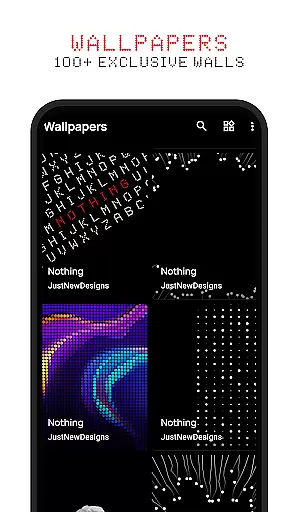
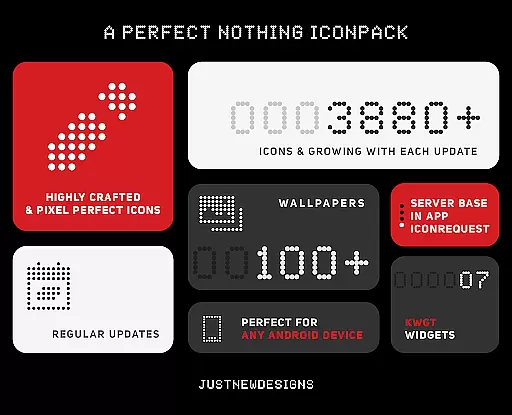
With over 3000 themed icons, adaptive shapes, and dynamic color changes depending on the device's theme, this icon pack ensures your home screen looks cohesive and stylish. It also includes 100+ matching wallpapers, making it an ideal choice for fans of dark-themed aesthetics and AMOLED screens.
This icon pack stands out with its adaptive features and attention to detail. It offers over 3000+ themed icons, ensuring broad compatibility with popular apps. Additionally, the icons dynamically adjust their appearance based on whether the device is using a dark or light theme, providing a seamless visual experience.
One of the key highlights is the support for adaptive icon shapes, which allows users to customize the shape of their icons depending on their launcher preferences. Alongside these features, the pack includes 100+ custom-created wallpapers that perfectly match the icon designs, enhancing the overall aesthetic of your device.
Customization is at the heart of Dots: Adaptive Icon Pack, offering users a versatile way to personalize their device's appearance. With over 3000 themed icons, this icon pack provides an extensive selection that caters to various tastes and preferences.
The adaptive nature of these icons means they seamlessly integrate with your deviceu2019s launcher, altering their shape according to the chosen settings. This flexibility ensures that whether you prefer circle, square, or any other form, Dots has got it covered.
Beyond icons, the pack includes 100+ matching wallpapers, each crafted to complement the minimalist design language inspired by Nothing Brand aesthetics. These additional customization elements allow for a cohesive look across your entire interface.
Dots: Adaptive Icon Pack excels in theme compatibility, ensuring that its icons look stunning regardless of whether your device is set to a dark or light theme. The intelligent color adaptation feature allows icons to shift hues based on the system-wide theme setting.
This dynamic theming extends beyond just light and dark modes; it also considers the original app icon's design. As such, every icon retains its intended visual impact while blending harmoniously with your overall UI aesthetic.
Moreover, support for popular launchers enhances cross-platform consistency. Whether using Nova, Google Now Launcher, or another compatible option, users can expect uniformity in how Dots' adaptive icons appear throughout their digital environment.
Over 3000+ icons
Adaptive icon shapes
Dynamic color themes
Includes matching wallpapers
AMOLED-friendly design
Limited to compatible launchers
No live icon updates
Premium price point
Fewer icons for niche apps
Requires manual updates

Customizable flower power digital watch face for Wear OS watches.
 4.00
4.00
Adult video chat, dating, making friends, random matching
4.20
AI-powered Copilot. Personalized keyboard with gifs, stickers & themes
4.40
Try creating your own keyboard with "Keyboard theme for android" app now!
4.50 4.50
4.50
Organize and manage your photos and videos effortlessly with Photo Gallery
4.20
Create unique, fun emojis with Funny Emoji Maker! Unlimited creativity!
4.00
A minimalist productivity launcher. One-hand-friendly. Zero ads.
4.70
set a new experience for the Android mobile phone
4.20
Wallpaper HD 4K Live - Thousands of high-quality Anime backgrounds for you.
4.80
Want to make your phone more special than ever?
4.60
Choose your keyboard with RGB colors effect, themes, fonts, emojis.
4.60
Ultra realistic gold analog watch face with lots of customization options.
4.50
Beautiful realistic hybrid watch face with numerous customization options.
4.50 4.50
4.50
More than 3000+ themes and 9000+ wallpapers for everybody!
4.10 4.10
4.10 3.50
3.50
⭐ OneUI inspired Fluffy Icon Pack – Soft. Stylish. Standout. ⭐
4.1


User Reviews