
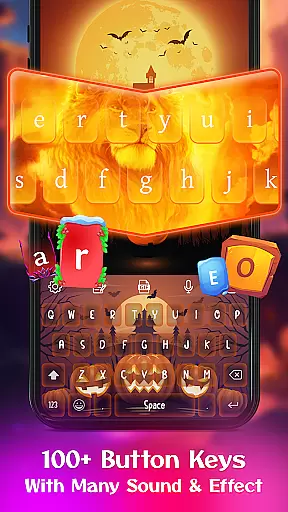
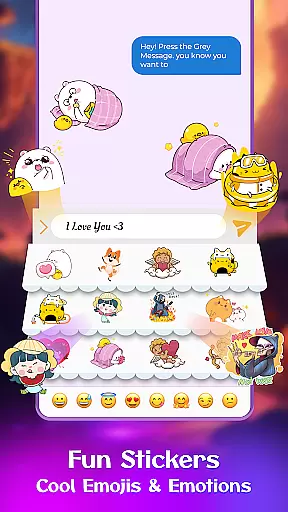
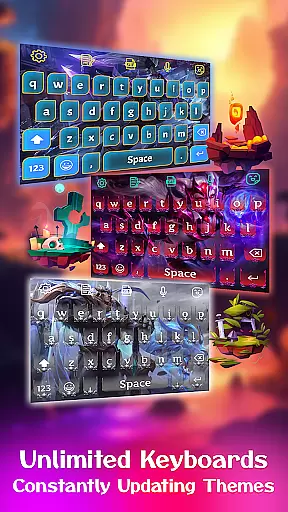
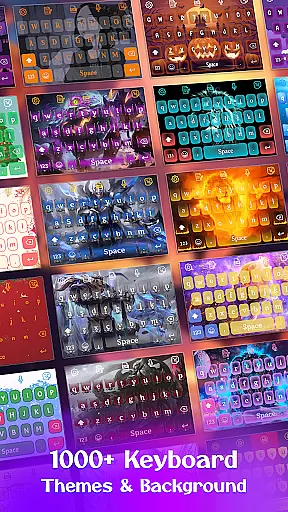
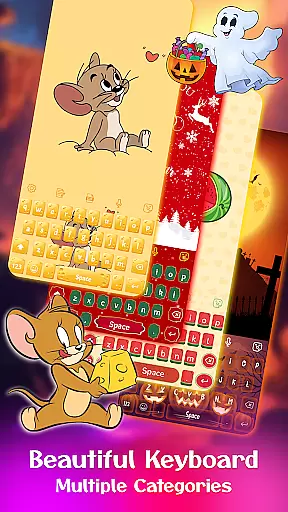
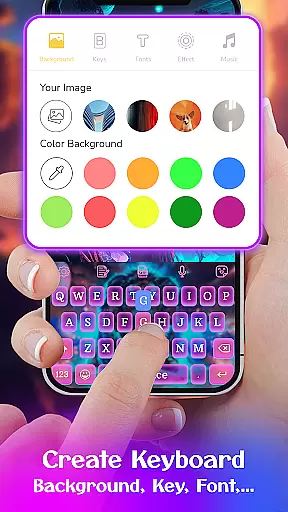
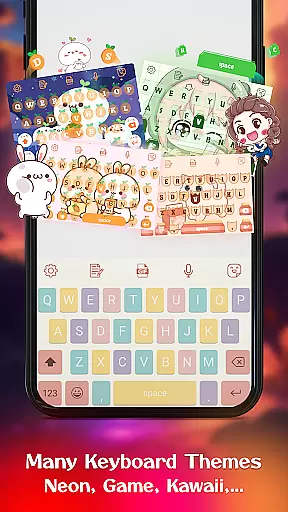
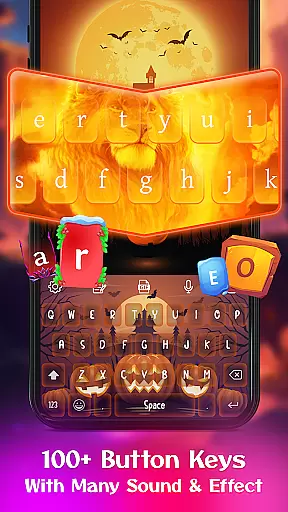
Keyboard Maker is a feature-rich keyboard application designed to enhance your typing experience on Android devices. This app offers a wide range of customization options, including free keyboard themes, wallpapers, and backgrounds that allow users to personalize their typing interface. With support for multiple languages and features like fast typing, smart autocorrect, and word prediction, Keyboard Maker ensures efficient communication.
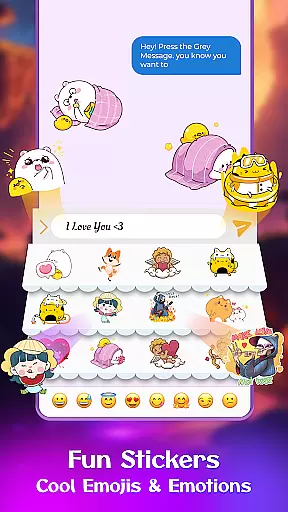
The app stands out with its ability to create custom keyboards using personal photos and a variety of fun stickers, emojis, and GIFs. Whether you prefer an iOS-style keyboard, LED effects, or anime themes, this app caters to diverse aesthetic preferences while maintaining functionality. The availability of different keyboard layouts and adjustable settings makes it adaptable to various user needs and device types.
For those who value both style and substance in mobile typing, Keyboard Maker provides an optimal solution by combining visually appealing designs with practical features such as voice input and gesture typing. Users can enjoy a personalized yet efficient typing experience that reflects their unique style without compromising on usability.
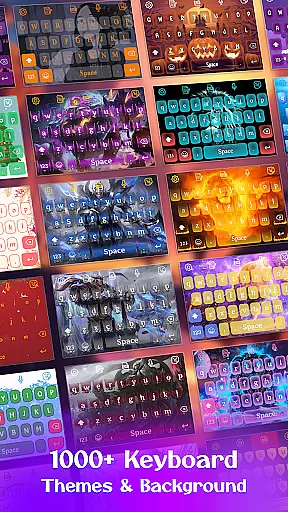
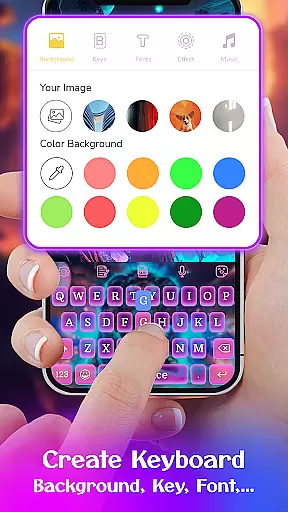
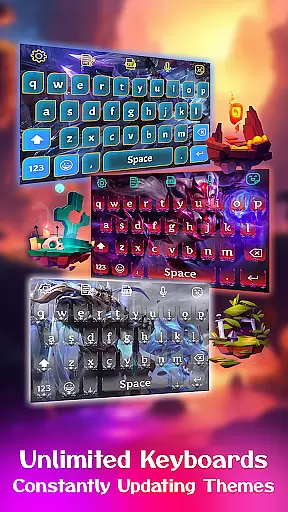
Keyboard Maker boasts an impressive array of features designed to provide a customized and enjoyable typing experience. One notable feature is the ability to design your own keyboard theme using personal images from your gallery, allowing for complete personalization of the keyboard background. With over 500 free themes available, including LED, Neon, anime, and love themes, users can frequently change their keyboard's appearance to suit their mood or style.
In addition to its aesthetic offerings, Keyboard Maker supports more than 150 languages and includes practical tools such as smart autocorrect and word prediction which streamline the typing process. The inclusion of a clipboard for quick copy-paste actions, voice input capabilities, and support for GIFs, emojis, and stickers further enriches the user experience. These features collectively ensure that typing is not only visually pleasing but also fast and intuitive.
Moreover, the app provides several adjustable settings including vibration feedback on keypresses, auto-capitalization, and suggestion displays which help tailor the typing experience to individual preferences. Gesture typing and different keyboard layouts are also supported, making it versatile for various devices and user habits. Overall, these comprehensive features make Keyboard Maker a top choice for those seeking a fully customizable keyboard solution.
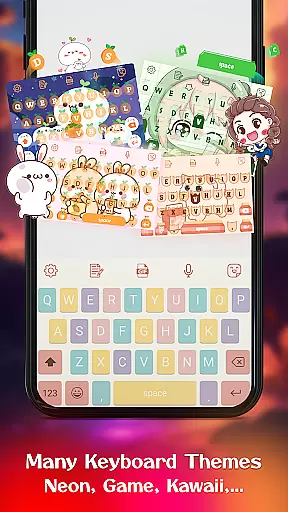
Keyboard Maker offers an extensive range of customization options that allow users to personalize their typing experience. With over 500 free keyboard themes, including Led, Neon, anime, and custom designs, users can select a style that suits their personality or mood.
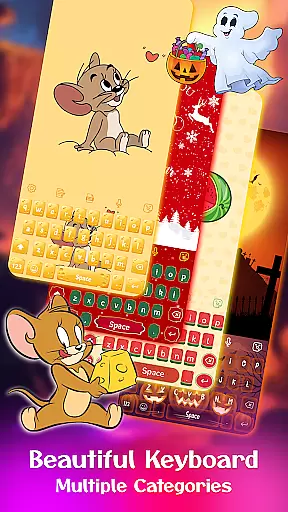
The app also provides various categories such as simple, colorful, and cute themes, ensuring there is something for everyone. Users are not just limited to pre-set themes; they have the freedom to create their own unique keyboard layout with personal photos from their gallery.
This level of customization extends to functional preferences too, with adjustable keyboard layouts, number rows, and resizing options. Such comprehensive personalization ensures comfort, convenience, and a sense of ownership over the keyboard's look and feel.
By offering diverse customization features, Keyboard Maker enhances user engagement and satisfaction, making each keystroke a reflection of individuality.
Theme compatibility in Keyboard Maker ensures that all personalized themes work seamlessly across different devices and screen sizes. Whether you're using a smartphone or tablet, the selected or custom-made theme will maintain its quality and appearance without any distortion.
In addition to visual aesthetics, Keyboard Maker's themes are designed to be compatible with the app's smart functionalities like autocorrect, word prediction, and voice input. This means that no matter which theme you choose, the essential features of the keyboard remain easily accessible and functional.
Furthermore, the app supports more than 150 languages, allowing users worldwide to enjoy a consistent experience regardless of language settings. The inclusion of popular emojis, emoticons, GIFs, and stickers within the themed keyboards adds another layer of expressive communication.
With reliable theme compatibility, Keyboard Maker guarantees a smooth, enjoyable typing experience that caters to both form and function, enhancing usability while reflecting personal style.
User-friendly interface
Highly customizable themes
Multi-language support
Voice typing capability
Smart autocorrect function
Occasional ads popup
Heavy on system resources
Limited advanced features
Some lag during initial use
Frequent updates required

Classic analogue watch face. For wear os devices.
 4.60
4.60
A light in the dark, a unique style and an andless cutomization!
4.30
Customizable flower power digital watch face for Wear OS watches.
4.00
Unique Fonts, typefaces and stylish text. Fonts for Instagram, Whatsapp & others
4.20
App Icon Changer & Shortcut Creator. Customize your icons without any watermarks
4.30
⭐ OneUI inspired Fluffy Icon Pack – Soft. Stylish. Standout. ⭐
4.1
Custom edge gestures for volume control, brightness, apps, and shortcuts.
4.4
Launcher OS™ Pro without ads help make your phone simple and pretty
4.30
Your home screen, just the way you like it.
3.80
Only for Wear OS devices!
4.90
Winter's Journey: digital watch face for Galaxy Watch & Wear OS
4.80
Dark icon pack based on One 8
4.80
A Colorful and Minimal icon pack in an Outline Style - Over 13,600 icons!
4.70
400+ Beautifully crafted widgets inspired by NOTHING.
4.70
350+ widgets with a premium glass-style finish, perfect for home & lock screens.
4.70
Ultra realistic high quality analog watch face for Wear OS.
4.60
Bring adorable pets to life on your screen. Playful, interactive and full of fun
4.60
Create unique, fun emojis with Funny Emoji Maker! Unlimited creativity!
4.00
Ultimate widget creator. Design custom widgets for a truly unique home screen!
3.90


User Reviews