
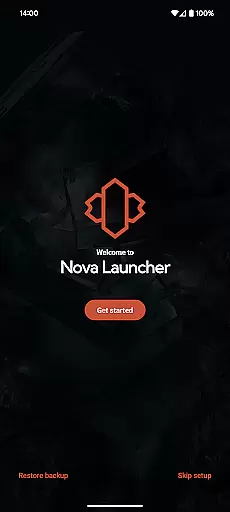
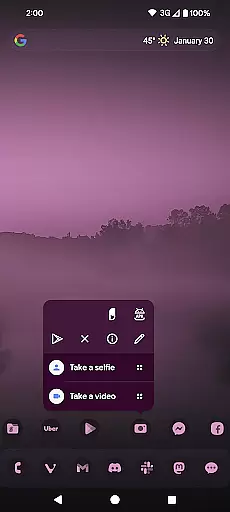
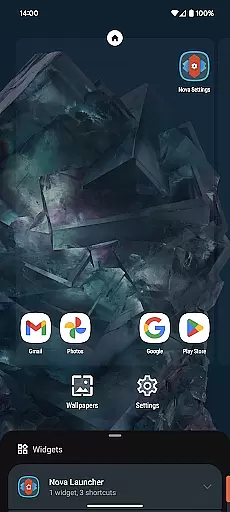
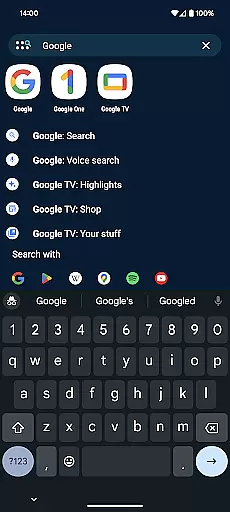
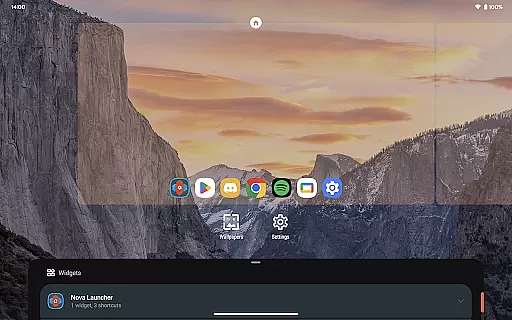
Nova Launcher represents the pinnacle of home screen customization for Android users seeking both aesthetic appeal and functional depth. As a comprehensive launcher solution, it empowers users to transform their smartphone experience through advanced personalization features while maintaining intuitive usability.
The application serves as a versatile platform for those looking to revamp their device's interface, offering capabilities ranging from icon customization and color schemes to flexible layout options. Its compatibility spans across various Android devices, ensuring a broad user base can leverage its capabilities. With Nova Launcher, users gain unprecedented control over their home screens, enabling a tailored mobile environment that reflects individual preferences and enhances productivity.
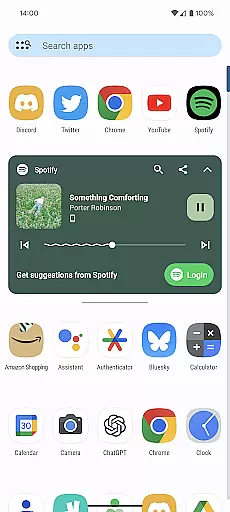
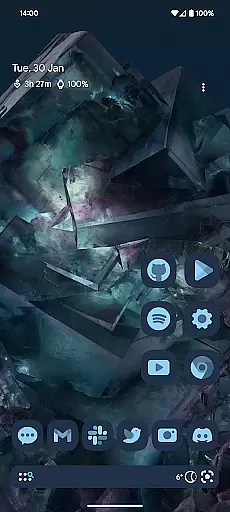
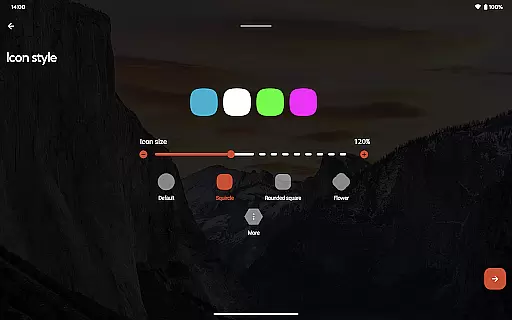
Nova Launcher distinguishes itself through an impressive array of features designed to elevate the Android home screen experience. The application provides sophisticated tools for icon management, allowing users to apply thousands of icon themes from the Play Store or uniformly reshape icons according to personal preference.
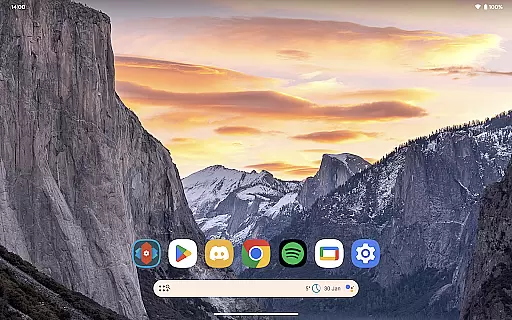
Beyond visual customization, Nova Launcher incorporates an extensive color system that integrates Material You design principles, giving users the flexibility to synchronize with system colors or create unique palettes. The implementation of customizable light and dark modes, coupled with precise subgrid positioning for icons and widgets, demonstrates the application's commitment to detailed control. Furthermore, its powerful search functionality extends beyond basic app finding, incorporating micro-results for calculations and unit conversions, while the backup and restore feature ensures seamless transitions between devices.
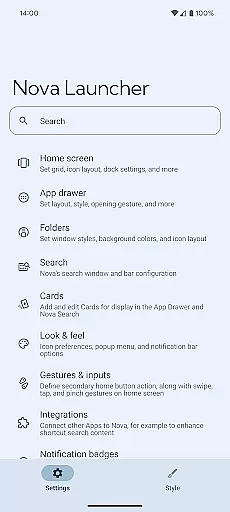
Nova Launcher stands out in the realm of personalisation by offering an extensive array of customization options that cater to both novice users and tech enthusiasts. The app allows for meticulous adjustments ranging from icon size, label colors, to the positioning of the search bar, ensuring your home screen is a true reflection of your personal style.
One of the most compelling features is its support for thousands of icon themes available on the Play Store. Users can further personalize their experience by reshaping all icons to a uniform shape that aligns with their aesthetic preferences. This level of detail extends to the app drawer, which incorporates innovative customizable cards, delivering relevant information precisely when needed.
The inclusion of subgrid positioning adds another layer of precision, enabling icons and widgets to be snapped between grid cells. This feature facilitates a refined layout that's typically unattainable with other launchers, allowing for a meticulously organized home screen setup.
Ultimately, Nova Launcher empowers users to overhaul their home screens entirely or opt for a cleaner, faster interface without sacrificing functionality. Its versatility makes it an excellent choice for anyone looking to enhance their smartphone experience through personalized digital environments.
Theme compatibility is at the heart of Nova Launcher's design philosophy, ensuring seamless integration with various visual themes and enhancing the overall user experience. By supporting an expansive selection of icon themes from the Play Store, Nova guarantees that users can find and apply themes that resonate with their individual tastes and preferences.
Beyond just adopting pre-existing themes, Nova Launcher provides tools for users to create a consistent look across their devices. The ability to reshape all icons to a chosen form means that even disparate apps can appear unified under a single design language, dictated by the user's theme of choice.
In addition to icon theming, Nova embraces Material You colors, allowing users to either sync with system-wide color settings or define their own palette. This flexibility ensures that whether one opts for vibrant hues or subtle tones, the visual continuity across the device remains uninterrupted.
By prioritizing theme compatibility, Nova Launcher not only enhances aesthetic appeal but also reinforces usability. Users benefit from an intuitive interface where thematic elements are harmoniously blended, resulting in a cohesive and engaging digital workspace that feels distinctly personal yet refreshingly familiar.
Highly customizable
User-friendly interface
Regular feature updates
Active community support
Comprehensive backup options
Premium features locked
Initial setup complexity
Occasional stability issues
Resource intensive
Limited iOS compatibility

A light in the dark, a unique style and an andless cutomization!
 4.30
4.30
Capture moments that pass like a storm, second by second.
4.4
Beautiful realistic hybrid watch face with numerous customization options.
4.50
Prank your friends with realistic broken screen and cracked HD effects!
4.3
Sparkle your screen with Glitter Wallpapers For Girls and Cute Backgrounds!
4.80
Wallpaper HD 4K Live - Thousands of high-quality Anime backgrounds for you.
4.80
Design your screen with unique, vibrant clocks
3.80
A minimalist productivity launcher. One-hand-friendly. Zero ads.
4.70
Emoji Maker app - Design custom emojis and effortlessly blend them with Mixer
3.80
Over 28,000 high quality icons to bring color & homogeneity to your phone.
4.60
Zip lock screen with magic wallpaper to decorate your phone with fun zipper lock
4.60
Choose your keyboard with RGB colors effect, themes, fonts, emojis.
4.60
Handcrafted pixel art icons, widgets & wallpapers
4.60 4.50
4.50
Fingerprint Lock Screen & Live Animations with 4K Wallpapers as Live Wallpaper
4.40
Themes - Widget & Wallpaper: Customize home screen, icon changer w unique themes
4.30
Magic fluids wallpaper 4D: Relax with stunning fluid simulation wallpaper app
4.20
More than 3000+ themes and 9000+ wallpapers for everybody!
4.10
Run multiple accounts of the same app on a single device
4.10


User Reviews