
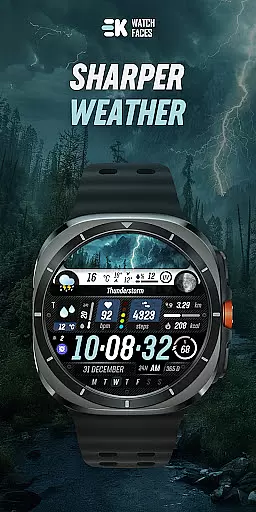
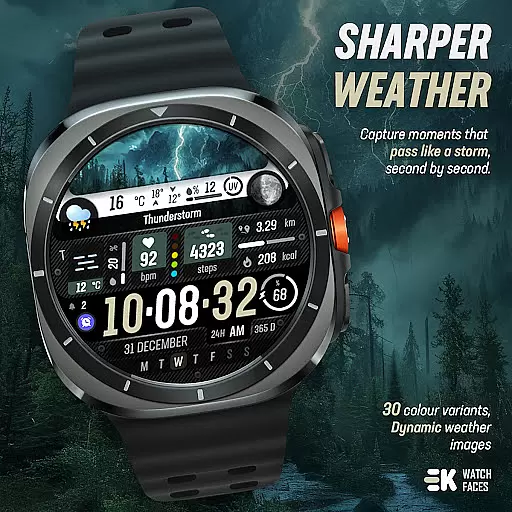
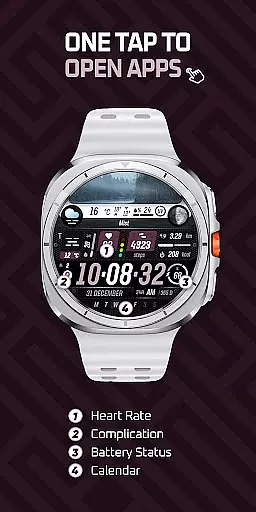
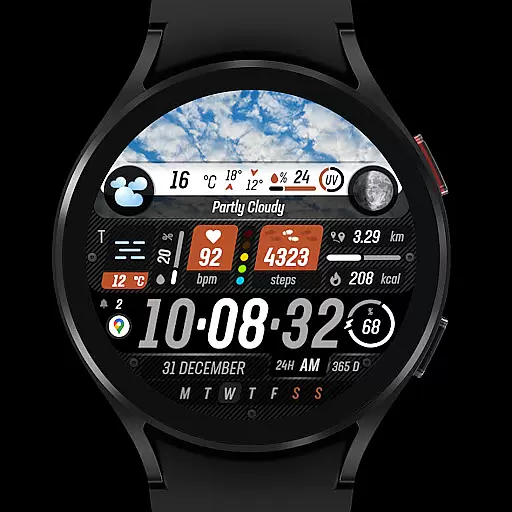
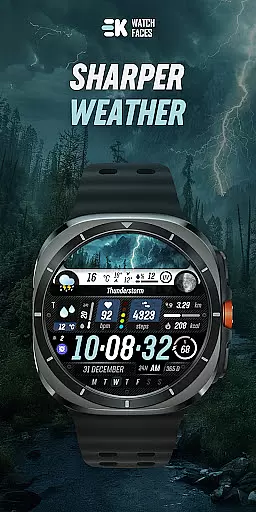
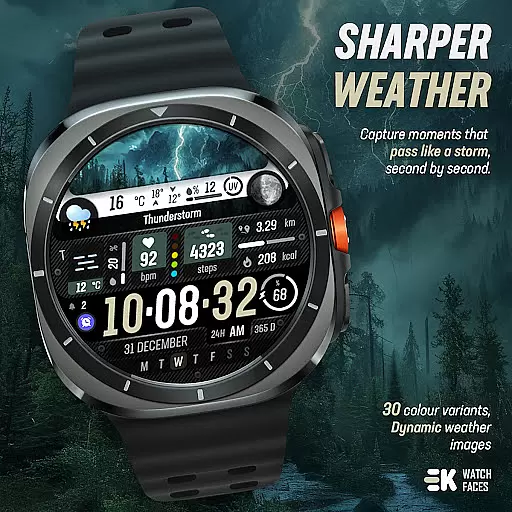
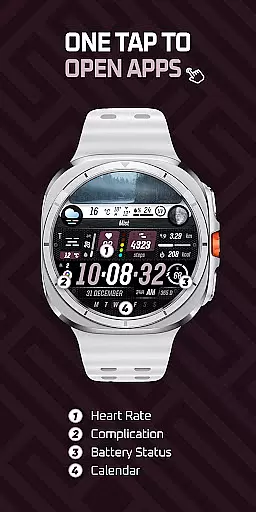
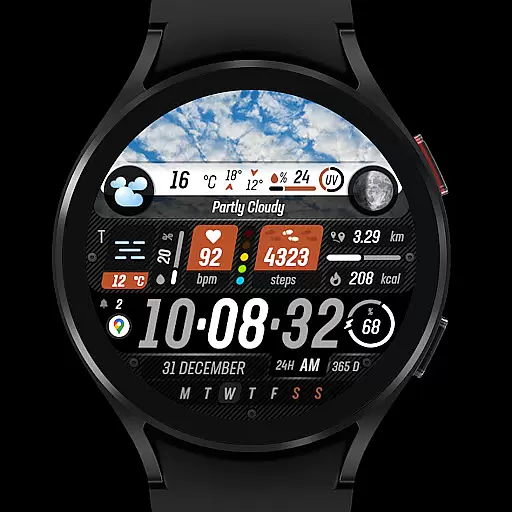
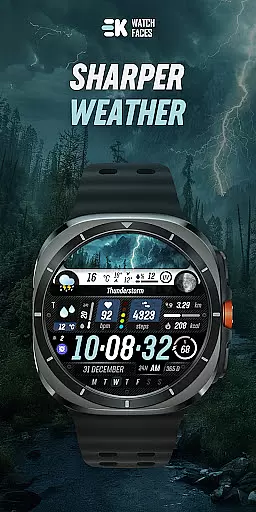
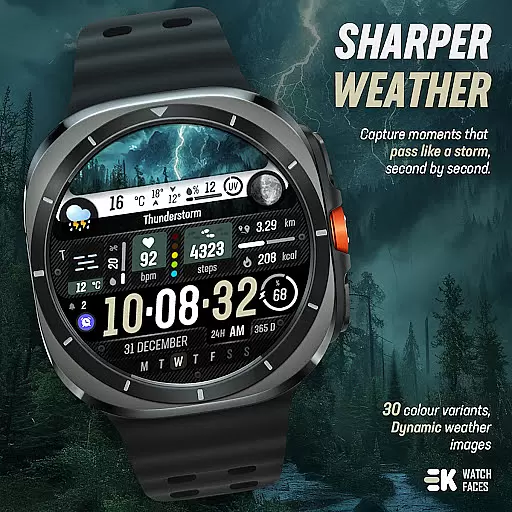
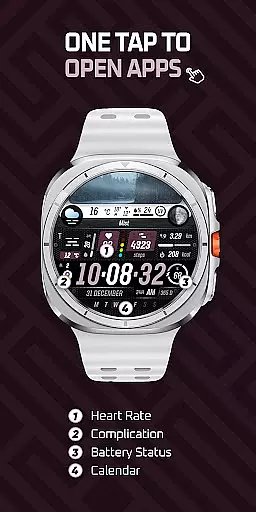
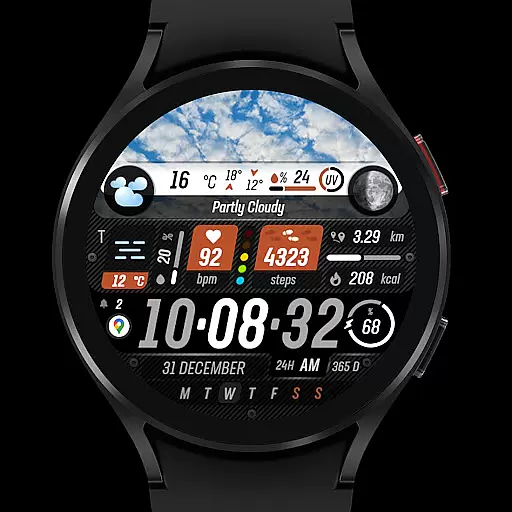
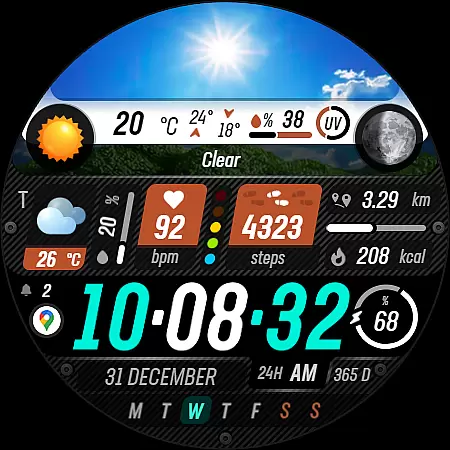
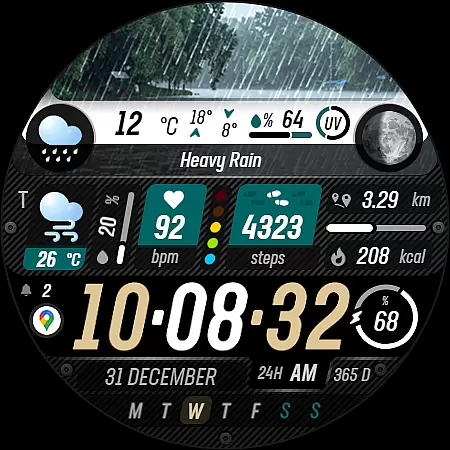
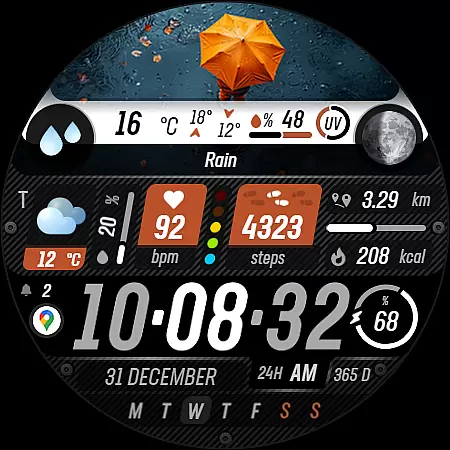
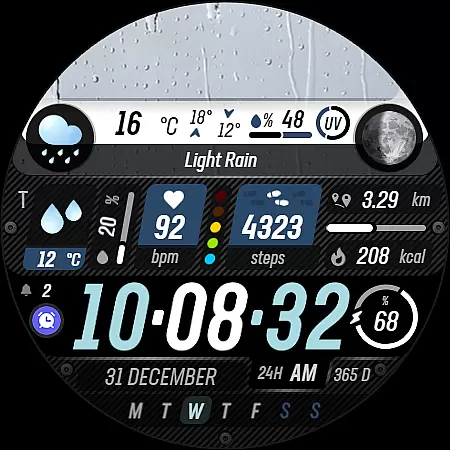
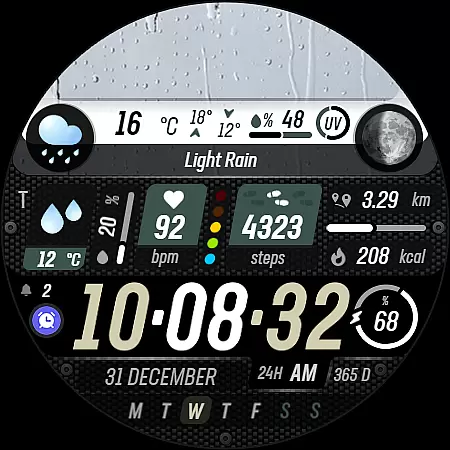
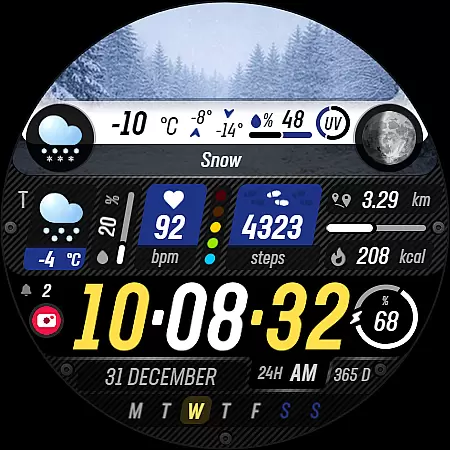
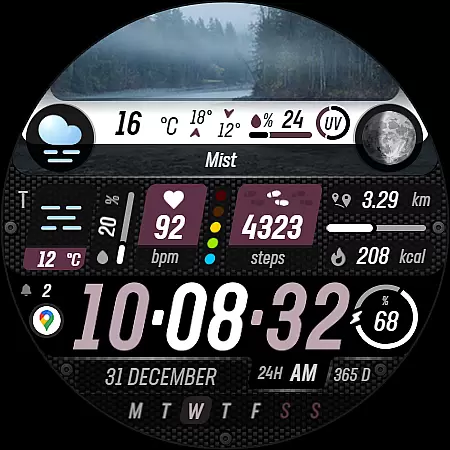
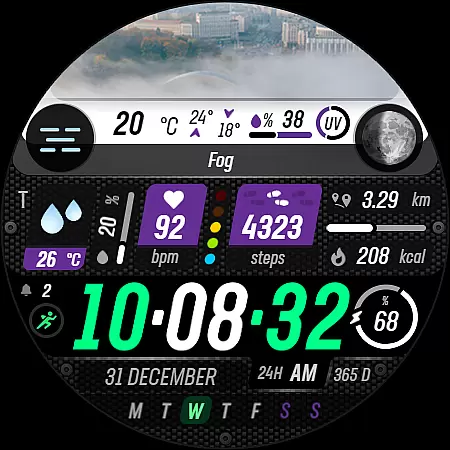
Sharper Weather is a feature-rich watch face designed exclusively for Wear OS devices, offering users an enhanced weather tracking experience directly on their smartwatches. With support for Wear OS 5+ (API 34+), this application transforms your watch into a personalized weather station.
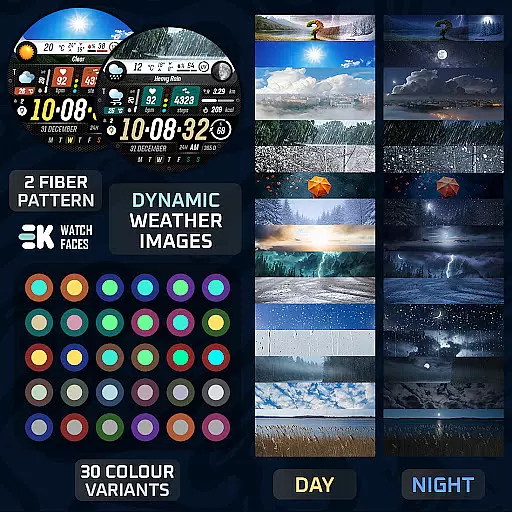
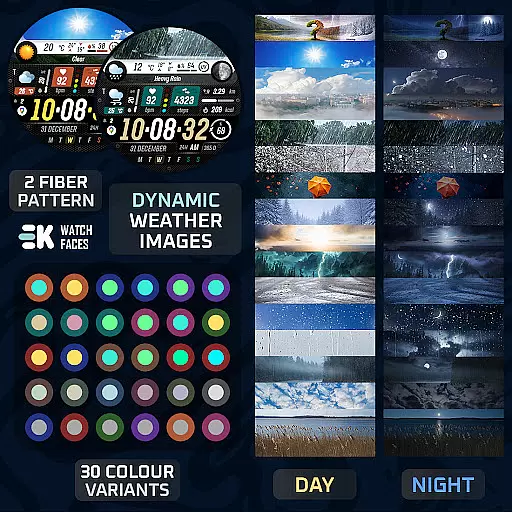
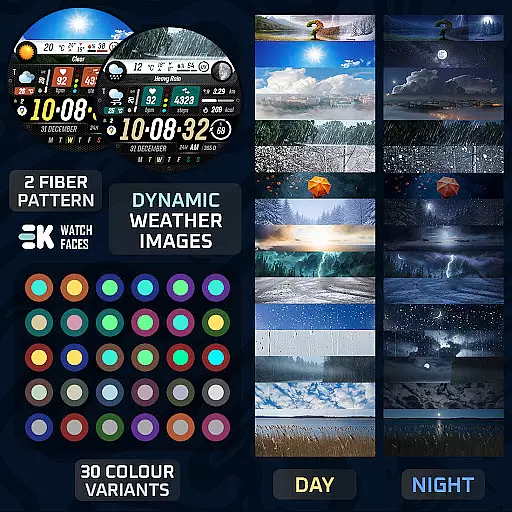
The app provides dynamic weather images that change based on current conditions and time of day, complete with high and low temperature displays. It also includes essential metrics like precipitation chances, UV index indicators, and tomorrow's forecast. Users can enjoy additional functionalities such as animated icons, fitness tracking, calendar integration, and more, all optimized for seamless daily use.
Ideal for those who want both style and substance, Sharper Weather ensures you stay informed about the weather while enjoying a visually appealing interface. Whether you're an outdoor enthusiast or simply someone who values convenience, this watch face caters to various needs by combining aesthetics with practicality.
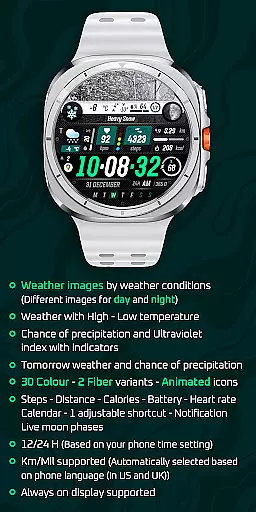
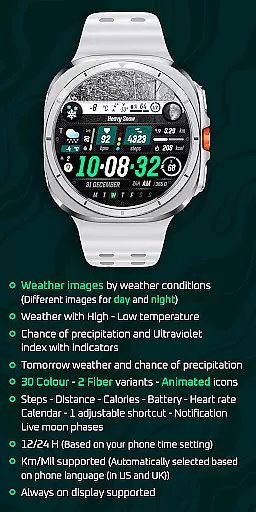
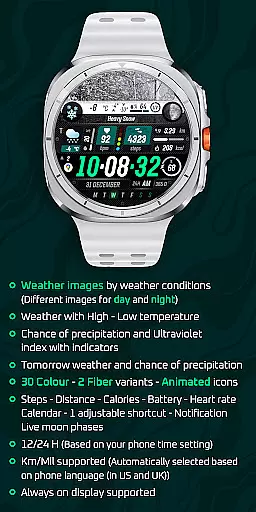
Sharper Weather stands out with its comprehensive set of features tailored for weather enthusiasts and everyday users alike. The app offers distinct weather images for different conditions and times of day, ensuring that users always have relevant visual cues. High and low temperatures are displayed prominently, accompanied by indicators for precipitation chances and UV index levels.
In addition to current weather details, the app provides forecasts for the next day, helping users plan ahead. With thirty color options and two fiber variants, customization is at the forefront. Animated icons add a touch of liveliness to the interface, while health and activity metrics such as steps, distance, calories burned, heart rate, and battery status offer a holistic view of your day.
Users can also access calendar events, adjust shortcuts, receive notifications, and view live moon phases. The app supports both 12-hour and 24-hour formats and automatically selects units based on the phone's language settings. For uninterrupted functionality, enabling sensors and complication data permissions is recommended, making Sharper Weather a versatile companion for any Wear OS user.
Sharper Weather offers an extensive range of customization options that allow users to tailor their Wear OS experience. With 30 color choices and 2 fiber variants, the watch face can be personalized to match individual style preferences.
In addition to aesthetic customization, the app provides animated icons and supports both 12 and 24-hour time formats based on the phone's settings. Users can also choose between kilometers or miles for distance measurement, which is automatically selected according to the phoneu2019s language setting.
The inclusion of adjustable shortcuts and complications such as weather conditions, temperature highs and lows, chance of precipitation, ultraviolet index indicators, steps taken, distance covered, calories burned, battery status, heart rate, calendar events, and live moon phases ensures a highly personalized experience.
This level of personalization empowers users to create a unique interface that not only looks good but also provides quick access to essential information at a glance.
Sharper Weather ensures seamless theme compatibility across Wear OS devices. The application is designed specifically for Wear OS 5+ devices (API 34+), guaranteeing optimal performance and visual consistency with the latest operating system standards.
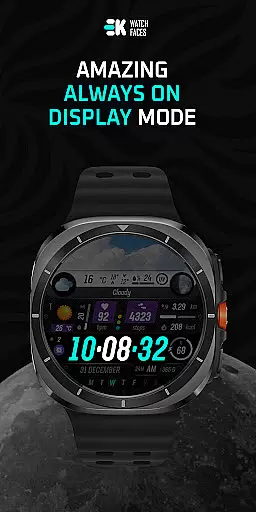
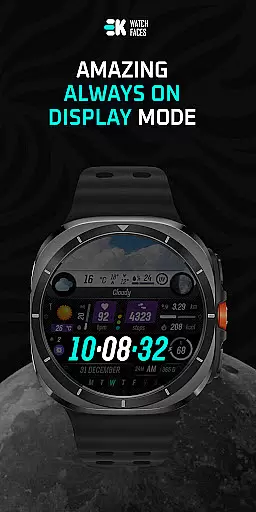
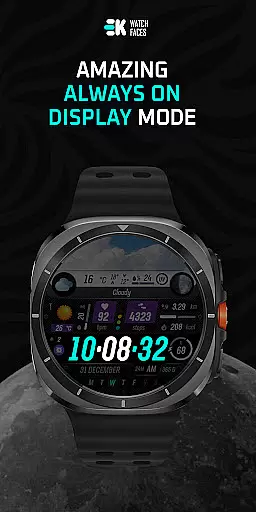
By adhering to strict design guidelines, this watch face maintains its integrity whether in active mode or always-on display. This means users will enjoy a cohesive look and feel regardless of when they glance at their wrist.
Moreover, by enabling sensor data and complication permissions manually, users ensure full functionality without compromising the visual appeal. Such attention to detail in maintaining theme fidelity enhances user satisfaction.
Ultimately, Sharper Weather stands out by delivering a visually appealing and technically compatible solution for those seeking a sophisticated smartwatch experience.
User-friendly interface
Dynamic weather updates
Comprehensive health metrics
Customizable design options
Seamless integration with Wear OS
Limited to Wear OS
Requires manual permissions setup
Potential payment sync issues
No standalone iOS support
Installation may take time

Glass style colourful icons with a One UI look and feel
 4.60
4.60
Bring adorable pets to life on your screen. Playful, interactive and full of fun
4.60
More than 3000+ themes and 9000+ wallpapers for everybody!
4.10
Zip lock screen with magic wallpaper to decorate your phone with fun zipper lock
4.60 4.10
4.10
Color phone with cool effects for call screen, flash alert & ringtones music
4.50
Transform your phone with stunning video wallpapers and a unique, personal touch
3.80
Create stunning widgets with Widget 2026: Aesthetic Widgets for Android!
4.60
Transform your phone with stylish zipper lock themes and 4D live wallpaper
4.10
Only for Wear OS devices!
4.90
Handcrafted pixel art icons, widgets & wallpapers
4.60
300+ widgets inspired by Material You and Material 3 expressive design.
4.60
Transform your phone with Launcher iOS 26 - Smooth & elegant iOS experience
4.50
A light in the dark, a unique style and an andless cutomization!
4.30
The definitive Icon pack maker and editor
4.30
Realistic animated snow on your wrist, with 10 images landscapes to choose from
4.00
Crystal-clear, square icon provides a sleek and sophisticated visual upgrade
4.00
Emoji Maker app - Design custom emojis and effortlessly blend them with Mixer
3.80
Adorable pets roam and play right on your phone screen!
3.30


User Reviews