
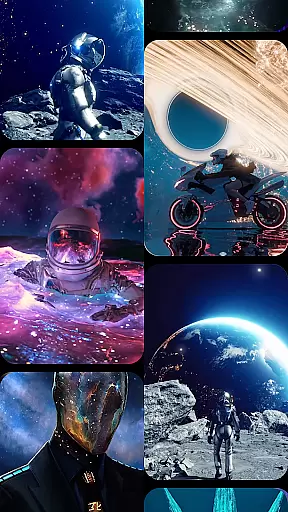

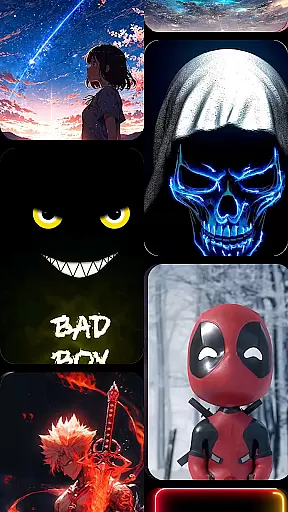

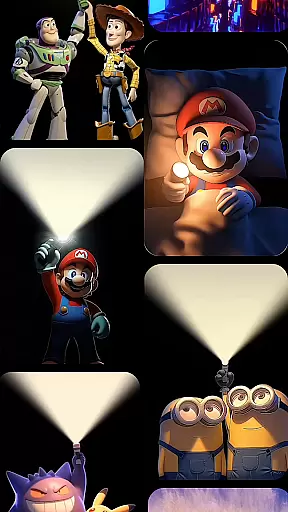


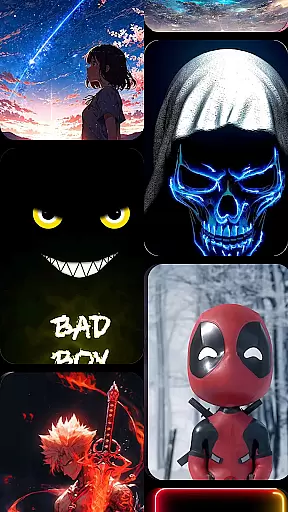

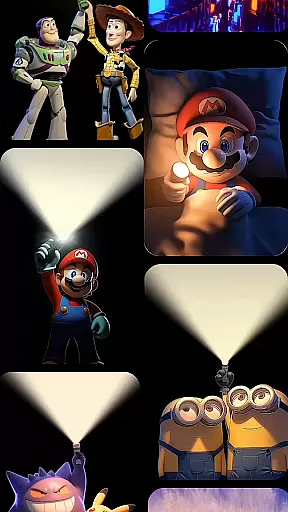

CoolLauncher Pro is a premium home screen replacement app designed to elevate your Android experience through stunning 3D themes, smooth performance, and extensive customization options. This launcher allows users to personalize every aspect of their device's interface, offering features like live video wallpapers, advanced app organization, and sleek minimalistic layouts.
With its powerful animation engine, CoolLauncher Pro delivers breathtaking visual effects while maintaining optimal speed and responsiveness. Whether you're looking to declutter your home screen or create a unique aesthetic, this app provides all the tools necessary for a fully customized mobile experience. Perfect for those seeking both functionality and style, CoolLauncher Pro transforms any Android device into a modern, visually appealing powerhouse.
CoolLauncher Pro stands out with its comprehensive suite of personalization features. The app offers an extensive library of free themes, icon packs, custom fonts, and wallpapers, allowing users to tailor their device's appearance to their exact preferences. Its built-in theme store hosts thousands of design options across various categories, ensuring there's something for everyone.
One of the standout features is the support for live video wallpapers and 3D animations, powered by an advanced animation engine that ensures smooth transitions without compromising performance. Additionally, CoolLauncher Pro includes smart app management tools that automatically organize apps into folders, keeping your workspace tidy. Built-in widgets such as real-time weather updates and other productivity tools further enhance the user experience, making it much more than just a simple launcher replacement.
Customization is at the heart of CoolLauncher Pro, offering users a vast array of options to tailor their Android experience. With access to an extensive collection of themes, icon packs, custom fonts, and wallpapers, personalizing every detail of your home screen has never been easier.
The app allows you to choose from pre-designed themes that cater to all tastes, whether you prefer sleek minimalism or vibrant, eye-catching visuals. For those seeking a more unique setup, CoolLauncher Pro supports adding personal images and designs, ensuring your device truly reflects your individual style.
Beyond aesthetics, CoolLauncher Pro also includes functional customization features. Users can modify their home screen layout, organize apps into smart folders, and even integrate live video wallpapers with 3D effects for a dynamic user experience.
CoolLauncher Pro excels in theme compatibility, ensuring that all visual enhancements are seamlessly integrated into your Android device. The launcher supports a wide range of themes, from futuristic tech-inspired designs to serene nature motifs, guaranteeing there's something for everyone.
Each theme is crafted to maintain visual consistency across your device, providing a cohesive look that enhances usability. This attention to detail extends to icon packs and custom fonts, which are designed to work harmoniously with chosen themes, creating a polished and professional appearance.
Moreover, CoolLauncher Pro's advanced animation engine powers smooth transitions between screens and applications, maintaining theme integrity while navigating. This ensures that your personalized settings not only look stunning but also perform flawlessly, elevating your overall mobile experience.
Highly customizable
Smooth performance
Stunning 3D effects
Extensive theme library
User-friendly interface
Premium version required
Heavy on battery
Occasional bugs
Steep learning curve
Limited free options

Ultra realistic high quality analog watch face for Wear OS.
 4.60
4.60
Prank your friends with realistic broken screen and cracked HD effects!
4.2
A launcher for Samsung Good Lock and Good Guardians modules without ads
4.70
Ultimate widget creator. Design custom widgets for a truly unique home screen!
3.90
Ultimate Gallery Lock App - Hide Pictures, Videos and Lock Apps Instantly!
4.60
Customize glowing edges, wallpapers, and caller screen with EdgeAura.
3.50
300+ Beautifully crafted widgets inspired by OneUI.
4.60
Transform your device in a game console
4.40
350+ widgets with a premium glass-style finish, perfect for home & lock screens.
4.70
Only for Wear OS devices!
4.90
100+ Stylish Fonts, Emojis, Symbols keyboard for Instagram & TikTok!
4.80
Customizable Glass widgets. Over 360+ stunning widgets and more!
4.70
Personalize your phone with stunning HD and 4K wallpapers!
4.70 4.50
4.50
Art & Emoji Keyboard with Cool Fonts, Cute Themes and Custom Designs.
4.40
Organize and manage your photos and videos effortlessly with Photo Gallery
4.20
Customizable flower power digital watch face for Wear OS watches.
4.00
Adaptive Dot Style IconPack with Light & Dark Theme.
3.70
Struggling to find apps? Use this app to locate and open any app on your phone!
2.20


User Reviews