
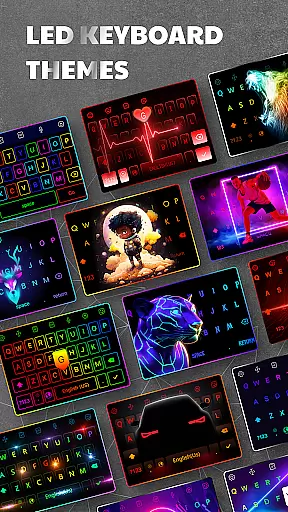
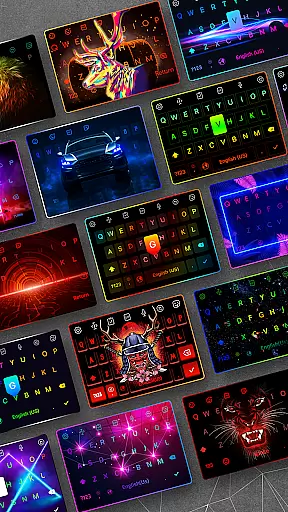
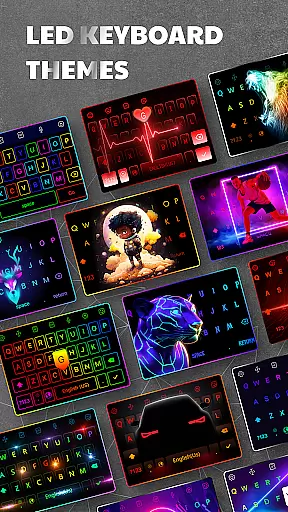
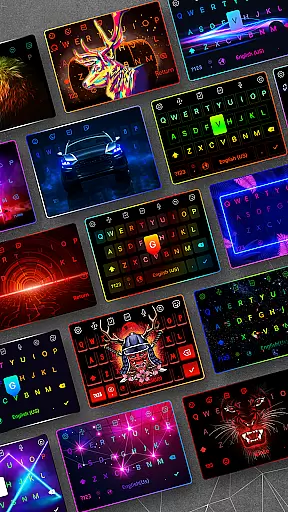

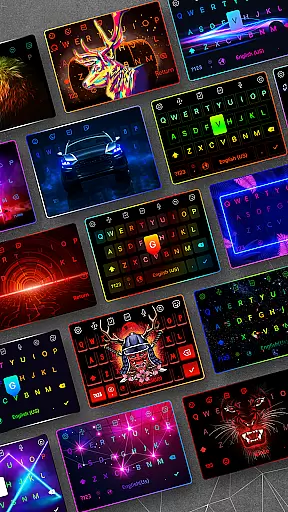
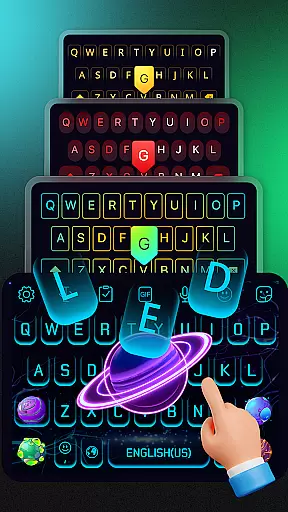
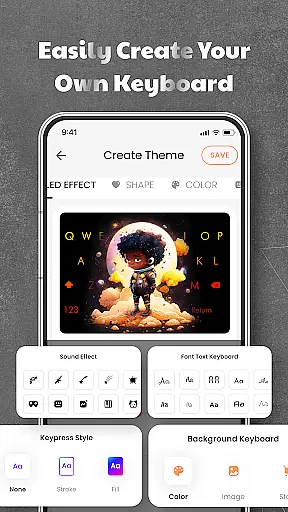
LED Keyboard is a feature-rich personalization app that transforms your Android typing experience with customizable RGB lighting effects and advanced keyboard functionalities. The app offers over 500 unique themes, allowing users to personalize their keyboard backgrounds with photos or pre-designed templates. With support for multiple keyboard layouts including QWERTY, AZERTY, and QWERTZ, it caters to diverse typing preferences.
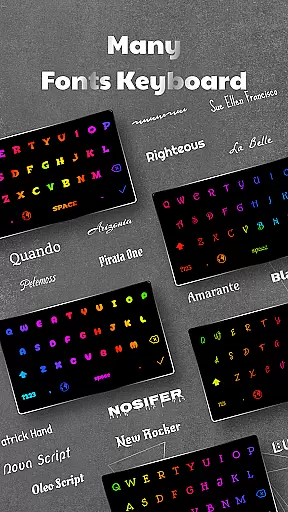
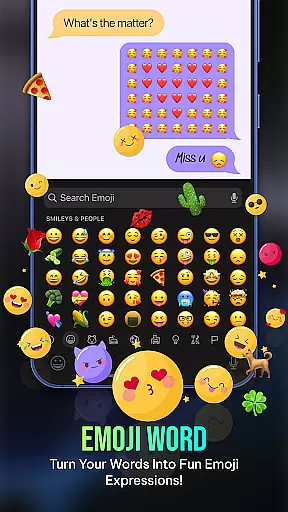
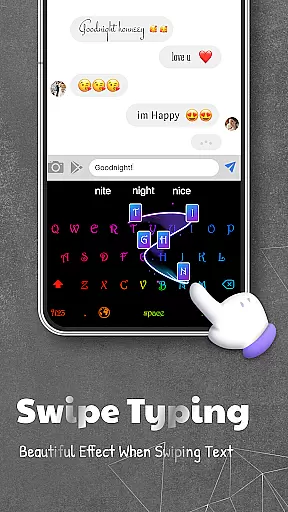
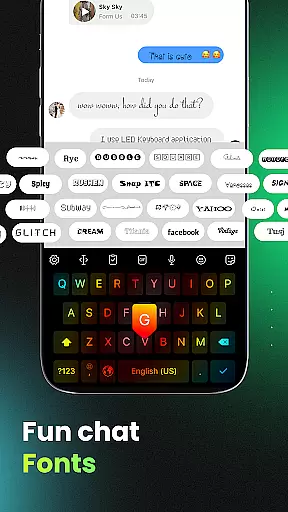
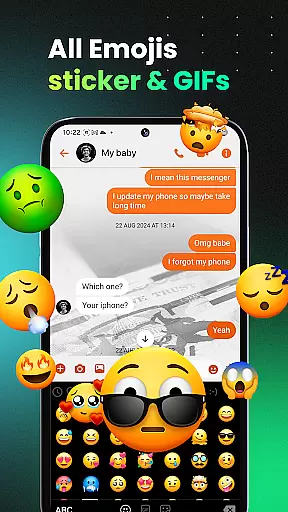
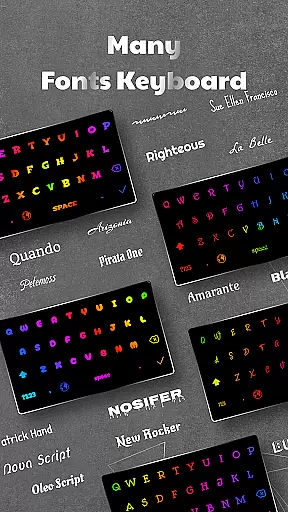
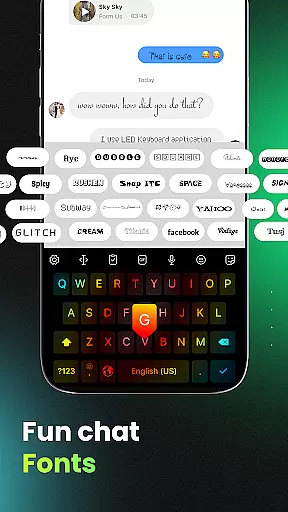
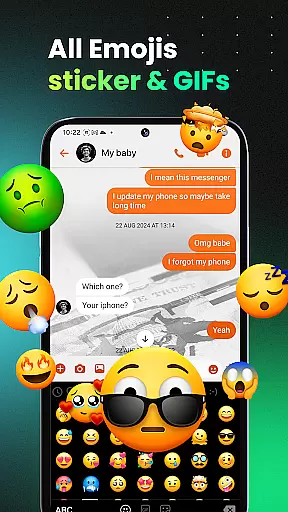
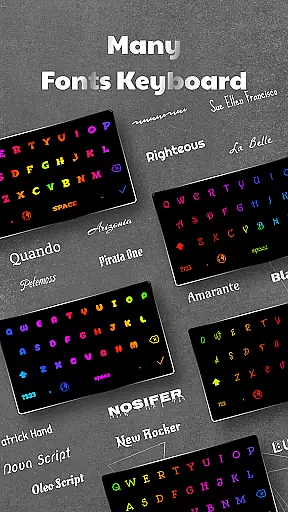
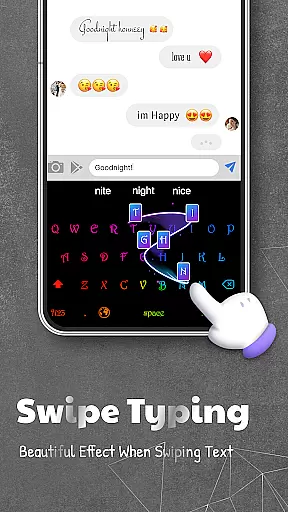
Beyond aesthetics, LED Keyboard enhances productivity through smart typing features like swipe typing, voice input, auto-correction, and word suggestions. The inclusion of 3000+ emojis, various fonts, and GIF support makes communication more expressive. Its adjustable keyboard size and position feature ensures comfortable typing for any hand size, while maintaining user privacy remains a top priority.
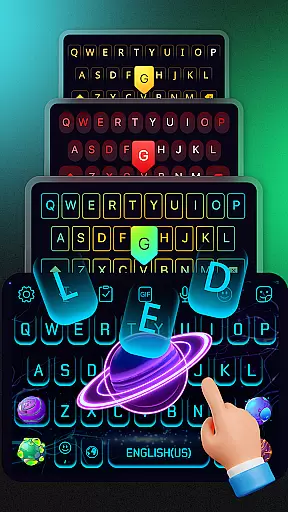
LED Keyboard distinguishes itself through an impressive array of customization options. Users can select from various lighting effects including RGB, neon, and gradient animations that respond to typing in real-time. The app provides multiple sound effects such as mechanical keyboard clicks, piano tones, and water droplets, creating an immersive typing experience.
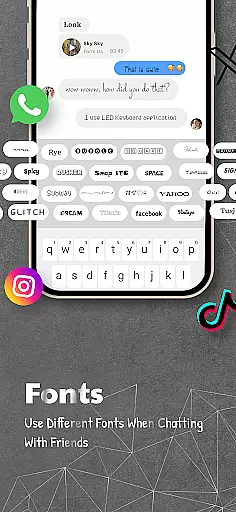
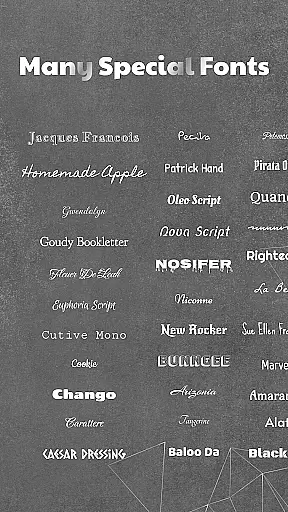
The application's strength lies in its comprehensive approach to personalization. It offers thousands of stickers, emojis, and custom fonts that work seamlessly across popular messaging platforms like WhatsApp and Messenger. Advanced features like multi-language support, easy language switching, and clipboard management demonstrate the app's commitment to both functionality and user convenience.
What sets LED Keyboard apart is its attention to detail in privacy protection. Unlike many other keyboard apps, it doesn't collect sensitive information such as passwords or personal data, making it a secure choice for privacy-conscious users.
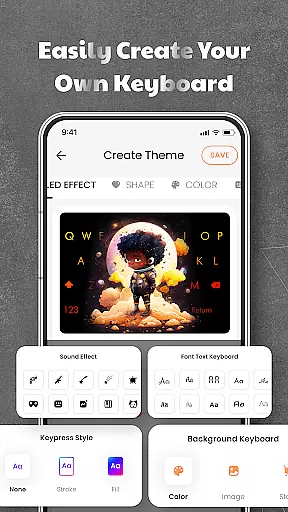
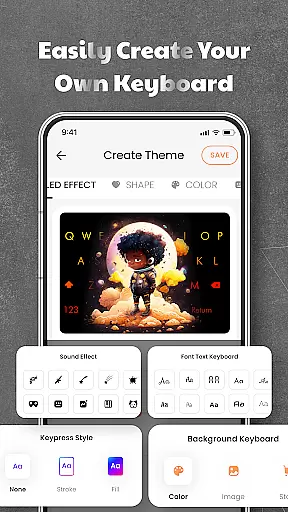
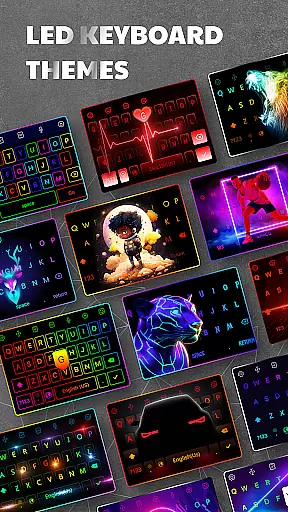
LED Keyboard offers an extensive range of customization options that allow users to tailor their typing experience according to personal preferences. With over 500 themes available, the app provides a diverse selection of keyboard backgrounds, including photos and pre-designed themes.
The app stands out with its RGB lighting effects, neon animations, gradient transitions, and live typing animations. Users can choose from various lighting effects such as RGB, mechanical keyboard sounds, piano tones, water sounds, and more, making each typing session unique and engaging.
This level of customization not only enhances visual appeal but also allows for a personalized user experience. Whether you prefer a vibrant neon look or a subtle gradient effect, LED Keyboard caters to all tastes, ensuring that your keyboard reflects your individual style.
Theme compatibility is a crucial aspect of LED Keyboard's design philosophy. The app ensures seamless integration of its 500+ themes with different Android devices and operating systems. This compatibility extends across various screen sizes and resolutions, providing a consistent experience regardless of the device used.
In addition to visual themes, LED Keyboard supports multiple keyboard layouts such as QWERTY, AZERTY, and QWERTZ. This layout compatibility ensures that users worldwide can enjoy the app's features without compromising their preferred typing style.
The app's commitment to compatibility extends to its support for multiple languages and adjustable keyboard sizes. Users can easily switch between languages while maintaining their chosen theme, creating a harmonious balance between functionality and aesthetics in their typing experience.
Highly customizable
Extensive theme library
Smart typing features
Multi-language support
Privacy-focused design
May drain battery
Occasional lags
Ads in free version
Large app size
Learning curve

Winter's Journey: digital watch face for Galaxy Watch & Wear OS
 4.80
4.80
Ninja Turtles Cowabunga SE watch face for Wear OS
4.50
Adult video chat, dating, making friends, random matching
4.20
Ultimate widget creator. Design custom widgets for a truly unique home screen!
3.90
Customize your home screen with stunning themes, blur, widgets & icons.
4.60
HappyLighting is a Bluetooth lamp control software.
3.40
Crystal-clear, square icon provides a sleek and sophisticated visual upgrade
4.00
Transform your phone with stunning video wallpapers and a unique, personal touch
3.80
Install amazing sticker packs: endless styles, always cool.
4.70
Wallpaper HD 4K Live - Thousands of high-quality Anime backgrounds for you.
4.80
A launcher for Samsung Good Lock and Good Guardians modules without ads
4.70
Stunningly Different look with Line Icons and Neon Colors
4.60
Transform your phone with Launcher iOS 26 - Smooth & elegant iOS experience
4.50
Vibrant Adaptive Icons with Material You and Enhanced Monet Colors.
4.50
200+ Material Inspired Widgets
4.50
Organize and manage your photos and videos effortlessly with Photo Gallery
4.20
Run multiple accounts of the same app on a single device
4.10
Design your screen with unique, vibrant clocks
3.80 3.50
3.50


User Reviews