
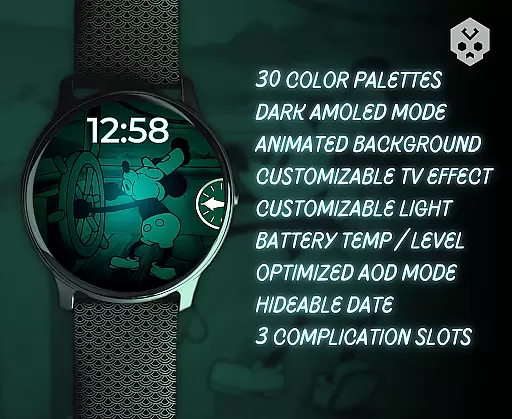
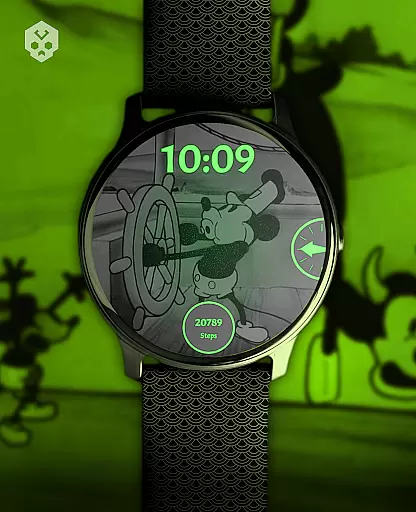
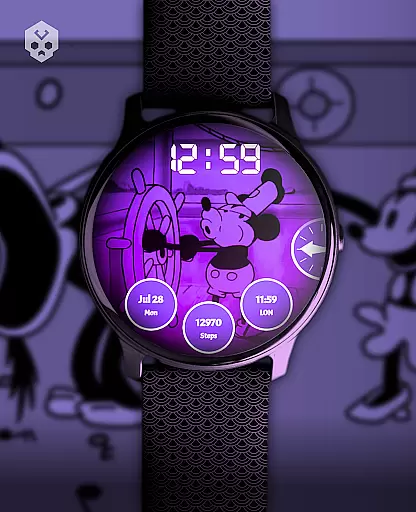
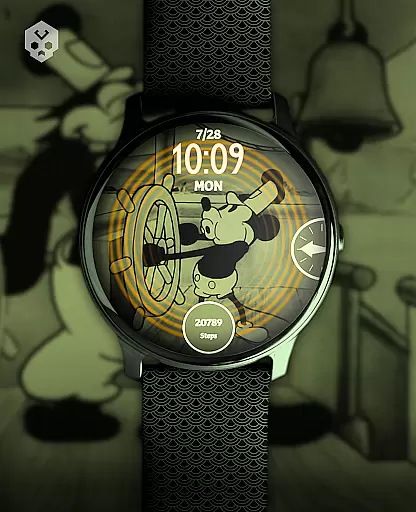
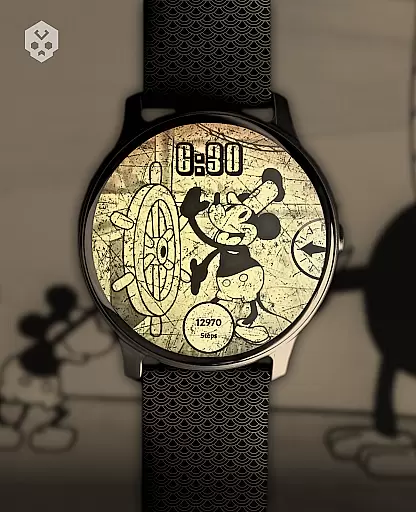
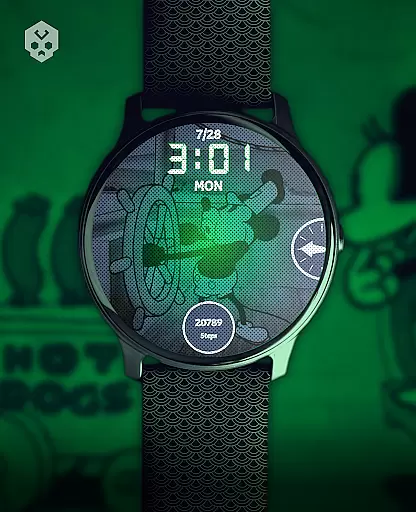
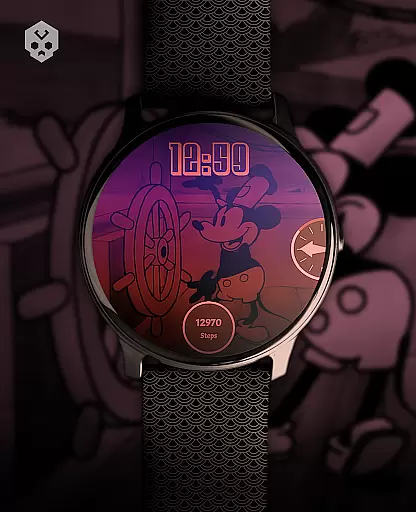
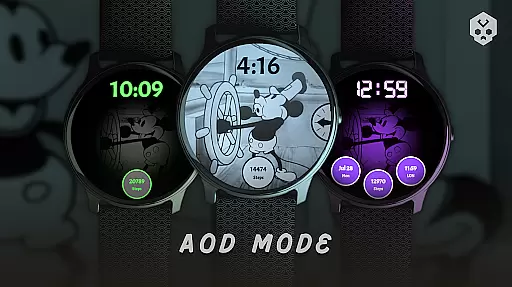
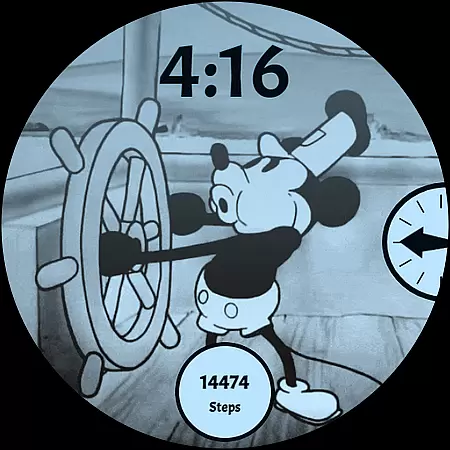
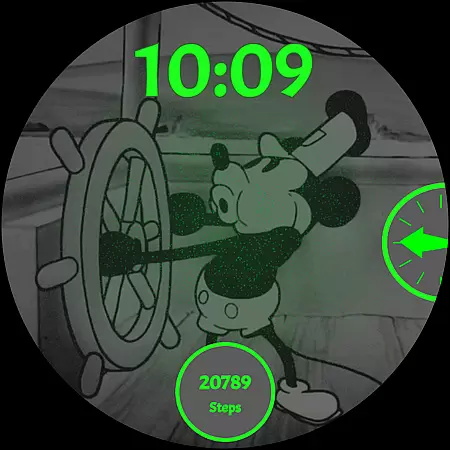
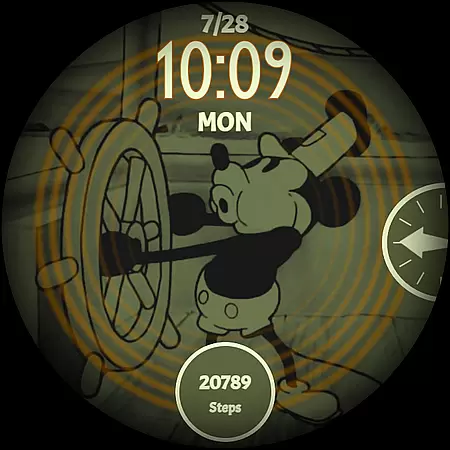
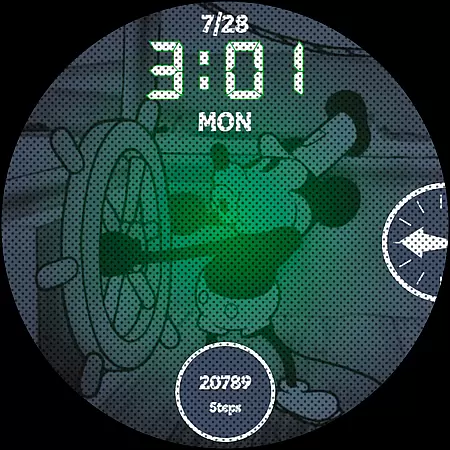
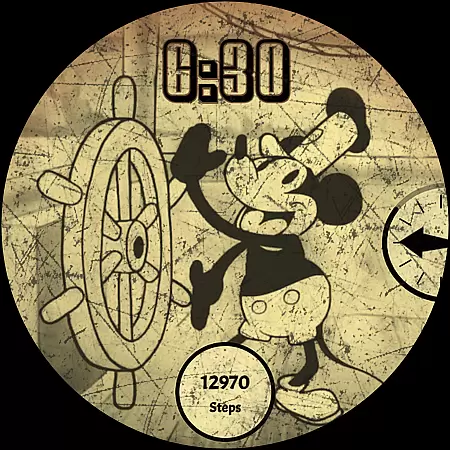
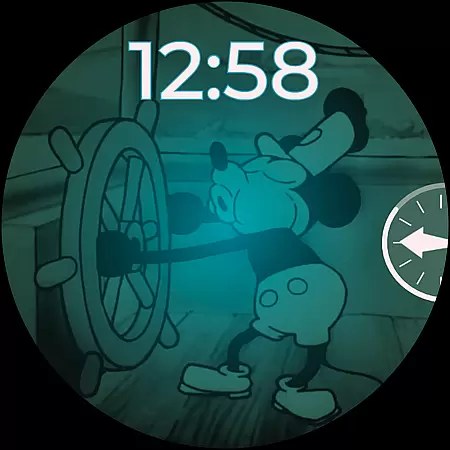
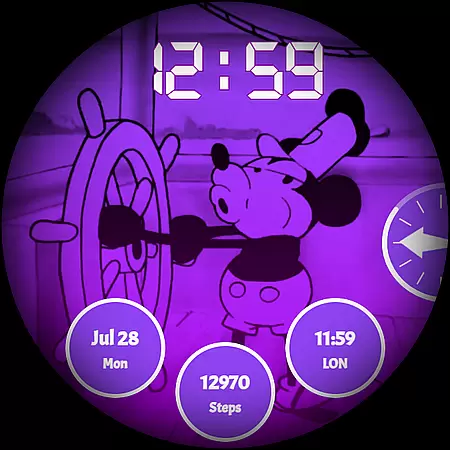
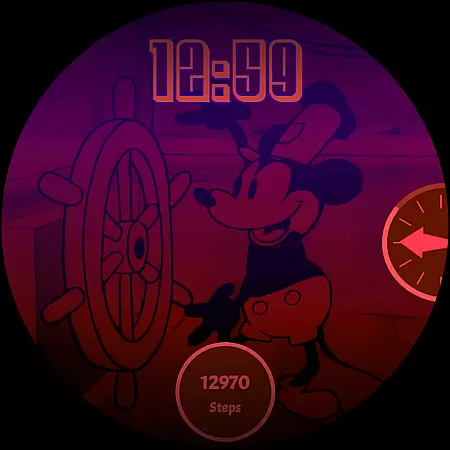
Steamboat Mouse Watch Face brings the iconic Steamboat Willie character to your smartwatch with a retro cartoon-inspired design. This highly customizable watch face is packed with information and features, making it both functional and nostalgic. Compatible with various Wear OS devices, it offers users a unique way to personalize their smartwatches while enjoying practical benefits like battery status tracking and customizable complications.
The design stands out with its handcrafted details and vibrant color schemes. Whether you're looking for high readability or vintage aesthetics, this watch face caters to diverse preferences. Its intuitive companion app ensures easy installation and management, providing a seamless user experience across multiple devices.
Steamboat Mouse Watch Face boasts an impressive array of features designed to enhance usability and customization. With 30 color schemes, users can tailor the appearance to match their style. The watch face supports both 12-hour and 24-hour formats, ensuring global accessibility. Additionally, it includes a high readability mode for optimal visibility in various lighting conditions.
Functionality extends beyond aesthetics, offering three customizable complications that allow users to display essential information at a glance. The watch face also reacts to low battery levels and provides real-time battery temperature updates. These thoughtful additions make it not only visually appealing but also incredibly practical for everyday use.
Customization is at the heart of the Steamboat Mouse Watch Face, offering users an extensive array of options to tailor their smartwatch experience. With 30 color schemes available, this watch face ensures that there's a look for every mood and occasion. The ability to switch between 12/24 hour formats adds practicality, catering to user preferences and regional time display standards.
Beyond colors and time formats, the level of personalization extends to functional features such as customizable overlays and backgrounds. This means wearers can adjust visual elements to match their style or even optimize readability based on different environments they find themselves in throughout the day.
The inclusion of three customizable complications allows users to prioritize information that matters most to them, whether it be weather updates, fitness stats, or notifications. Such comprehensive customization not only enhances aesthetic appeal but also improves usability by putting control firmly into the hands of the wearer.
Theme compatibility is a crucial aspect of any wearable technology, ensuring seamless integration with various devices running Wear OS. The Steamboat Mouse Watch Face has been meticulously crafted for broad compatibility across brands like Samsung, Mobvoi Ticwatch, Fossil, Oppo, and Xiaomi among others. This universality guarantees that regardless of your smartwatch model, you will enjoy consistent performance without compromising on design quality.
Moreover, its native standalone nature means no additional apps are required once installed; everything works out-of-the-box after setup completion directly from within Google Play Store both on smartphones and compatible watches themselves. Users benefit from easy installation processes alongside intuitive navigation through settings which make switching themes hassle-free.
By focusing on maintaining high standards of theme compatibility coupled with regular updates aimed at bug fixes and feature enhancements, developers ensure long-term satisfaction while fostering trust amongst consumers who seek reliable yet stylish digital accessories tailored specifically towards enhancing everyday life experiences.
User-friendly interface
Highly customizable options
Vibrant retro design
Compatible with Wear OS
Regular updates and support
Paid application
Requires Wear OS
Limited to smartwatches
No automatic syncing
Manual permissions needed

Stunningly Different look with Line Icons and Neon Colors
 4.60
4.60
Over 28,000 high quality icons to bring color & homogeneity to your phone.
4.60
The definitive Icon pack maker and editor
4.30
Adaptive Dot Style IconPack with Light & Dark Theme.
3.70
Customize your home screen with stunning themes, blur, widgets & icons.
4.60
Custom edge gestures for volume control, brightness, apps, and shortcuts.
4.0
Embrace the Night. Unleash the power of darkness with Raven Dark Icon Pack
4.60
Unleash Your Creativity and Connect with Loved Ones with Lockscreen Drawing!
4.20
Install amazing sticker packs: endless styles, always cool.
4.70
Only for Wear OS devices!
4.90
Winter's Journey: digital watch face for Galaxy Watch & Wear OS
4.80
400+ Beautifully crafted widgets inspired by NOTHING.
4.70
Ultra realistic gold analog watch face with lots of customization options.
4.50 4.50
4.50 4.50
4.50
AI-powered Copilot. Personalized keyboard with gifs, stickers & themes
4.40
Realistic animated snow on your wrist, with 10 images landscapes to choose from
4.00
Struggling to find apps? Use this app to locate and open any app on your phone!
2.20
Capture moments that pass like a storm, second by second.
4.0


User Reviews