








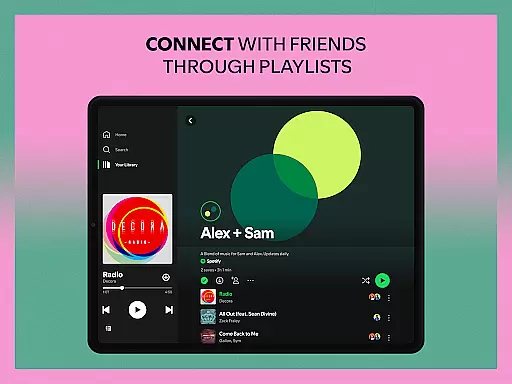
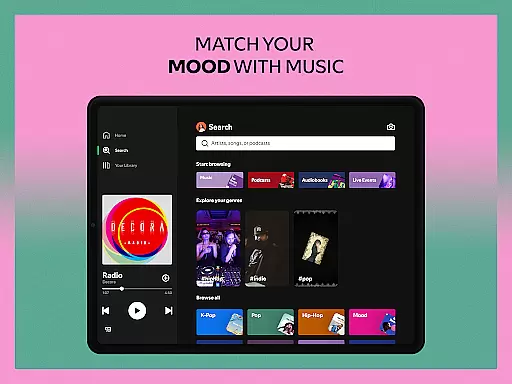
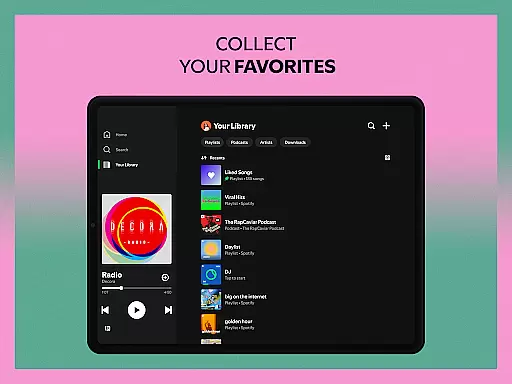


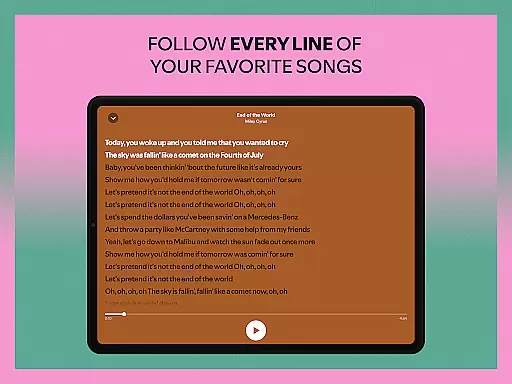

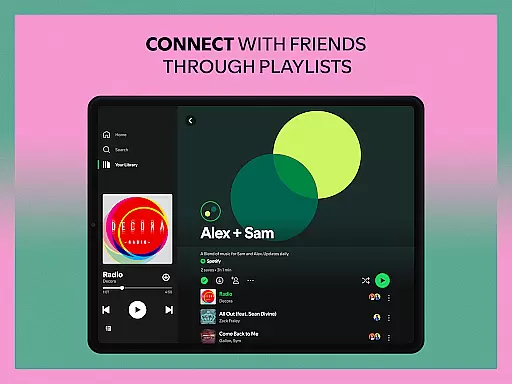
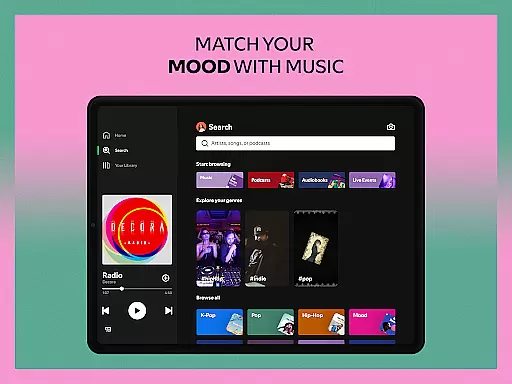
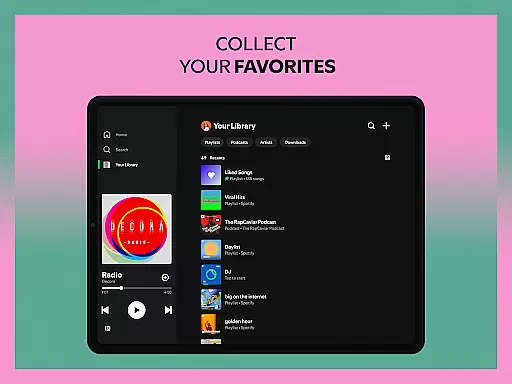
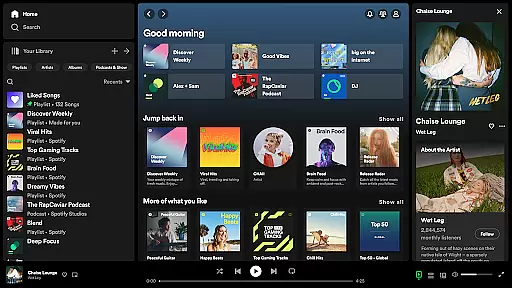
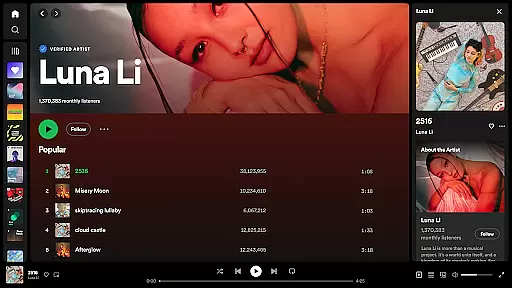
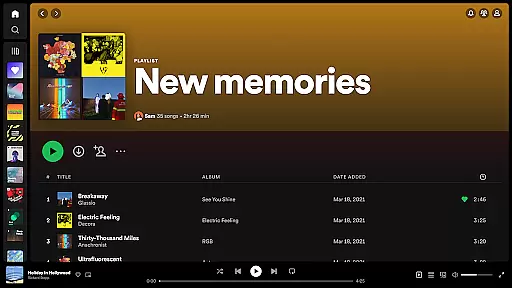


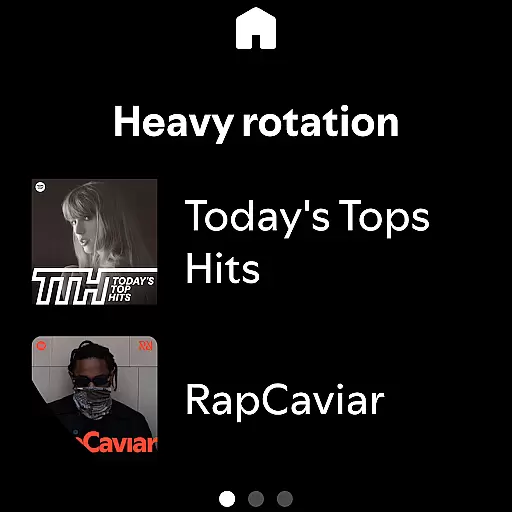
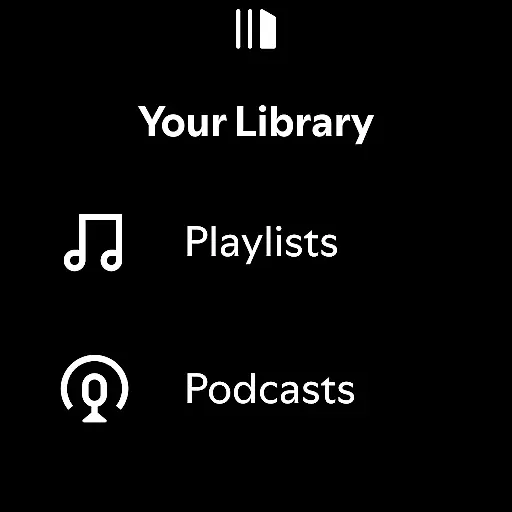
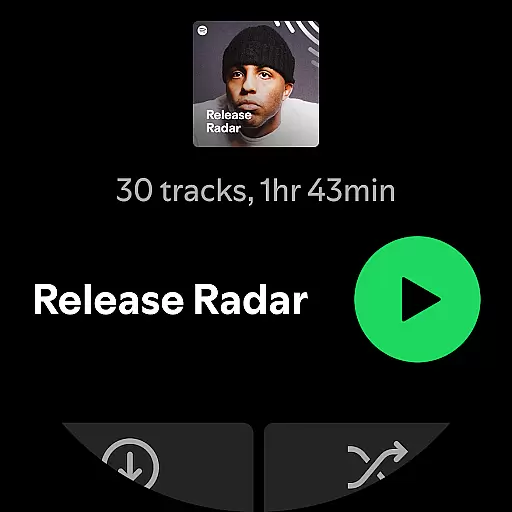
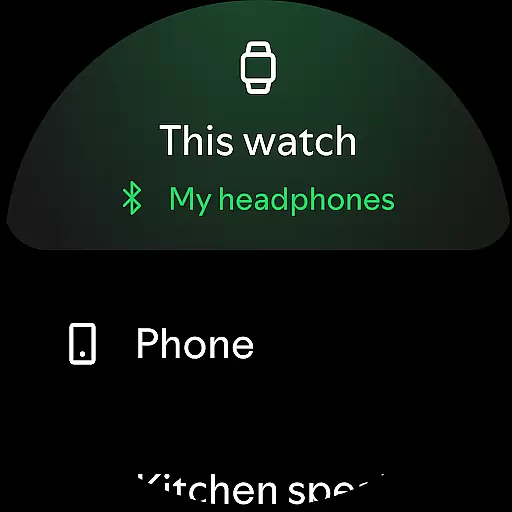

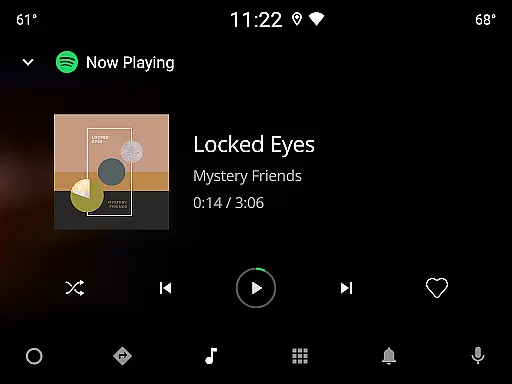

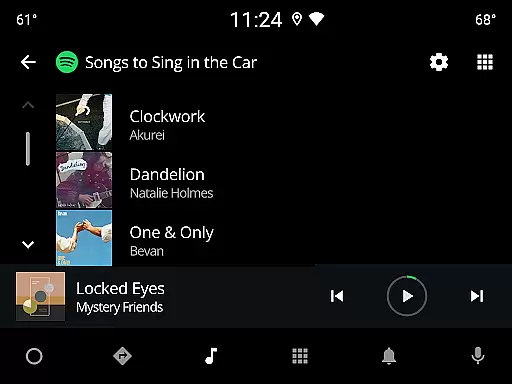
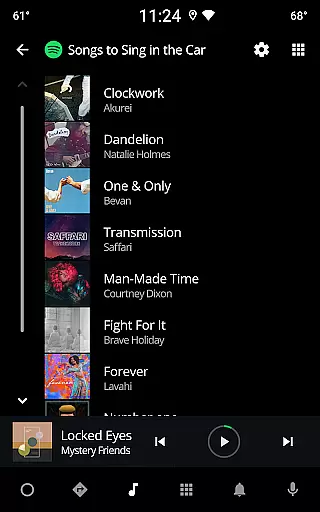
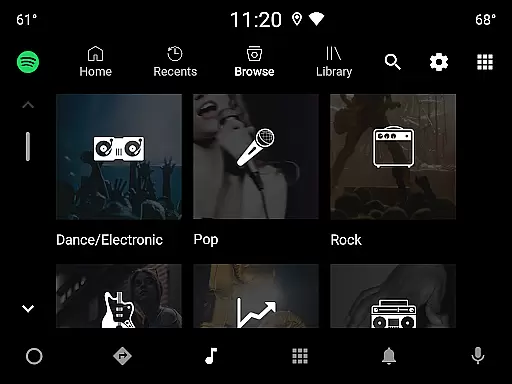

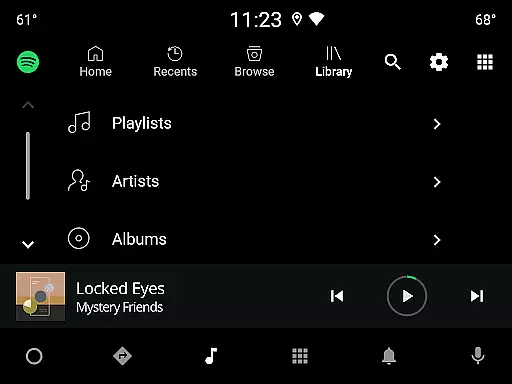
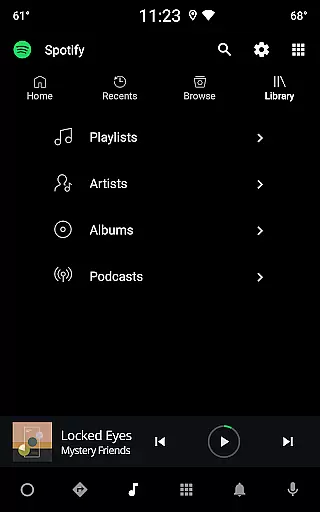
Spotify is a comprehensive audio streaming application designed specifically for Android Wear users. With access to over 80 million songs, 4 million podcasts, and 300,000 audiobook titles, it offers an extensive library of content tailored to various interests and moods. Whether you're looking to stream music, discover new albums, or listen to exclusive podcasts, Spotify provides seamless integration across multiple devices including wearables.
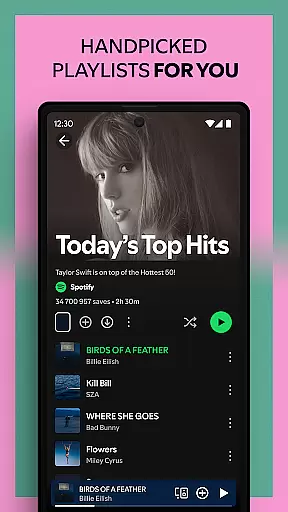
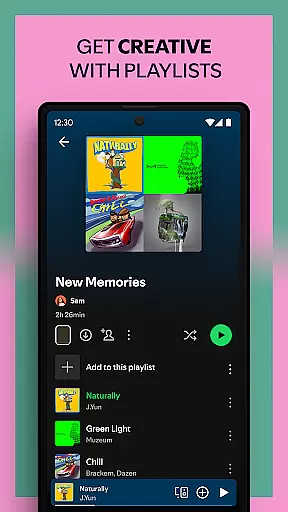
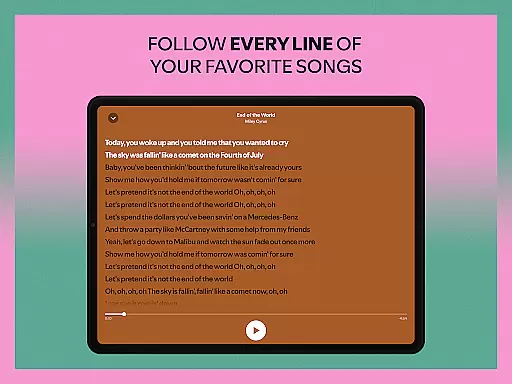
The app's intuitive interface allows users to search for their favorite tracks by lyrics, create personalized playlists, and explore curated content based on individual preferences. Additionally, Spotify enhances user experience through features like Daily Mixes, Genre Exploration, and Offline Listening with Premium subscription. Its compatibility with Wear OS ensures that you can control playback directly from your smartwatch, making it perfect for workouts or when you're on the go.
Spotify stands out with its robust set of features tailored for Android Wear users. One notable feature is the ability to control music playback directly from your smartwatch without needing your phone nearby. This includes play, pause, skip, and volume controls, offering unparalleled convenience.
Another significant aspect is the vast content library, which spans millions of songs, numerous podcasts, and a growing selection of audiobooks. Users can also take advantage of Spotify's recommendation algorithms, which generate personalized playlists such as Daily Mixes and Discover Weekly. Furthermore, the app supports high-quality audio streaming and allows users to download content for offline listening if they opt for a Premium subscription. Integration with other devices like Chromecast, PlayStation, and smart TVs extends its usability beyond just mobile and tablet platforms.
For those interested in audiobooks, Spotify offers a unique collection available exclusively to Premium subscribers in select regions. Overall, these features make Spotify a versatile tool for enjoying diverse forms of audio entertainment seamlessly across different devices.
Companion app integration is essential for a seamless user experience across multiple devices. Spotify excels in this area by offering robust synchronization between its mobile app and Wear OS devices. This ensures that users can effortlessly control their music and podcasts directly from their smartwatch.
The integration allows for real-time updates, meaning any changes made on one device are immediately reflected on others. Whether you're adjusting the volume, skipping tracks, or even downloading content for offline listening, these actions are perfectly mirrored across your devices. This interconnected ecosystem enhances user convenience significantly.
For Spotify Premium subscribers, the benefits are even more pronounced. You can download your favorite playlists directly to your Wear OS device, allowing for music access without needing your phone nearby. This feature is particularly useful during workouts or when you simply want to travel light while enjoying uninterrupted music playback.
Overall, Spotify's companion app integration exemplifies how wearable technology can enhance daily life by providing users with greater flexibility and control over their audio content, making it an indispensable tool for modern digital lifestyles.
Spotify's compatibility with Wear OS and other devices ensures that users can enjoy their favorite music and podcasts on a variety of platforms. This broad compatibility means that whether you're using a smartwatch, smartphone, tablet, or even a PlayStation, Spotify provides a consistent and high-quality audio experience across all your devices.
The application supports various functionalities tailored specifically for each type of device. For instance, on Wear OS, users benefit from simplified controls optimized for smaller screens, ensuring ease of use without compromising functionality. On larger devices like tablets or desktops, Spotify offers enhanced graphical interfaces that take full advantage of the additional screen real estate.
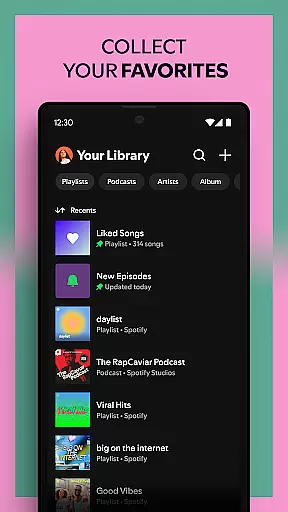
Moreover, Spotify's cross-device capabilities extend beyond just playback. Users can manage their playlists, discover new content, and control playback remotely from any linked device. This versatility makes it easy to transition between different environmentsu2014whether commuting, working out, or relaxing at homeu2014without ever losing touch with your personalized audio library.
In summary, Spotify's commitment to extensive Wear OS and device compatibility underscores its dedication to delivering a versatile and user-friendly service that adapts seamlessly to diverse technological ecosystems.
User-friendly interface
Extensive music library
Personalized recommendations
Offline listening option
Cross-device compatibility
Premium subscription required
Limited audiobook availability
Ad interruptions in free version
Data usage concerns
Occasional connectivity issues

Snowflake Rose Gold Watch Face - Digital, modern, & sleek with GYRO effect.
 4.10
4.10
A Wintery Snow Globe on Your Wrist; now celebrating Christmas!
4.5
Beautiful artistic animated digital watch face, with a customizable layout!
4.40
Contemporary digital watch face with five complications
4.4
Kia Access makes getting your vehicle information easier than ever
4.60
Stay in touch with your friends and family using LINE!
3.40
A digital watch face that celebrates Christmas.
4.00
A realistic hybrid watch face with many customization options.
4.60
Simple, helpful messaging by Google
4.60
The Chevron App allows you to pay for fuel from the comfort of your car!
4.80
WTW M17 is a premium and luxurious hybrid watch face
4.70
Hybrid watch face for Wear OS with customizable complications by Matteo Dini MD
4.70
Real-time results, stats, schedules and player profiles for all leagues
4.60
Digital watch face. For Wear OS devices.
4.40
Bold weather Digital watchface with forecast & optional animated background
4.40
Watch face for Wear OS.
4.20
Hyper-Realistic Airplane Dashboard Watch Face With 10 Skins and Custom AOD
4.00
Your local weather forecast, storm tracker, radar maps & live weather news
3.40
Sleek, highly customizable watch face inspired by Galaxy Watch Circle Dashboard.
4.2


User Reviews