
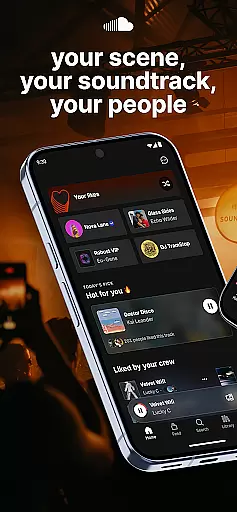
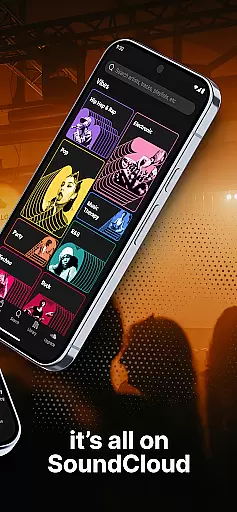
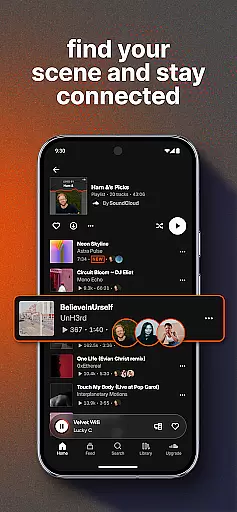


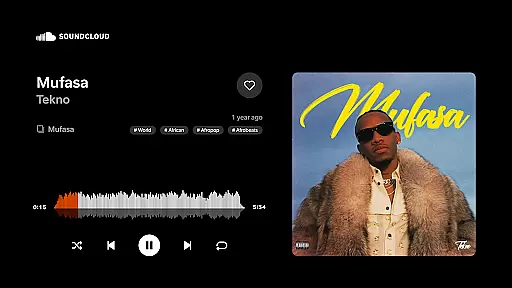
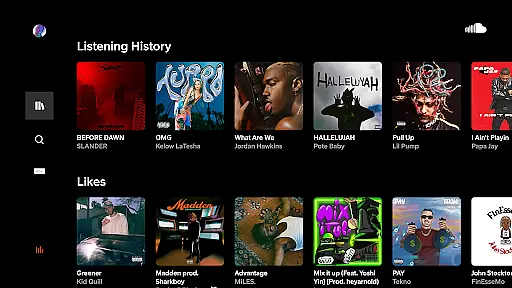
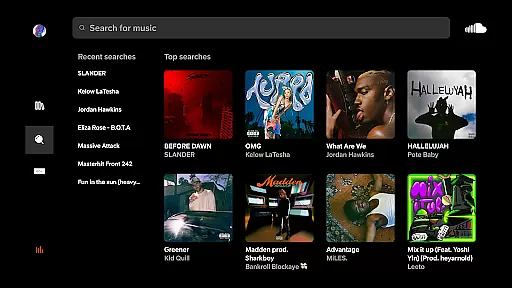
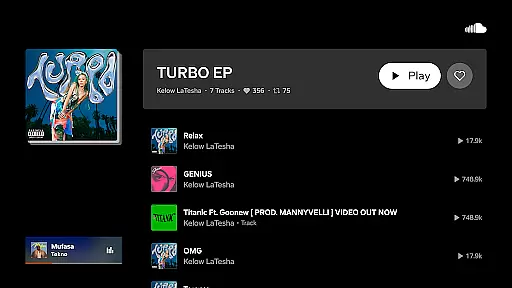
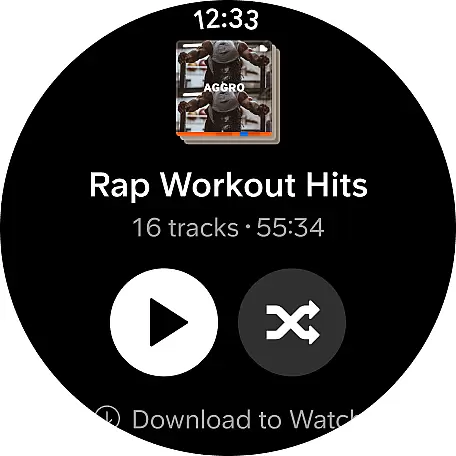
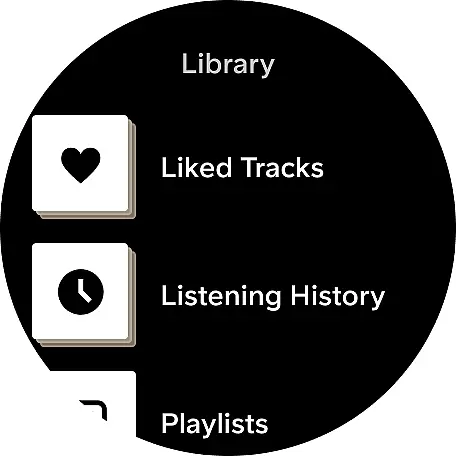
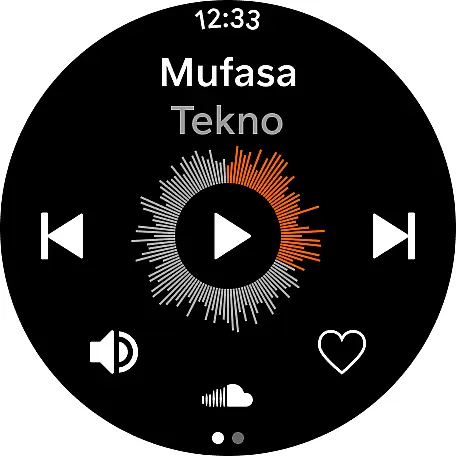
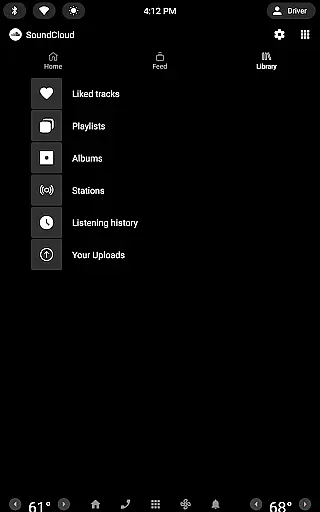
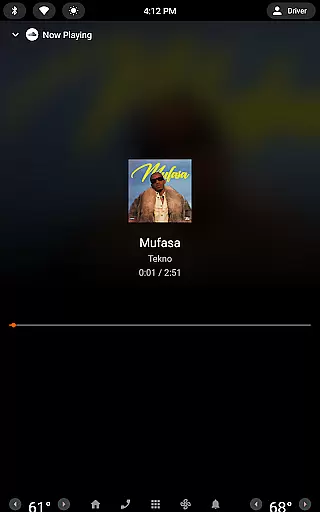
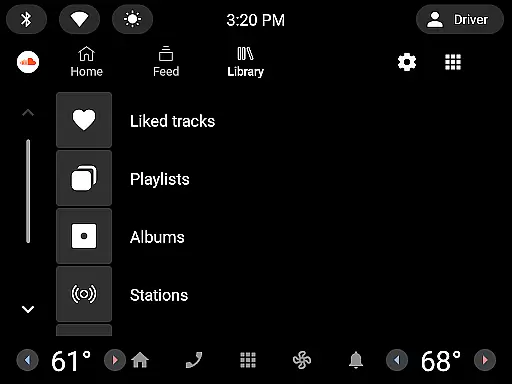
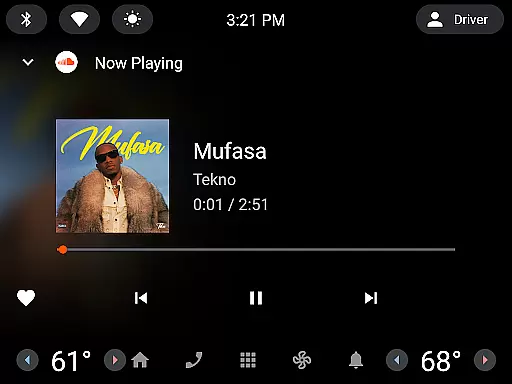
SoundCloud is a premier music streaming platform that connects users through shared musical tastes. The app allows you to discover new tracks, follow artists, and engage with a community of music lovers. With features like Suggested Follows and Messaging Bubbles, it creates an interactive environment for music enthusiasts.
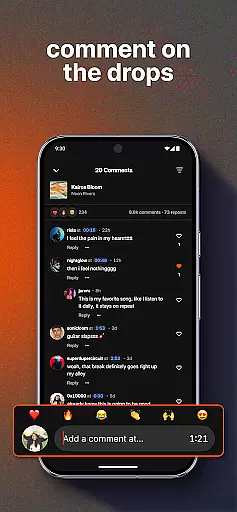
One standout feature is the ability to cast music to devices, enhancing real-world experiences. Additionally, users can express their appreciation for tracks through Quick Reactions and comments. SoundCloud not only lets you stream music but also helps you become part of a vibrant scene, making your musical journey more engaging and social.
SoundCloud offers a rich array of features designed to enhance music discovery and user interaction. Users can explore a Discover Feed that highlights trending tracks and personalized recommendations. The app's Suggested Follows feature introduces you to artists that align with your musical preferences, creating a tailored listening experience.
Engagement is further amplified through Messaging Bubbles, allowing direct communication with friends and artists. Quick Reactions and Commenting tools let users interact with content and creators directly. Moreover, the Cast to Devices functionality enables seamless music sharing in real-world settings, making SoundCloud a versatile choice for both casual listeners and dedicated audiophiles.
Companion app integration is essential for a seamless experience between wearable devices and smartphones. SoundCloud offers robust connectivity that ensures your music and interactions are synchronized across all your devices.
The app allows users to browse suggested follows, send direct messages, and share favorite tracks through messaging bubbles on iOS. This feature extends the social experience beyond the smartphone onto your wearables, keeping you connected with your music community.
With companion app integration, users can cast their playlists to devices, creating real-life moments with ease. This functionality bridges the gap between digital and physical experiences, enhancing user engagement both online and offline.
Wear OS and device compatibility ensure that applications like SoundCloud function optimally across various devices. This compatibility allows users to enjoy an uninterrupted music streaming experience on their Wear OS devices.
SoundCloud supports features such as quick reactions and comments directly from compatible devices, allowing users to interact with their favorite artists without needing to reach for their phones. This enhances the user's ability to engage with content spontaneously and efficiently.
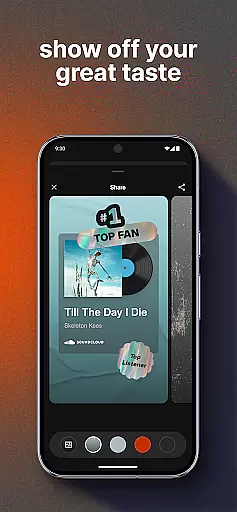
By recognizing users for their great taste in music and featuring them on artists' First & Top Fans lists, SoundCloud leverages its cross-device compatibility to foster a sense of community and belonging among its users, regardless of the device they use.
User-friendly interface
Extensive music library
Interactive community features
Real-time engagement tools
Personalized content discovery
Limited offline functionality
Occasional connectivity issues
Ads in free version
Subscription cost
Complex navigation for new users

Embrace the holiday spirit with this magical animated watch face!
 4.40
4.40
Watch face for Wear OS.
4.20
3 Complications. All shadow on/off. 30 Themes color palette...
4.3
Digital watch face with big numbers and many customization for Wear OS devices
4.40
Locate your family members by GPS phone location tracker everywhere and anytime
4.30
The Chevron App allows you to pay for fuel from the comfort of your car!
4.80
A modern hybrid informative watch face for Wear OS designed by BALLOZI
4.80
Animated video-game inspired “secret agent” simulation, right on your wrist!
4.20
Start and succeed with PAP
4.10
Christmas Theme Watch Face for Wear Os
5.00
Christmas - Festive - Christmas Village - Winter - Christmas lights
5.00
Nutrition, Macro tracker: Food, fitness & healthy diet tracking for weight loss
4.60
A realistic hybrid watch face with many customization options.
4.60
Simple, helpful messaging by Google
4.60
Connect to your Bluelink equipped Hyundai vehicle from your smartphone.
4.50
Christmas watch face. For Wear OS devices.
4.30
Find EV charging stations
4.30
Stunning modern digital watch face with 7 complications and strong contrast
4.3
Minimalistic design modern digital watch face.
4.4


User Reviews