
SketchPro is a premier mobile application tailored for professional digital artists, graphic designers, illustrators, and creators of comics, anime, and manga. Available on both tablets and phones, this app merges advanced AI tools with traditional drawing techniques to enhance the creative workflow. With features like customizable brushes, AI-driven drawing tools, and an extensive layer system, SketchPro offers a comprehensive suite for all forms of digital art creation.
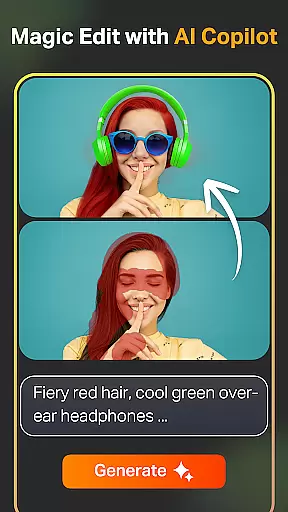
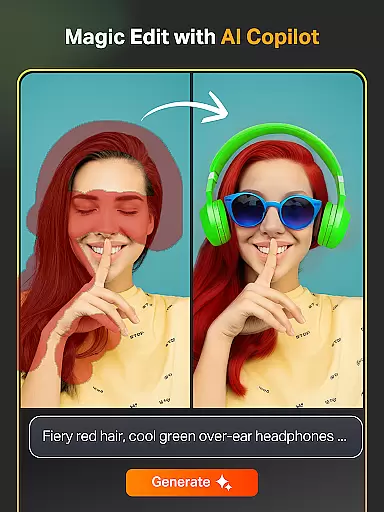
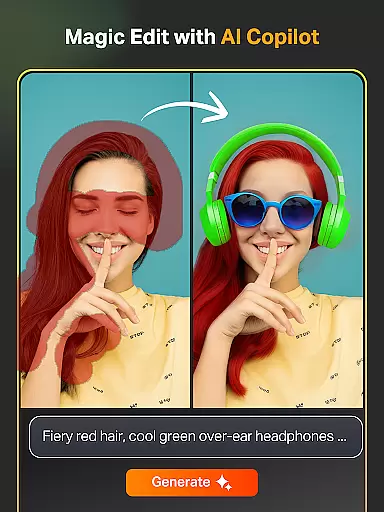
The app stands out with its professional-grade tools such as Text to Image AI, Sketch to Image AI, and Magic Edit AI, which allow effortless transformation of simple prompts into complex artworks. Whether you're looking to revamp colors, add objects, or expand your canvas seamlessly, SketchPro's AI capabilities ensure precision and creativity without compromising quality.
Designed for professionals, SketchPro also includes practical utilities like smart shapes, gradient tools, and an extensive library of shapes and symbols. These features make it not only a tool for creating art but also a platform for organizing and saving digital artwork efficiently. Cloud syncing and time-lapse playback further enhance its utility, making it indispensable for modern digital artists.
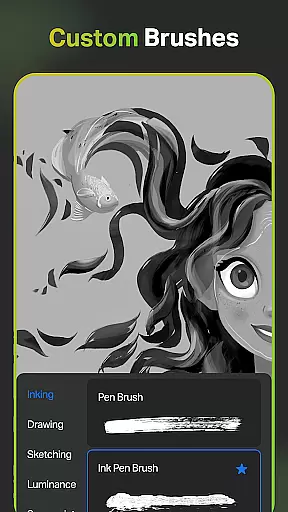
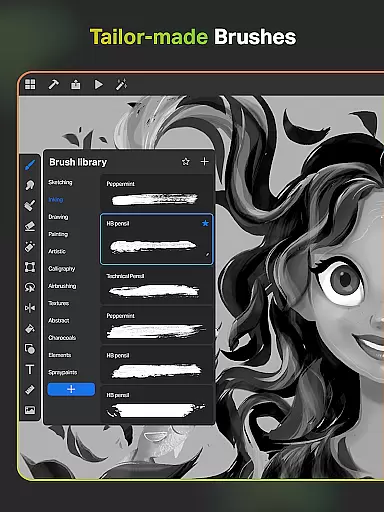
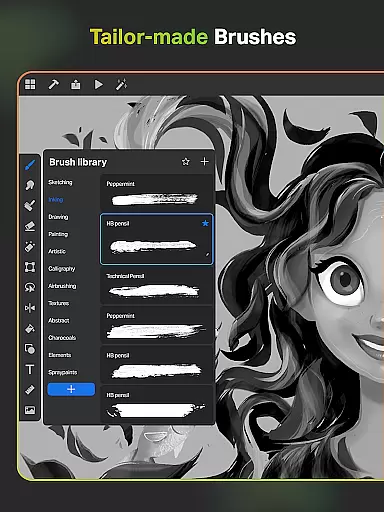
SketchPro boasts an impressive array of features designed to cater to the needs of professional digital artists. At its core, the app provides a range of customizable brushes that include options for sketching, painting, doodling, and illustrating. Artists can tailor these brushes to fit their unique style, save favorites for quick access, and utilize the Free Roller Brush with over 100 patterns for intricate designs.
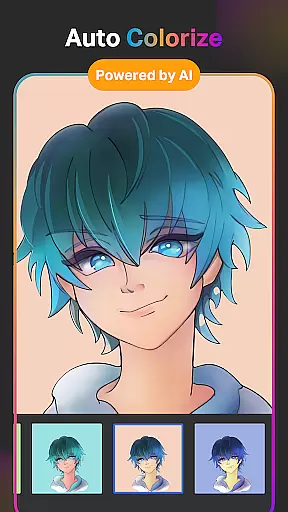
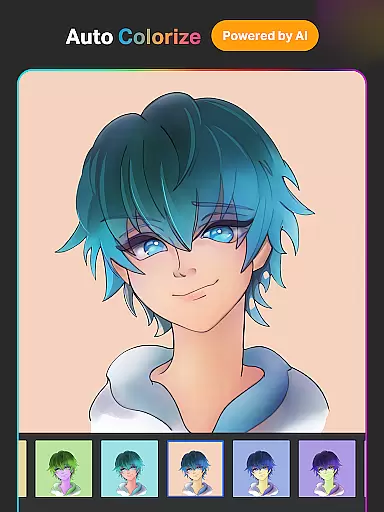
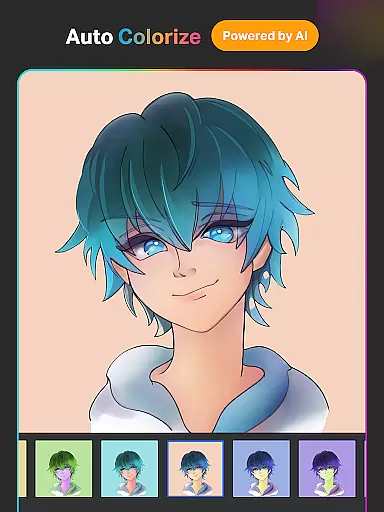
Beyond traditional tools, SketchPro incorporates cutting-edge AI technology to revolutionize digital art. The Text to Image AI tool allows users to generate artwork from simple text prompts, while the Sketch to Image AI transforms hand-drawn sketches into polished images. Additional AI tools such as Magic Edit, Auto-Coloring, and Expand Artwork enable detailed edits, automatic coloring, and canvas expansion respectively, ensuring high-quality results every time.
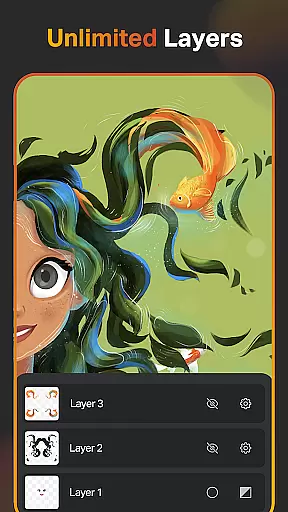
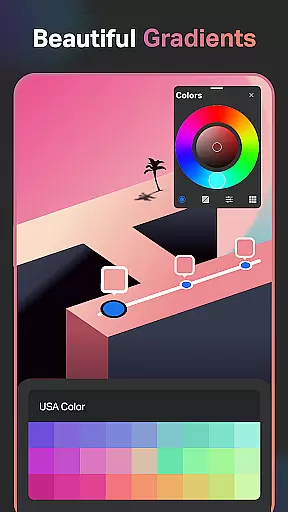
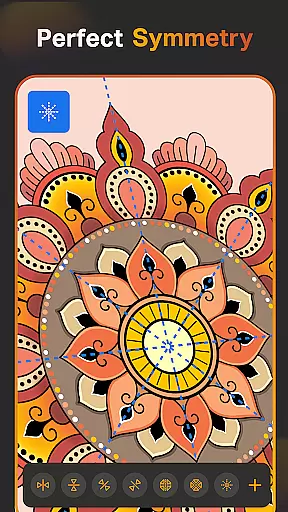
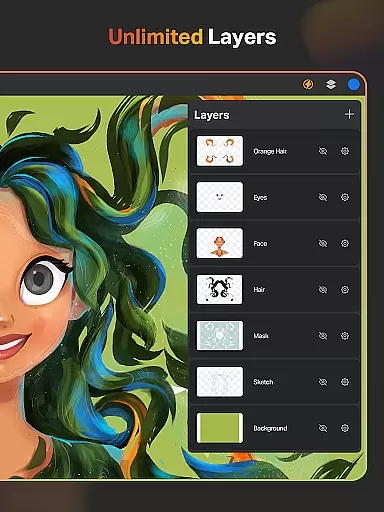
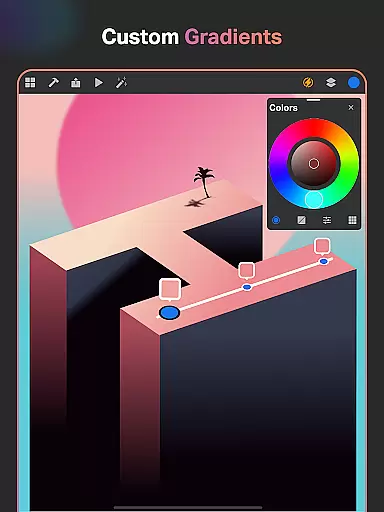
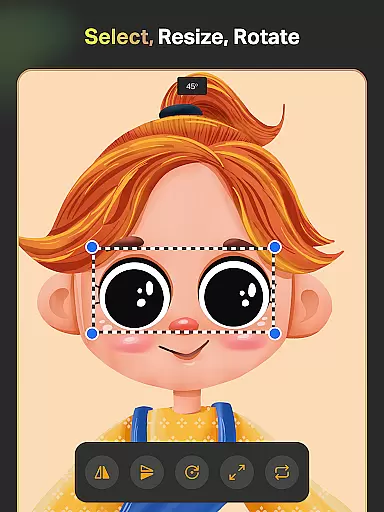
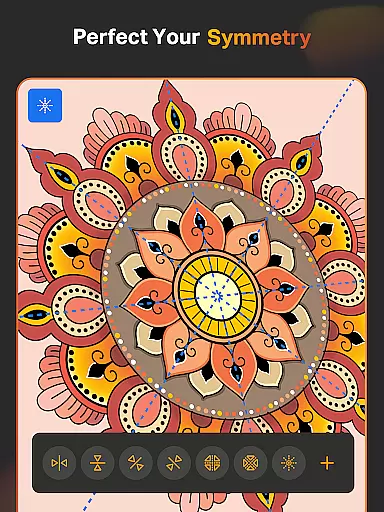
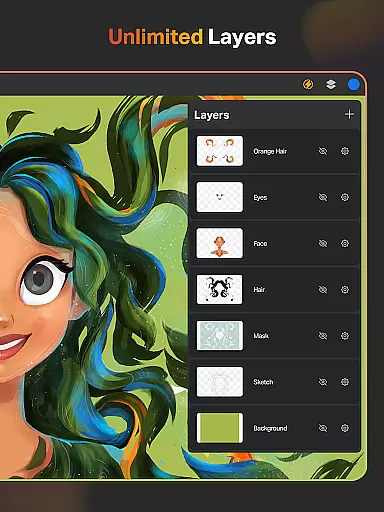
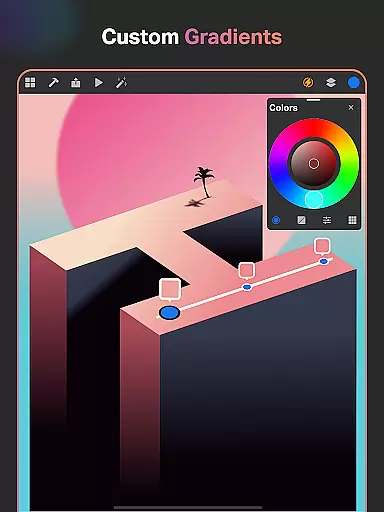
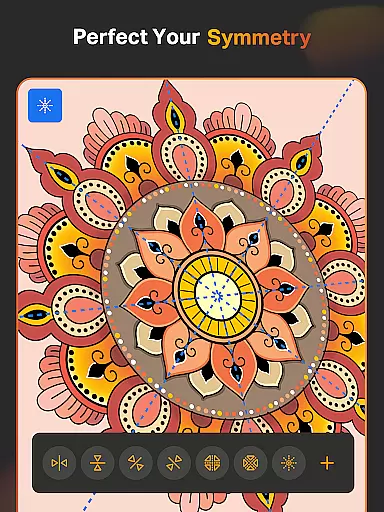
For those focused on design and illustration, SketchPro offers advanced functionalities like Smart Shapes, Symmetry Tools, and Gradient options. The layer system supports unlimited layers, rasterization, duplication, merging, and various editing options, providing unparalleled control over projects. Coupled with text tools, color palettes, shape libraries, and essential utilities like smudge tools and fill buckets, SketchPro equips artists with everything needed to bring their visions to life.
In the realm of digital artistry, having a comprehensive suite of creative tools is paramount. SketchPro rises to this occasion by offering an extensive array of features tailored for professional artists. The application includes customisable brushes that cater to various artistic needs such as sketching, painting, and illustrating, ensuring that all pro digital artists can find their perfect match.
Moreover, SketchPro incorporates advanced AI drawing tools that significantly enhance the creative workflow. Artists can transform simple prompts into complex artworks with the Text to Image AI tool or revamp their creations using Magic Edit AI, which allows for color and object manipulation through straightforward commands. These AI-powered utilities not only streamline the artistic process but also open up new avenues for creativity and expression.
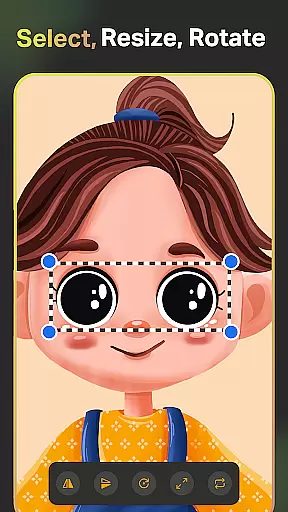
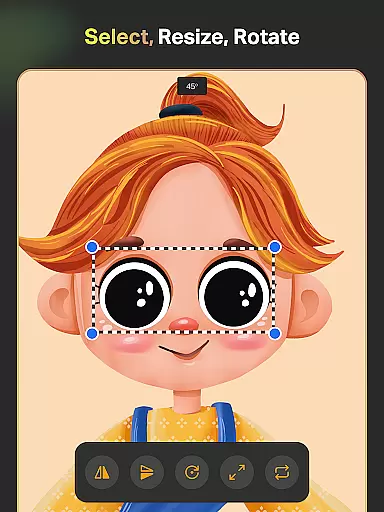
Beyond brushes and AI, SketchPro provides essential design tools like Smart Shapes, Symmetry Tool, Gradient options, and Layer Transform capabilities. These are complemented by a robust layer system with unlimited layers, text tools with customizable font styles, and an expansive color palette featuring a full color wheel. Such depth in functionality ensures that whether you're working on illustrations or graphic designs, SketchPro supports your vision from concept to completion.
The ability to work with flexible canvas sizes and formats is crucial for digital artists who need to adapt their work across different mediums and platforms. SketchPro addresses this need by providing users with a customizable canvas that can be tailored to fit any project requirements. This flexibility allows artists to seamlessly transition between creating detailed illustrations, expansive designs, or even quick sketches without being constrained by predefined dimensions.
In addition to canvas customization, SketchPro offers an intuitive interface where designers can easily manipulate layers, apply gradients, and utilize shape libraries consisting of over 15 categories of free shapes, signs, and symbols. With these resources at hand, artists have the freedom to experiment with compositions while maintaining precision and control over every element within their artwork.
Furthermore, SketchPro enhances productivity through its organizational features such as cloud syncing, automatic saving, and time-lapse playback. By securely storing drawings in the cloud, artists gain peace of mind knowing their work is safe and accessible from anywhere. Meanwhile, automatic saves prevent data loss, allowing creators to focus on their craft uninterrupted. Time-lapse playback adds another layer of engagement, enabling artists to review their creative journey and refine techniques based on past performances.
User-friendly interface
Advanced AI tools
Extensive brush library
Comprehensive layer system
Cloud syncing capability
Steep learning curve
High system requirements
Limited free features
Occasional bugs
Premium subscription cost

Customizable Outlined Fonts. Watch Face Format. Battery friendly Digital Clock.
 4.20
4.20
Digital Drawing: Draw & Paint
4.10
Remove Background, Magic Eraser, Photo Enhancer, Story Templates, Collage Maker
4.30
Your AI soulmate — meaningful chats, and unique emotional moments
4.70
Minecraft & Roblox Clothes
4.70
Get an overview over all your embroidery threads, projects and more.
4.60
Photo stitcher for automatically screenshot stitching into a long screenshot
4.70
Share the joy of painting with ibis Paint! Drawing anime and manga art.
4.50
Create cute cat emojis & PFPs! Fun, custom avatars for cat lovers.
3.70
Discover Cartoon Dream : Unleash Your Creativity with CuttingEdge AI
4.50
Create neon drawing with magic doodle and fun doodle art effects!
4.50
Everything you need to create hand drawn animation, anywhere you go!
4.40
Trace, draw, and create art with AR - from memes to masterpieces!
4.30
Nano Banana AI Image Generator, Anime Filter, AI Portrait, AI Photo Generator
4.30
AR Anime Drawing: How to draw anime with AR drawing & sketching apps!
4.00
Your homescreen as an elegant glass with customized blur, lighting, and visuals.
3.70
Apply cartoon, caricature, and portrait effects to make your photos stand out!
3.60
AI Assistant, powered by ChatGPT GPT-4 & GPT-4o. Your intelligent companion.
3.50
Android 14 style widgets and wallpapers app.
4.4


User Reviews