
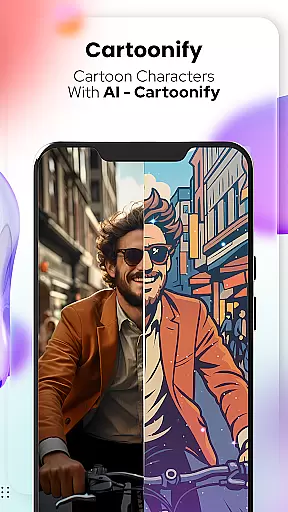
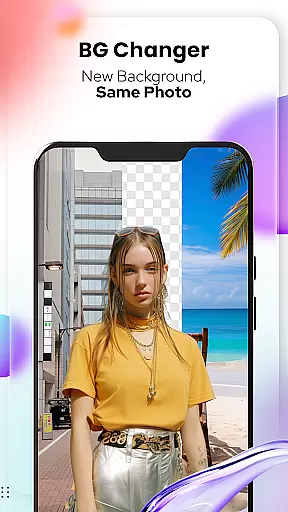
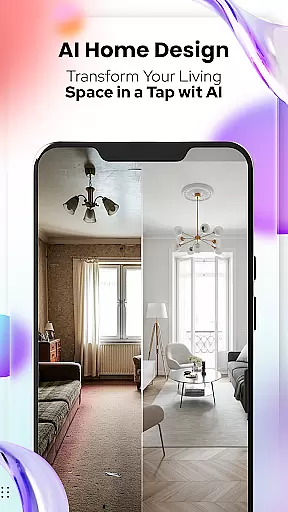
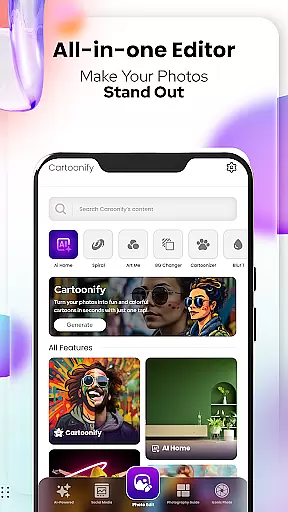
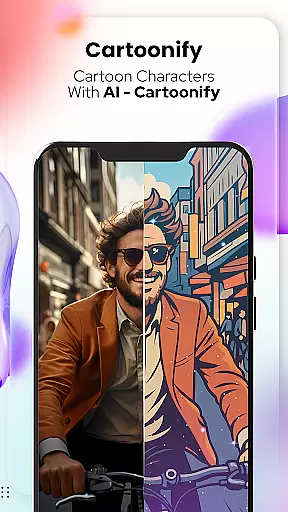
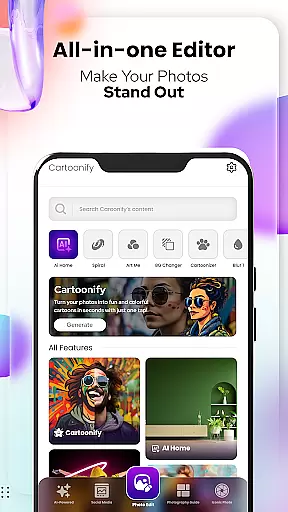
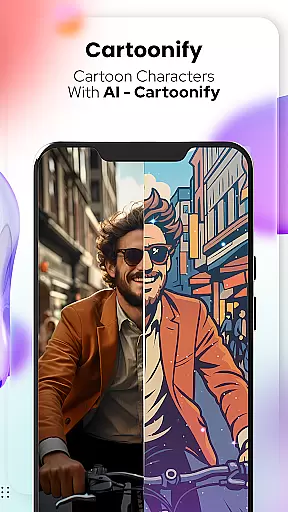
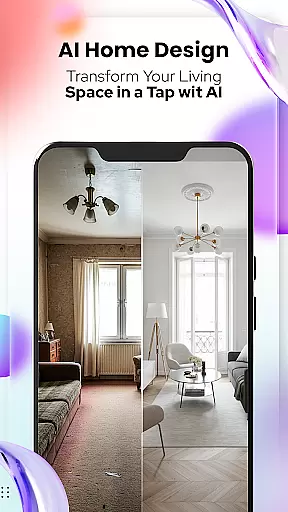
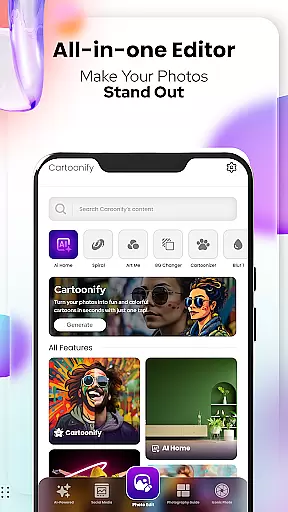
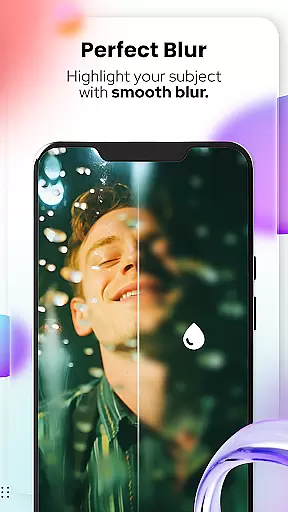
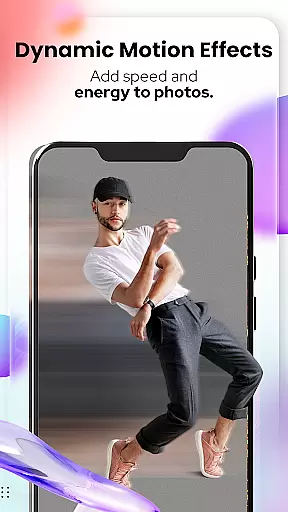
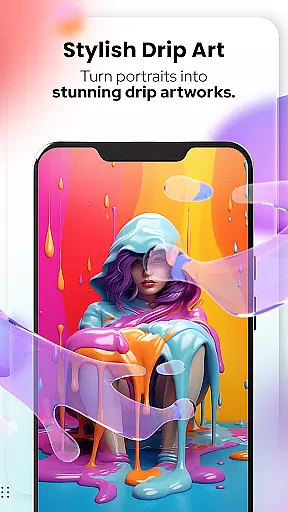
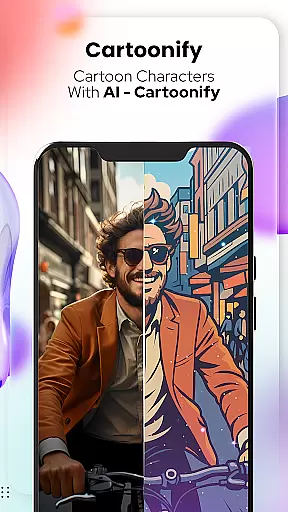
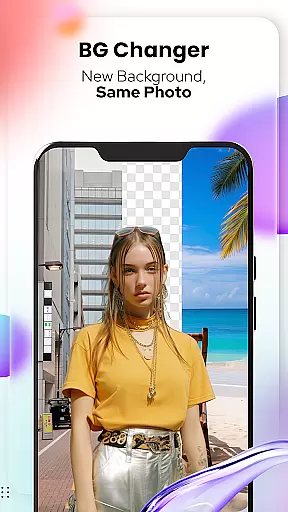
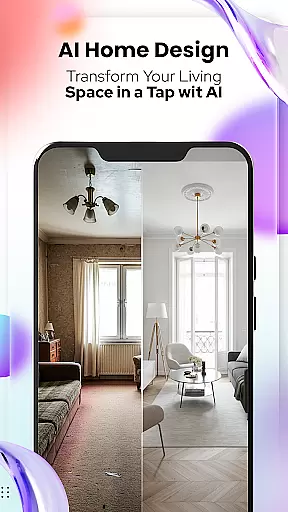
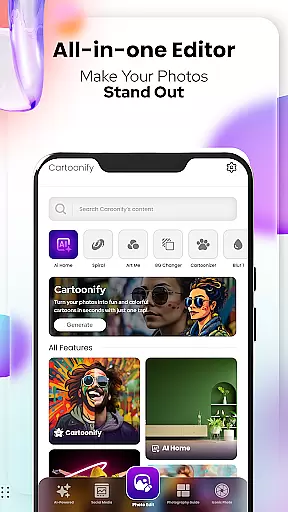
Cartoon Photo Editor - Toon Art is an innovative photo editing application designed for creative enthusiasts who want to transform their images into stunning cartoon-style artworks. The app offers a range of powerful features including Cartoonify, which turns any image into a fun cartoon portrait, and Art Me, providing various artistic filters for a professional touch.
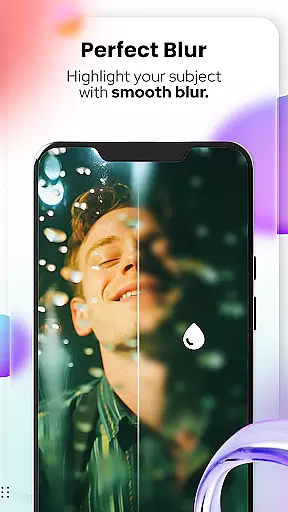
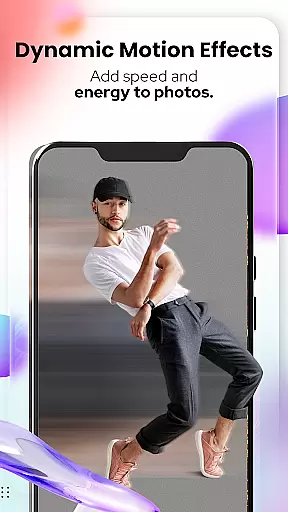
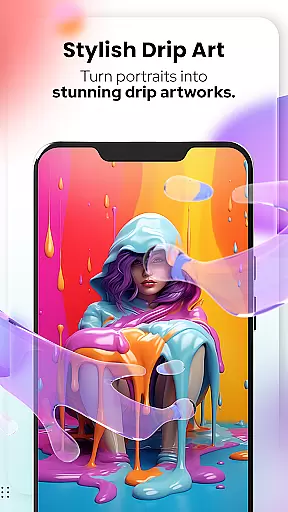
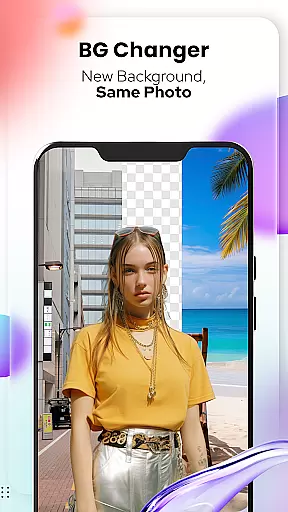
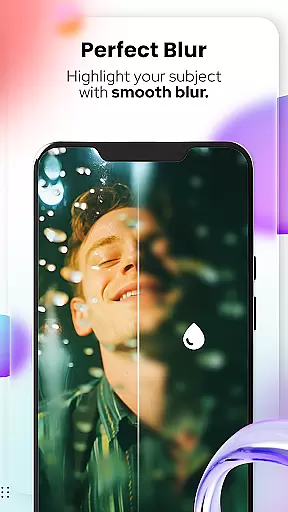
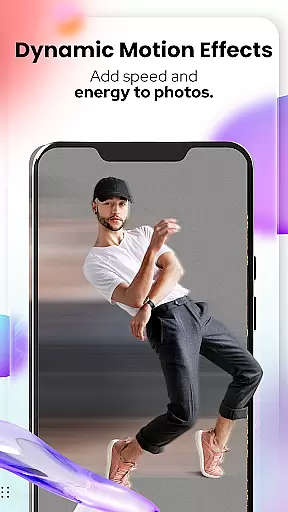
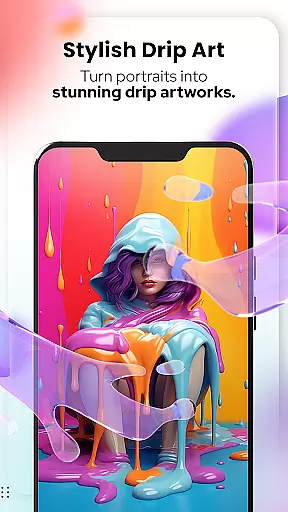
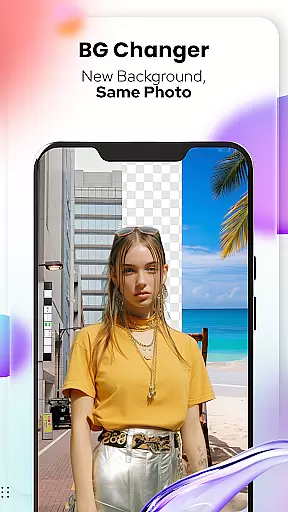
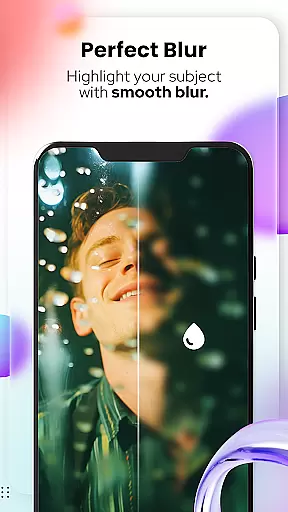
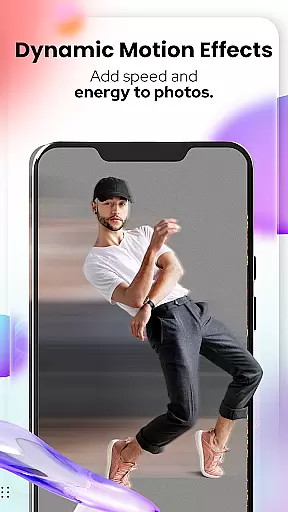
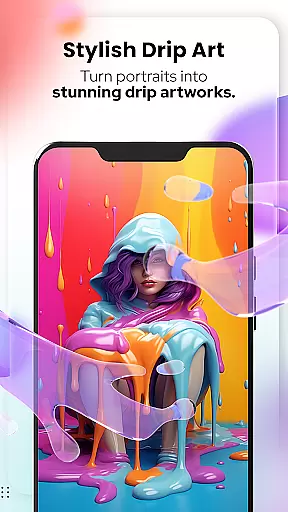
In addition to human portraits, the app includes Pet Cartoonizer for creating charming caricatures of pets, Background Changer for easy background modifications, and Sketching for hand-drawn pencil effects. With newly added photo editing tools like Blur, Motion Effects, Spiral, Drip, and more, users can take their photo edits to the next level while enjoying complete creative freedom.
This versatile app is perfect for social media enthusiasts, pet lovers, and anyone looking to add an artistic flair to their photos. Whether you're creating profile pictures or simply exploring your creativity, Cartoon Photo Editor - Toon Art delivers professional-grade results with just a few taps.
Cartoon Photo Editor - Toon Art stands out with its diverse set of creative tools tailored for both casual users and design enthusiasts. The Cartoonify feature uses advanced algorithms to convert regular photos into vibrant cartoon-style images within seconds, making it ideal for social media content creation. Meanwhile, the Art Me function provides a selection of breathtaking art filters that give portraits a unique, polished look.
Pet lovers will appreciate the Pet Cartoonizer tool, which applies a soft pastel effect to pet photos, turning them into adorable caricatures. The Background Changer simplifies the process of removing or replacing backgrounds, allowing users to focus on enhancing their main subject. Additionally, the Sketching feature transforms images into detailed pencil sketches, mimicking the appearance of hand-drawn art without requiring any technical skills.
The app also includes advanced photo editing tools such as Blur & Motion Effects, Spiral & Drip transformations, Mosaic overlays, and precise Text adjustments. These features ensure that users have everything they need to create visually striking compositions while maintaining full control over their creative process.
In the realm of digital artistry, having a comprehensive suite of creative tools is essential for unleashing one's full artistic potential. Cartoon Photo Editoruff0dToon Art offers an extensive array of features that cater to both amateur doodlers and professional artists alike.
From the Cartoonify feature that ingeniously transforms any uploaded image into a delightful cartoon-style portrait, to the sophisticated Art Me option which bestows users with the power to apply stunning art styles onto their portraits, this app ensures every creative whim is accounted for.
Additionally, the inclusion of specialized tools such as Pet Cartoonizer for your beloved pets, Background Changer for those in need of a fresh scene, and Sketching for hand-drawn art aficionados, means that no matter the project, Cartoon Photo Editoruff0dToon Art has the right tool for the job.
By providing these varied and powerful options, users can explore new dimensions of digital creativity, elevating their work from mere images to personalized masterpieces.
A canvas in the digital world is only as good as its ability to adapt to the artist's vision. With Cartoon Photo Editoruff0dToon Art, flexibility is at the forefront, allowing creators to modify their canvas and format to suit their specific needs.
The app provides innovative functionalities like Background Remover/Changer, enabling artists to seamlessly alter their canvas backdrop with just a few taps. This feature is crucial for integrating subjects into different scenes or creating focused compositions.
Moreover, advanced editing tools such as Blur & Motion Effects, Spiral & Drip Effects, and Mosaic, Splash & Brush open up a myriad of possibilities for image manipulation. These tools ensure that whether you're looking to add dynamism to your piece or experiment with abstract concepts, the app accommodates all.
Cartoon Photo Editoruff0dToon Art stands out by offering a malleable platform where creativity knows no bounds, empowering users to bring their unique visions to life without being constrained by rigid formats or canvas limitations.
User-friendly interface
Wide variety of filters
Fast processing speed
Unique pet cartoonizer
Advanced editing tools
Some features require payment
Ads may interrupt workflow
Free version has limitations
Occasional bugs reported
Learning curve for beginners

Art of Combination Wear OS Watch faces (for Wear OS 5+ devices)
 3.00
3.00
Custom Character Creator & PFP Maker!
4.20
AI Assistant, powered by ChatGPT GPT-4 & GPT-4o. Your intelligent companion.
3.50
AI Face Swap, Video Effects Editor, Realtime Morph, Funny Video FX,AI Filters
3.70
AR Anime Drawing: How to draw anime with AR drawing & sketching apps!
4.00
Android 14 style widgets and wallpapers app.
4.2
Your homescreen as an elegant glass with customized blur, lighting, and visuals.
3.70
Create and Design Custom Logos in Seconds with AI-Powered Tools!
4.40
Sketch and paint on your device with the feel and freedom of drawing on paper
4.00
2D animation studio for Android tablets - unlimited layers, infinite timeline
4.70
Draw on screen: FP sDraw is a simple and lightweight drawing app
4.70
Castle is social media for creating and playing games!
4.60
The perfect place to start sketching! Use Sketchbook to draw and paint sketches.
4.50
AI Tattoo Generator: Create Tattoo Designs & Get Ideas! Ink & Stencil Maker
4.50
Draw, make movies & animate cartoons easily with our 2D animation maker app
4.40
Customizable Outlined Fonts. Watch Face Format. Battery friendly Digital Clock.
4.20
Text to Image, Image to Video & AI Chat
4.20
Unleash Your Creativity with Draw Cartoon - AR Drawing App
4.10
Retouch photos. Create or edit images. Endless capabilities.
2.70


User Reviews