
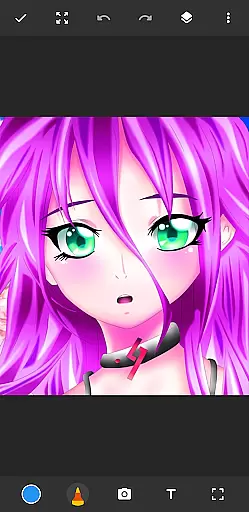
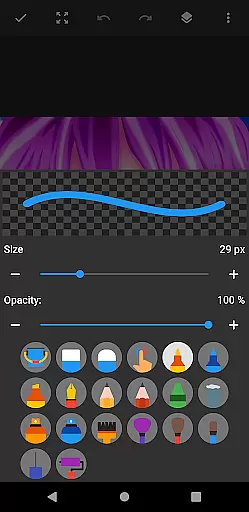
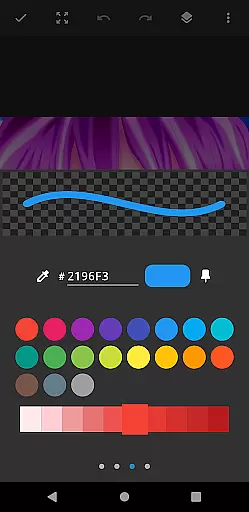
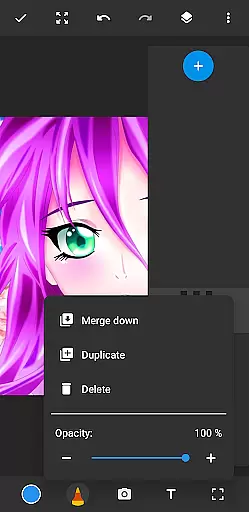
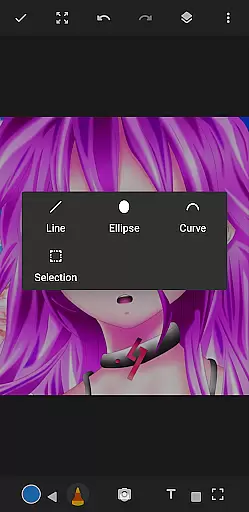
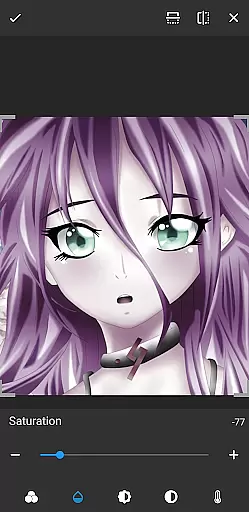
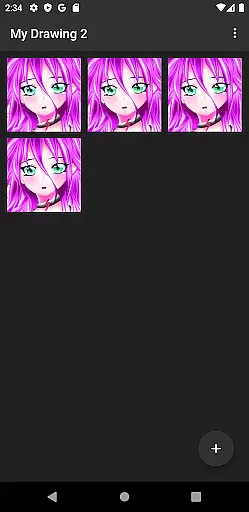
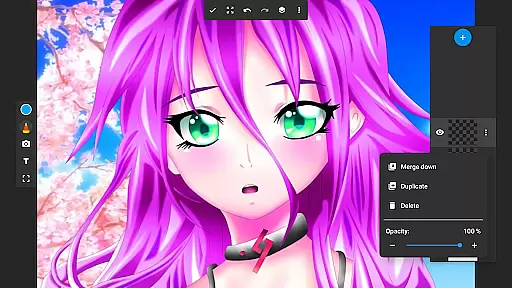
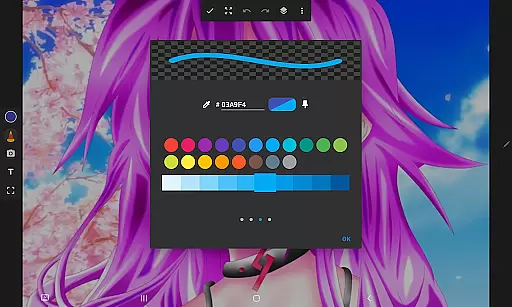
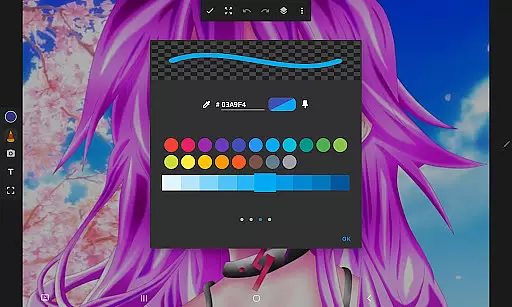
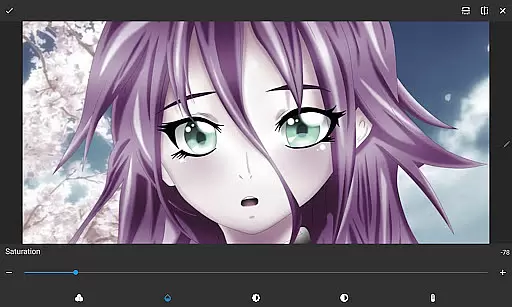
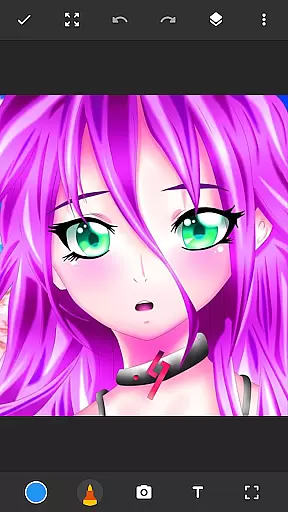
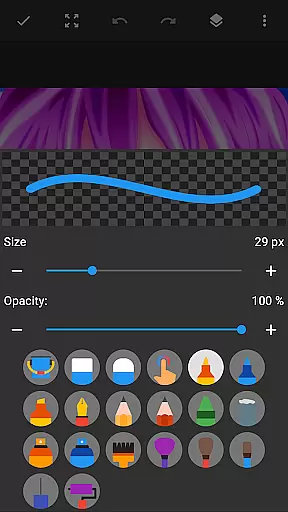
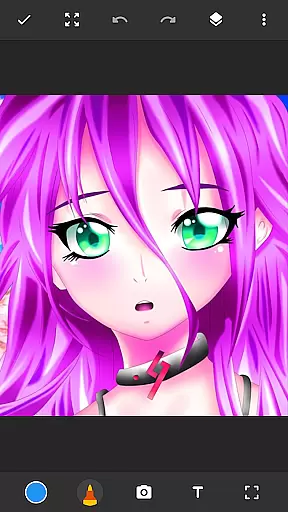
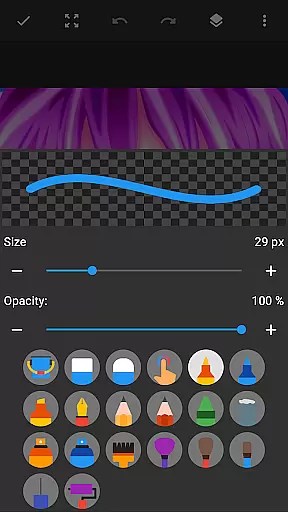
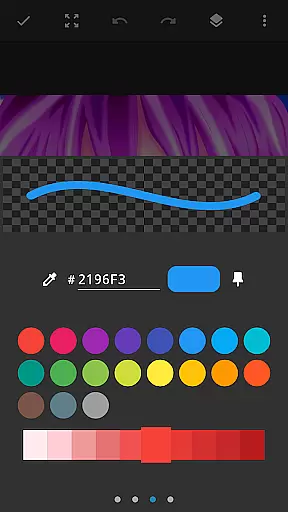
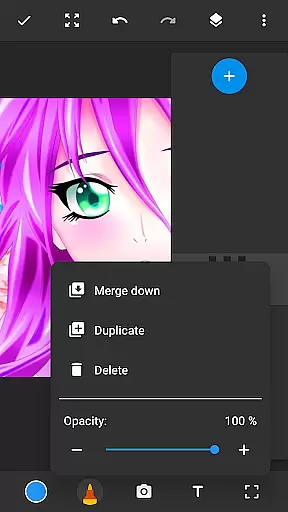
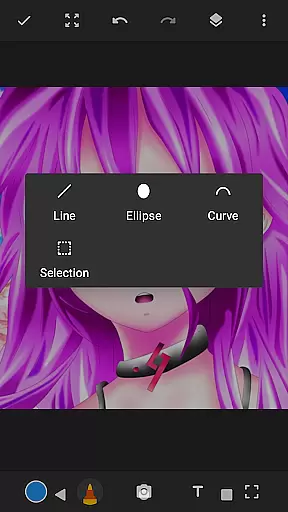
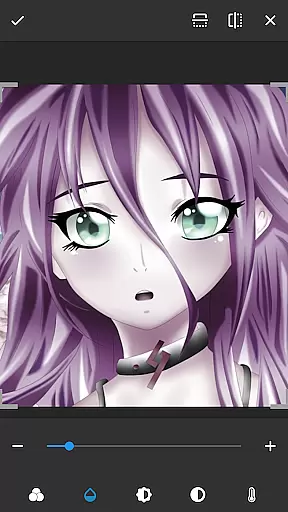
Drawing Pad Lite is a feature-rich digital art application designed for both beginners and experienced artists. This versatile drawing app provides an intuitive interface that mimics the experience of working with traditional tools while offering the advantages of digital technology.
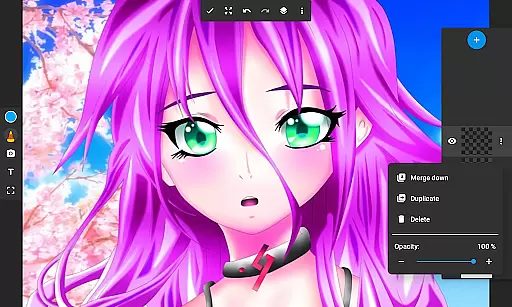
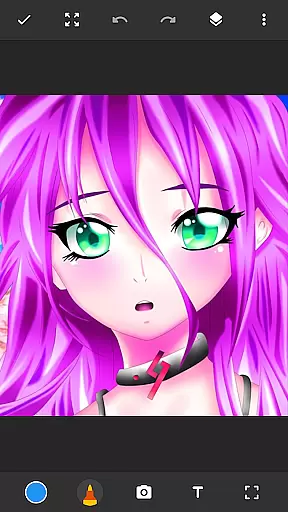
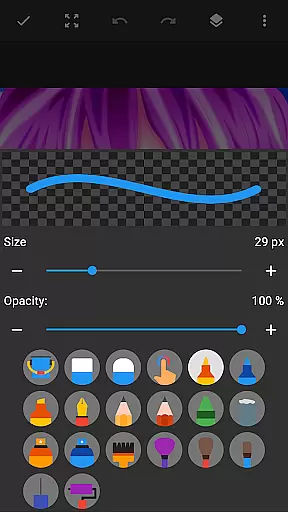
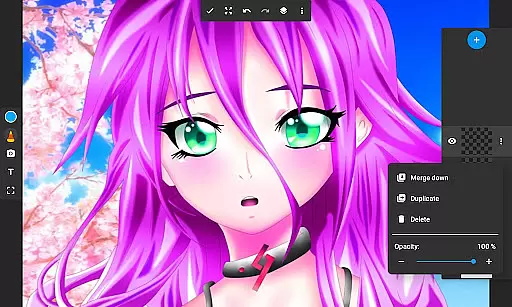
The app includes essential tools such as pencils, pens, markers, and brushes, each with customizable sizes and styles. One standout feature is the layer functionality, which allows users to organize their artwork in multiple layers, enabling non-destructive editing and greater creative control. Whether you're sketching simple doodles or creating detailed paintings, Drawing Pad Lite supports various artistic styles.
With its vibrant color palette and photo-drawing capabilities, this app is perfect for anyone looking to explore digital art. From casual doodlers to professional artists, Drawing Pad Lite offers a complete package for unleashing creativity on your mobile device.
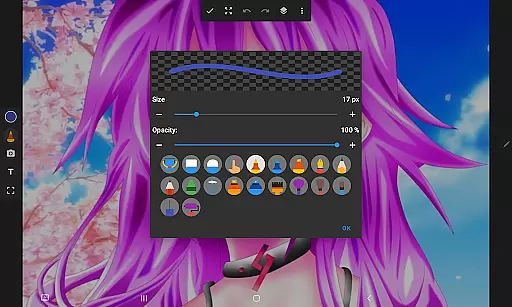
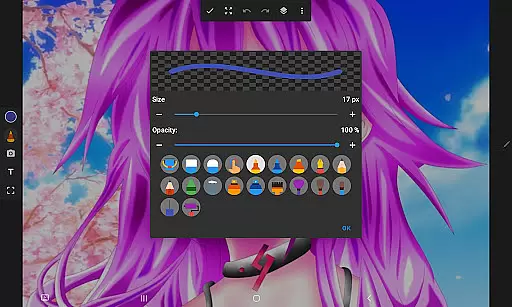
Drawing Pad Lite stands out with its comprehensive set of features tailored for digital artists. The app's brush engine provides diverse stroke styles, from realistic pencil textures to smooth digital brushes, all with adjustable parameters for size, opacity, and flow.
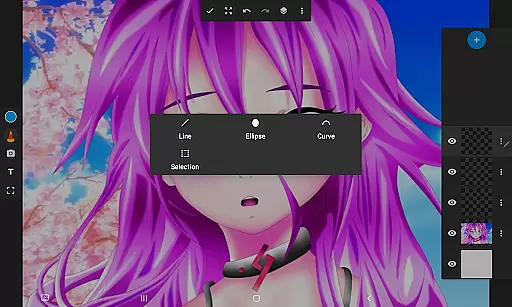
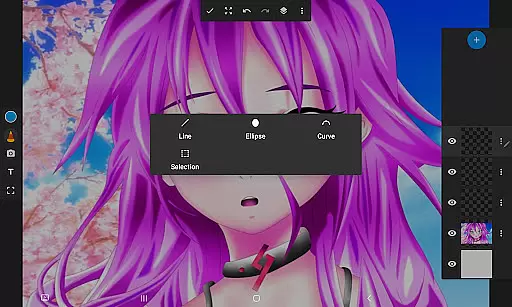
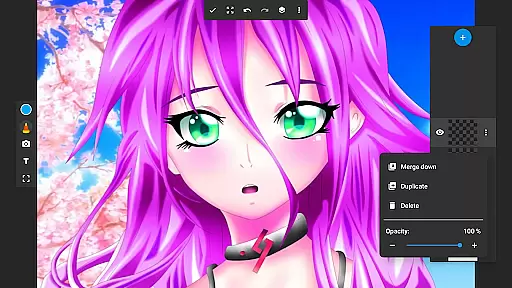
A key innovation is the layer system, allowing artists to separate elements of their artwork for independent editing. This feature supports complex compositions and experimentation without affecting other parts of the artwork. Additionally, the app includes essential drawing tools like erasers, color pickers, and blending modes.
The user interface is designed for ease of use, with quick-access toolbars and customizable workspaces. Advanced features include importing photos as backgrounds or references, exporting artwork in multiple formats, and maintaining image quality up to 64 megapixels. These capabilities make Drawing Pad Lite suitable for both quick sketches and professional-grade artwork.
In the realm of digital artistry, having a comprehensive suite of creative tools is paramount. Sketchbook Lite - Artbook rises to the occasion by offering an extensive array of brushstrokes, pencil types, and pen tools. This diverse selection empowers artists to experiment with different styles and techniques, from fine line work to bold, sweeping strokes.
The app's powerful brushstroke engine provides complete control over drawings and paintings, allowing users to adjust sizes and styles to match their artistic vision. Whether it's creating delicate watercolor effects or sharp, defined lines, this drawing tablet app ensures that every stroke translates into art exactly as intended.
Additionally, features like layers enhance the creative process by enabling artists to organize sketches efficiently. The ability to save digital art in layers allows for non-destructive editing and easy experimentation with various ideas without compromising the original work.
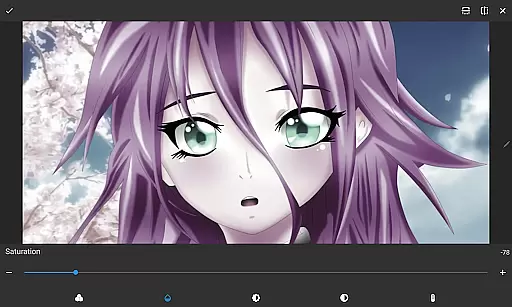
With Sketchbook Lite, artists can also draw on photos, adding another dimension to their creativity. This feature, combined with vibrant color options, makes it possible to produce intricate details and colorful artwork that truly stands out. By providing these robust tools, Sketchbook Lite positions itself as an indispensable companion for both budding and experienced artists.
Flexibility in canvas and format options is crucial for artists who wish to explore their creativity without limitations. Sketchbook Lite - Artbook understands this need and offers versatile solutions that cater to various artistic preferences. Users can choose from multiple canvas sizes and formats, ensuring that their digital art fits perfectly within their envisioned framework.
This drawing app supports layers, which revolutionizes how artists manage complex artworks. By allowing the creation of numerous layers, artists can separate elements of their work, making it easier to edit individual components without affecting the whole piece. Adjusting opacity and rearranging layers are seamless processes that enhance creative freedom.
Moreover, Sketchbook Lite enables drawing on photos, merging traditional photography with digital artistry. This feature opens up endless possibilities for customization and personal expression, letting artists overlay sketches onto real-world images for unique compositions.
Whether it's manga, anime coloring, or detailed paintings, Sketchbook Lite provides the flexibility needed to bring any artistic concept to life. With its adaptive canvas options and rich formatting capabilities, this app ensures that every artist has the freedom to create stunning visuals exactly as they imagine them.
User-friendly interface
Extensive brush options
Powerful layer system
Vibrant color selection
Photo integration feature
Limited free features
Occasional lag
No cloud backup
Ads in free version
Steep learning curve

Premium version of Shimeji-ee app with no ads & no limit active shimeji
 4.1
4.1
Transform photos into amazing monochrome dither art with professional algorithms
4.5
Art of Combination Wear OS Watch faces
4.5
Create stylish invitation cards using templates for weddings, birthdays & RSVP.
4.20
Resize photos and print photos in exact size with our powerful photo printer!
3.80
Experience next-gen icons with a modern liquid glass look.
3.60
Unleash the artist in you with our AR drawing and tracing tool for photo drawing
4.10
Create amazing pictures and unleash your creative genius with AR Drawing Sketch
4.40
AI-powered photo & video creation—fast, fun, and effortless with Quick Actions
4.60
Mobile pixel art editor. Simple. Fast. Portable.
4.80
Learn how to draw with step-by-step tutorials, fun lessons & multiplayer drawing
4.70
The ultimate tool for creating animations
4.60
Photo blender app to create overlay photos & double exposure.
4.40
AI generated images & photos, turn your words into drawing, painting & pictures.
4.30
Text to Image, Image to Video & AI Chat
4.20
Floor Plan Creator lets you create, edit and share floor plans.
4.00
Paint with oils and sketch with natural tools on a realistic virtual canvas.
3.80
Design unique, funny and adorable cat stickers that reflect your own style!
3.80
A luxurious gold watch face for an elegant and refined look.
4.5


User Reviews