
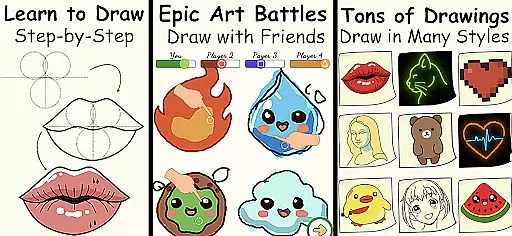
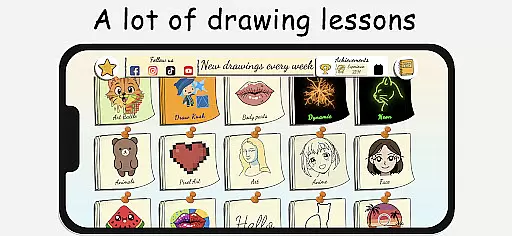
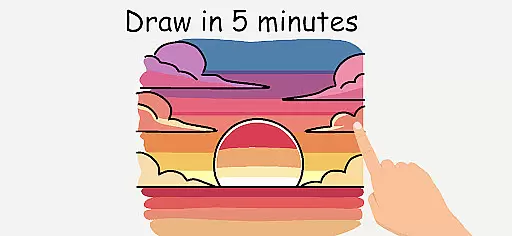
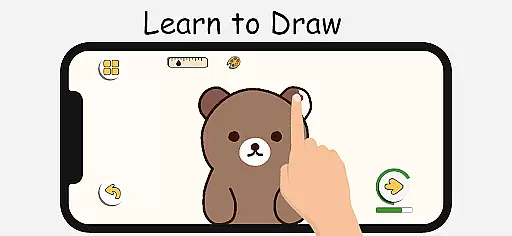
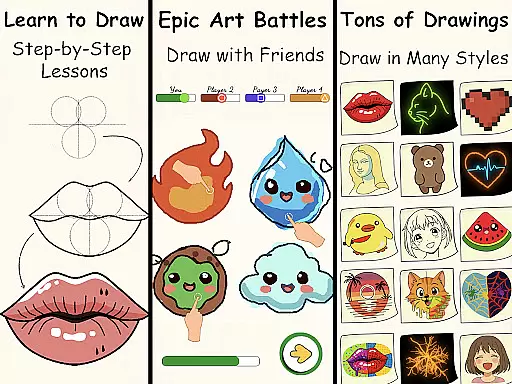
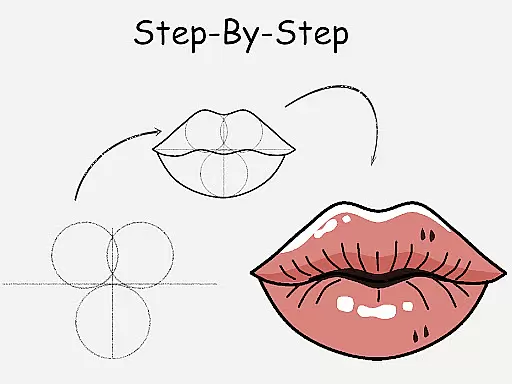
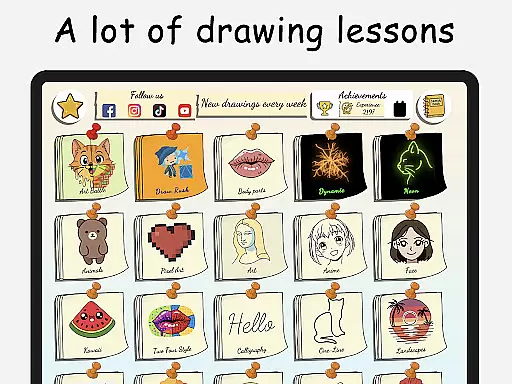
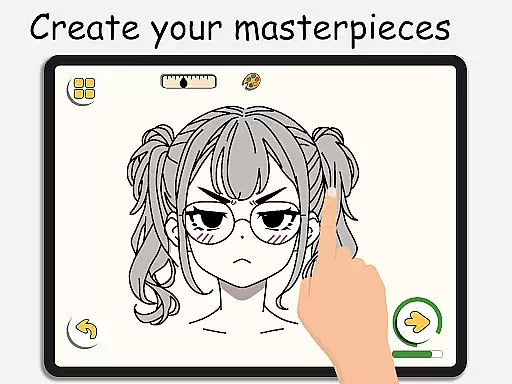
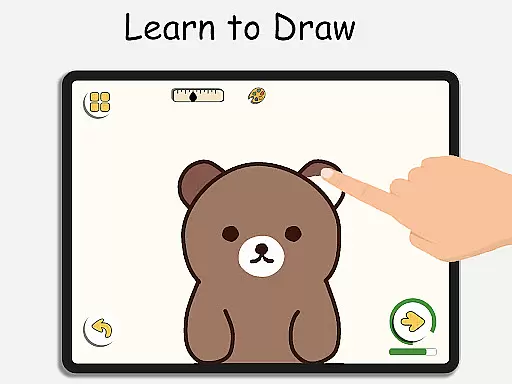
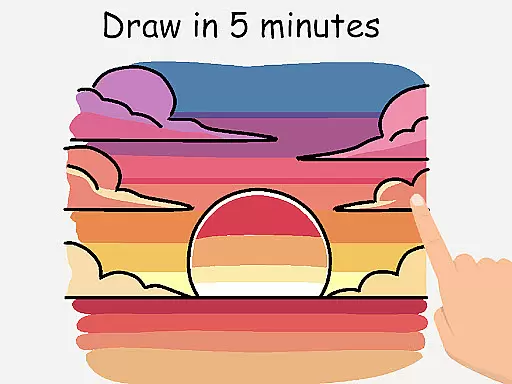
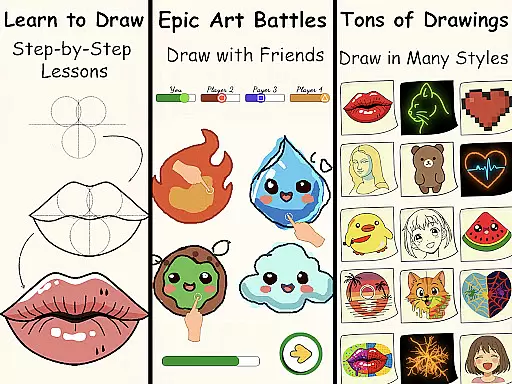
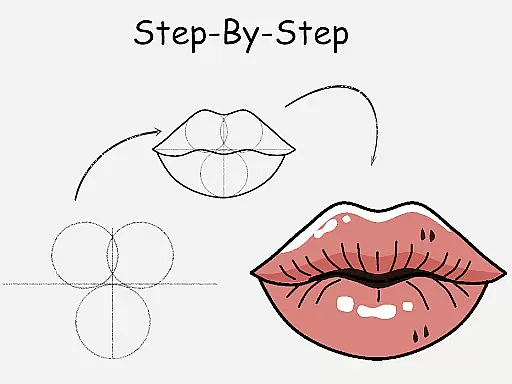
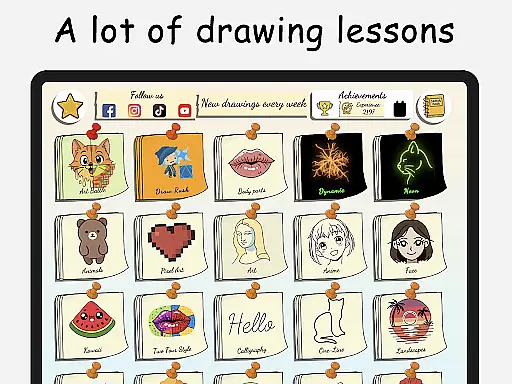
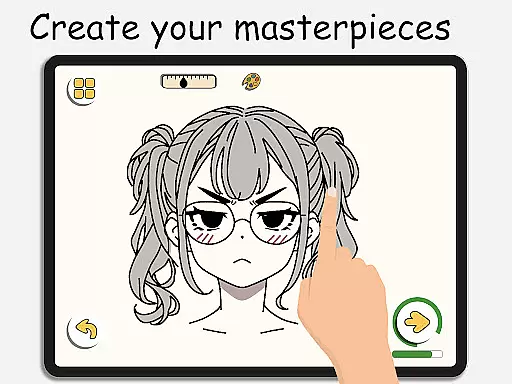
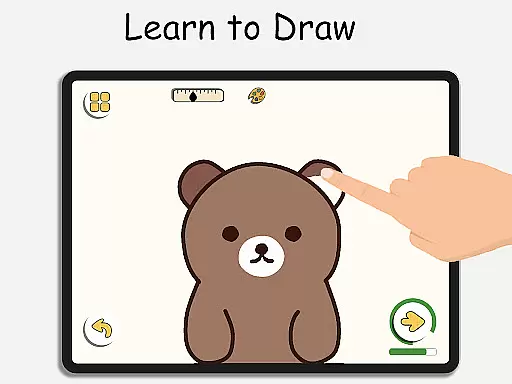
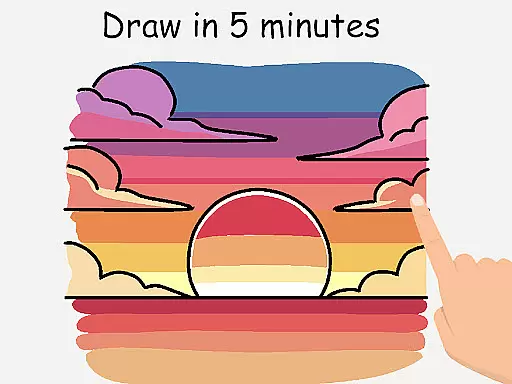
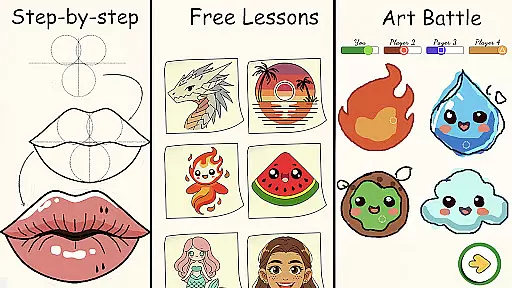
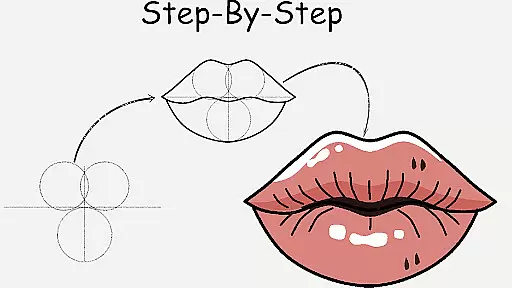
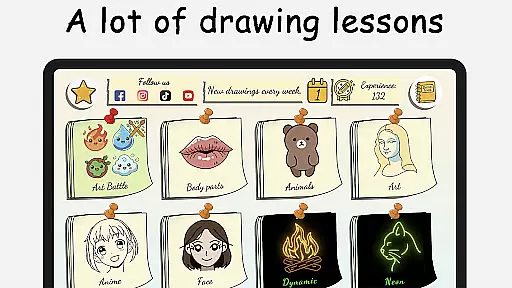
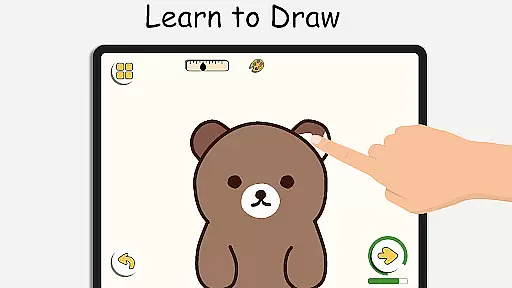
ArtLoop is a premier drawing application designed to help users learn and master the art of drawing through engaging step-by-step lessons and interactive features. The app caters to both beginners and experienced artists, offering a wide range of tutorials covering various subjects such as characters, animals, food, and anime. With its innovative multiplayer drawing battles, ArtLoop adds a competitive edge to the learning process, allowing users to challenge friends or random players in real-time drawing competitions.
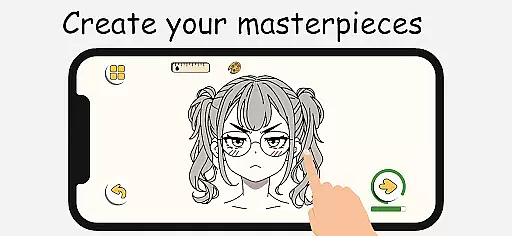
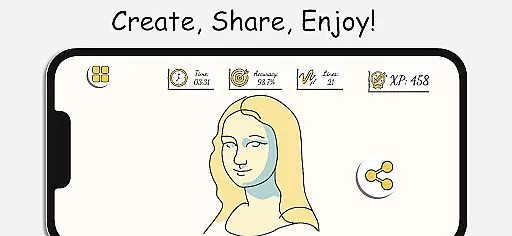
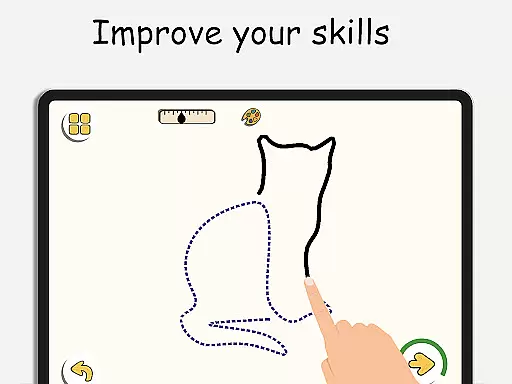
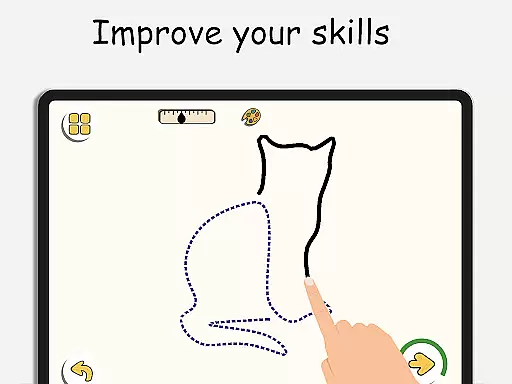
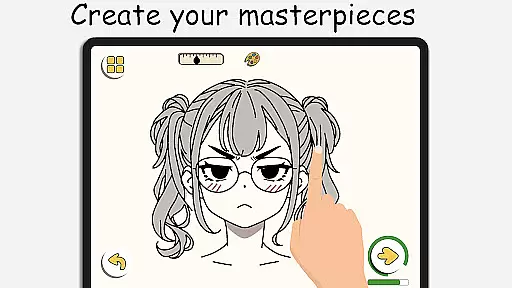
In addition to structured lessons, ArtLoop provides tailored learning paths that enable users to focus on specific areas of interest like sketching, anime, or cartoon drawing. The app also includes smart evaluation tools that track progress and analyze drawing accuracy, helping users refine their skills over time. Its intuitive interface and responsive drawing tools make it easy for anyone to create digital art with precision and ease.
One of the standout features of ArtLoop is its offline functionality, which allows users to draw and practice without an internet connection. This makes it an ideal choice for artists who want to sketch on the go. Whether you're a beginner looking to learn the basics or an experienced artist aiming to improve your technique, ArtLoop offers a comprehensive and enjoyable drawing experience that can be tailored to suit your individual needs.
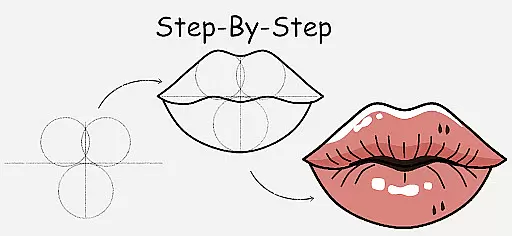
ArtLoop stands out in the Art & Design category due to its diverse and innovative features that cater to artists of all skill levels. One of its key features is the step-by-step drawing lessons, which guide users through the process of creating various types of artwork, from simple shapes to complex designs. These lessons are complemented by interactive challenges and daily practice exercises that help users build confidence and improve their drawing abilities at their own pace.
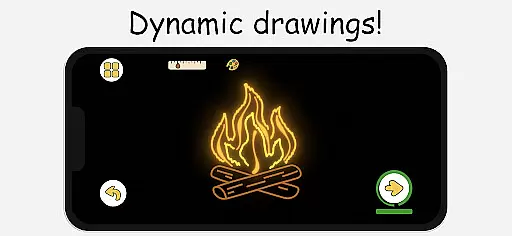
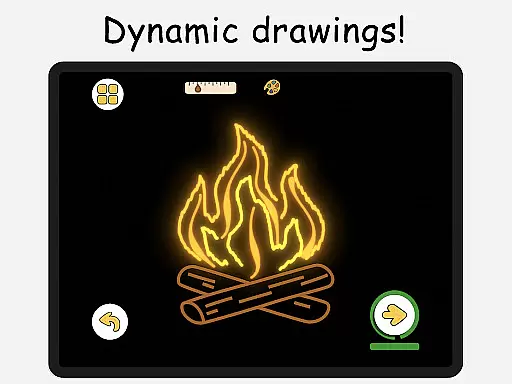
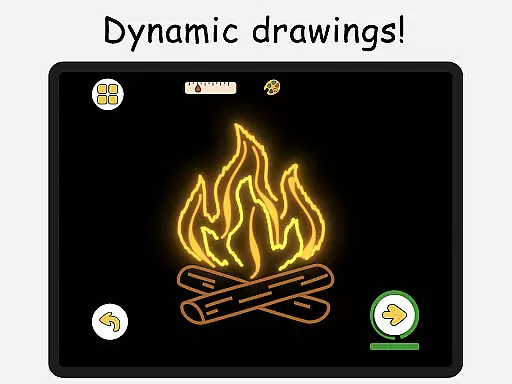
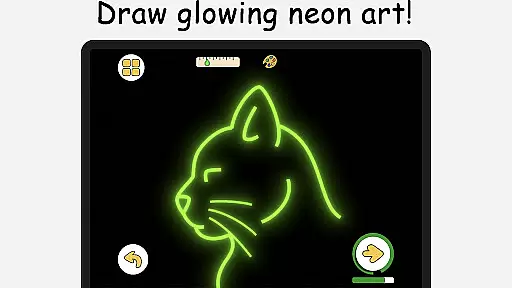
Another notable feature is the multiplayer drawing battles, where users can compete against each other in real-time drawing competitions. This not only adds an element of fun but also serves as a motivational tool to enhance drawing speed and accuracy. Additionally, ArtLoop offers pixel art mode and neon drawing options, providing users with creative ways to experiment with different styles and effects. The app's quick draw and speed draw challenges further push users to think fast and refine their skills.
ArtLoop also includes a 'Draw With Friends' feature, allowing users to collaborate in private rooms for real-time sketching sessions. This fosters a sense of community among users and encourages artistic collaboration. With its intuitive drawing tools, offline functionality, and tailored learning paths, ArtLoop ensures that users have everything they need to explore their creativity and grow as artists.
In ArtLoop, the creative tools provided are comprehensive and versatile, ensuring that users of all skill levels can find what they need to create stunning artwork. The app includes a virtual sketchpad for basic drawing, detailed editing features for fine-tuning, and specialized modes such as Pixel Art and Neon Drawing.
Pixel Art Mode offers grid-perfect drawing with snap-to-grid tools and quick-fill coloring, ideal for creating retro sprites, icons, and game characters. Meanwhile, Neon Drawing allows users to create vibrant, glowing art with luminous brushes that make every stroke pop with built-in glow effects.
For those looking to challenge themselves, Quick Draw & Speed Draw Challenges provide timed sketch rounds that enhance accuracy and fast thinking. These features not only refine skills but also add an element of fun and competition to the learning process.
The inclusion of these varied and powerful tools ensures that ArtLoop is suitable for both beginners and experienced artists, offering artistic freedom and opportunities for growth in digital art creation.
ArtLoop stands out by providing exceptional canvas and format flexibility, allowing artists to customize their workspace according to their specific needs. Users can choose from various categories like cute animals, food, flowers, and anime eyes, each offering short, focused lessons that cater to different interests and skill levels.
The app supports offline drawing, which means artists can work on their creations anywhere, without the need for Wi-Fi. This feature ensures that inspiration is never hindered by connectivity issues, making it convenient for users to practice and improve their skills at their own pace.
Additionally, ArtLoop's compatibility with different drawing stylesu2014from simple doodles to complex anime and realistic artu2014ensures that users have the freedom to explore and experiment within a single platform. This adaptability makes it one of the best free apps for learning how to draw on mobile.
By combining tailored learning paths with flexible drawing tools, ArtLoop empowers users to pursue their artistic journey with confidence, knowing they have the resources to grow and succeed in their creative endeavors.
User-friendly interface
Comprehensive tutorials
Multiplayer drawing
Offline functionality
Smart evaluation tools
Limited advanced tools
Occasional bugs
Ads in free version
Basic UI design
Few premium features

Create sweet, cool and unique couple avatars easily, in just a few steps!
 3.40
3.40
Text to Image, Image to Video & AI Chat
4.20
Logo Generator powered by AI: Create stunning logos effortlessly!
4.70
Make your phone cooler and have a fantastic experience
4.80
Digital, Abstract, Classic - all types of color wheels in one app!
4.60
Turn your drawings into flipbook-style animations with simple creative tools
4.60
Art of Combination Wear OS Watch faces (for Wear OS 5+ devices)
3.90
Draw, fidget, and spin glow art! Relax and express your creativity with a finger
4.60
Multiplayer Drawing game, Coloring, Painting・Sketch, Handwriting・Paint, draw
4.30
Your AI soulmate — meaningful chats, and unique emotional moments
4.70
The ultimate tool for creating animations
4.60
Draw glowing spinners, relax, and spin your creative art
4.60
Image resizer to resize, crop, rotate, flip, change dpi photo or picture in bulk
4.60
Create Logos, Tattoos, AI Art & more with our AI Photo Generator & Design Editor
4.20
Design unique, funny and adorable cat stickers that reflect your own style!
3.80
AI Assistant, powered by ChatGPT GPT-4 & GPT-4o. Your intelligent companion.
3.50
Draw anime easily with AR guidance, sketch templates & trace tools!
3.10
Premium version of Shimeji-ee app with no ads & no limit active shimeji
4.2
A luxurious gold watch face for an elegant and refined look.
4.3


User Reviews