
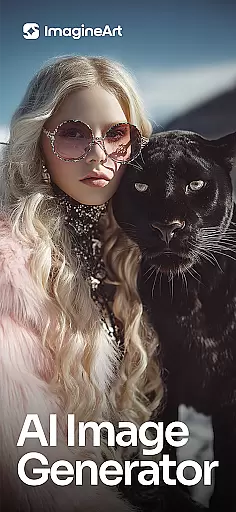
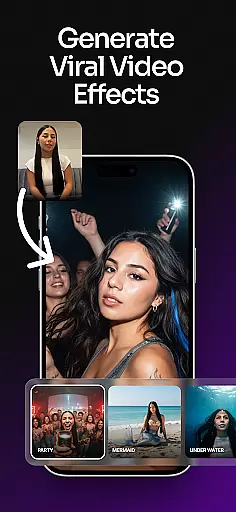
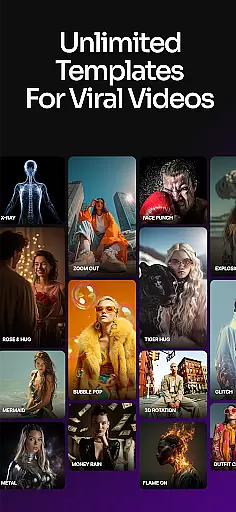
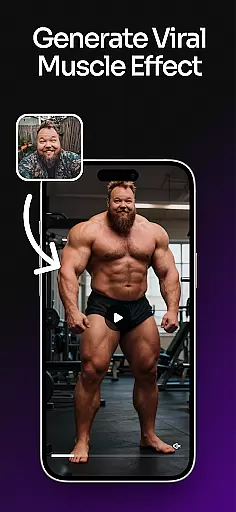
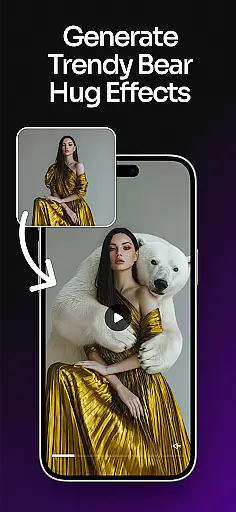
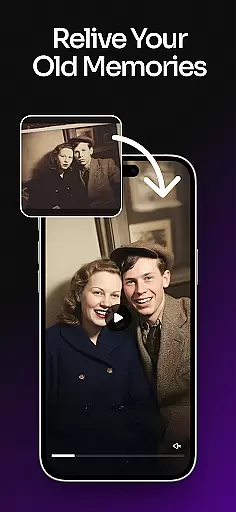
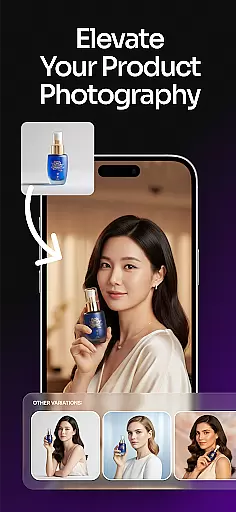
ImagineArt is a comprehensive AI-powered art design studio that enables users to create stunning visuals across various formats, including images, logos, posters, and more. With its advanced Generative AI capabilities, the app caters to both professional designers and casual users seeking an intuitive creative platform. Whether you're designing marketing materials for business or crafting personal artwork, ImagineArt offers versatile tools to meet your needs.
The app stands out with its ability to generate high-quality designs through simple text prompts, making it accessible even to those without prior design experience. Its powerful features include customizable templates, AI-driven editing tools, and seamless integration with social media platforms. This combination of functionality and ease-of-use makes ImagineArt an invaluable resource for anyone looking to produce professional-grade visuals from their mobile device.
ImagineArt distinguishes itself through an impressive array of features designed to streamline the creative process. The app's AI Image Generator allows users to produce multiple design variations quickly, while offering precise control over styles, sizes, and color adjustments. With over 100 categories of AI-generated templates, users can jumpstart their projects with pre-designed layouts tailored for specific use cases, from social media content to business branding materials.
Advanced editing capabilities set ImagineArt apart from other design applications. The app's AI-powered tools enable users to make complex modifications with simple commands, such as replacing objects, adding elements, or adjusting image properties. Professional-grade features like 4K/8K upscaling, generative fill, and sophisticated text editing ensure that designs maintain exceptional quality across different mediums. Additionally, the built-in sharing functionality allows creators to instantly publish their work across major social media platforms, maximizing their reach and impact.
In the realm of digital art and design, having a comprehensive suite of creative tools is paramount. ImagineArt stands out by offering over 100 categories of AI templates, ensuring that whether you're crafting logos, designing posters, or personalizing stickers, there's a starting point tailored to your needs.
The application doesn't stop at templates; it extends into powerful functionalities such as Generative Fill for seamless object insertion or removal, Image Resize for adapting designs across different mediums, and Upscale Images for enhancing quality up to 4K or 8K without detail loss. These features collectively ensure that artists and designers have everything they need to bring their visions to life.
Moreover, with specialized tools like the AI Logo Generator and AI Photo Editor, users can refine their projects with precision. From adjusting layouts and experimenting with text fonts to applying filters and effects, ImagineArt equips creators with an all-encompassing toolkit that supports both creativity and professionalism in equal measure.
Flexibility in canvas and format options is crucial for accommodating diverse design requirements. ImagineArt excels in this area by allowing users to effortlessly resize images and adapt designs to fit various formats such as banners, wallpapers, or social media posts. This adaptability ensures that no matter the project scope or platform, your creations will always look their best.
Beyond simple resizing, ImagineArt offers advanced features like AI-powered image enhancement which allows scaling up designs while maintaining high-quality detailsu2014a boon for professionals who demand excellence in every pixel. The ability to incorporate elements such as text fonts, shapes, and stickers further enriches the creative process.
Whether you're designing intricate illustrations for books or dynamic visuals for Instagram, TikTok, and Facebook, ImagineArtu2019s flexible canvas and format capabilities empower you to customize dimensions and styles with ease. This versatility not only streamlines workflows but also amplifies creative freedom, making it an indispensable asset for modern designers.
User-friendly interface
Extensive template library
Powerful AI editing tools
High-resolution output options
Cross-platform compatibility
Subscription-based pricing
Internet connection required
Steep learning curve
Limited offline functionality
Premium feature restrictions

Sketch, plan, take notes and illustrate on an infinite canvas.
 4.20
4.20
Digital illustration drawing & painting pad app to paint Anime and Manga art
4.50
Create neon drawing with magic doodle and fun doodle art effects!
4.50
Photo blender app to create overlay photos & double exposure.
4.40
Create color palette from Image, RGB & RYB Color wheel harmonies, Color Scheme
4.50
Painting, drawing, & sketching
4.50
Novices can also easily complete diamond painting masters
4.70
Powerful home decoration & house design that allows you to design dream home.
3.80
Art of Combination Wear OS Watch faces (for Wear OS 5+ devices)
3.90
Convert image to JPG PNG HEIC PDF, support almost all kinds of image formats
4.70
Photo stitcher for automatically screenshot stitching into a long screenshot
4.70
Draw glowing spinners, relax, and spin your creative art
4.60
The perfect place to start sketching! Use Sketchbook to draw and paint sketches.
4.50
Everything you need to create hand drawn animation, anywhere you go!
4.40
Trace, draw, and create art with AR - from memes to masterpieces!
4.30
Sketch and paint on your device with the feel and freedom of drawing on paper
4.00
Design your dream room with AI. Get decor ideas & plan home interiors
3.90
Vidu is an AI video generator made for creators and aspiring makers.
3.30
Transform photos into amazing monochrome dither art with professional algorithms
4.0


User Reviews