
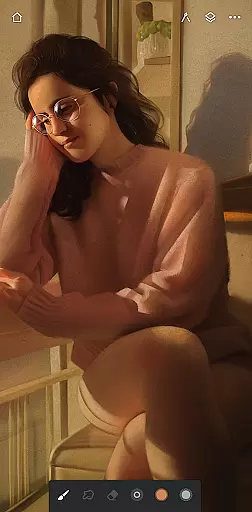
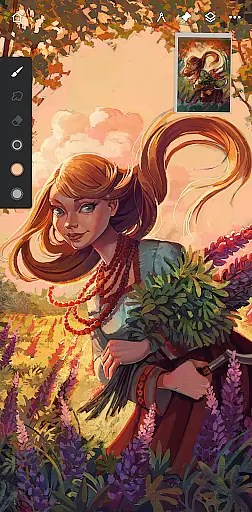
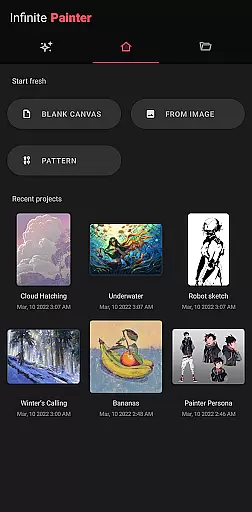
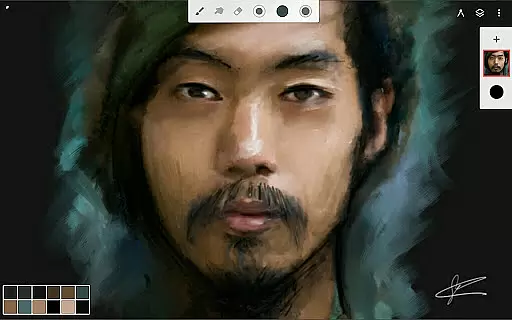
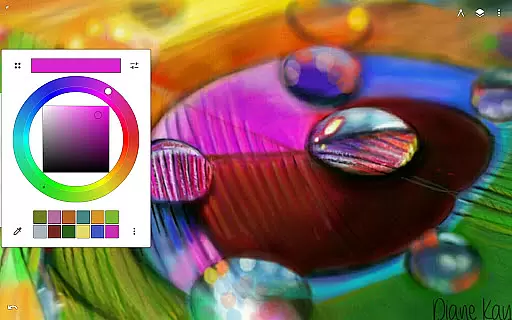
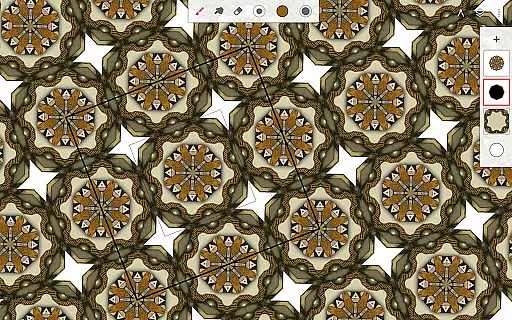
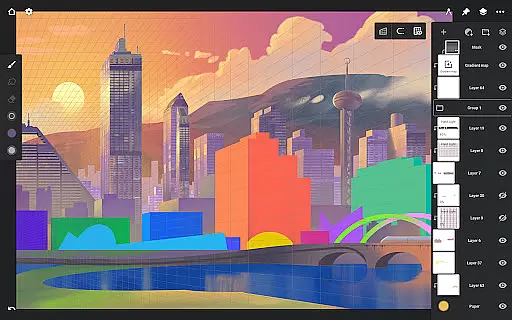
Infinite Painter is a premier digital art application designed for artists seeking professional-grade tools on their mobile devices. This award-winning app offers an extensive range of features including realistic brushes, advanced layer support, and customizable workspace, making it ideal for hobbyists and professionals alike.
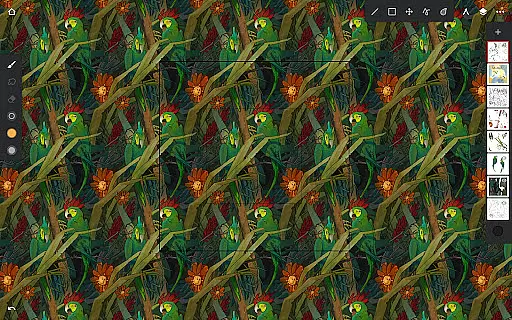
The app stands out with its intuitive interface that maximizes canvas space while minimizing clutter. With functionalities like 3D perspective guides, smart shape detection, and seamless pattern creation, Infinite Painter enables users to create intricate artworks with precision and ease.
Whether you're sketching, painting, or designing game art, this app provides all the necessary tools to bring creative visions to life. Its robust feature set includes 64-bit deep color support, industry-leading transformations, and over 40 live filter effects, ensuring high-quality results for any artistic endeavor.
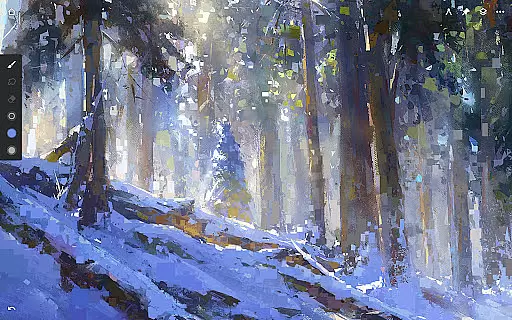
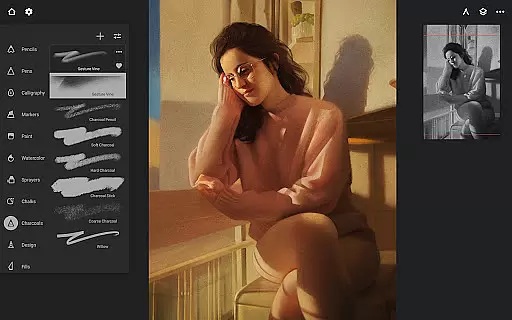
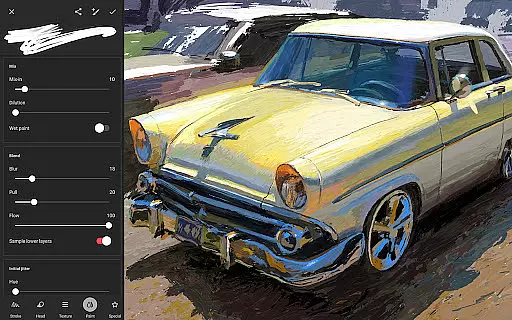
Infinite Painter boasts an impressive array of features tailored for digital artists. The app includes hundreds of built-in brushes with realistic canvas interaction, customizable settings, and support for stylus devices, offering unparalleled control over every stroke.
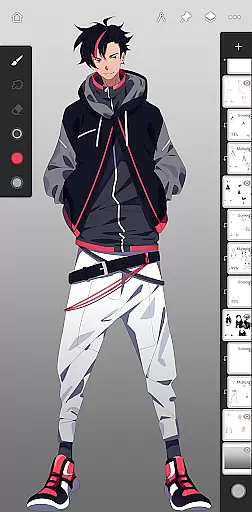
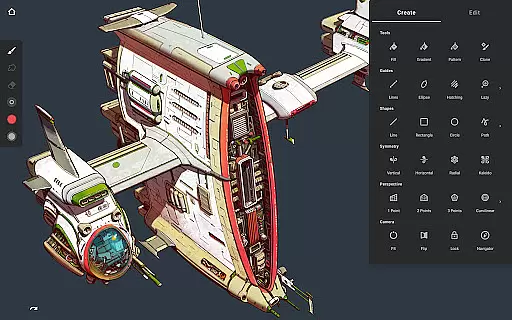
One of the key highlights is its powerful layer system with 30 blend modes, masks, and adjustment layers. Artists can work with HD canvas sizes, utilize professional tools like liquify and gradient maps, and take advantage of innovative features such as hatching guides and perspective tools.
The app's workflow acceleration tools are particularly noteworthy. Users can import reference images, search royalty-free resources, and export projects in various formats including layered PSD files. The built-in community sharing feature allows artists to showcase their work and discover inspiration from fellow creators.
Infinite Painter offers an extensive suite of creative tools that cater to both amateur and professional artists. The app includes hundreds of built-in brushes with realistic brush-to-canvas interaction, offering over 100 customizable settings. This allows users to fine-tune their tools to match their unique style and technique.
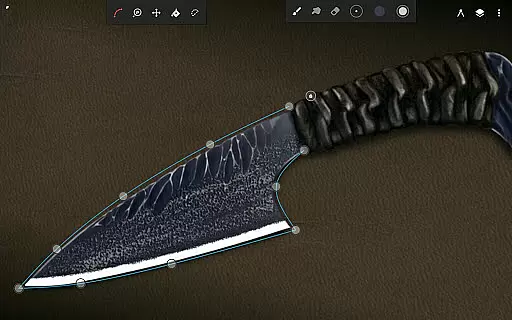
Beyond brushes, the app supports a variety of artistic needs with features like symmetry tools, guides, shapes, and smart shape detection. Artists can also leverage advanced perspective guides for creating 3D cityscapes or isometric game art, ensuring precision in every piece they create.
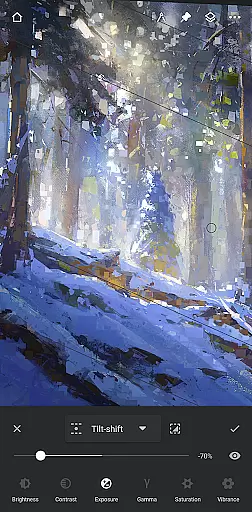
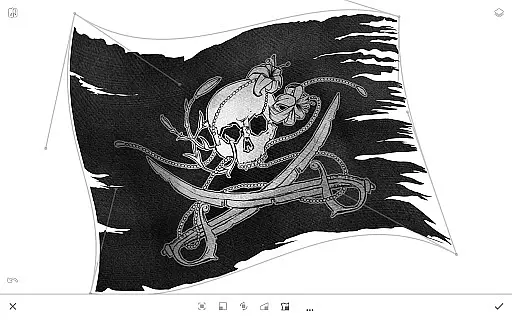
For those focused on pixel-perfect editing, Infinite Painter does not disappoint. It provides industry-leading transformation tools, selection and masking options, and gradient and pattern fill capabilities. Users can perform complex operations such as transforming multiple layers at once or applying focus and tilt-shift masking with ease.
The inclusion of layer support with 30 blend modes, masks for adjustments and groups, and clipping masks ensures maximum flexibility. With additional functionalities like liquify, crop and resize, and powerful selection workspaces, artists have everything they need to bring their visions to life.
Flexibility in canvas and format options is where Infinite Painter truly shines. The app supports 64-bit deep color painting, providing rich color depth that enhances the digital art experience. Users can work confidently knowing their colors will be vibrant and true to their vision.
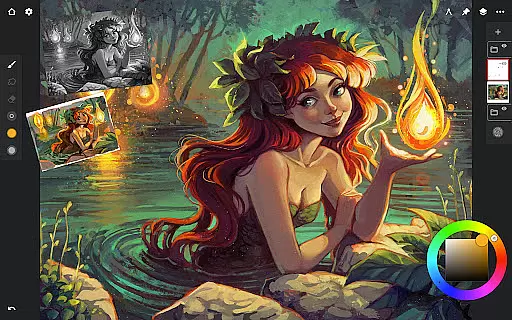
Infinite Painter's canvas adaptability extends to its ability to handle various tasks without cluttering the workspace. A clean, customizable interface ensures more canvas space and less distraction. Features like assigning finger functions separate from the stylus and expanding/collapsing layers with a flick contribute to a seamless workflow.
Artists can import from multiple sources including photos, camera, clipboard, or image search, making it easy to incorporate diverse elements into their work. Export options are equally versatile, allowing images to be saved as JPG, PNG, WEBP, ZIP, layered PSD files, or Painter projects, thus accommodating different professional requirements.
Furthermore, Infinite Painter offers print presets and CMYK color modes, which are essential for artists looking to produce physical prints of their digital work. These robust export and printing options ensure that artwork retains its quality across different mediums and formats.
User-friendly interface
Extensive brush library
Powerful layer support
Professional-grade tools
Active artist community
Pro features subscription-based
Steep learning curve
Occasional performance issues
Limited free version
Large app size

Design your dream room with AI. Get decor ideas & plan home interiors
 3.90
3.90
Custom Character Creator & PFP Maker!
4.20
Create stunning art with AI.
4.80
Novices can also easily complete diamond painting masters
4.70
Get an overview over all your embroidery threads, projects and more.
4.60
Your homescreen as an elegant glass with customized blur, lighting, and visuals.
3.70
Retouch photos. Create or edit images. Endless capabilities.
2.70
Video AI: Revolutionize Your Content Creation with Advanced Video Generation
4.50
Draw, fidget, and spin glow art! Relax and express your creativity with a finger
4.60
Passport size photo maker, create ID photo and visa photo in seconds
4.80
Logo Generator powered by AI: Create stunning logos effortlessly!
4.70
Learn how to draw with step-by-step tutorials, fun lessons & multiplayer drawing
4.70
Discover Cartoon Dream : Unleash Your Creativity with CuttingEdge AI
4.50
Create neon drawing with magic doodle and fun doodle art effects!
4.50
Nano Banana AI Image Generator, Anime Filter, AI Portrait, AI Photo Generator
4.30
OneUI 8.5 icons ✨ Smooth, modern & based on the latest Play Store design ??
4.10
AI Face Swap, Video Effects Editor, Realtime Morph, Funny Video FX,AI Filters
3.70
Apply cartoon, caricature, and portrait effects to make your photos stand out!
3.60
Premium version of Shimeji-ee app with no ads & no limit active shimeji
4.5


User Reviews