
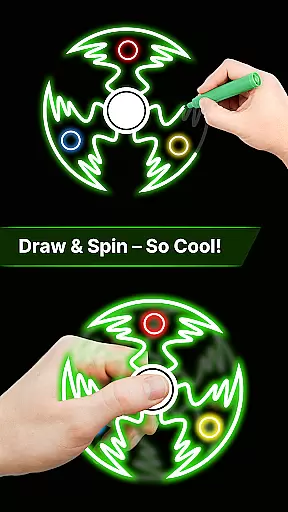
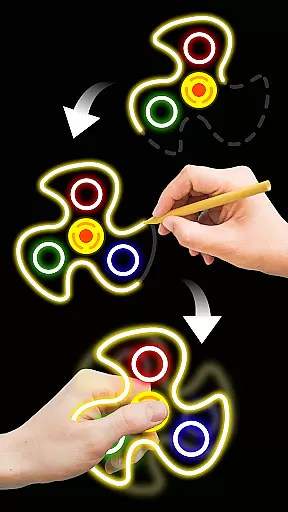
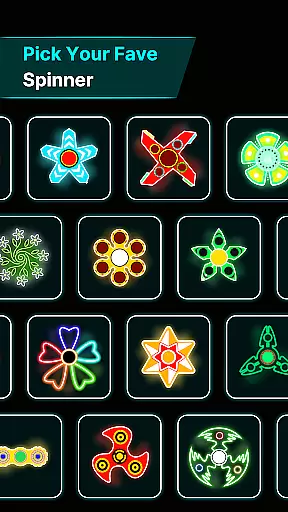
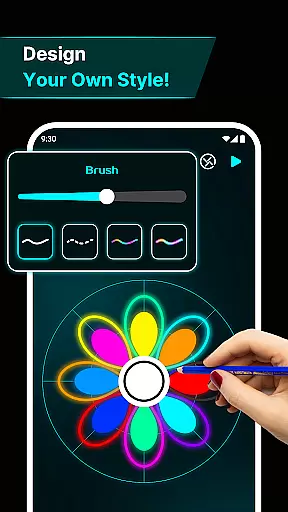
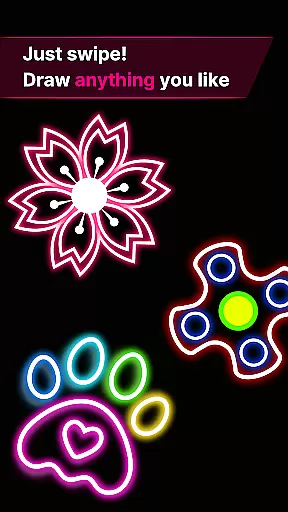
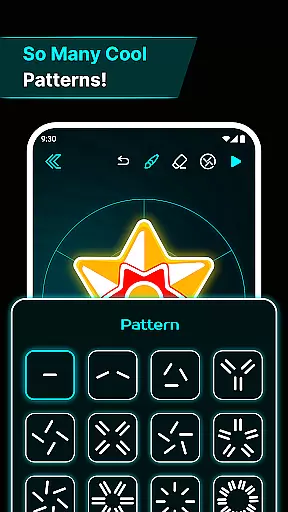
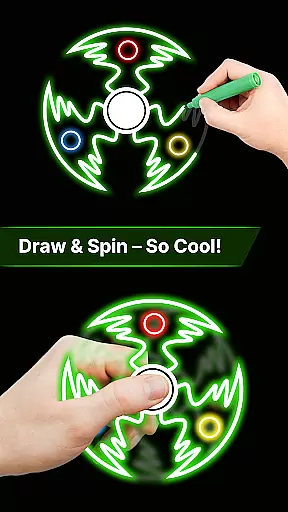
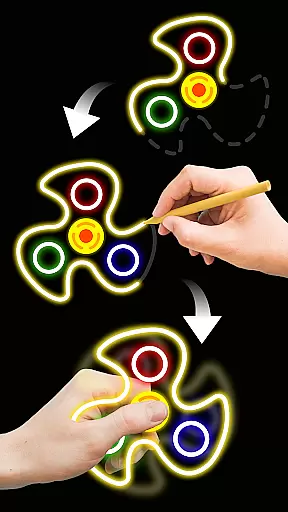
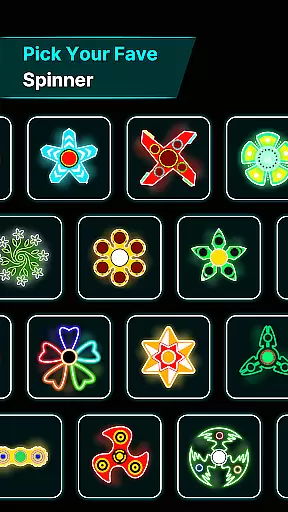
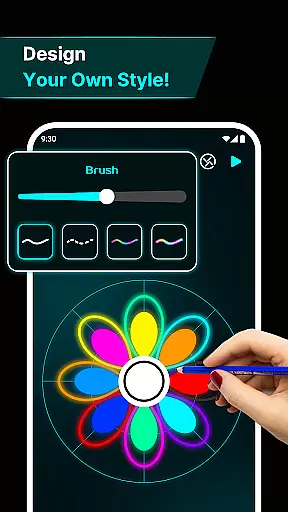

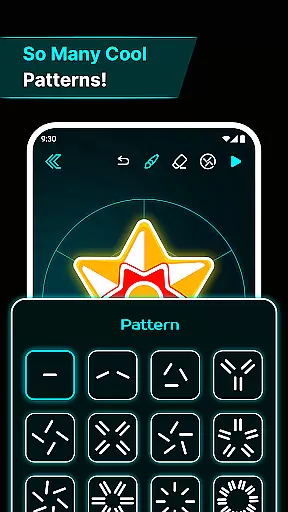
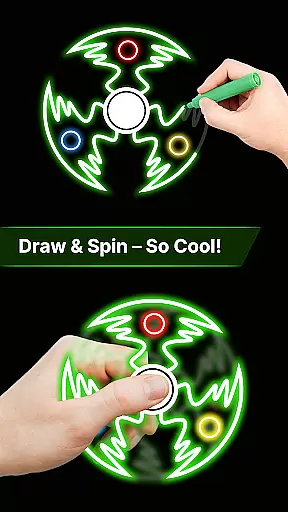
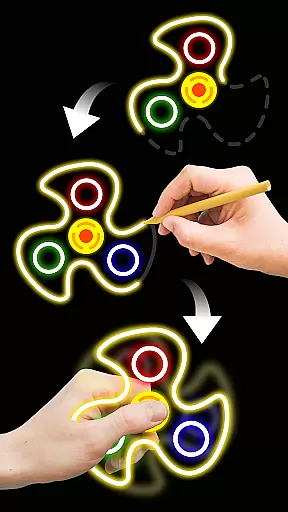
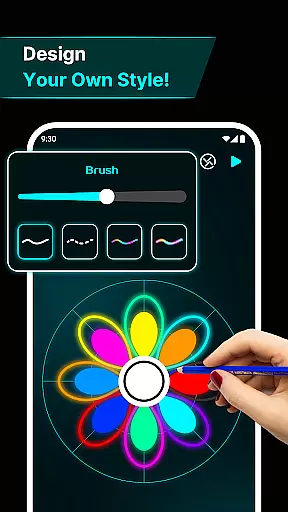
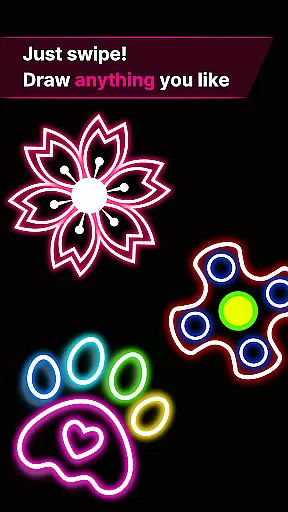
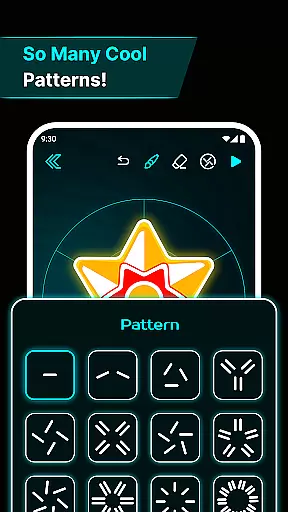
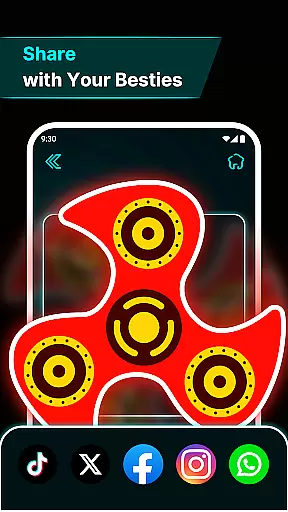
Finger Spinner: Glow Art Draw is an innovative app in the Art & Design category that combines creativity with relaxation. This app allows users to draw glowing designs using their fingers, which can then be spun like fidget spinners. The unique blend of artistic expression and stress relief makes it a standout choice for those seeking both entertainment and mindfulness.
With its easy-to-use interface, users can create intricate glowing patterns that come alive with vivid neon effects. Whether you're looking to unwind after a long day or simply explore your creative side, Finger Spinner offers a soothing escape through interactive art. The realistic physics engine ensures smooth spinning motion, while the 3D design feature adds depth to each creation.
This app is perfect for anyone who enjoys hands-on creativity and wants to transform their ideas into dynamic, spinning works of art. By offering a personal gallery to save and revisit favorite designs, Finger Spinner encourages continuous exploration and enjoyment.
Finger Spinner stands out with its diverse range of features designed to enhance user experience. One of the key highlights is the Easy Finger Drawing functionality, where every touch on the screen translates into smooth, glowing lines. This feature supports both simple sketches and complex designs, giving users complete creative freedom.
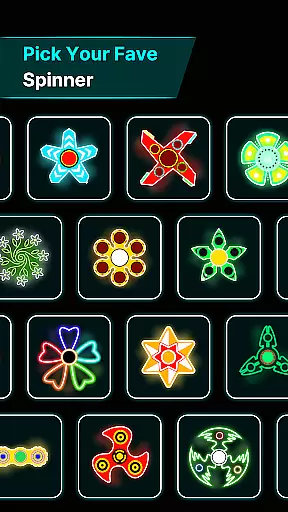
The Brilliant Glow Effects are another major attraction, providing a spectrum of neon colors that bring each spinner to life. Users can experiment with different shades and intensities, creating visually stunning pieces that captivate the eye. Additionally, the 3D Spinner Designs add a new dimension to the artwork, making each piece more engaging and realistic.
Realistic Spin Physics ensure that every flick and spin behaves naturally, thanks to a sophisticated physics engine. This attention to detail enhances the overall interactivity and enjoyment of the app. Furthermore, the My Collection feature allows users to save and organize their creations, building a personalized gallery of glowing masterpieces that can be revisited anytime.
Creative tools are essential for any design-focused application, and Finger Spinner: Glow Art Draw excels in this area. The app provides users with a comprehensive suite of drawing features that allow them to create intricate glowing designs effortlessly.
With easy finger drawing capabilities, users can sketch smooth glowing lines, producing unique spinners with either sharp edges or soft curves. This flexibility ensures that both novice and experienced artists can achieve their desired results without limitations.
The inclusion of brilliant glow effects adds another layer of creativity, enabling users to experiment with various neon shades and intensities. These effects bring each spinner to life, transforming simple drawings into visually stunning pieces of art.
Furthermore, the app's 3D spinner designs and realistic spin physics enhance the creative process by adding depth and dynamic movement to the artwork. Users can enjoy an immersive experience as their creations come alive with natural spinning motions.
Flexibility in canvas and format options is crucial for artistic expression, and Finger Spinner: Glow Art Draw offers impressive capabilities in this regard. The app allows users to explore different dimensions and formats for their glowing spinners, providing a versatile platform for creativity.
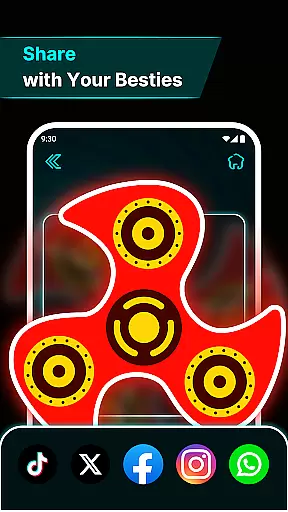
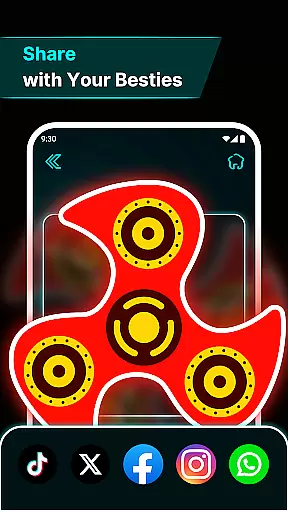
Users can save every spinner they create in My Collection, building a personal gallery of interactive artwork. This feature not only preserves their creations but also enables easy revisiting and sharing of favorite designs.
The soothing interface enhances the user experience by offering calming visuals and intuitive navigation. Artists can focus on their work without distractions, thanks to the app's thoughtful design that prioritizes ease of use.
Additionally, the app supports various drawing techniques, from simple sketches to detailed masterpieces. This adaptability ensures that users can express themselves freely, whether they prefer minimalist styles or more elaborate compositions.
User-friendly interface
Vivid glow effects
Realistic physics engine
Creative freedom
Personal gallery
Limited advanced tools
No social sharing
Basic tutorials
Occasional bugs
Ads present

Sketch, plan, take notes and illustrate on an infinite canvas.
 4.20
4.20
AI Assistant, powered by ChatGPT GPT-4 & GPT-4o. Your intelligent companion.
3.50
Convert image to JPG PNG HEIC PDF, support almost all kinds of image formats
4.70
Unleash Your Creativity with Draw Cartoon - AR Drawing App
4.10
Create stunning video, photo & magic from text with FlixAI GPT video generator.
3.10
Nano Banana AI Image Generator, Anime Filter, AI Portrait, AI Photo Generator
4.30
2D animation studio for Android tablets - unlimited layers, infinite timeline
4.70
Unleash the artist in you with our AR drawing and tracing tool for photo drawing
4.10
Beauty Camera - Selfie Camera is the ultimate beauty camera and selfie app
4.30
Mobile pixel art editor. Simple. Fast. Portable.
4.80
Photo stitcher for automatically screenshot stitching into a long screenshot
4.70
Image resizer to resize, crop, rotate, flip, change dpi photo or picture in bulk
4.60
Kling AI is an image and video generation and editing studio powered by AI.
4.50
Easy 3D drawing design maker & creator. Model designing, Sculpting. Create&paint
4.00
AR Anime Drawing: How to draw anime with AR drawing & sketching apps!
4.00
Create trending AI photos & videos with powerful effects and 3D styles.
3.20
Your Essential Color Theory Guide: Red, Yellow, Blue (RYB)
4.0
Art of Combination Wear OS Watch faces
4.2
Android 14 style widgets and wallpapers app.
4.0


User Reviews