
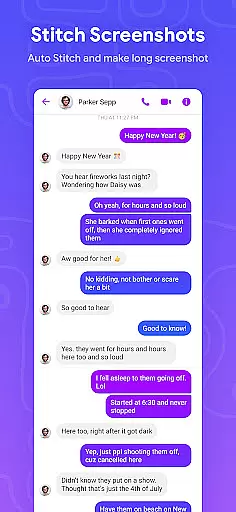
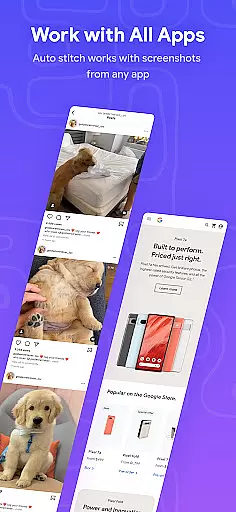

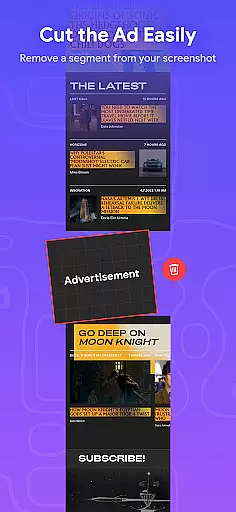
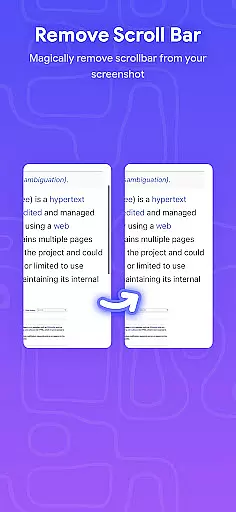
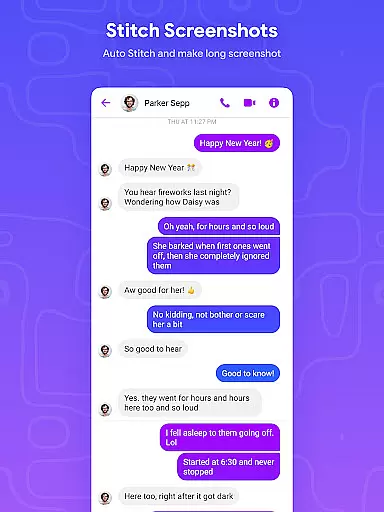
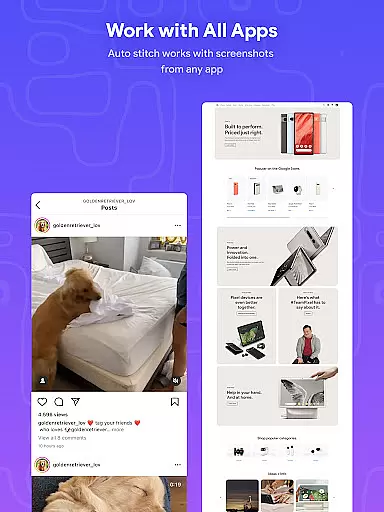
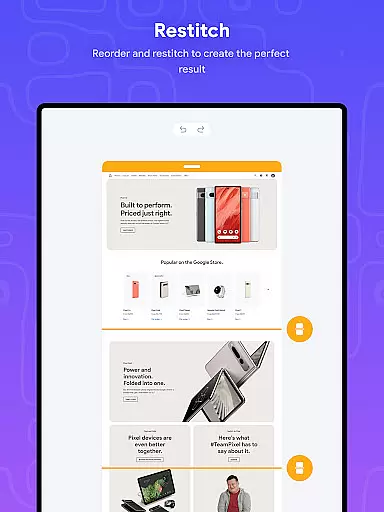
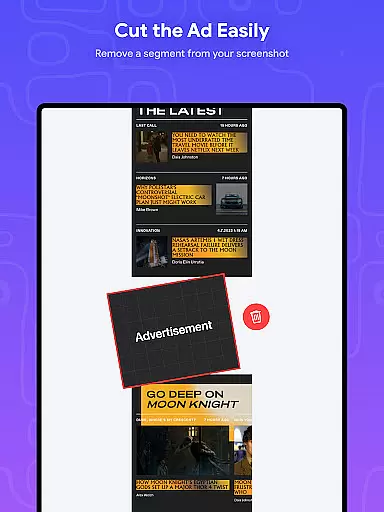
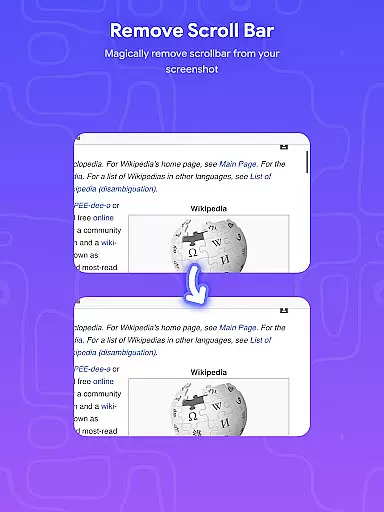
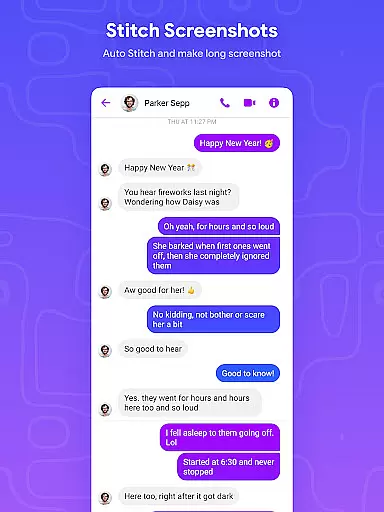
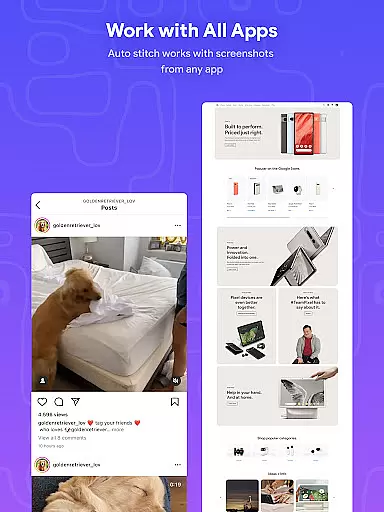
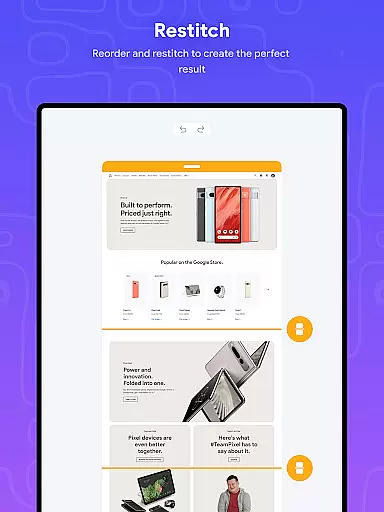
Stitch Photos is an innovative photo stitching application designed for users who want to create seamless panoramas and document scans with ease. Powered by advanced AI technology, this app allows you to stitch screenshots or long website captures both vertically and horizontally. Whether you're capturing majestic landscapes or compiling long web pages, Stitch Photos ensures every detail is flawlessly integrated into one cohesive image.
The app's standout feature is its ability to automatically recognize and align images, creating high-resolution panoramas without any manual adjustments. With a user-friendly interface, it offers a hassle-free experience that makes photo stitching accessible to everyone. From professional photographers to casual users, Stitch Photos provides the tools needed to bring your creative visions to life while maintaining exceptional quality.
Stitch Photos boasts an array of powerful features that cater to various photo stitching needs. One of its key capabilities is the automatic stitching of photos both vertically and horizontally, allowing users to create panoramic images with minimal effort. The app also excels in seamlessly stitching long screenshots or website captures, making it perfect for documenting online content or capturing expansive views.
In addition to its core functionality, Stitch Photos supports high-resolution image saving, ensuring that the final stitched product maintains crisp details. Its intuitive interface simplifies the entire process, enabling users to effortlessly create flawless panoramas and share them directly via social media platforms. This combination of advanced technology and user-centric design makes Stitch Photos an essential tool for anyone looking to elevate their photo editing capabilities.
In the realm of digital creativity, having access to comprehensive tools is essential for unleashing your artistic potential. Stitch Photos understands this need and offers a robust suite of features that cater to both amateur and professional artists alike.
At the core of Stitch Photos lies its AI-powered photo stitching technology. This innovative feature allows users to seamlessly merge multiple images both vertically and horizontally, creating stunning panoramas and document scans with remarkable ease. Whether you're capturing breathtaking landscapes or compiling extensive web pages, the app ensures every detail is preserved in high resolution.
Beyond basic stitching capabilities, the application provides advanced options for refining your compositions. Users can expect precise alignment, intelligent blending of edges, and customizable settings that adapt to various project requirements. These sophisticated tools empower creators to produce professional-grade results without needing specialized equipment or technical expertise.
The true value of these creative tools becomes evident when considering their impact on workflow efficiency. By streamlining complex processes into intuitive one-touch operations, Stitch Photos enables artists to focus more on their creative vision rather than technical execution. This seamless integration of powerful features ultimately enhances productivity while maintaining exceptional output quality.
Flexibility in canvas size and format options is crucial for accommodating diverse artistic projects. Stitch Photos excels in this aspect by providing versatile solutions that adapt to various creative needs and preferences.
The application supports both vertical and horizontal stitching orientations, allowing users to create panoramas or document scans in their preferred direction. This dual-axis capability ensures maximum compatibility with different display formats, from social media posts to large-scale prints. Additionally, the app maintains high-resolution output regardless of the final image dimensions, preserving clarity and detail throughout the process.
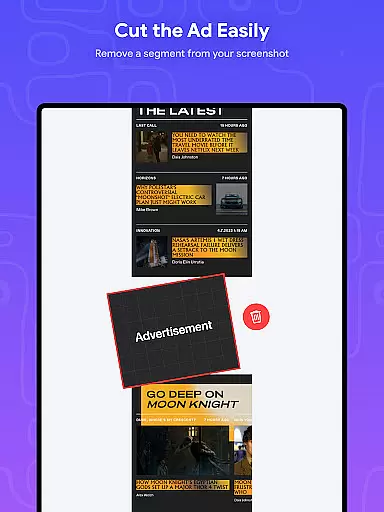
Stitch Photos also demonstrates remarkable adaptability when handling long screenshots or website captures. The intelligent system automatically adjusts to varying content lengths, producing seamless results whether you're documenting a brief mobile screen or an extensive desktop webpage. This flexibility extends to file format support as well, enabling users to save and share their creations in multiple formats suitable for different platforms.
Furthermore, the app's user-friendly interface incorporates intuitive controls for customizing canvas parameters. Artists can easily adjust settings to match specific project requirements or personal preferences, ensuring their final compositions perfectly align with intended usage scenarios. This combination of technical versatility and user-centric design makes Stitch Photos an invaluable tool for creatives seeking flexible formatting options.
AI-powered stitching
User-friendly interface
High-resolution output
Seamless panorama creation
Quick sharing options
Limited customization
Occasional glitches
Few filter options
Ads in free version
Subscription required

Discover Cartoon Dream : Unleash Your Creativity with CuttingEdge AI
 4.50
4.50
Floor Plan Creator lets you create, edit and share floor plans.
4.00
Stylish letters, Stylish Keyboard, Symbols, Emojis, Cool nickname
4.40
Design your dream room with AI. Get decor ideas & plan home interiors
3.90
Apply cartoon, caricature, and portrait effects to make your photos stand out!
3.60
Design unique, funny and adorable cat stickers that reflect your own style!
3.80
Mobile pixel art editor. Simple. Fast. Portable.
4.80
Create amazing pictures and unleash your creative genius with AR Drawing Sketch
4.40
All-in-One art, logo & collage maker. Design photos and edit video backgrounds
4.80
Image resizer to resize, crop, rotate, flip, change dpi photo or picture in bulk
4.60
Turn your drawings into flipbook-style animations with simple creative tools
4.60
Draw anime & manga drawing, art with templates to create stunning picture!
4.50
Create neon drawing with magic doodle and fun doodle art effects!
4.50
Share the joy of painting with ibis Paint! Drawing anime and manga art.
4.50
Everything you need to create hand drawn animation, anywhere you go!
4.40
Powerful home decoration & house design that allows you to design dream home.
3.80
Create cute cat emojis & PFPs! Fun, custom avatars for cat lovers.
3.70
Create stunning video, photo & magic from text with FlixAI GPT video generator.
3.10
Art of Combination Wear OS Watch faces
4.5


User Reviews