
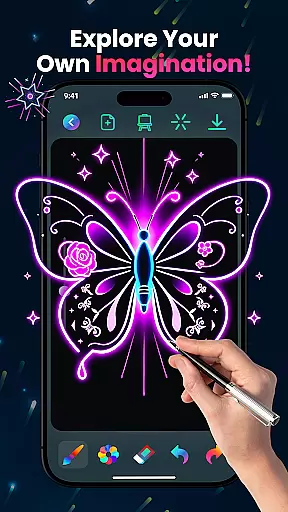
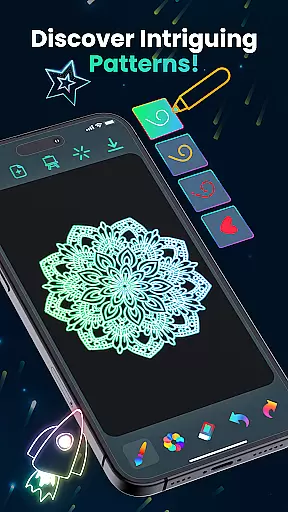
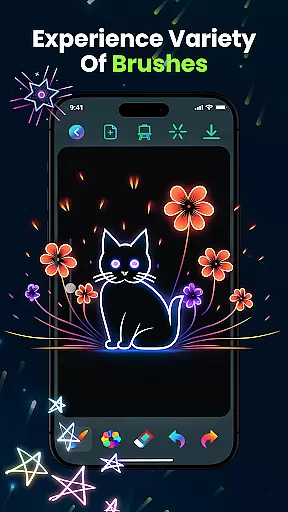
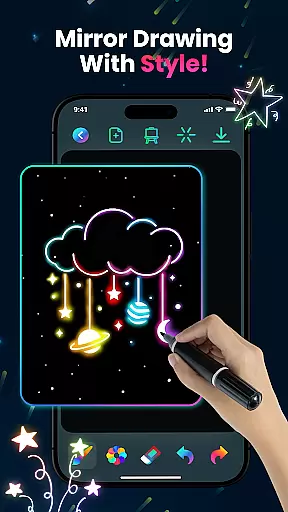
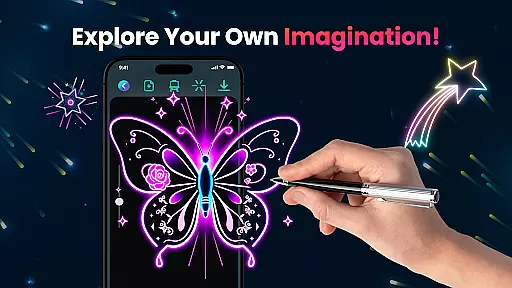
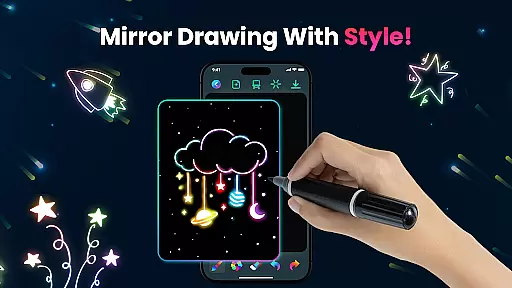
Magic Doodle is an innovative art application designed for both kids and adults who love to express their creativity through digital drawing. This app offers a vibrant canvas where users can explore glowing neon colors and create stunning artworks with ease.
With its intuitive interface, Magic Doodle provides a seamless experience for artists of all skill levels. The app includes various features such as glowing brushes, sketch tools, and an easy-to-use undo/redo function that makes the creative process enjoyable and stress-free.
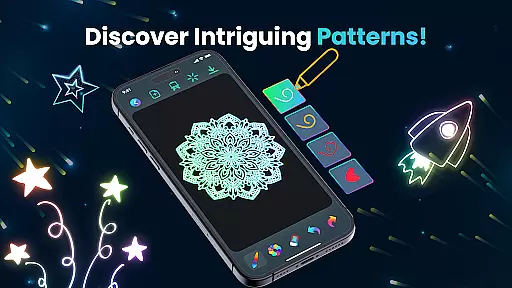
Whether you're looking to create neon sketches, mandalas, or kaleidoscope art, Magic Doodle transforms your ideas into glowing masterpieces. It's perfect for anyone wanting to relax and paint freely with unlimited color options.
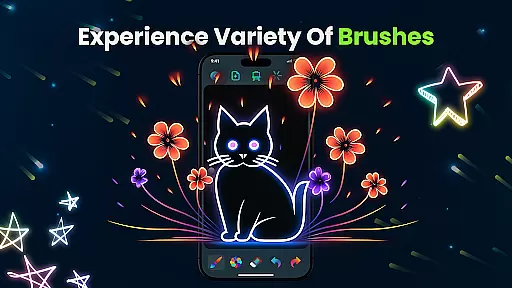
Magic Doodle stands out with its rich set of artistic features tailored to unleash the inner artist in every user. The app boasts a collection of vibrant neon glow colors that bring any artwork to life with mesmerizing hues.
Users can take advantage of the magical glowing brushes and sketch tools that cater to both beginners and professionals. These tools are designed to provide an intuitive drawing experience, allowing effortless expression of artistic visions on a wide canvas.
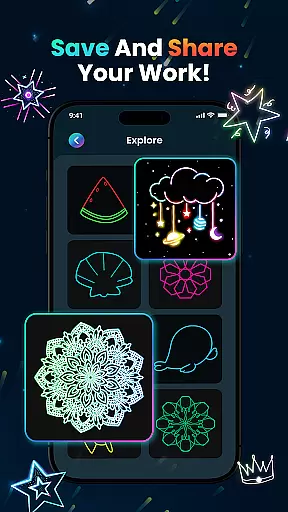
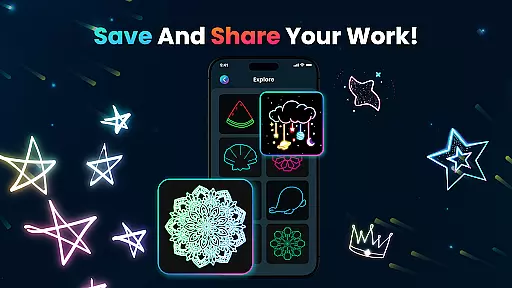
In addition to its creative capabilities, Magic Doodle ensures convenience with functions like saving and sharing artworks directly on social media, making it not just a tool for creation but also for showcasing one's talent.
In the realm of digital art, having a comprehensive set of creative tools is essential for unleashing an artist's full potential. Magic Doodle offers an impressive array of features that cater to both budding artists and seasoned professionals. With its vibrant neon glow colors and glowing brushes, users can explore a wide spectrum of mesmerizing hues and sketching options.
The app provides an intuitive interface with easy-to-use drawing tools that mimic real-world art supplies while adding a digital twist. Users can take advantage of the undo and redo functions, which allow for experimentation without the fear of making irreversible mistakes. This encourages creative freedom and exploration within the app.
Moreover, Magic Doodle supports various artistic expressions, from creating glowing mandalas to detailed neon sketches. The inclusion of magical kaleidoscope effects adds another layer of creativity, ensuring that artists have all they need to bring their visions to life. These complete and varied tools make it simple for anyone to transform their ideas into stunning digital artworks.
A canvas in the digital world should offer more than just a space to draw; it should provide flexibility and adaptability to the artist's needs. Magic Doodle excels in this area by offering a large, unrestricted drawing canvas that invites users to express themselves without limitations. Whether you're sketching with fingers or using more intricate brush strokes, the app accommodates all styles with ease.
Magic Doodle also ensures that your artwork is not confined by format restrictions. Artists can save their masterpieces in formats that are convenient for sharing across various platforms or for personal archiving. This flexibility extends to compatibility with different devices, allowing seamless transitions from tablet to smartphone without compromising on quality or aspect ratio.
Furthermore, the app caters to diverse audiences by being kid-friendly while still powerful enough for adults' use. Its ability to adapt to different skill levels and preferences makes it an ideal choice for anyone looking to explore their artistic side. By providing such versatility in both canvas size and format options, Magic Doodle empowers users to create freely and share their work effortlessly.
User-friendly interface
Vibrant color palette
Undo and redo functionality
Social media sharing
Kid-friendly design
Limited advanced tools
No cloud backup
Occasional ads
Premium feature costs
Offline only

Pose and morph realistic male and female models! 3D poser app
 3.00
3.00
Photo blender app to create overlay photos & double exposure.
4.40
Draw beautiful mandala's very easily
4.60
Unleash Your Creativity with Draw Cartoon - AR Drawing App
4.10
Castle is social media for creating and playing games!
4.60
Your homescreen as an elegant glass with customized blur, lighting, and visuals.
3.70
Photo stitcher for automatically screenshot stitching into a long screenshot
4.70
Inky runs Inkscape on Android devices and Chromebooks
2.90
Create cute cat emojis & PFPs! Fun, custom avatars for cat lovers.
3.70
Draw, make movies & animate cartoons easily with our 2D animation maker app
4.40
Remove Background, Magic Eraser, Photo Enhancer, Story Templates, Collage Maker
4.30
AR Anime Drawing: How to draw anime with AR drawing & sketching apps!
4.00
Resize photos and print photos in exact size with our powerful photo printer!
3.80
Art of Combination Wear OS Watch Faces
3.30
Meet the magic aı 3d photo generator and smart AI video generator app.
3.20
Art of Combination Wear OS Watch faces (for Wear OS 5+ devices)
3.00
Art of Combination Wear OS Watch faces
4.4
Art of Combination Wear OS Watch Faces
4.3
Android 14 style widgets and wallpapers app.
4.5


User Reviews