
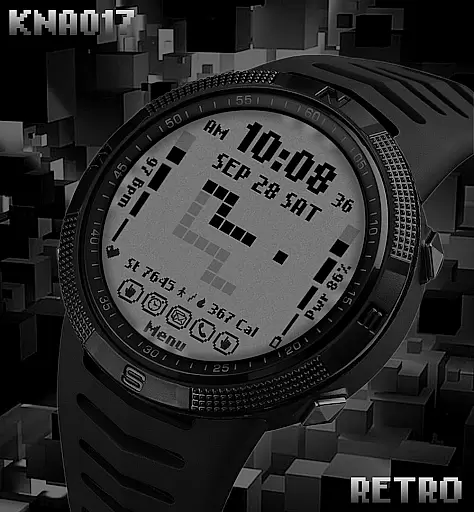
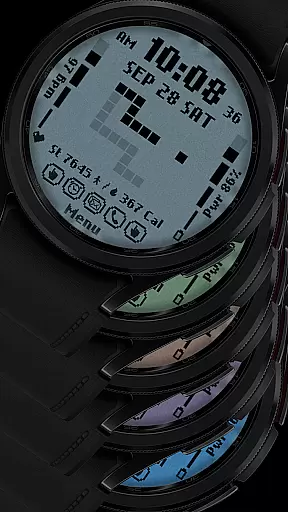
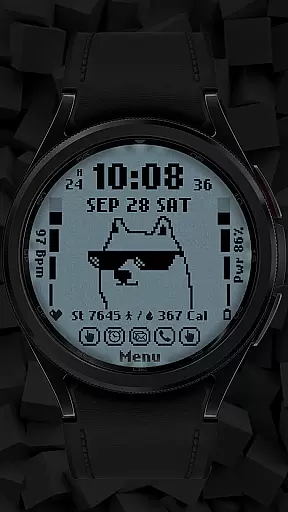
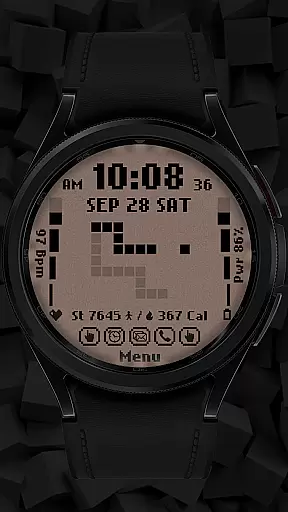
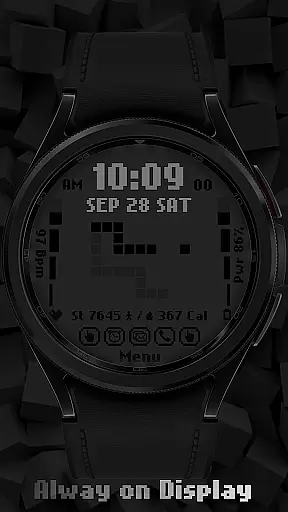
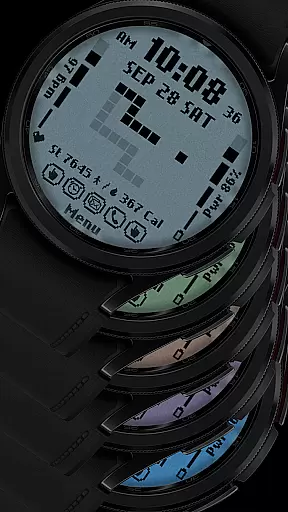
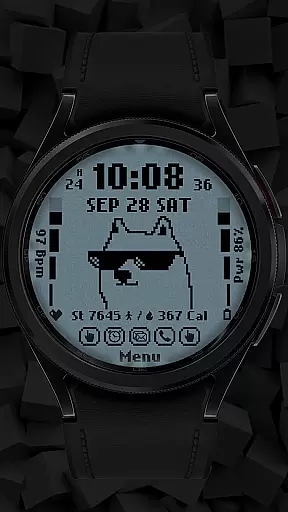
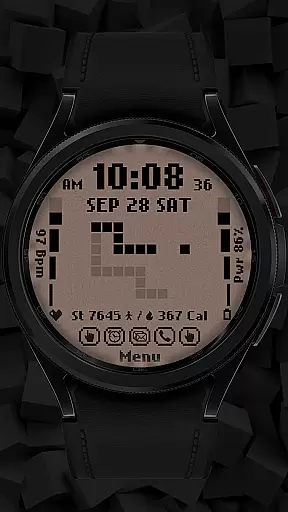
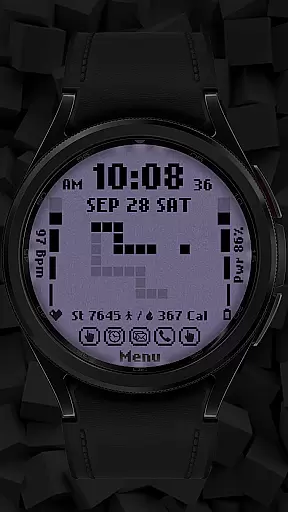
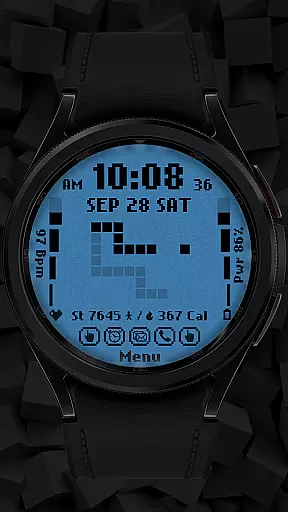
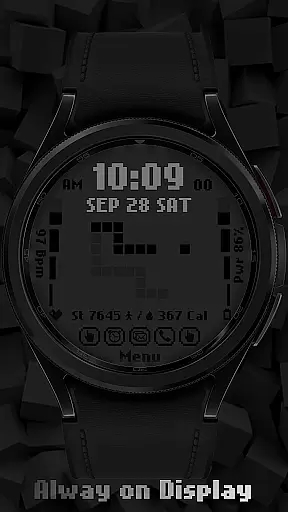
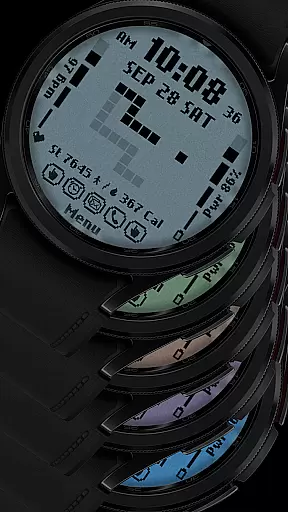
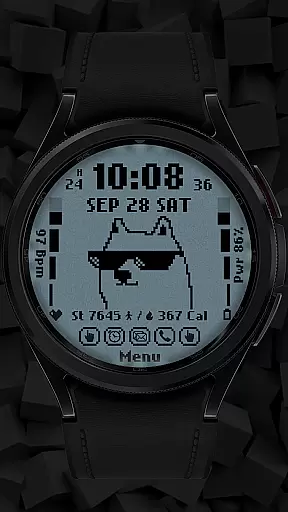
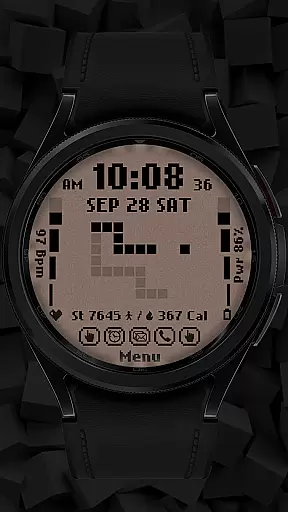
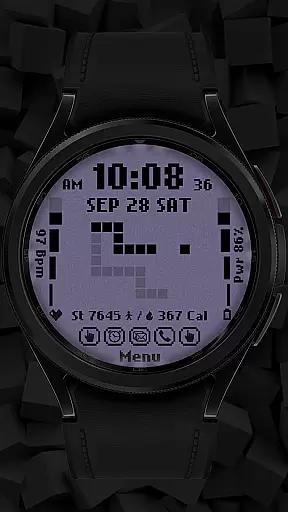
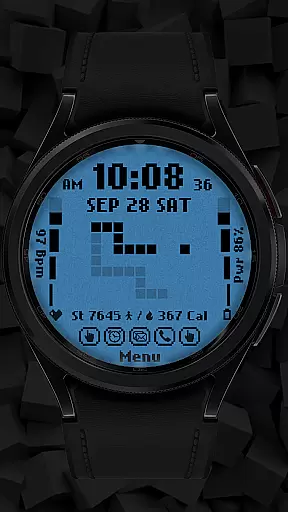
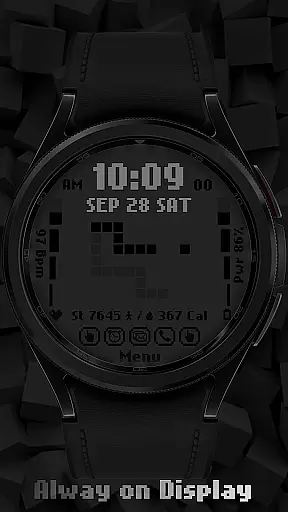
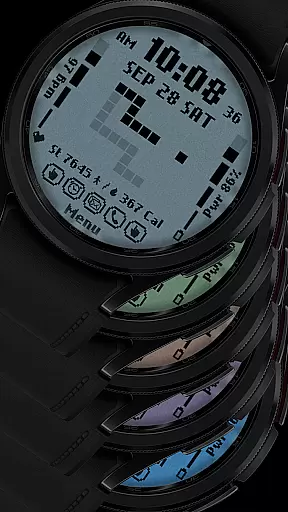
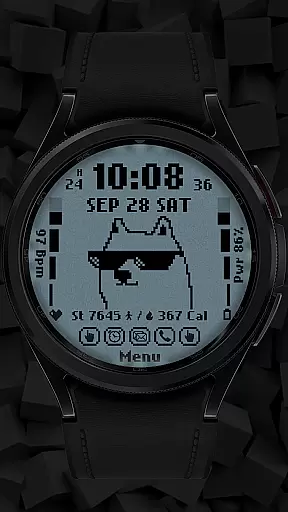
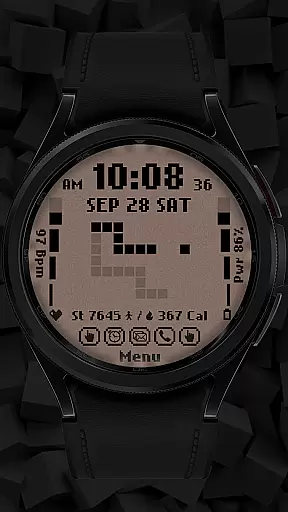
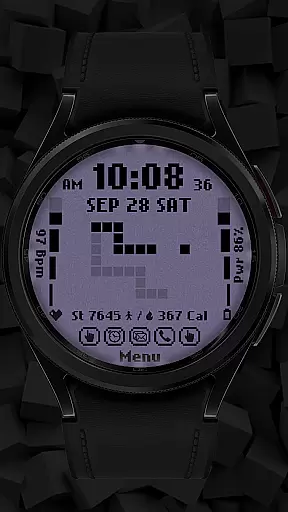
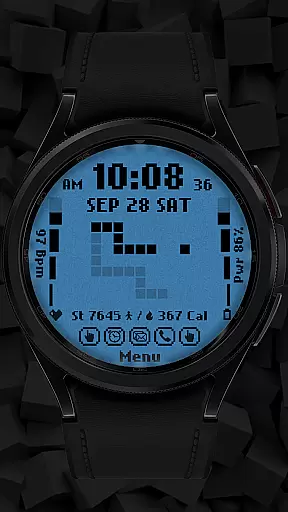
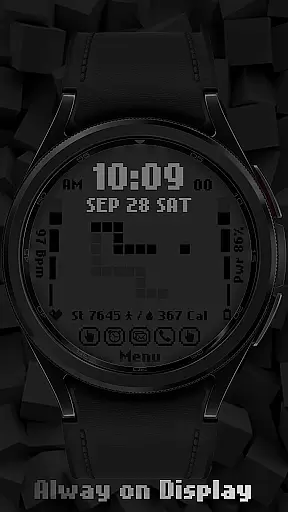
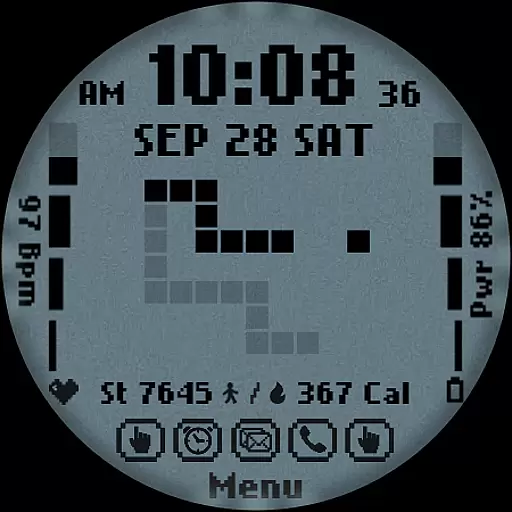
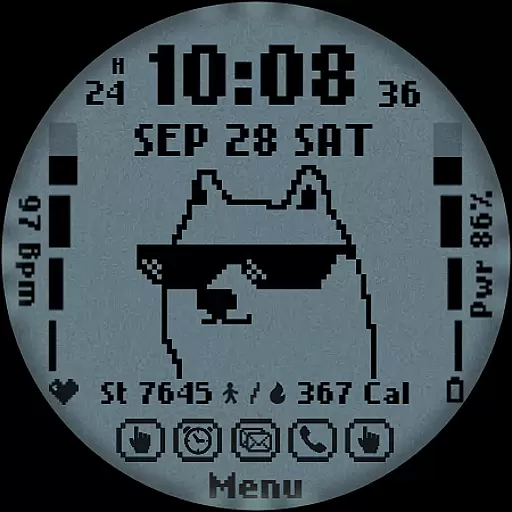
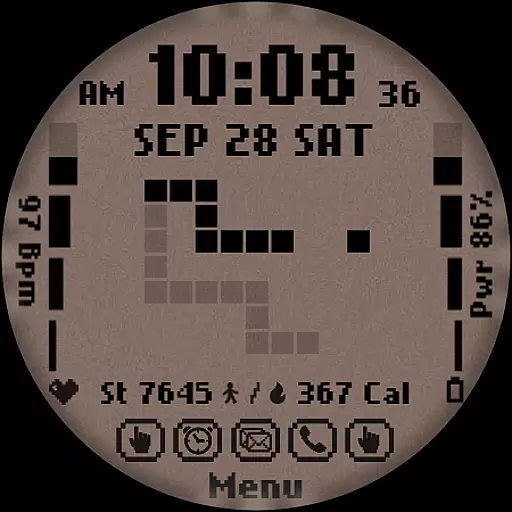
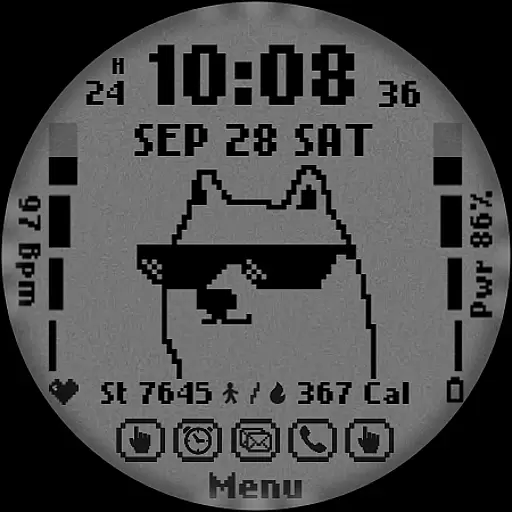
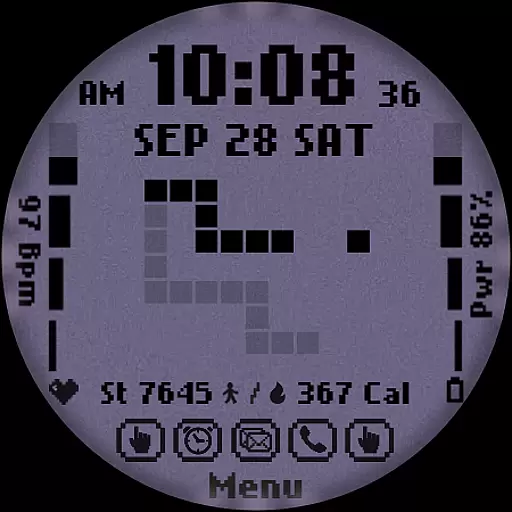
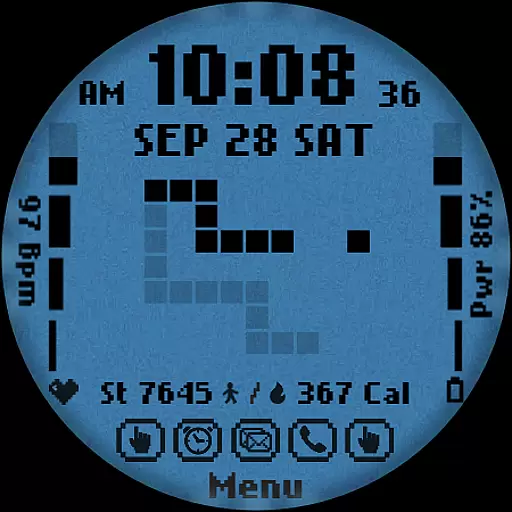
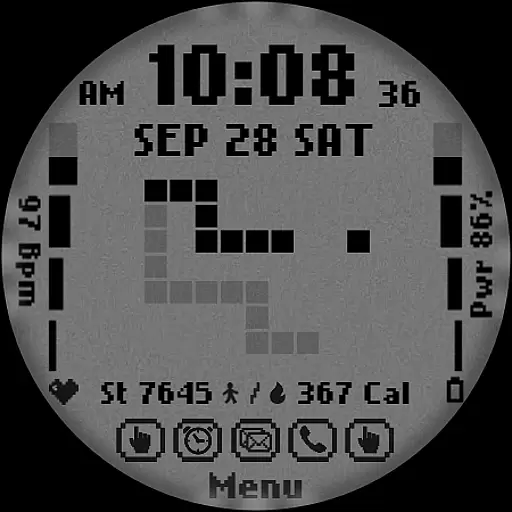
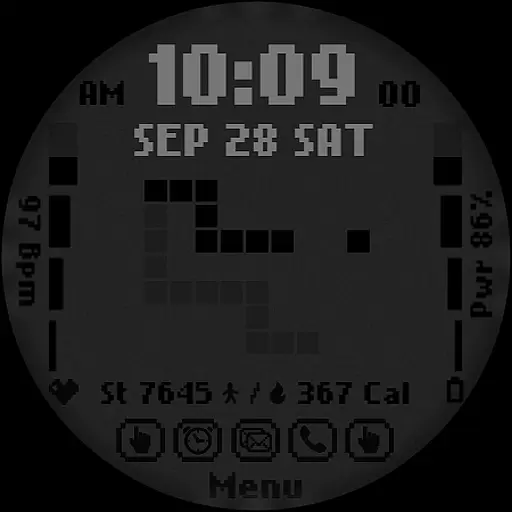
[KNA017] RETRO is a stylish watch face designed specifically for Wear OS devices, offering users a customizable and feature-rich experience. This digital watch face supports both 12-hour and 24-hour time formats, displaying the date, day of the week, and month clearly on your smartwatch screen.
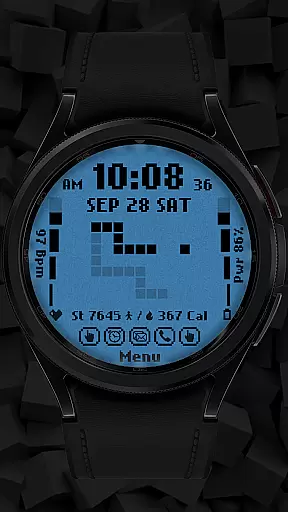
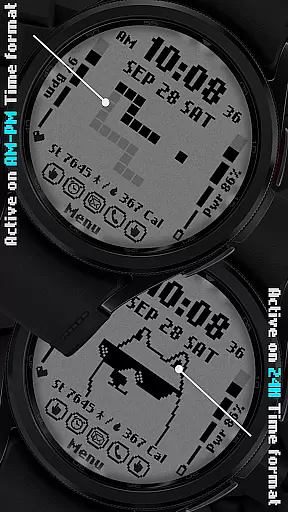
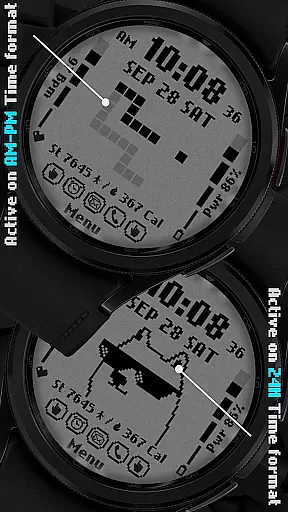
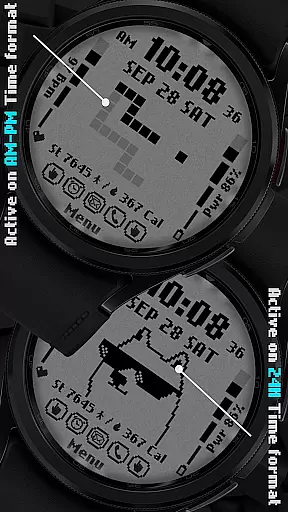
One of its standout features is the ability to customize complications, allowing users to display various types of data such as weather, world clock, heart rate, battery level, and more. With six different color options and styles, including an animated retro theme that changes based on the time format, this watch face combines functionality with aesthetic appeal.
Ideal for users who want both utility and personalization on their smartwatches, [KNA017] RETRO ensures compatibility with API level 30+ devices like Google Pixel and Galaxy Watch 4, 5, and 6 series. Whether you're tracking daily steps or monitoring your heart rate, this watch face provides valuable information at a glance while maintaining a sleek design.
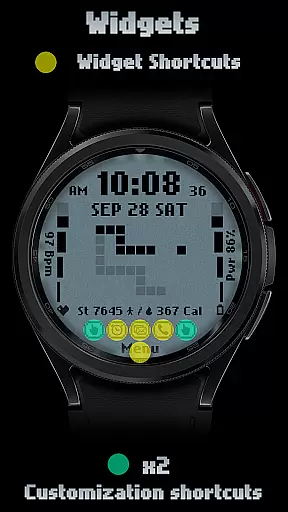
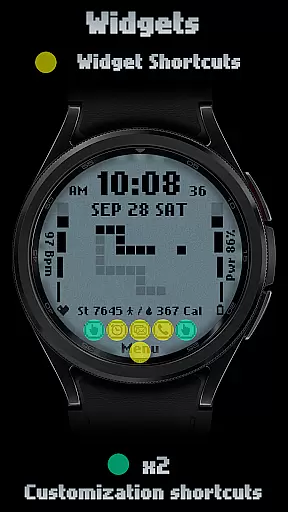
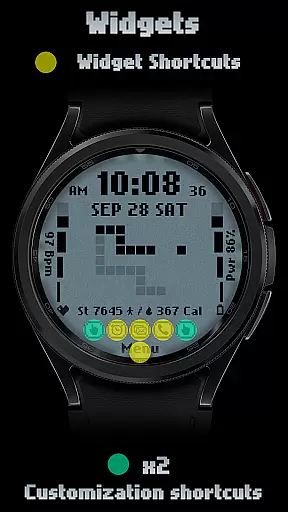
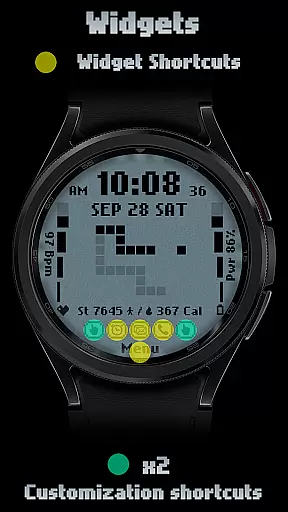
[KNA017] RETRO stands out with its versatile customization options and practical features tailored for smartwatch users. The watch face offers two customizable shortcuts, enabling quick access to frequently used functions directly from your wrist. Additionally, it includes essential health and fitness tracking elements such as step count, heart rate monitor, calorie calculator, and battery level indicator.
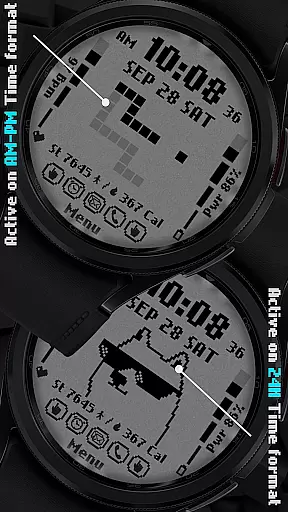
The design aspect is equally impressive, featuring six unique colors and styles that cater to diverse preferences. Its retro-style animation adapts dynamically based on the selected time format (AM-PM or 24-hour), providing a visually engaging experience throughout the day. Users can further personalize their watch faces by setting complications to show relevant data like weather updates, sunrise/sunset times, and barometric pressure.
While some advanced features may not be available on all Wear OS devices, the overall package delivers a balanced mix of aesthetics and functionality. By following simple installation steps and ensuring device compatibility, users can enjoy a personalized smartwatch interface that enhances both style and usability.
In the realm of digital art and design, having a comprehensive suite of creative tools is essential for unleashing an artist's full potential. The [KNA017] RETRO Wear OS watch face stands out by offering a rich palette of features that cater to customization aficionados. With options ranging from digital styles in both 12 and 24-hour formats to displaying the date, day of the week, and month, it ensures users have critical information at a glance.
Moreover, this watch face integrates health and activity tracking seamlessly into its design. Users can view their steps count, heart rate, battery level, and calories burned without needing to switch apps or clutter their home screen with widgets. This fusion of utility and aesthetics allows for personal expression while maintaining functionality, making it a complete tool for both artists and everyday users who value design and practicality.
The inclusion of two customizable shortcuts and six color/style variations empowers users to tailor their experience precisely to their liking. Whether you prefer a minimalist look or vibrant hues that pop, the ability to adjust complications such as weather updates or world clocks means your wearable device becomes not just a timepiece but also a personalized dashboard reflecting individual tastes and needs.
Flexibility in canvas and format options is crucial for designers seeking to push boundaries within their work. The [KNA017] RETRO Wear OS watch face embraces this principle by providing compatibility with API level 30+ devices like Google Pixel and Galaxy Watch series 4 through 6 among other Wear OS models. Before installation, users are encouraged to verify their deviceu2019s alignment with WEAR OS specifications ensuring optimal performance tailored specifically for supported hardware configurations.
This adaptability extends beyond mere device compatibility; it encompasses how users interact with their smartwatch interfaces daily. By touching and holding on the display followed by tapping 'Customize Option,' individuals gain access to various settings allowing them to modify appearances according to personal preferences or specific occasions effortlessly.
Furthermore, complication customization elevates user engagement by enabling selection from diverse data sources including but not limited to weather forecasts, world clocks, sunset/sunrise times, and barometric readings. Such versatility ensures that no matter what kind of information one prioritizes mostu2014be it fitness metrics or environmental conditionsu2014their wearable remains a relevant companion throughout different scenarios encountered during busy lifestyles.
Highly customizable
Six color options
Dynamic animations
Health tracking features
Wide device compatibility
Limited device support
No automatic application
Some features unavailable
Requires manual setup
Basic design elements

The ultimate tool for creating animations
 4.60
4.60
Customizable Outlined Fonts. Watch Face Format. Battery friendly Digital Clock.
4.20
AI Assistant, powered by ChatGPT GPT-4 & GPT-4o. Your intelligent companion.
3.50
Trace, draw, and create art with AR - from memes to masterpieces!
4.30
Draw on screen: FP sDraw is a simple and lightweight drawing app
4.70
Create stunning art with AI.
4.80
Turn your drawings into flipbook-style animations with simple creative tools
4.60
Video AI: Revolutionize Your Content Creation with Advanced Video Generation
4.50
Create cute cat emojis & PFPs! Fun, custom avatars for cat lovers.
3.70
Learn how to draw with step-by-step tutorials, fun lessons & multiplayer drawing
4.70
Image/ Text to Video Generator
4.40
Create and Design Custom Logos in Seconds with AI-Powered Tools!
4.40
Draw, make movies & animate cartoons easily with our 2D animation maker app
4.40
800+ Drawing, Painting Lessons App to Practice, Sketch & Paint Art.
4.30
Create Logos, Tattoos, AI Art & more with our AI Photo Generator & Design Editor
4.20
OneUI 8.5 icons ✨ Smooth, modern & based on the latest Play Store design ??
4.10
Easy 3D drawing design maker & creator. Model designing, Sculpting. Create&paint
4.00
Sketch and paint on your device with the feel and freedom of drawing on paper
4.00
Design your dream room with AI. Get decor ideas & plan home interiors
3.90


User Reviews