
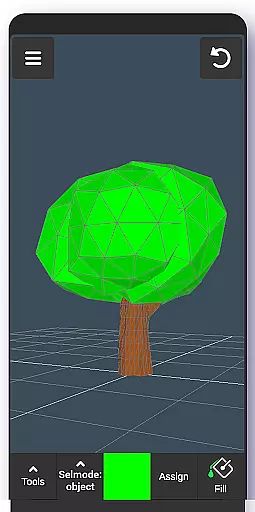
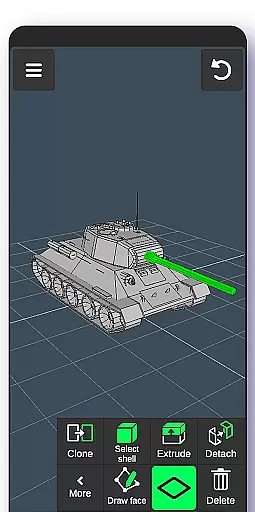
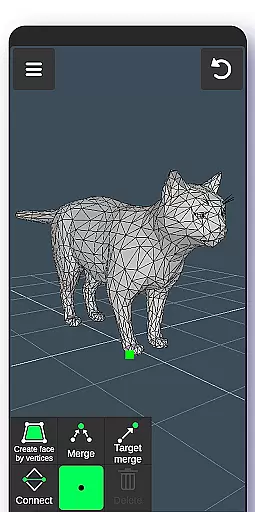
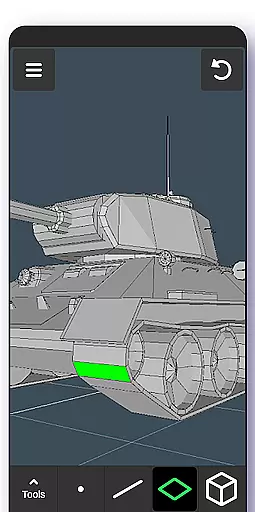
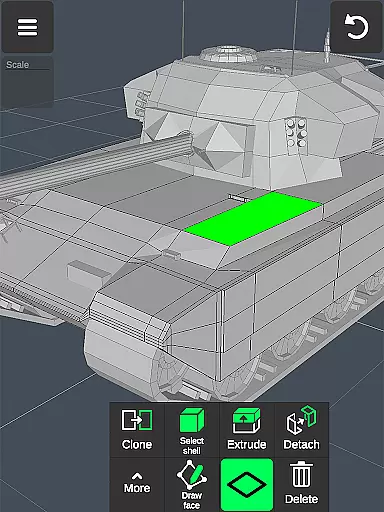
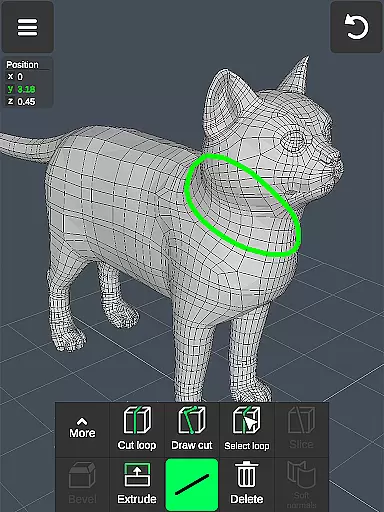
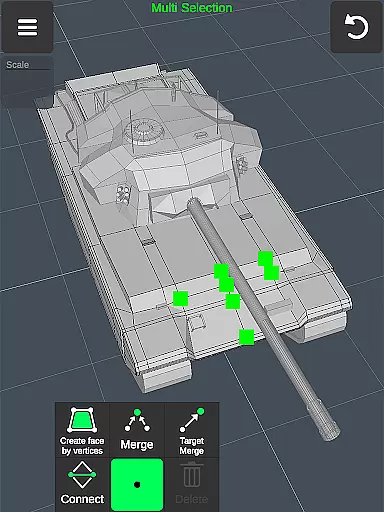
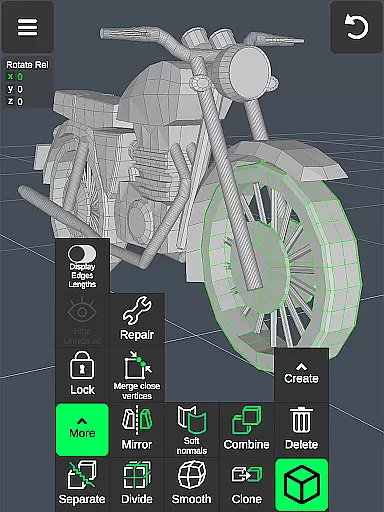
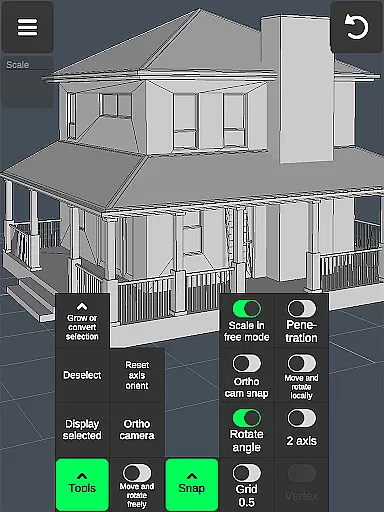

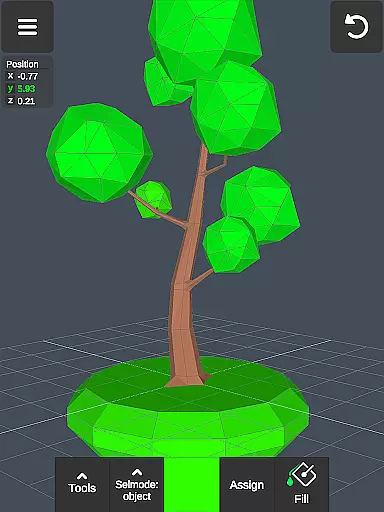
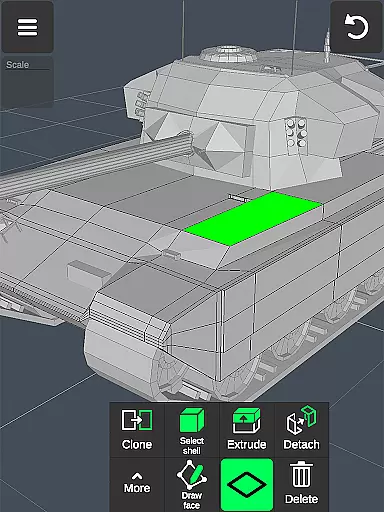
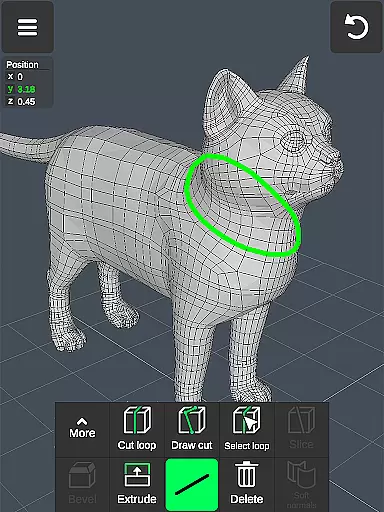
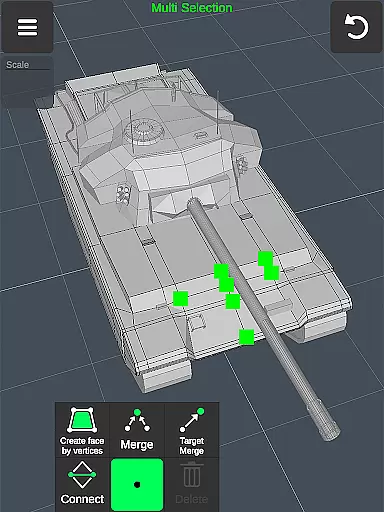
3D Modeling App is a powerful mobile solution for creating 3D models, objects, and art directly on your phone or tablet. Designed for professionals and hobbyists alike, this app supports a wide range of creative tasks including 3D character design, game development, and industrial modeling. The intuitive gesture-based interface allows users to manipulate 3D objects with ease, while advanced tools enable detailed editing and sculpting.
This versatile application serves multiple industries, functioning as a 3D graphic design tool, engineering drawing app, and even automotive design software. Artists can utilize its comprehensive brush library for digital painting and sculpting, while game developers can create immersive worlds complete with physics-based models and animated cutscenes. The app's robust feature set makes it an essential addition to any creative professional's toolkit.
Whether you're designing furniture, crafting CGI elements, or developing video games, 3D Modeling App provides the necessary tools to bring your ideas to life. Its compatibility with major 3D modeling and CAD software through OBJ file export/import functionality ensures seamless integration into existing workflows, making it valuable for both personal projects and professional environments.
3D Modeling App distinguishes itself through its comprehensive suite of professional-grade tools packaged in a mobile-friendly format. The app's workflow optimization features are particularly noteworthy - users can manipulate 3D objects using intuitive gestures, quickly switching between tools and performing multi-selection operations with simple touch commands. This streamlined interface significantly enhances productivity compared to traditional desktop applications.
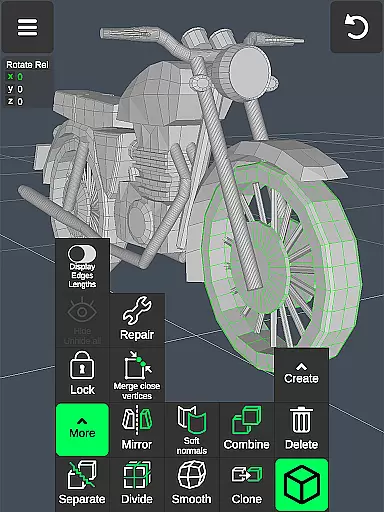
The application offers specialized toolsets for different aspects of 3D creation. Vertex, edge, and face manipulation tools provide precise control over geometry, while object tools support complex operations like mirroring, smoothing, and normal adjustments. The dedicated sculpting tools allow artists to digitally shape their creations with adjustable brushes that mimic real-world sculpting techniques. These features, combined with display customization options and material application capabilities, make the app suitable for both technical modeling and artistic expression.
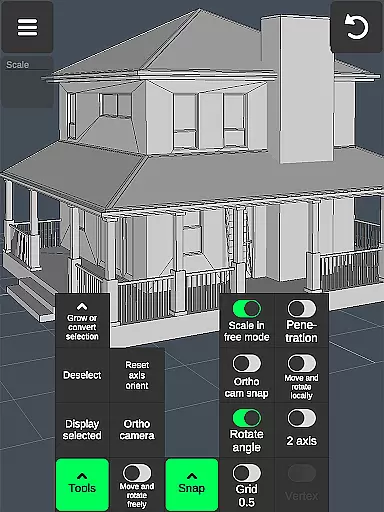
Professional users will appreciate the app's advanced functionality, including orthographic camera views, precise value setting for transformations, and various snapping options. The ability to export and import OBJ files extends the app's usefulness by enabling integration with industry-standard software like 3ds Max, Maya, and AutoCAD. With additional features such as auto-save, selection isolation, and customizable grids, 3D Modeling App delivers a complete 3D creation solution that rivals desktop alternatives while offering the flexibility of mobile access.
In the realm of 3D modeling and design, having a comprehensive suite of creative tools is essential for professionals and hobbyists alike. The 3D Modeling App excels in this area by offering an extensive array of features that cater to various aspects of 3D creation. From vertex, edge, and face tools to object manipulation and sculpting, every instrument needed for detailed 3D work is at your disposal.
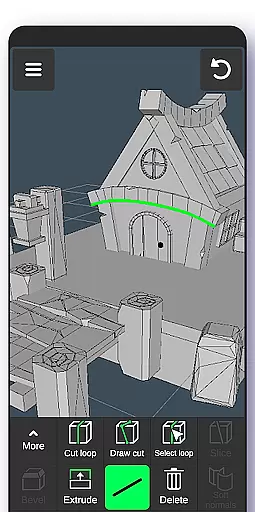
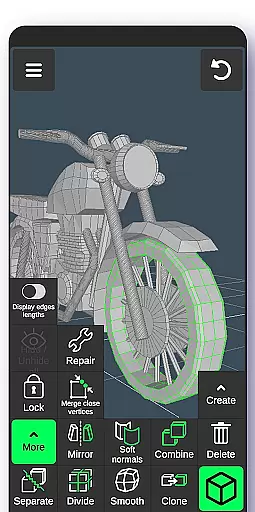
The application provides advanced functionalities such as merging vertices, creating loops, extruding faces, cloning objects, and even mirroring or smoothing models. These capabilities ensure users can perform complex edits with precision and ease. Additionally, the inclusion of display tools like wireframe views, shadows control, and axis visibility empowers creators to visualize their projects accurately while they build intricate designs.
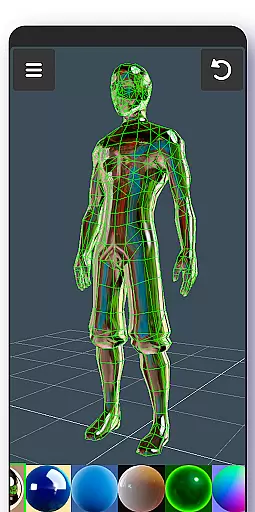
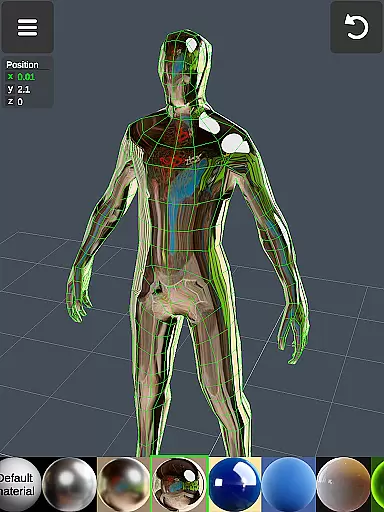
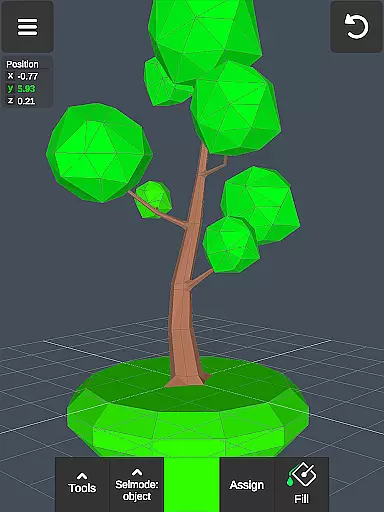
Moreover, the app supports coloring through vertex painting and allows up to 20 materials on a single object, enhancing texture detail. With these robust features integrated into one platform, artists and designers have everything required to bring their visions to life without needing multiple specialized appsu2014making it an indispensable addition to any toolkit.
A versatile canvas is crucial for unleashing creativity in art and design applications. The 3D Modeling App offers remarkable flexibility when it comes to working formats and canvas settings. Users can manipulate 3D images using intuitive gestures, allowing them to move, rotate, scale objects, and adjust camera angles effortlessly. This adaptability ensures that whether you're crafting small-scale models or expansive game worlds, the workspace adjusts seamlessly to fit your project's scope.
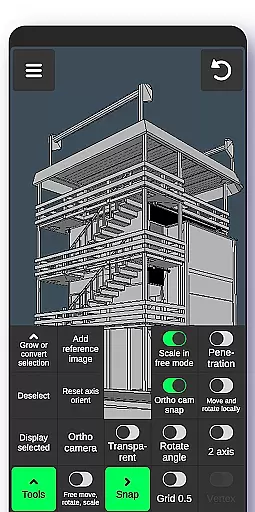
Beyond basic transformations, the app includes precise value inputs for movements, rotations, and scaling operations, catering to those who require exact measurements in their work. It also supports orthographic cameras and customizable grids with snapping options, which are vital for technical drawings and accurate modeling tasks. Such features provide unparalleled control over how elements align within the virtual space.
Furthermore, exporting and importing .obj files extend the format compatibility beyond just mobile creation. Whether integrating assets into professional software like Autodesk Maya or Adobe Photoshop, or converting files for CAD programs such as SolidWorks, the app bridges mobile convenience with desktop-grade utility. This level of interoperability underscores its role not only as a powerful standalone tool but also as part of a broader ecosystem supporting diverse creative workflows.
User-friendly interface
Comprehensive toolset
Professional-grade features
Cross-platform compatibility
Industry-standard file support
Steep learning curve
Mobile performance limits
Subscription pricing
Limited advanced features
Occasional stability issues

Discover Cartoon Dream : Unleash Your Creativity with CuttingEdge AI
 4.50
4.50
Art of Combination Wear OS Watch faces (for Wear OS 5+ devices)
3.00
Meet the magic aı 3d photo generator and smart AI video generator app.
3.20
AI Art Generator transforms your words into AI generated art & paintings.
3.70
Create stunning video, photo & magic from text with FlixAI GPT video generator.
3.10
Art of Combination Wear OS Watch Faces
3.30
Resize photos and print photos in exact size with our powerful photo printer!
3.80
Create Logos, Tattoos, AI Art & more with our AI Photo Generator & Design Editor
4.20
Sketch and paint on your device with the feel and freedom of drawing on paper
4.00
Your AI soulmate — meaningful chats, and unique emotional moments
4.70
Photo editor for art, avatars, filters & fun transformations.
4.60
Turn your drawings into flipbook-style animations with simple creative tools
4.60
Kling AI is an image and video generation and editing studio powered by AI.
4.50
Everything you need to create hand drawn animation, anywhere you go!
4.40
Create and Design Custom Logos in Seconds with AI-Powered Tools!
4.40
800+ Drawing, Painting Lessons App to Practice, Sketch & Paint Art.
4.30
AR Anime Drawing: How to draw anime with AR drawing & sketching apps!
4.00
Design unique, funny and adorable cat stickers that reflect your own style!
3.80
Create trending AI photos & videos with powerful effects and 3D styles.
3.20


User Reviews