
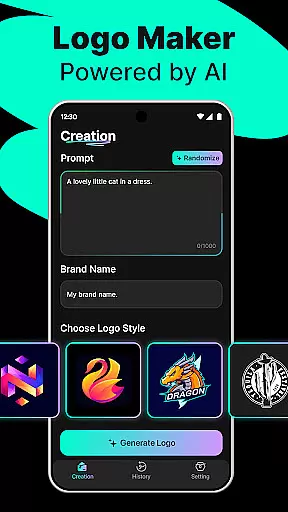
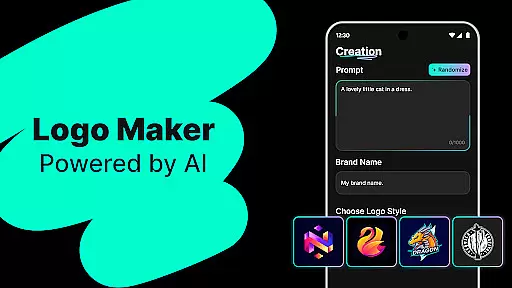
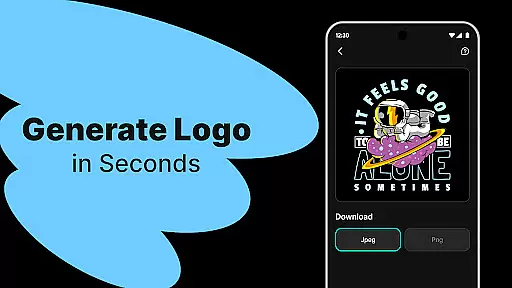
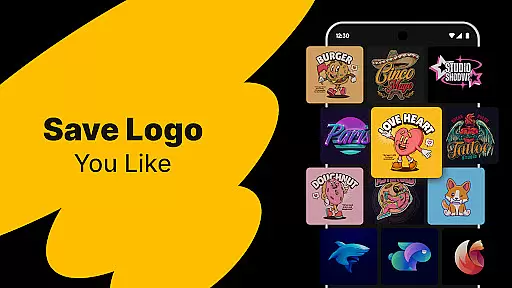
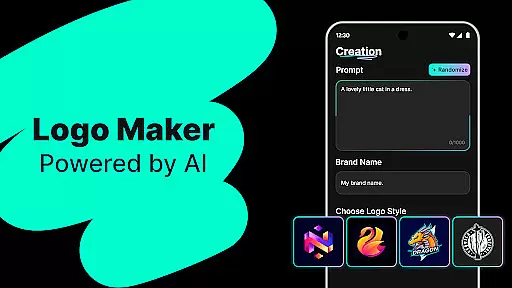
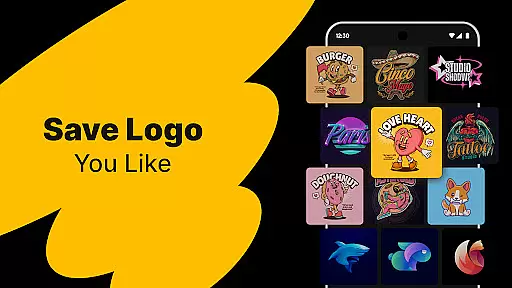
Logo Maker is an AI-driven logo design tool that enables users to create professional logos effortlessly. The app's core functionality lies in its powerful AI engine, which generates multiple unique logo designs based on user-provided keywords and brand names. This makes it particularly suitable for entrepreneurs, small businesses, and content creators who need high-quality branding materials without the complexity of traditional design tools.
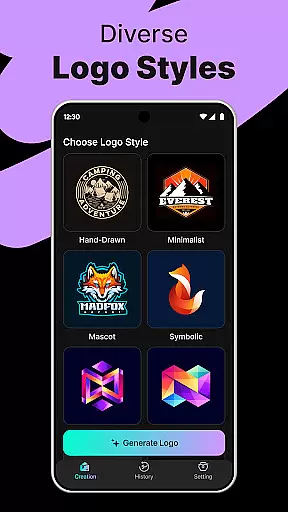
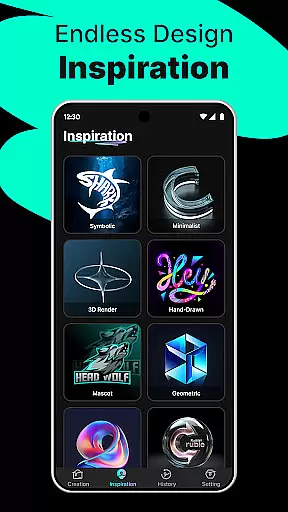
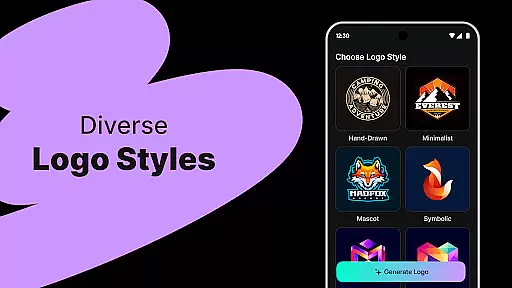
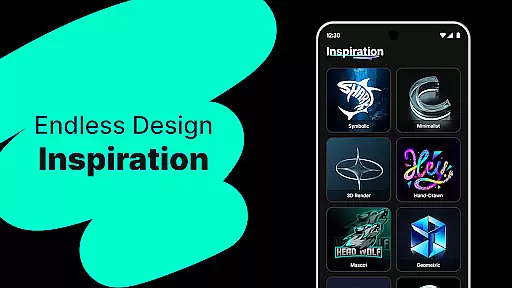
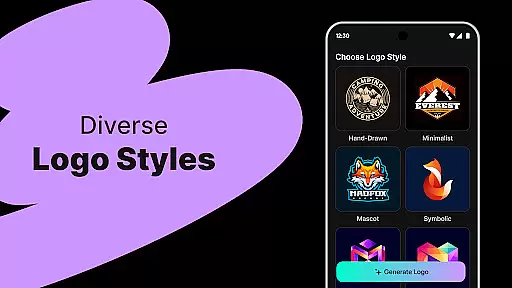
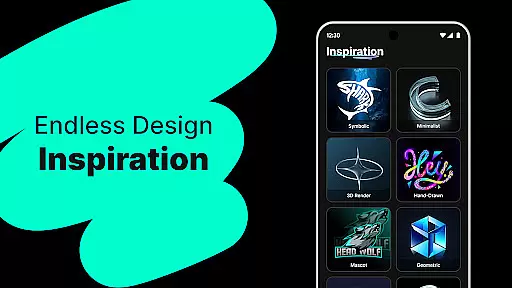
The application stands out with its extensive library of customizable templates spanning various styles like modern, minimalist, vintage, and hand-drawn designs. Users can easily modify these templates using the intuitive drag-and-drop editor, which requires no prior design experience. Whether you're building a startup brand or creating logos for social media channels, Logo Maker provides all the necessary tools to produce stunning visuals that meet professional standards.
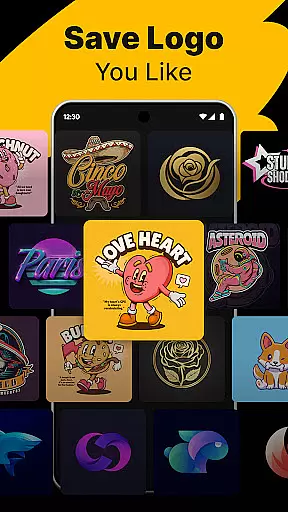
One key scenario where Logo Maker shines is in its ability to quickly generate logos for time-sensitive projects. For instance, a new business owner can input their brand details and receive several design options within seconds, ready for use across websites, business cards, and marketing materials. This speed and convenience make the app an invaluable asset for anyone looking to establish a strong visual identity efficiently.
Logo Maker offers a rich set of features designed to simplify the logo creation process while delivering professional-grade results. At the heart of the app is its AI-powered logo generation capability, which uses advanced algorithms to analyze user inputs such as brand names and keywords. This ensures that each generated logo aligns closely with the intended brand identity, offering users a variety of creative options tailored specifically to their needs.
In addition to AI-generated designs, the app includes hundreds of professionally crafted templates covering diverse artistic styles. These templates are fully customizable through the app’s user-friendly editor, allowing users to adjust colors, fonts, shapes, and layouts with simple drag-and-drop actions. The editor supports precise control over every element, ensuring that even complex modifications can be made effortlessly by users regardless of their technical expertise.
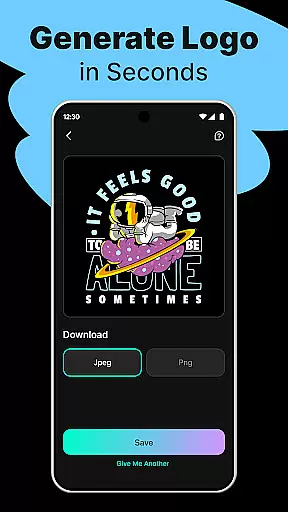
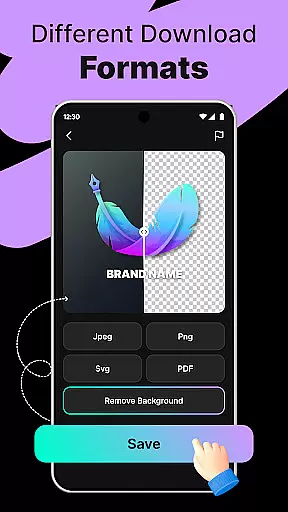
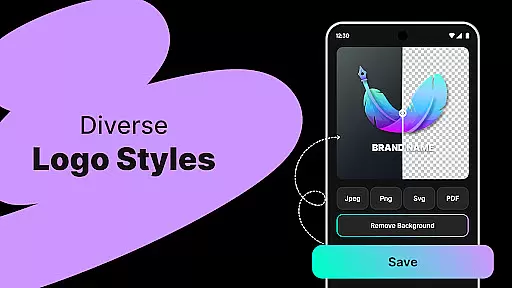
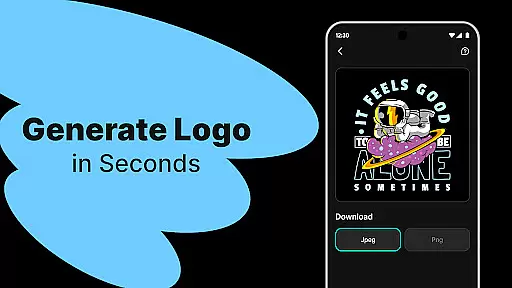
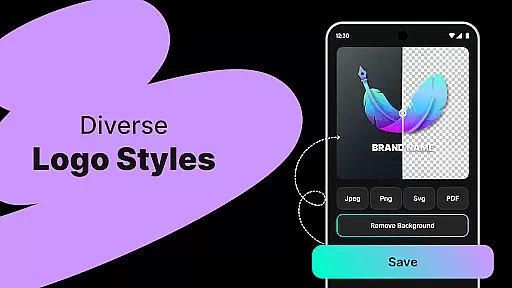
Another standout feature is the ability to export logos in high-resolution formats such as PNG and JPG, making them suitable for both digital platforms and print media. This versatility ensures that logos created with Logo Maker maintain their quality across different mediums, from social media profiles to physical merchandise. Overall, these features combine to offer a comprehensive solution for individuals and businesses seeking efficient yet sophisticated logo design capabilities.
In the realm of digital design, having access to comprehensive creative tools is essential for bringing visions to life. Logo Maker stands out by offering an extensive suite of features that cater to both novices and seasoned designers. The AI-Powered Logo Generation allows users to input their brand name and keywords, instantly receiving multiple unique logo concepts.
Additionally, the platform boasts hundreds of customizable templates spanning various styles such as modern, minimalist, vintage, and hand-drawn designs. This diversity ensures that every user can find a starting point that resonates with their brand identity. The inclusion of a User-Friendly Editor further enhances the creative process, enabling effortless drag-and-drop customization without requiring any prior design experience.
The ability to export logos in high-quality formats like PNG and JPG makes this tool indispensable for entrepreneurs looking to maintain consistency across different mediums including websites, business cards, social media, and print materials. By providing all these robust functionalities within one platform, Logo Maker empowers users to create professional-grade logos efficiently and effectively.
Flexibility in canvas size and format options is crucial when designing versatile logos suitable for various applications. With Logo Maker, users enjoy unparalleled adaptability thanks to its advanced editing capabilities. Whether you need a compact icon for mobile apps or a larger emblem for billboards, the platform's flexible canvas settings accommodate all requirements seamlessly.
Moreover, the software supports multiple file formats ensuring compatibility across different platforms and devices. Users can download their creations in widely-used formats such as PNG and JPG which are ideal for web use, while also having the option for higher resolution outputs suited for printing purposes.
This level of format flexibility not only simplifies the workflow but also guarantees that your logo will look impeccable regardless of where it appears. From digital marketing campaigns on social media to traditional advertising methods like flyers and brochures, Logo Maker equips designers with everything they need to produce visually striking and technically sound logos tailored precisely to their intended usage scenarios.
AI-Powered Design
User-Friendly Interface
High-Quality Templates
Fast Generation
Budget-Friendly Solution
Limited Free Features
Basic Editing Tools
Occasional Repetition
No Live Support
Export Restrictions

Create sweet, cool and unique couple avatars easily, in just a few steps!
 3.40
3.40
Art of Combination Wear OS Watch faces (for Wear OS 5+ devices)
3.00
Photo blender app to create overlay photos & double exposure.
4.40
Art of Combination Wear OS Watch Faces
4.4
Turn your drawings into flipbook-style animations with simple creative tools
4.60
Art of Combination Wear OS Watch Faces
3.30
Resize photos and print photos in exact size with our powerful photo printer!
3.80
Share the joy of painting with ibis Paint! Drawing anime and manga art.
4.50
Create Logos, Tattoos, AI Art & more with our AI Photo Generator & Design Editor
4.20
Photo stitcher for automatically screenshot stitching into a long screenshot
4.70
Learn how to draw with step-by-step tutorials, fun lessons & multiplayer drawing
4.70
Draw, fidget, and spin glow art! Relax and express your creativity with a finger
4.60
Trace, draw, and create art with AR - from memes to masterpieces!
4.30
800+ Drawing, Painting Lessons App to Practice, Sketch & Paint Art.
4.30
Sketch, plan, take notes and illustrate on an infinite canvas.
4.20
Create stylish invitation cards using templates for weddings, birthdays & RSVP.
4.20
Design unique, funny and adorable cat stickers that reflect your own style!
3.80
Draw anime easily with AR guidance, sketch templates & trace tools!
3.10
Your Essential Color Theory Guide: Red, Yellow, Blue (RYB)
4.4


User Reviews