
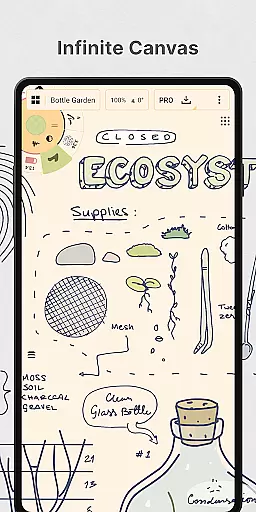
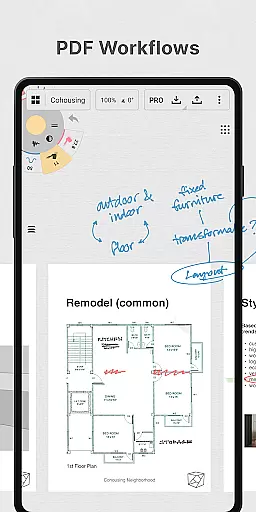
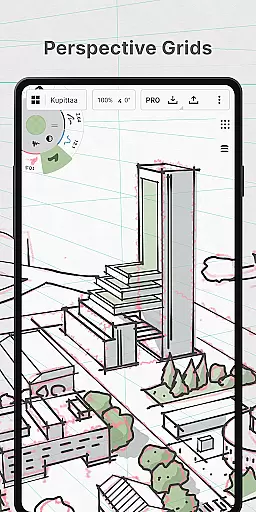
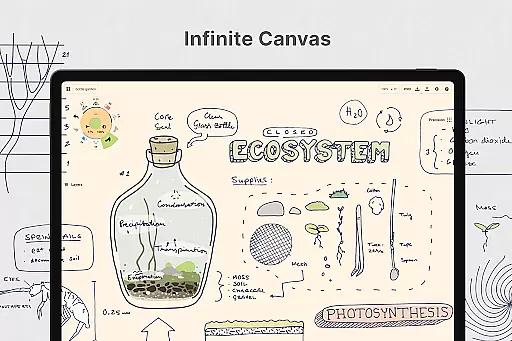
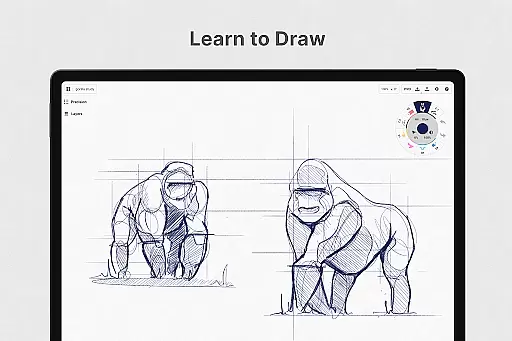
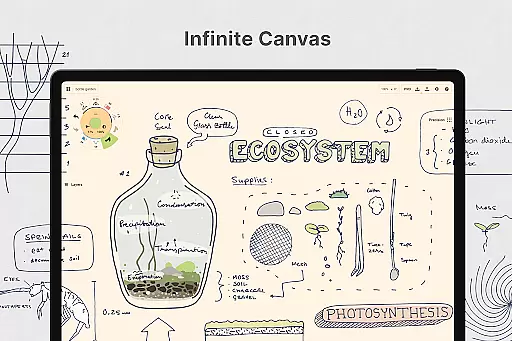
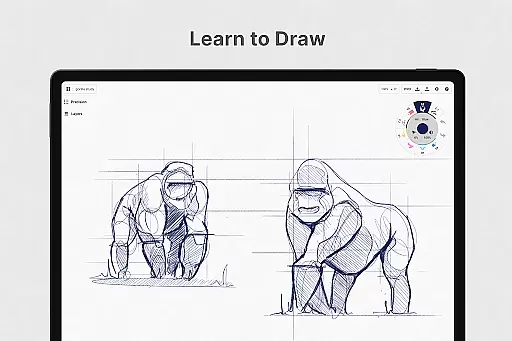
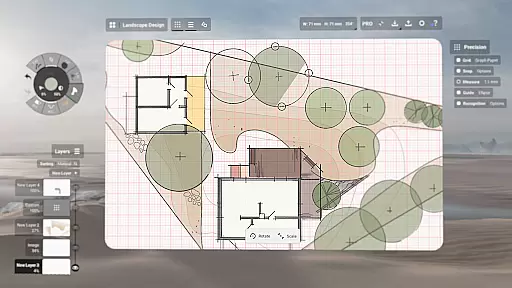
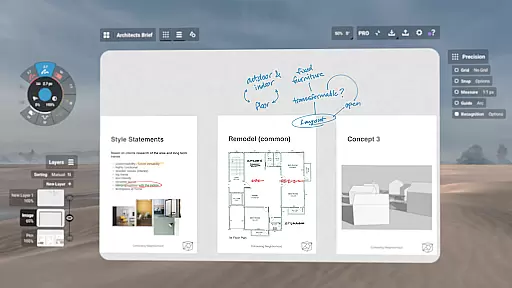
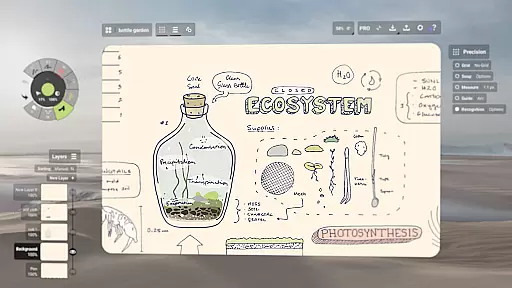
Concepts is a versatile vector-based creative workspace designed for artists, designers, and creators to bring their ideas to life. This digital sketchpad offers an infinite canvas where users can sketch plans, create storyboards, draw product designs, and even make mind maps. The app is optimized for pen-enabled devices and Chrome OS, providing a responsive and smooth experience. With realistic pencils, pens, and brushes that respond to pressure, tilt, and velocity, Concepts allows for highly customizable and editable drawings.
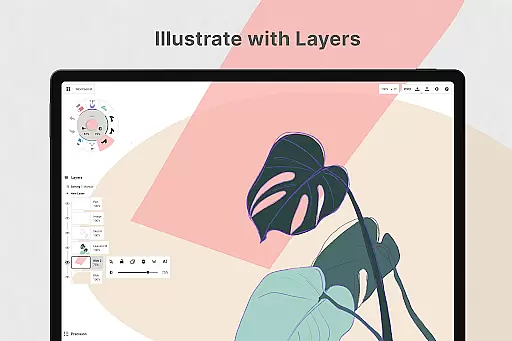
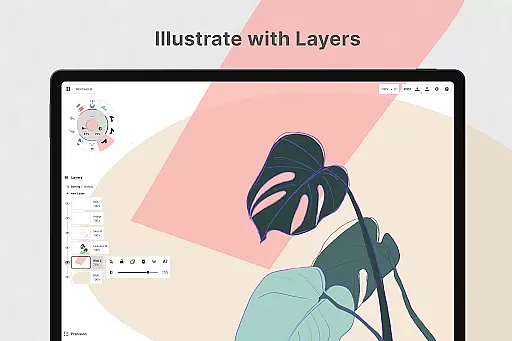
The app's powerful features include flexible vector-based sketching, live snap tools for precision drawing, and an advanced layering system with automatic sorting. These capabilities make it suitable for both casual sketching and professional design work. Whether you're a concept artist at Disney or a product designer at Apple, Concepts provides the tools needed to develop extraordinary ideas efficiently.
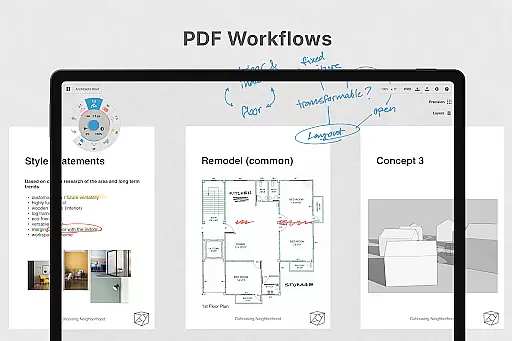
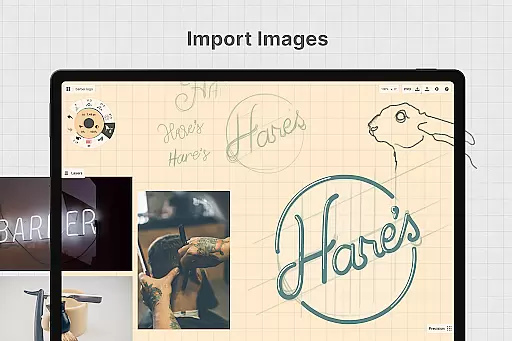
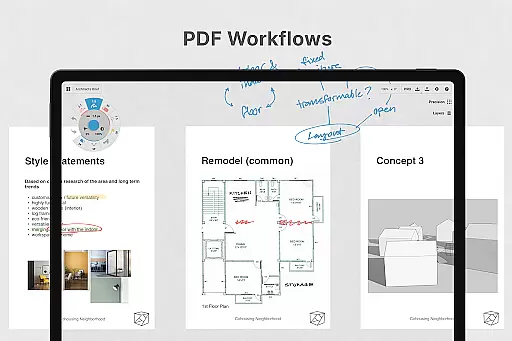
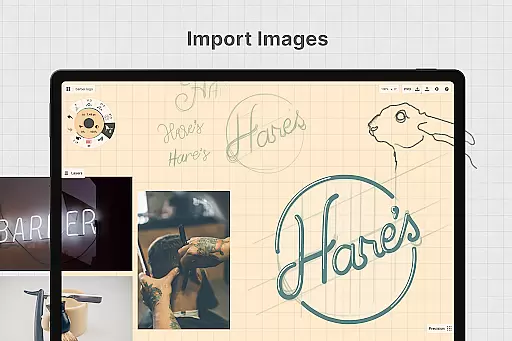
One of the key strengths of Concepts is its ability to streamline the creative process. Users can easily experiment with different design iterations, organize their thoughts, and share their work with clients or collaborators. The app also supports various export options, including images, PDFs, and vectors, making it easy to integrate with other professional workflows. This makes Concepts an invaluable tool for anyone involved in creative planning and design.
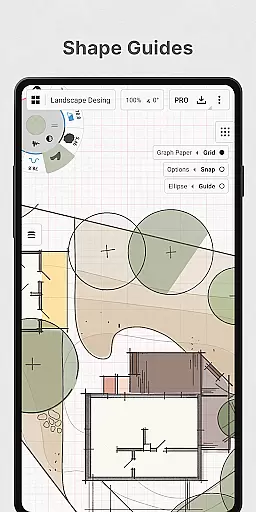
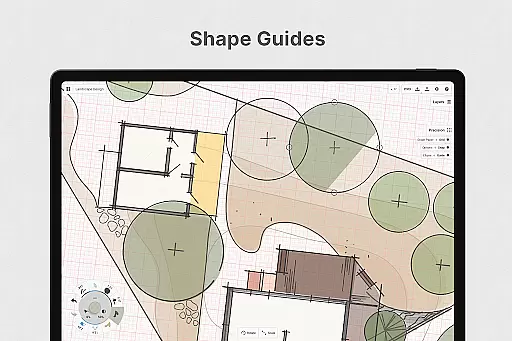
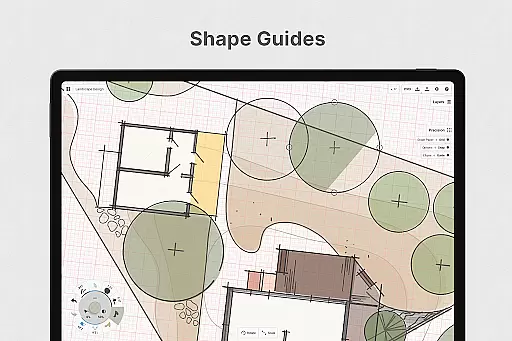
Concepts stands out with its robust feature set tailored for creative professionals. The app's vector-based engine allows every stroke to be fully editable and scalable, giving users unprecedented control over their artwork. With advanced tools like Nudge, Slice, and Select, modifying elements of a sketch becomes effortless without the need for redrawing. The inclusion of shape guides, live snap, and measurement tools ensures clean and accurate sketches every time.
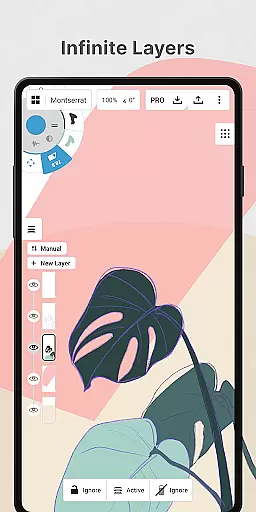
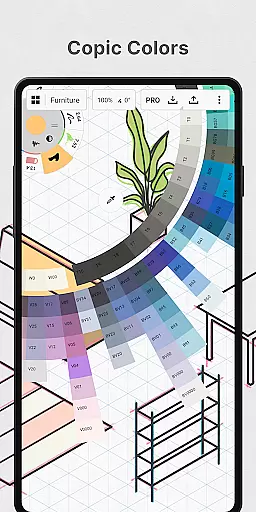
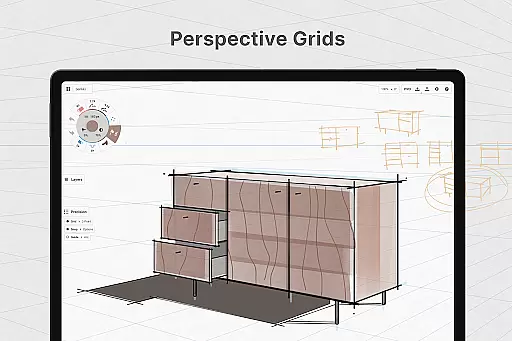
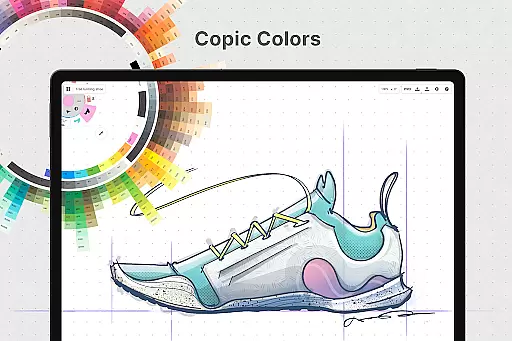
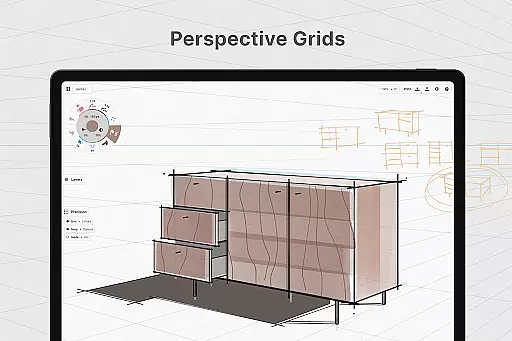
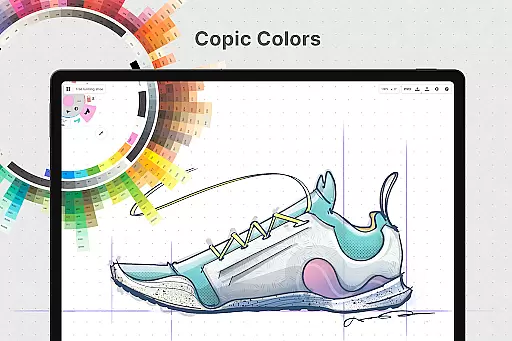
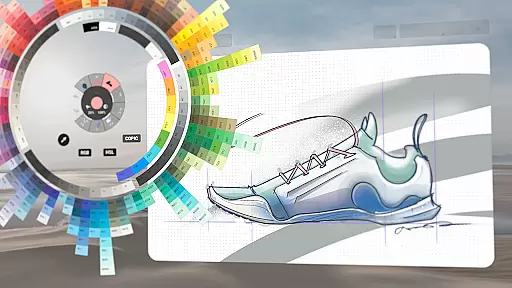
Another remarkable aspect is the app's customization capabilities. Users can personalize their canvas with various paper types and custom grids. The tool wheel or bar can be tailored to include favorite tools and presets, while the HSL, RGB, and COPIC color wheels help in choosing harmonious color schemes. Additionally, the infinite layering system with adjustable opacity allows for complex compositions and easy management of different elements within a project.
Concepts also excels in cross-platform functionality. By subscribing to the premium version, users unlock access to all features across Android, ChromeOS, iOS, and Windows devices. This seamless integration enables creators to work on their projects from any device, ensuring maximum flexibility and productivity. The availability of both subscription-based and one-time purchase options caters to different user preferences and budgets.
In the realm of digital art and design, having a comprehensive set of creative tools is paramount. Concepts offers an extensive array of instruments that cater to every artist's needs. The app provides realistic pencils, pens, and brushes that respond to pressure, tilt, and velocity, with adjustable live smoothing to refine your strokes.
Moreover, Concepts boasts an infinite canvas feature complemented by various paper types and custom grids, allowing creators the freedom to explore vast creative landscapes without constraints. This flexibility supports everything from quick sketches to complex design projects, making it indispensable for professionals and hobbyists alike.
The inclusion of a customizable tool wheel or bar ensures that users can tailor their workspace with favorite tools and presets at their fingertips. Such personalization not only streamlines workflow but also enhances productivity by reducing the time spent searching for specific functions.
Additionally, advanced features like an infinite layering system with automatic sorting and adjustable opacity empower artists to manage intricate compositions effortlessly. These capabilities ensure that whether you're drafting initial concepts or finalizing detailed artwork, Concepts equips you with all necessary utilities to bring your visions to life.
A flexible canvas and format options are crucial for unleashing creativity without boundaries. Concepts redefines this space by offering an infinite canvas where imagination can roam free. Users can select from multiple paper types and create custom grids tailored to individual project requirements, ensuring precision and adaptability in every piece they produce.
This expansive digital workspace supports diverse creative processesu2014from preliminary sketches to polished designsu2014without worrying about running out of space. Artists can seamlessly transition between different scales and perspectives while maintaining complete control over their work environment.
Furthermore, Concepts' vector-based sketching allows easy modification of drawings anytime. By adjusting elements based on tool usage, color choice, size variation, smoothing levels, or scaling factors, creators maintain unparalleled flexibility throughout their artistic journey. This adaptability ensures consistency and quality across all outputs.
Export functionalities further enhance canvas/format flexibility by enabling users to share their creations in various formats such as images, PDFs, and vectors. Whether preparing files for client presentations or collaborating with other applications, these versatile export options facilitate smooth integration into professional workflows while preserving original intent and detail.
User-friendly interface
Highly customizable tools
Cross-platform compatibility
Professional-grade features
Active developer support
Premium features are costly
Steep learning curve
Limited free features
Occasional performance issues
Subscription model may not suit all

Discover Cartoon Dream : Unleash Your Creativity with CuttingEdge AI
 4.50
4.50
Premium version of Shimeji-ee app with no ads & no limit active shimeji
4.5
Create neon drawing with magic doodle and fun doodle art effects!
4.50
Unleash Your Creativity with Draw Cartoon - AR Drawing App
4.10
Nano Banana AI Image Generator, Anime Filter, AI Portrait, AI Photo Generator
4.30
Draw glowing spinners, relax, and spin your creative art
4.60
Art of Combination Wear OS Watch Faces
3.30
Your homescreen as an elegant glass with customized blur, lighting, and visuals.
3.70
Photo stitcher for automatically screenshot stitching into a long screenshot
4.70
Learn how to draw with step-by-step tutorials, fun lessons & multiplayer drawing
4.70
Image resizer to resize, crop, rotate, flip, change dpi photo or picture in bulk
4.60
Draw Trace image sketch by, AR art projector app, Easy to trace any image.
4.50
Trace, draw, and create art with AR - from memes to masterpieces!
4.30
Remove Background, Magic Eraser, Photo Enhancer, Story Templates, Collage Maker
4.30
Bring One UI 8.5 Icons to life -elegant dark icons with a modern, premium touch.
4.30
Create Logos, Tattoos, AI Art & more with our AI Photo Generator & Design Editor
4.20
Floor Plan Creator lets you create, edit and share floor plans.
4.00
Design unique, funny and adorable cat stickers that reflect your own style!
3.80
A luxurious gold watch face for an elegant and refined look.
4.4


User Reviews