
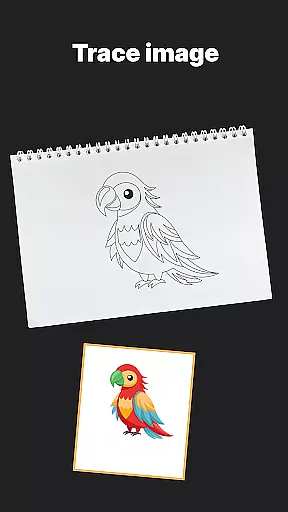
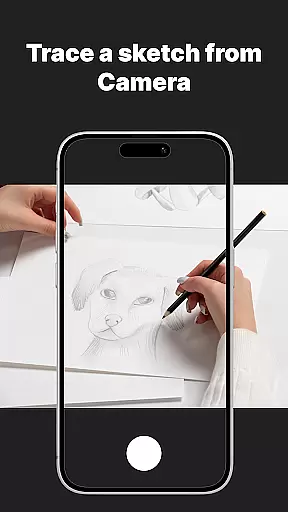
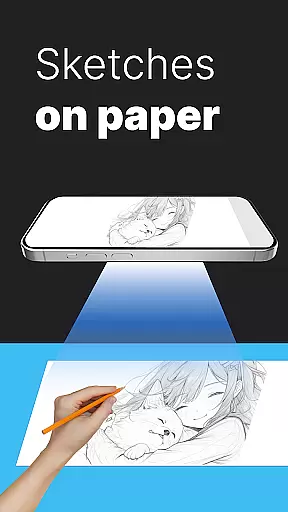
AR Drawing Sketch Painting App is an innovative mobile application that transforms your smartphone into a powerful AR-powered drawing tool. This app allows users to trace drawings, create meme art, and learn to draw step-by-step directly on real paper using augmented reality technology.
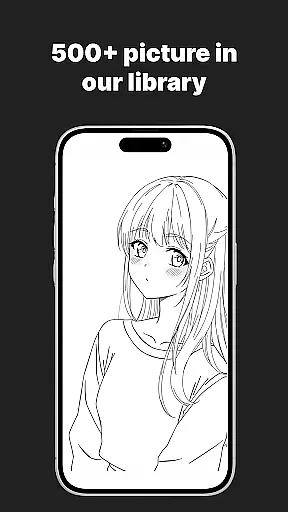
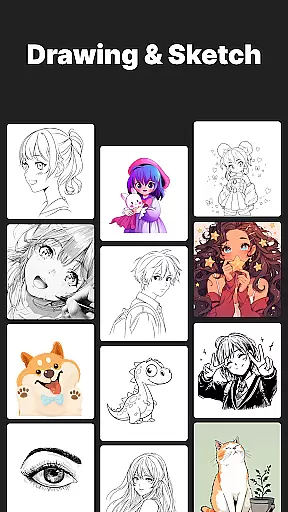
The app features a massive template library with thousands of options including anime, portraits, animals, cars, flowers, tattoos, icons, and trending memes. It also offers customization tools, time-lapse recording of the drawing process, and weekly updates with fresh content. Whether you're a beginner or professional artist, this app provides a unique blend of fun and education, making it suitable for all ages and skill levels.
With its user-friendly interface and diverse features, AR Drawing Sketch Painting App helps users improve their drawing skills while staying up-to-date with the latest meme trends. The app's ability to project templates onto paper through the phone's camera creates an immersive and interactive drawing experience.
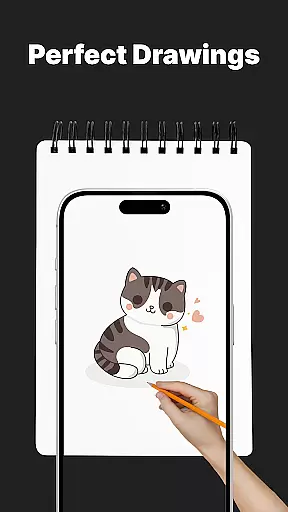
One of the standout features of AR Drawing Sketch Painting App is its AR Trace Drawing functionality. Users can select a template from the extensive library, position their phone on a stand, and trace the projected lines directly onto paper. This feature is particularly useful for beginners who want to learn drawing techniques or professionals looking to refine their skills.
The app also includes a comprehensive learning section with step-by-step drawing lessons for all skill levels. These tutorials cover various styles and techniques, making it an excellent educational tool. Additionally, the Meme Mode offers exclusive collections of popular internet memes, allowing users to create trendy artwork that resonates with online communities.
Customization tools in the app let users adjust opacity, zoom, rotate images, and enable flashlight for better visibility. The time-lapse video capture feature records the entire drawing process, enabling users to share their creative journey on social media platforms. With weekly content updates, users always have access to fresh inspiration and new drawing challenges.
AR Drawing Sketch Painting App offers an extensive suite of creative tools that cater to both amateur and professional artists. The app includes a massive template library with thousands of templates ranging from anime, portraits, animals, cars, flowers, tattoos, icons, trending memes, and more.
One of the standout features is the AR Trace Drawing, which allows users to select a template and trace the lines onto paper by looking through their phoneu2019s camera. This feature makes it easy for beginners to start drawing while also offering advanced customization options such as adjusting opacity, zooming, rotating, and enabling the flashlight for better visibility.
In addition to tracing, the app provides step-by-step drawing lessons designed to improve skills for all levels. These guided tutorials help users learn new techniques and refine their artistic abilities over time. With weekly updates introducing fresh templates, users will never run out of inspiration or new projects to try.
The AR Drawing Sketch Painting App excels in providing canvas and format flexibility, making it suitable for various types of artistic projects. Whether you're interested in realistic portraits or hilarious meme drawings, this app supports multiple styles and adapts to your creative needs.
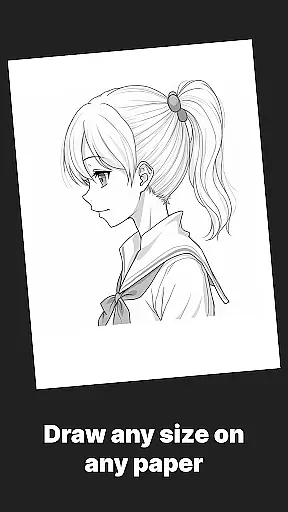
Users can upload their own images and adjust settings like opacity, zoom, and rotation to fit their project requirements. This flexibility ensures that whether you are working on small detailed sketches or large elaborate pieces, the app can accommodate different dimensions and formats.
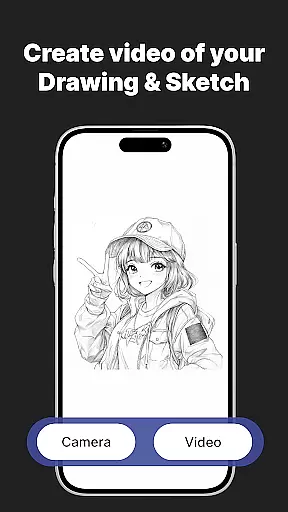
Moreover, the app's ability to save and share time-lapse videos of the drawing process adds another layer of versatility. Artists can document their progress, edit the captured content, and instantly share their final masterpieces across various platforms. This feature not only enhances user engagement but also promotes learning and community building among artists.
User-friendly interface
Extensive template library
Augmented reality tracing
Step-by-step tutorials
Regular content updates
Requires stable phone positioning
Limited free templates
Premium subscription needed
Internet connection required
Steep learning curve

Learn how to draw with step-by-step tutorials, fun lessons & multiplayer drawing
 4.70
4.70
Art of Combination Wear OS Watch faces
4.5
Image/ Text to Video Generator
4.40
Easy 3D drawing design maker & creator. Model designing, Sculpting. Create&paint
4.00
Digital illustration drawing & painting pad app to paint Anime and Manga art
4.50
Get creative and make art with your Sesame Friends!
4.00
Inky runs Inkscape on Android devices and Chromebooks
2.90
Retouch photos. Create or edit images. Endless capabilities.
2.70
AI Tattoo Generator: Create Tattoo Designs & Get Ideas! Ink & Stencil Maker
4.50
Create stunning art with AI.
4.80
Photo stitcher for automatically screenshot stitching into a long screenshot
4.70
Kling AI is an image and video generation and editing studio powered by AI.
4.50
Nano Banana AI Image Generator, Anime Filter, AI Portrait, AI Photo Generator
4.30
Customizable Outlined Fonts. Watch Face Format. Battery friendly Digital Clock.
4.20
Digital Drawing: Draw & Paint
4.10
Design your dream room with AI. Get decor ideas & plan home interiors
3.90
Turning simple sketches into captivating tales filled with life and motion
3.90
Create sweet, cool and unique couple avatars easily, in just a few steps!
3.40
Vidu is an AI video generator made for creators and aspiring makers.
3.30


User Reviews