
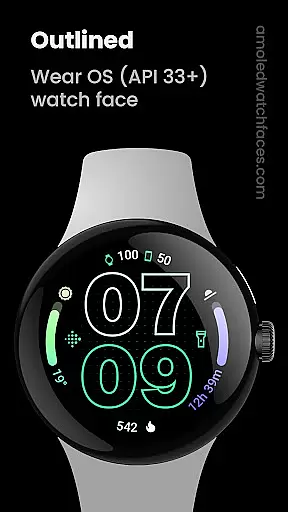
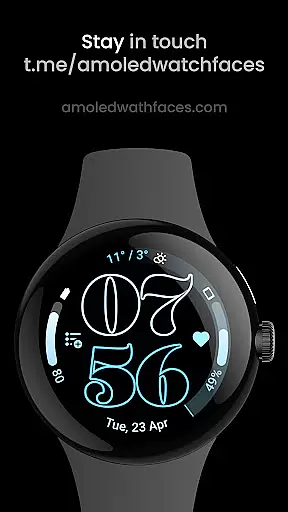
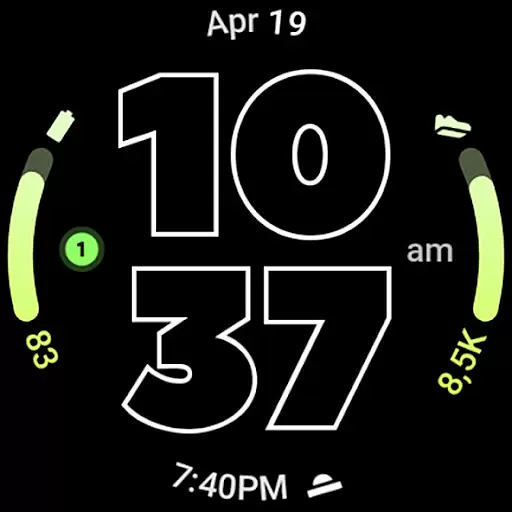
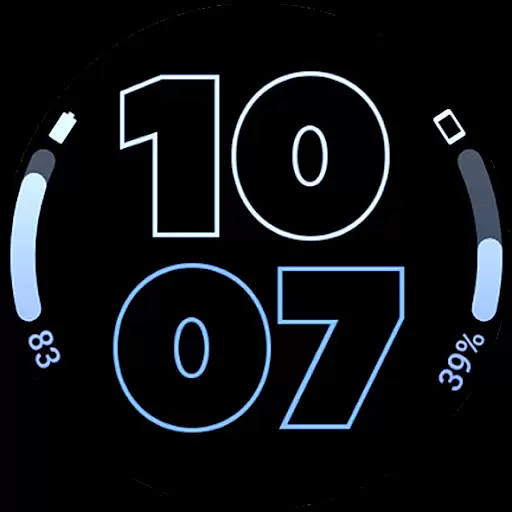
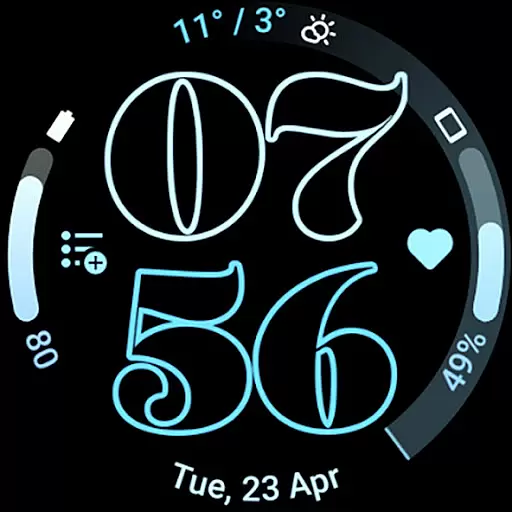
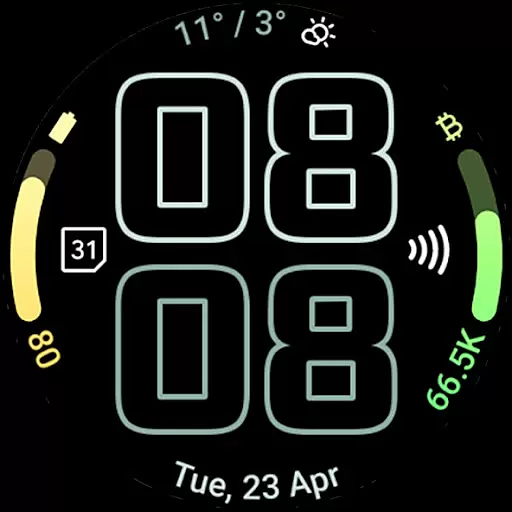
Outlined Watch Face is a premium wearable app designed exclusively for Wear OS 4+ devices. This sophisticated watch face features a modern outlined digital clock design with customizable font options, making it both stylish and functional. With support for two gradient arc complication slots and combined watch/phone battery complications, users can access essential information at a glance while enjoying a battery-friendly true black AMOLED display.
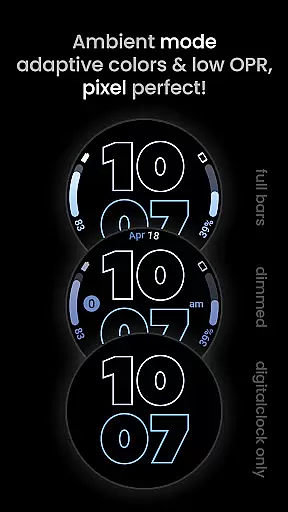
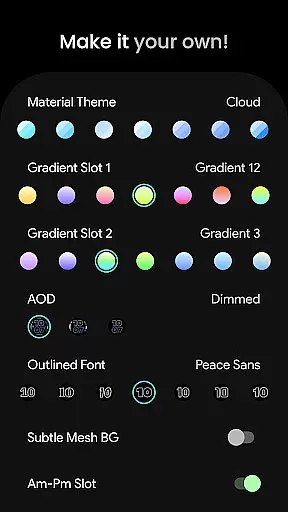
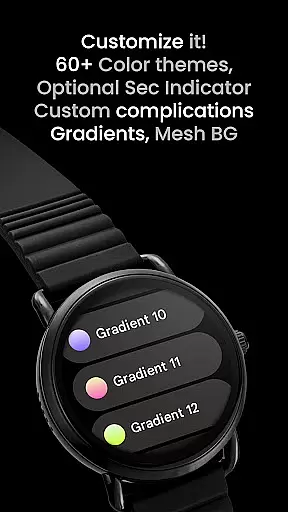
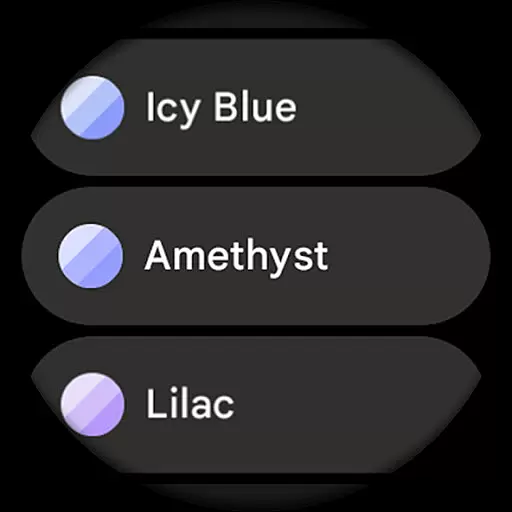
The app offers extensive customization options including 60+ material themes, individual progress bar gradients, and three Always-On Display (AOD) styles. Users can further personalize their experience with unique color themes, optional wave-styled seconds indicators, and various settings to create a truly unique daily companion. Its high-resolution design ensures optimal performance on both Pixel Watch 2 and Galaxy Watch6 devices.
Outlined Watch Face stands out with its innovative features tailored for tech-savvy users. The app utilizes the latest Watch Face Format, providing seamless compatibility with modern smartwatches. Its two gradient arc complication slots support ranged value complications, allowing users to visualize progress bars with customized gradients for each data point.
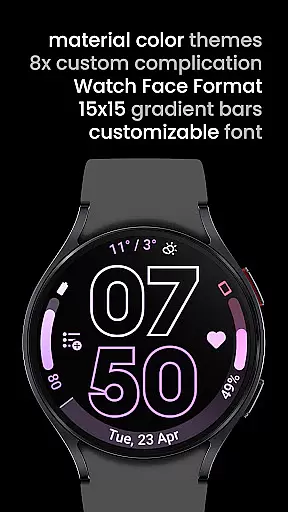
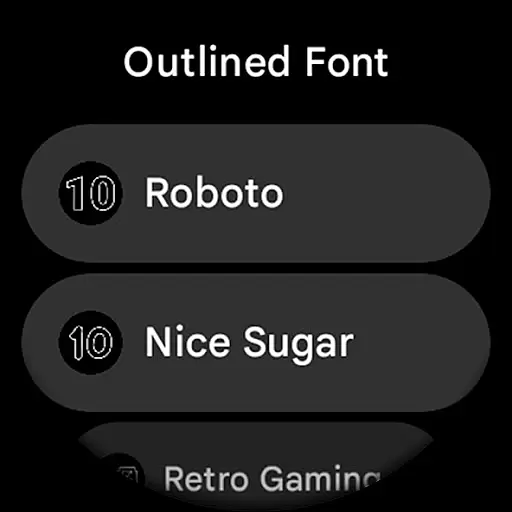
One of the key highlights is the combined watch and phone battery complication support, enabling users to monitor both devices' power levels simultaneously. The app offers ten unique outlined digital clock fonts and three AOD styles, including an energy-efficient option that offloads processing to the MCU. Additional features include burn-in protection, subtle mesh background options, and monochromatic icon tinting for a cohesive look across all complications.
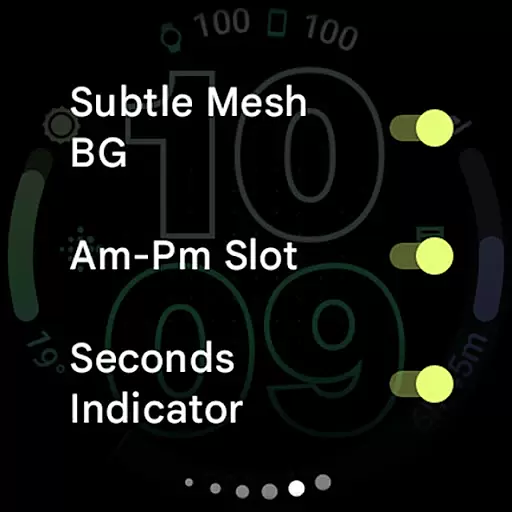
Advanced customization extends to eight custom complication shortcuts, AM-PM indicator options, and wave-style seconds indicators. These comprehensive features make Outlined Watch Face a versatile choice for users seeking both functionality and personalization in their wearable experience.
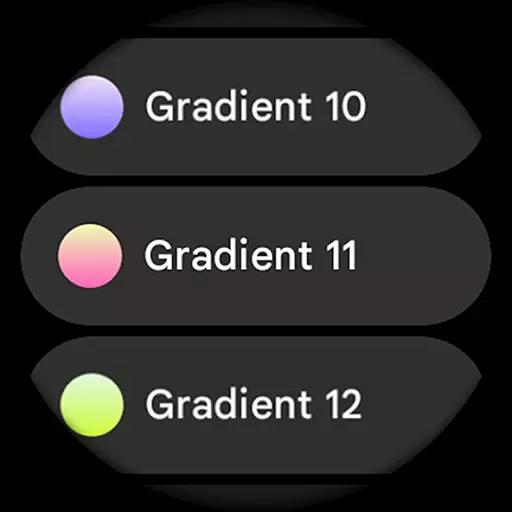
Outlined Watch Face offers an extensive suite of creative tools that cater to users who want to personalize their Wear OS 4+ devices. With over 60 material themes, 19 gradient options, and 10 unique outlined font styles, the app ensures a high level of customization.
The inclusion of two gradient arc complication slots and support for combined watch/phone battery complications allows users to create a functional yet aesthetically pleasing interface. These features are further complemented by customizable progress bar gradients and optional wave-styled seconds indicators, providing both practicality and personal flair.
Additionally, the app supports high-res design and true black backgrounds, making it not only battery-friendly but also visually stunning. Users can choose from three Always-On Display (AOD) styles or opt for a fully MCU-powered digital clock mode for enhanced battery savings.
Flexibility in canvas and format is where Outlined Watch Face truly shines. The app provides users with the ability to customize each element on the watch face, including Material Themes, Gradient Slots, and even individual progress bars when ranged value complications are used.
With compatibility across various devices like the Pixel Watch 2 and Galaxy Watch6, this app ensures that your personalized designs look great on different screen types. It also includes burn-in protection and subtle mesh background options, which enhance the longevity and readability of the display.
Moreover, user configurations such as toggles for AM-PM slots, seconds indicators, and tint icons offer additional layers of personalization. This adaptability makes it easy for users to tailor their watch faces according to their preferences while maintaining optimal performance and visual appeal.
Modern outlined design
Extensive customization
Battery efficient
High resolution
Unique themes
Wear OS 4+ only
No rectangular support
Premium cost
Complex setup
Limited widgets

Discover Cartoon Dream : Unleash Your Creativity with CuttingEdge AI
 4.50
4.50
AI generated images & photos, turn your words into drawing, painting & pictures.
4.30
Easy 3D drawing design maker & creator. Model designing, Sculpting. Create&paint
4.00
AI Face Swap, Video Effects Editor, Realtime Morph, Funny Video FX,AI Filters
3.70
Draw on screen: FP sDraw is a simple and lightweight drawing app
4.70
Minecraft & Roblox Clothes
4.70
Art of Combination Wear OS Watch faces (for Wear OS 5+ devices)
3.90
Experience next-gen icons with a modern liquid glass look.
3.60
Everything you need to create hand drawn animation, anywhere you go!
4.40
Logo Generator powered by AI: Create stunning logos effortlessly!
4.70
Your AI soulmate — meaningful chats, and unique emotional moments
4.70
Draw, fidget, and spin glow art! Relax and express your creativity with a finger
4.60
Digital illustration drawing & painting pad app to paint Anime and Manga art
4.50
Create neon drawing with magic doodle and fun doodle art effects!
4.50
The perfect place to start sketching! Use Sketchbook to draw and paint sketches.
4.50
Share the joy of painting with ibis Paint! Drawing anime and manga art.
4.50
Digital Drawing: Draw & Paint
4.10
AI Art Generator transforms your words into AI generated art & paintings.
3.70
Art of Combination Wear OS Watch Faces
4.3


User Reviews