
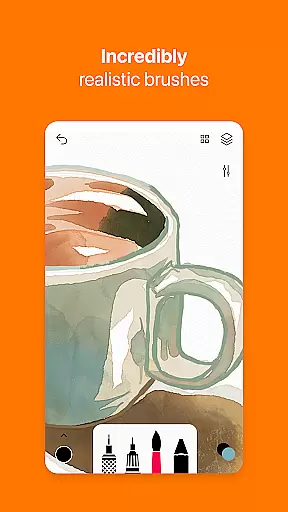
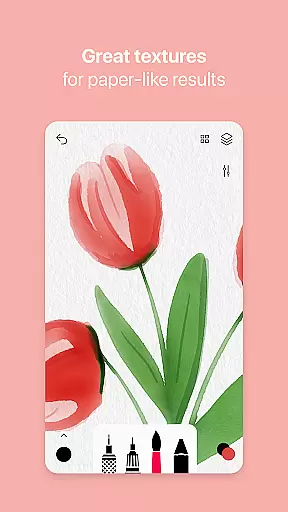
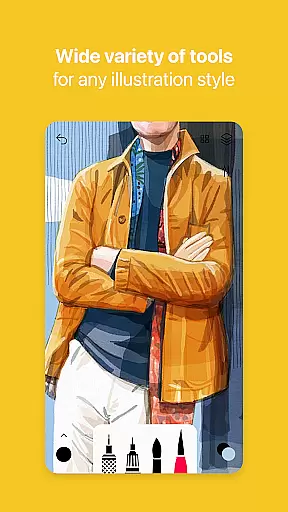

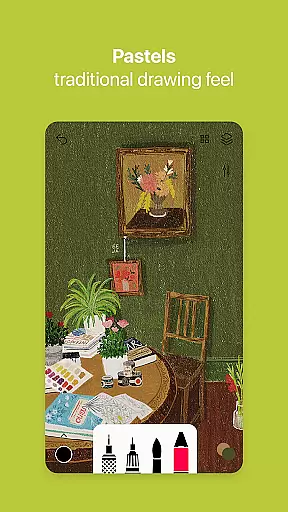

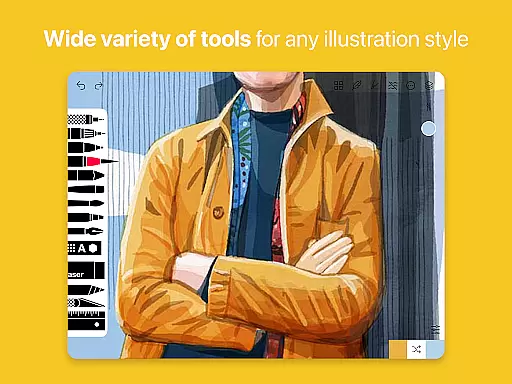
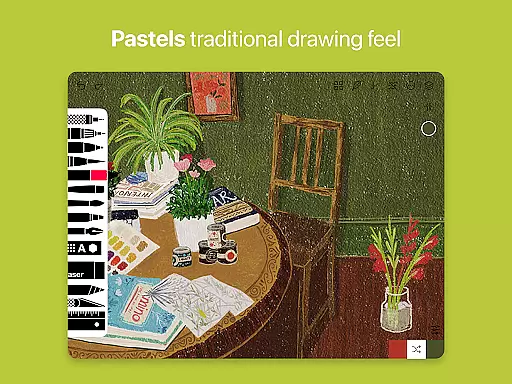
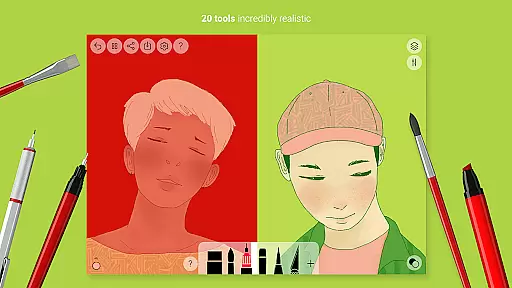
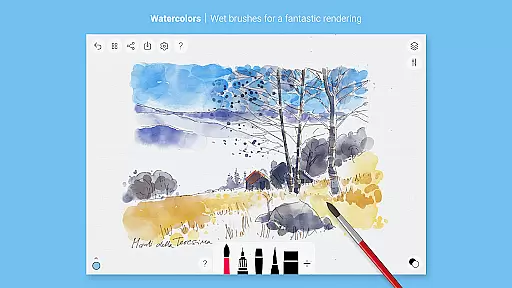
Tayasui Sketches is a premier drawing application designed for artists and creatives who value precision and beauty in their digital artwork. The app offers an impressive selection of over 20 ultra-realistic tools, each crafted to mimic traditional art mediums with remarkable accuracy. These include various brushes such as watercolor, acrylic, and oil pastel, alongside other tools like the pen, felt pen, and airbrush.
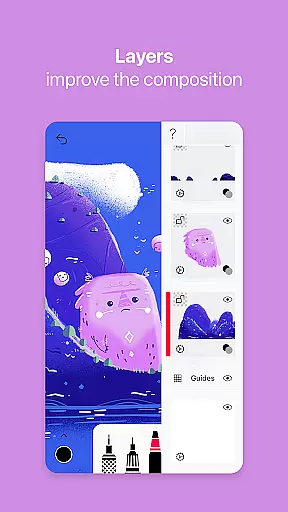
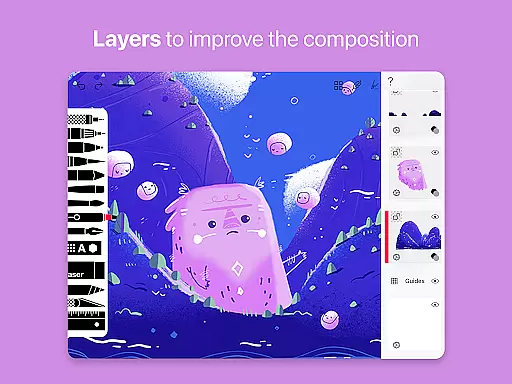
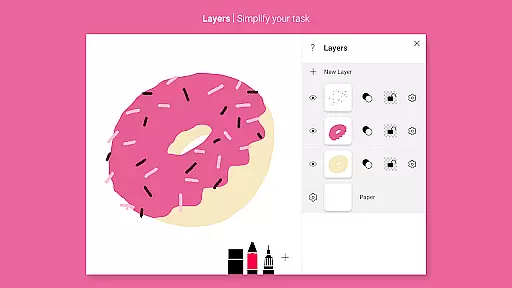
One of the standout features of Tayasui Sketches is its ability to adapt brush strokes based on pressure, angle, and width, providing a truly immersive drawing experience akin to using real-world materials. Additionally, users can take advantage of advanced functionalities such as layers, which simplify complex tasks, and a color eyedropper for precise color selection. With support for stylus input and intuitive photo import options, this app caters to both amateur doodlers and professional illustrators.
Whether you're sketching ideas on the go or creating detailed masterpieces, Tayasui Sketches provides a seamless blend of powerful features within a minimalist interface. Its realistic simulation of traditional art tools makes it an invaluable resource for anyone looking to express their creativity digitally.
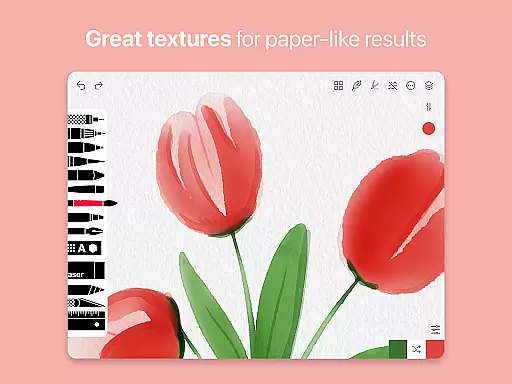
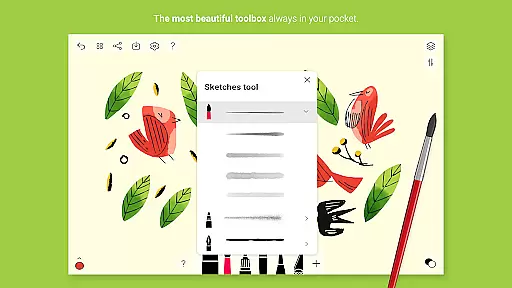
Tayasui Sketches distinguishes itself through its meticulously designed tools that offer unparalleled realism. Each tool variant has been engineered to respond dynamically to user inputs, ensuring every stroke feels authentic and lifelike. For instance, the watercolor wet brush simulates the fluidity and blending properties of actual watercolors, while the smudge tool allows for subtle texture manipulations reminiscent of finger painting.
Beyond its core brush set, Tayasui Sketches includes advanced features such as layers, which are essential for organizing complex artworks and making non-destructive edits. Users can also benefit from the brushes editor, enabling customization of existing tools or creation of new ones tailored to specific needs. Furthermore, the app supports importing photos, allowing artists to incorporate reference images or backgrounds into their work effortlessly.
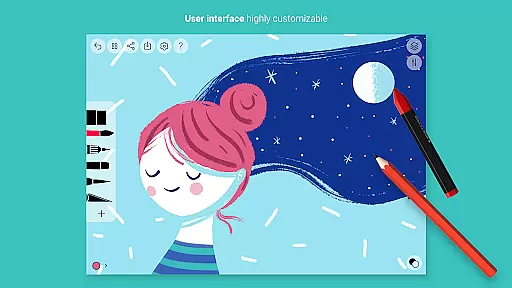
The app's interface is thoughtfully crafted to maintain a balance between functionality and simplicity. Despite the wealth of features available, navigation remains straightforward thanks to its clean layout and intuitive controls. This ensures that even newcomers to digital art can quickly become proficient without feeling overwhelmed by technical complexities.
Tayasui Sketches offers an extensive suite of creative tools that cater to both amateur and professional artists. With over 20 ultra-realistic tools, users can explore various artistic mediums including watercolor, oil pastel, acrylic, and airbrush. Each brush has been meticulously designed to mimic real-world behavior, adapting to the pressure, angle, and width of your strokes.
The app goes beyond basic drawing by providing advanced features such as layers, a brushes editor, color eyedropper, and smudge tool. These functionalities allow for complex artwork creation and detailed editing. The minimalist and intuitive interface ensures that even with such a wide array of options, the user experience remains straightforward and uncluttered.
For those seeking additional capabilities, the Pro version unlocks numerous tool variants, import photo options, and dozens of extra features. This makes Tayasui Sketches not just a drawing app but a comprehensive digital art studio on your Android device.
Flexibility in canvas and format options is crucial for digital artists, and Tayasui Sketches excels in this area. The app supports various stylus inputs, ensuring precision and control akin to traditional drawing methods. Users can customize their workspace to suit different project requirements, whether it's adjusting canvas size or selecting specific formats for export.
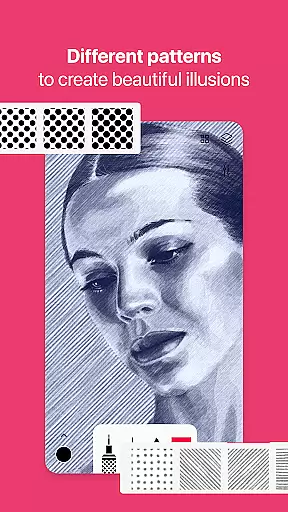
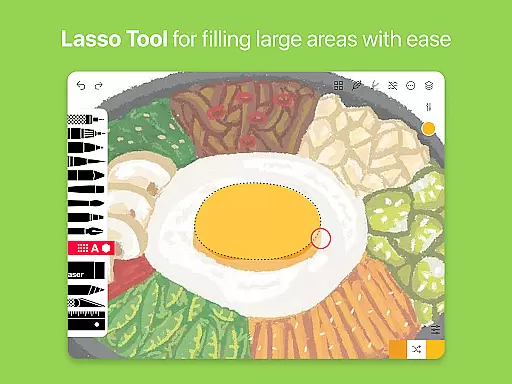
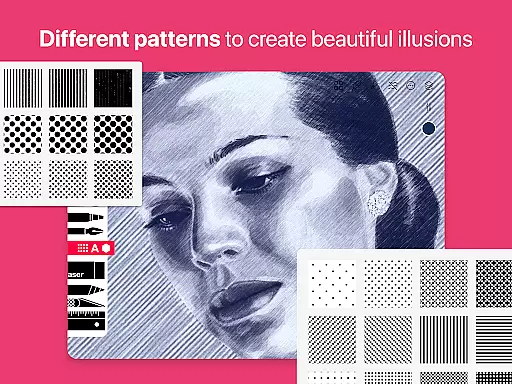
In addition to standard drawing tools, Tayasui Sketches provides specialized functions like area filling, patterns, text insertion, and shape creation. These features enable artists to experiment with diverse styles and techniques without being constrained by format limitations. The ability to import photos further expands creative possibilities, allowing for mixed media projects.
Subscription plans offer enhanced flexibility with premium features such as advanced sharing options and extended layer management. By subscribing, users gain access to weekly or yearly updates that continually improve canvas handling and file compatibility, making Tayasui Sketches a versatile choice for all digital art needs.
User-friendly interface
Realistic brush simulations
Extensive tool variety
Advanced layer management
Customizable brushes
Subscription model required
Limited free trial availability
No desktop version
Some features iPad-exclusive
Auto-renewal default setting

Customizable Outlined Fonts. Watch Face Format. Battery friendly Digital Clock.
 4.20
4.20
Easy 3D drawing design maker & creator. Model designing, Sculpting. Create&paint
4.00
Logo Generator powered by AI: Create stunning logos effortlessly!
4.70
Convert image to JPG PNG HEIC PDF, support almost all kinds of image formats
4.70
Painting, drawing, & sketching
4.50
Novices can also easily complete diamond painting masters
4.70
Your AI soulmate — meaningful chats, and unique emotional moments
4.70
Mobile pixel art editor. Simple. Fast. Portable.
4.80
Beauty Camera - Selfie Camera is the ultimate beauty camera and selfie app
4.30
Learn how to draw with step-by-step tutorials, fun lessons & multiplayer drawing
4.70
Draw beautiful mandala's very easily
4.60
Castle is social media for creating and playing games!
4.60
Get an overview over all your embroidery threads, projects and more.
4.60
Stylish letters, Stylish Keyboard, Symbols, Emojis, Cool nickname
4.40
Photo blender app to create overlay photos & double exposure.
4.40
Sketch, plan, take notes and illustrate on an infinite canvas.
4.20
Create sweet, cool and unique couple avatars easily, in just a few steps!
3.40
Meet the magic aı 3d photo generator and smart AI video generator app.
3.20
Art of Combination Wear OS Watch faces
4.1


User Reviews