
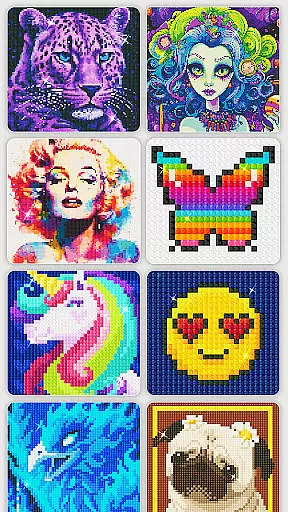
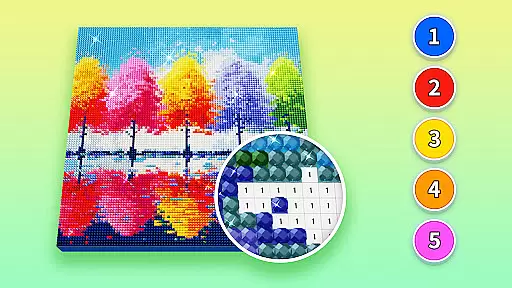
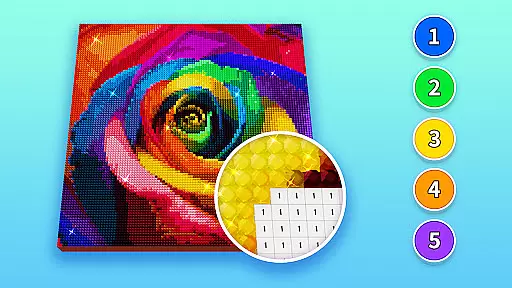
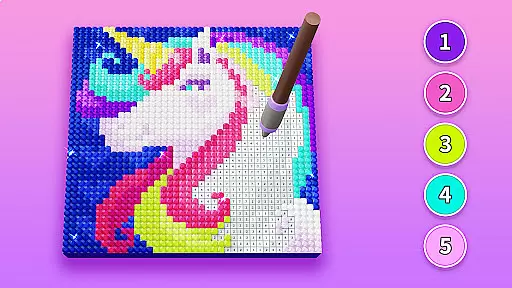
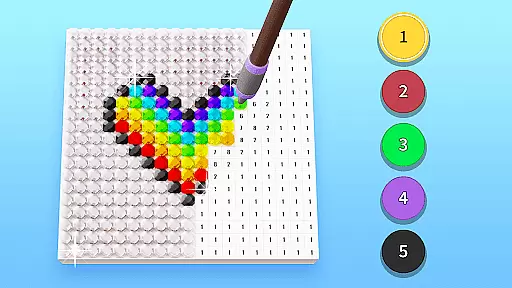
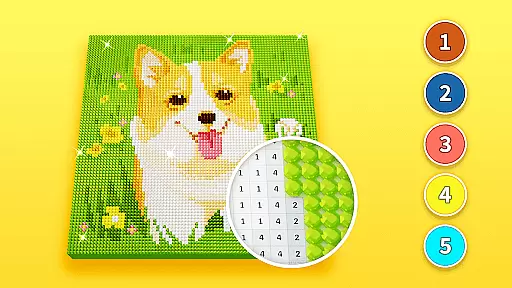
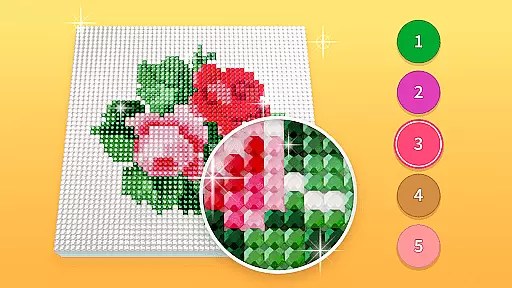
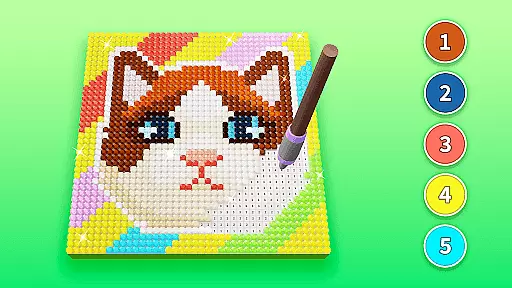
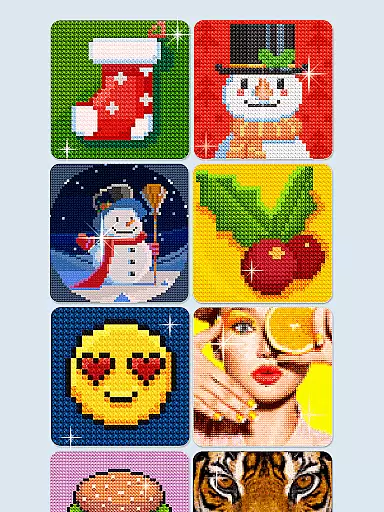
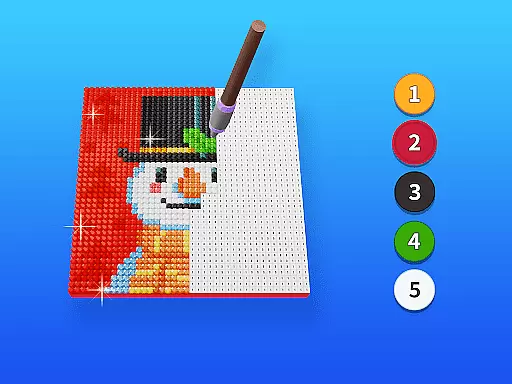
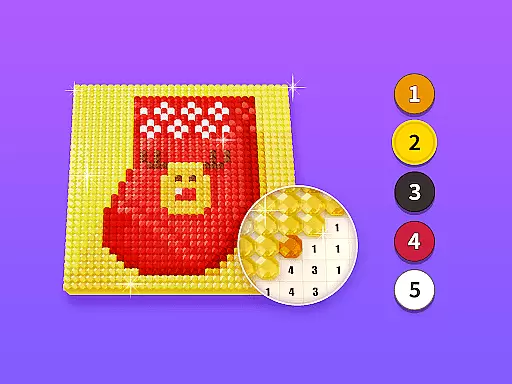
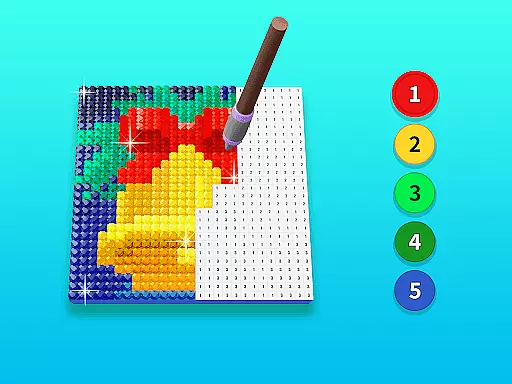
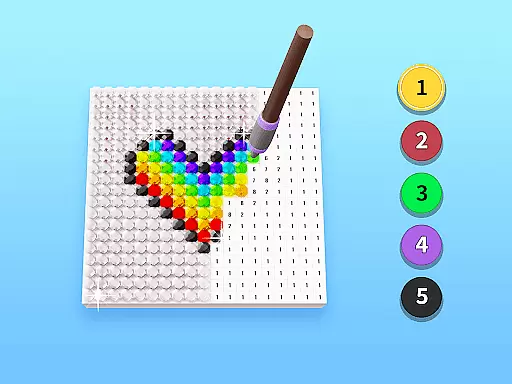
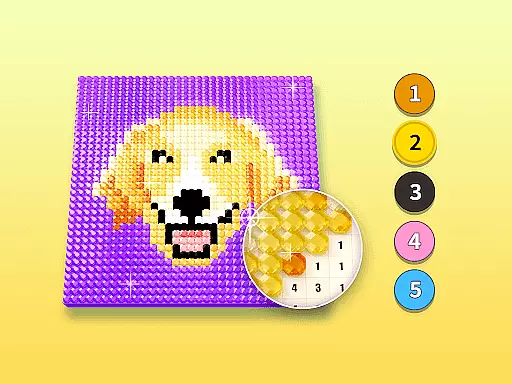
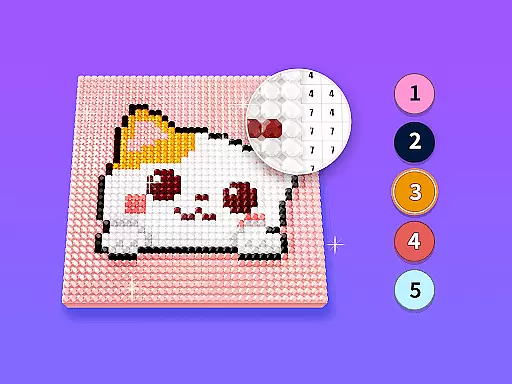
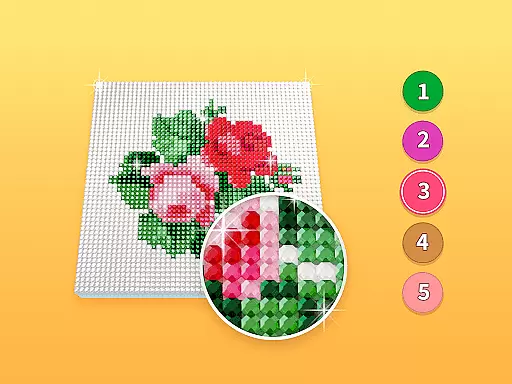
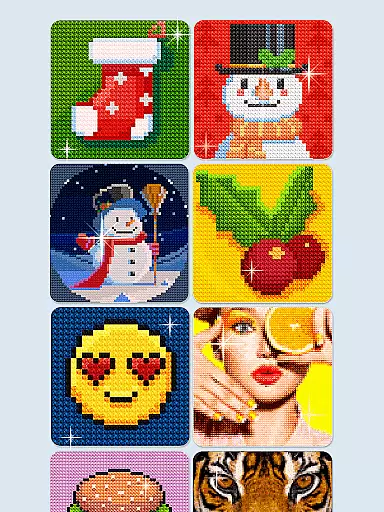
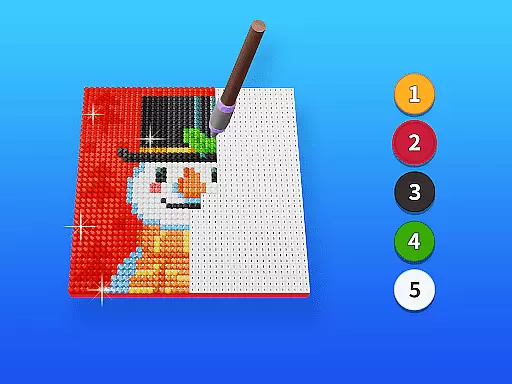
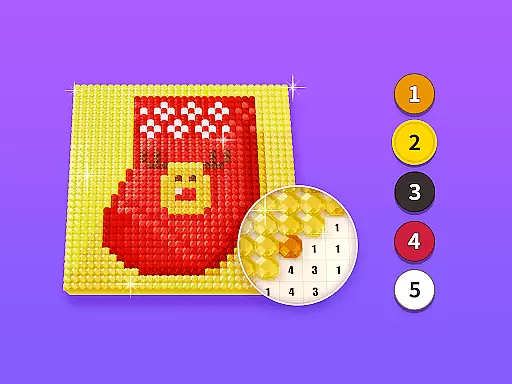
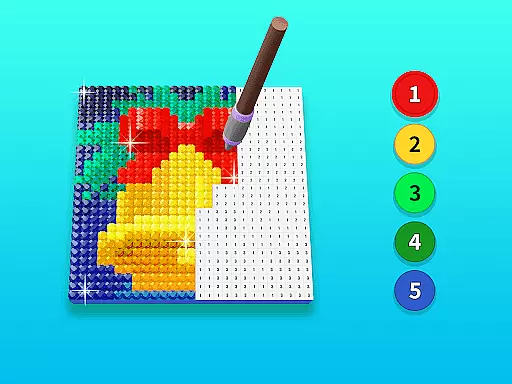
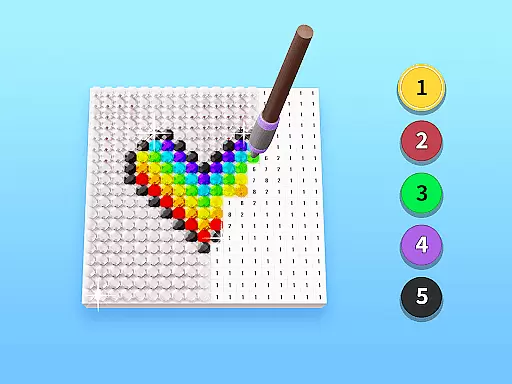
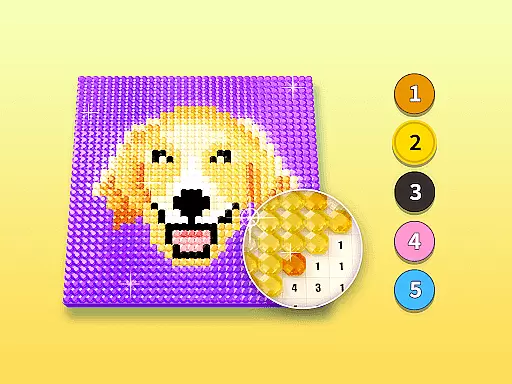
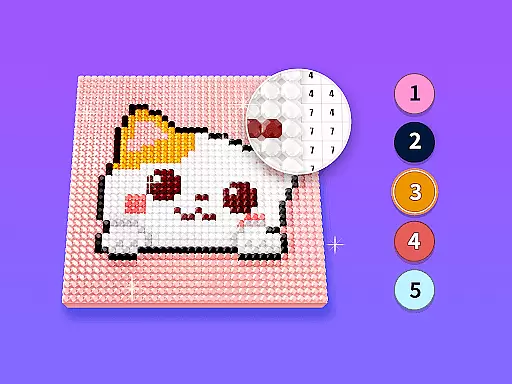
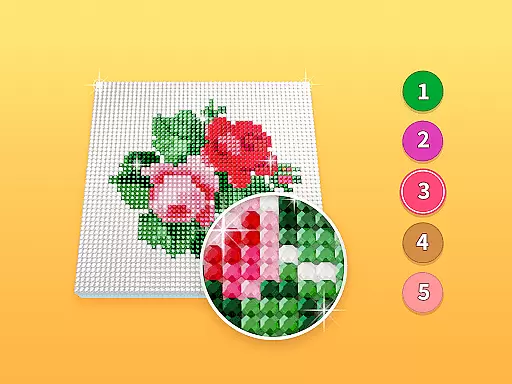
Diamond Painting by Number is an innovative art application that allows users to create stunning diamond paintings through a simple number-matching system. Designed for both beginners and experienced artists, the app provides a diverse selection of canvas templates across various themes and styles.
The app's intuitive interface makes it easy to follow along as you fill each numbered section with corresponding diamond colors. This relaxing creative process not only helps improve artistic skills but also serves as an excellent stress-relief tool. Whether you're looking to enhance your artistic abilities or simply seeking a calming pastime, Diamond Painting by Number offers an engaging digital painting experience.
The app stands out with its extensive library of professionally designed canvas templates that cater to different artistic preferences. From landscapes to abstract designs, each template is carefully crafted to ensure an enjoyable painting experience. The smart zoom and precision placement features make it effortless to work on detailed sections.
What sets Diamond Painting by Number apart is its advanced progress tracking system. Users can save their works-in-progress, view completion statistics, and even preview their masterpieces at different completion stages. The app also includes a unique color palette management system and customizable brush settings, giving artists complete control over their creations while maintaining the simplicity needed for beginners.
Creative tools are essential for any digital art platform, and Diamond Painting by Number excels in this area. The app provides a comprehensive suite of painting tools that cater to both beginners and experienced artists.
Users can access a wide variety of pictures with different themes, allowing them to experiment with diverse painting styles. This versatility ensures that every user can find something that resonates with their artistic preferences.
The app's interface is designed to improve drawing abilities progressively. As users complete paintings by filling diamonds into the canvas according to numbers, they develop better hand-eye coordination and attention to detail.
This creative journey is not just about producing art; it's also about enjoying a relaxing and fun process. The satisfaction of completing a masterpiece provides both entertainment and a sense of accomplishment.
Flexibility in canvas and format options is crucial for an optimal creative experience. Diamond Painting by Number offers remarkable flexibility that enhances user engagement and satisfaction.
Artists can choose from various canvas sizes and formats, enabling them to work on projects that fit their specific needs and preferences. Whether you prefer small, quick projects or larger, more detailed works, this app accommodates all.
The ability to customize your canvas ensures that each project feels unique and personal. Users can tailor their experience by selecting themes and styles that best suit their artistic vision.
Moreover, the app supports different painting techniques, which means users aren't limited to one style. This adaptability makes Diamond Painting by Number a versatile choice for anyone looking to explore their creativity without constraints.
User-friendly interface
Variety of themes
Progress tracking
Relaxing experience
Offline functionality
Limited free templates
Occasional ads
Premium subscription
Storage requirements
Learning curve

Digital illustration drawing & painting pad app to paint Anime and Manga art
 4.50
4.50
Logo Generator powered by AI: Create stunning logos effortlessly!
4.70
See Color, Paint Color
4.90
Digital, Abstract, Classic - all types of color wheels in one app!
4.60
Art of Combination Wear OS Watch Faces
3.30
Resize photos and print photos in exact size with our powerful photo printer!
3.80
Get an overview over all your embroidery threads, projects and more.
4.60
A luxurious gold watch face for an elegant and refined look.
4.1
Your homescreen as an elegant glass with customized blur, lighting, and visuals.
3.70
Draw on screen: FP sDraw is a simple and lightweight drawing app
4.70
Turn your drawings into flipbook-style animations with simple creative tools
4.60
Video AI: Revolutionize Your Content Creation with Advanced Video Generation
4.50
Everything you need to create hand drawn animation, anywhere you go!
4.40
Just trace a projected picture on paper and color! Draw & Paint with AR drawing
4.40
Unleash Your Creativity with Draw Cartoon - AR Drawing App
4.10
AI Face Swap, Video Effects Editor, Realtime Morph, Funny Video FX,AI Filters
3.70
AI Assistant, powered by ChatGPT GPT-4 & GPT-4o. Your intelligent companion.
3.50
Create sweet, cool and unique couple avatars easily, in just a few steps!
3.40
Retouch photos. Create or edit images. Endless capabilities.
2.70


User Reviews