
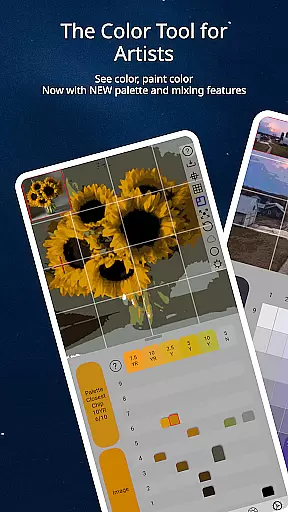
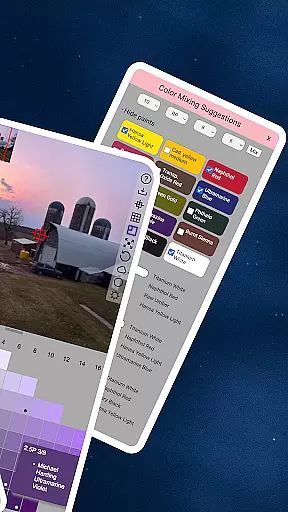
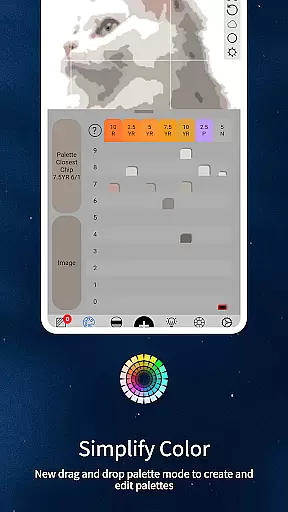
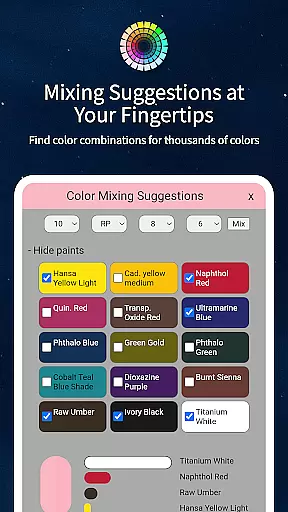
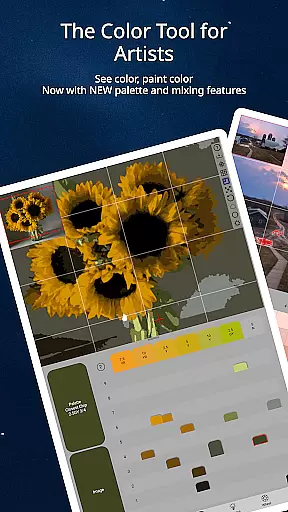
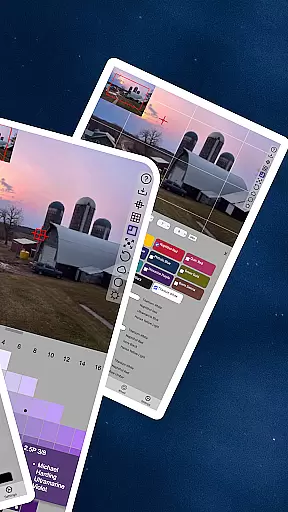
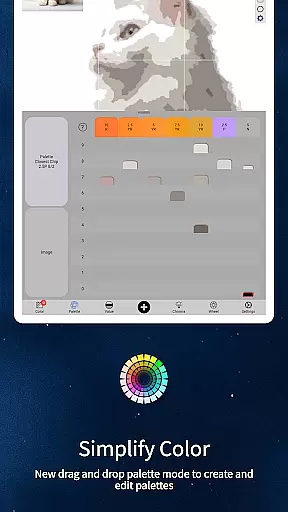
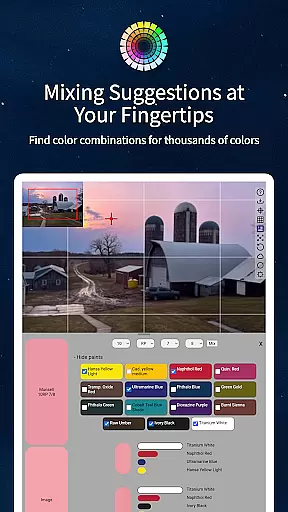
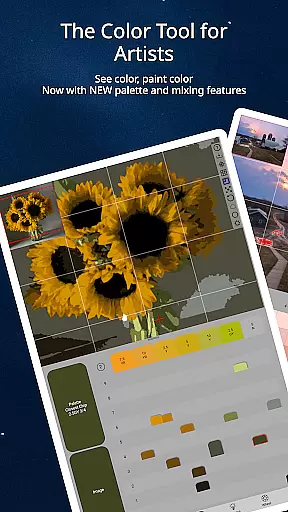
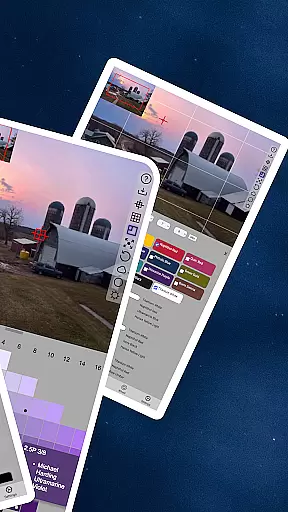
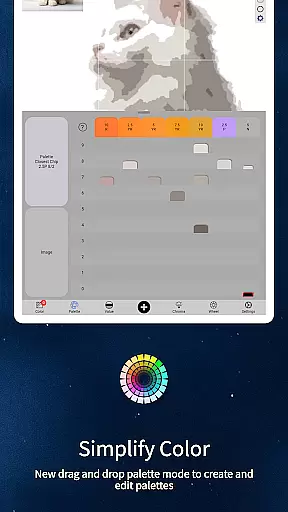
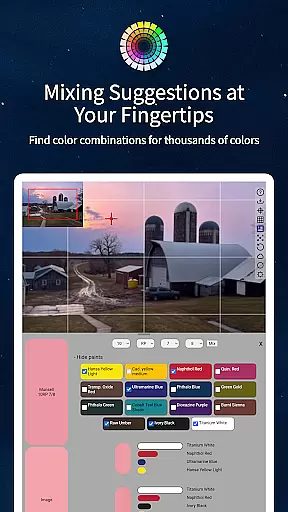
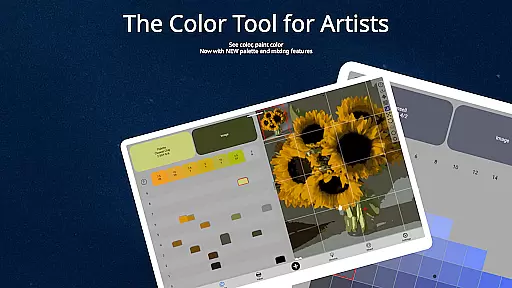
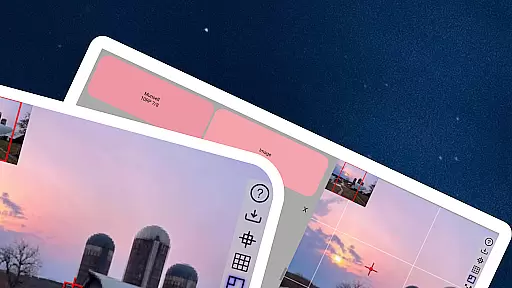
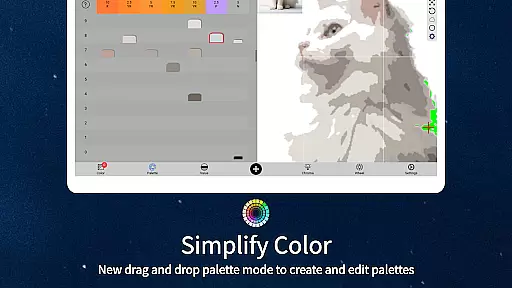
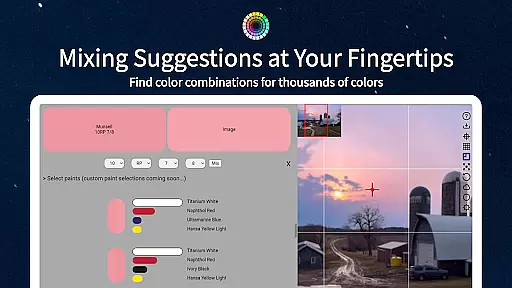
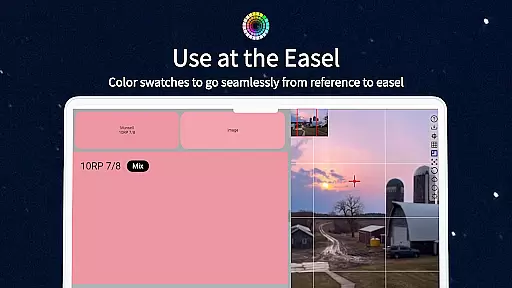
ChromaMagic is an innovative color analysis tool designed specifically for artists. This app revolutionizes the way artists perceive and work with color by providing precise hue, value, and chroma readings from any reference photo. Whether you're a professional painter or an art student, ChromaMagic helps you understand color relationships and make informed decisions about color mixing.
The application's standout feature is its integration of the Munsell color system, which presents color information in a format that's most intuitive for artists. Beyond basic color identification, ChromaMagic offers multiple viewing modes including value shapes organization, grayscale conversion, and color wheel distribution. These features enable users to analyze their reference materials in depth, leading to more accurate and sophisticated artistic choices.
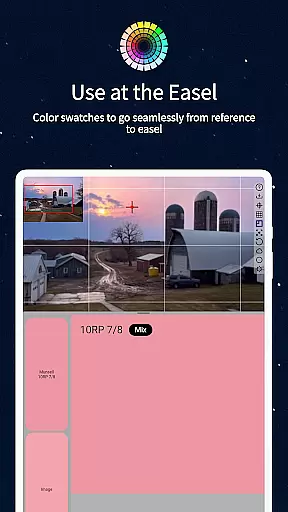
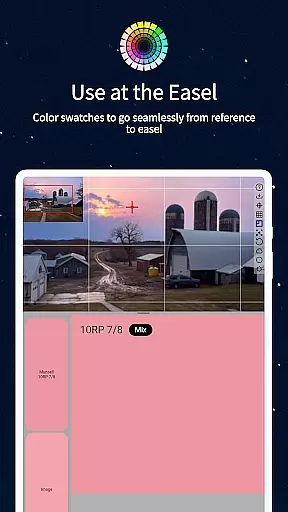
With its user-friendly interface and offline functionality, ChromaMagic proves invaluable in studio settings and on-location work alike. The app's ability to average colors across multiple pixels and provide paint recommendations makes it an essential companion for modern artists seeking to master color theory and application.
ChromaMagic distinguishes itself through its comprehensive suite of artist-focused tools. The app's core functionality lies in its ability to analyze and display color information using the Munsell system, presenting hue, value, and chroma data in a clear, artist-friendly format. This technical approach to color analysis provides unprecedented accuracy in identifying and matching colors.
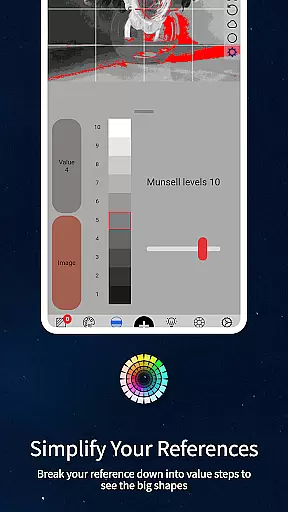
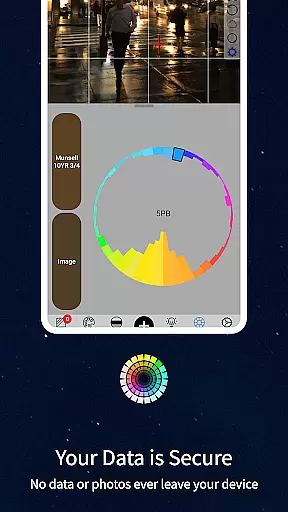
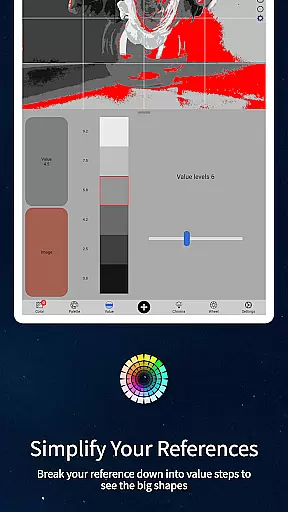
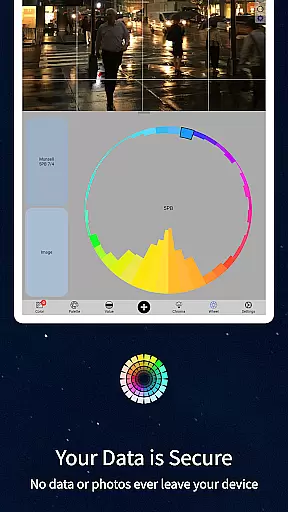
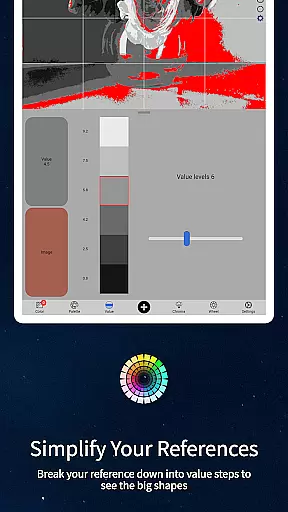
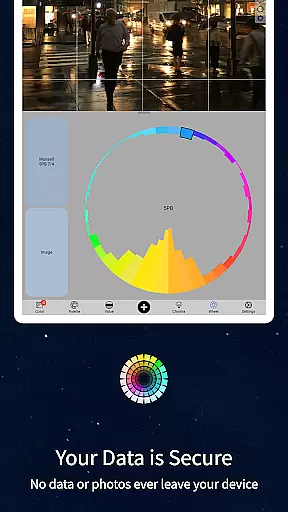
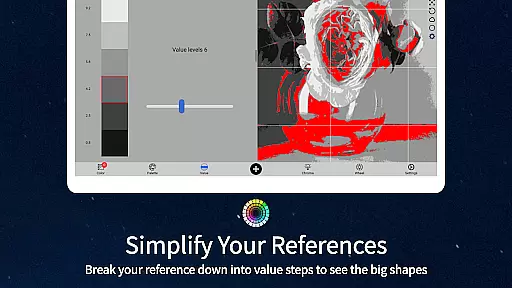
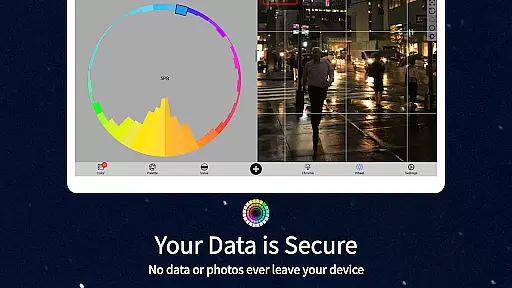
Beyond basic color identification, the app offers four additional viewing modes that enhance artistic understanding. The value mode helps organize compositions into major value shapes, while the grayscale mode reveals subtle value differences. The chroma visualization mode demonstrates saturation levels, and the color wheel distribution mode shows relationships between colors. These features collectively help artists develop a deeper understanding of color dynamics.
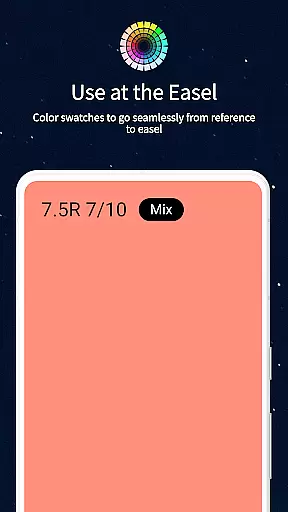
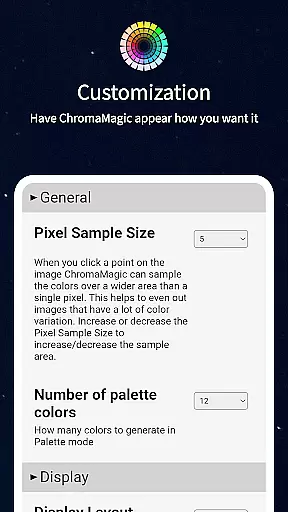
Practical features include a buttery-smooth zoomable interface, drag-and-drop functionality for desktop users, and offline capability for field work. The app also provides paint recommendations from hundreds of high-quality oil paints and allows color averaging over large pixel areas, making it an indispensable tool for both digital and traditional artists.
In the realm of digital artistry, having a comprehensive set of creative tools is paramount. ChromaMagic stands out by offering artists an extensive palette of functionalities designed to enhance their color perception and usage. The app includes five distinct modes - Munsell, Value, Grayscale, Saturation, and Color Wheel - each crafted to provide deeper insights into different aspects of color theory.
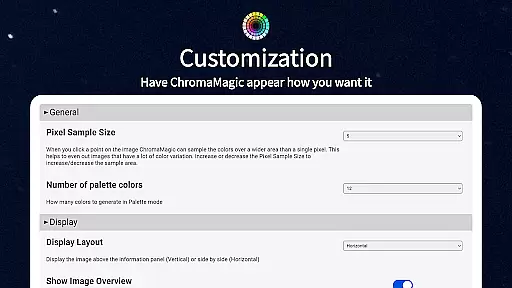
These modes allow users to dissect any reference image, breaking down complex visuals into understandable components such as hue, value, and chroma. This granular approach empowers artists to replicate or modify colors with precision, ensuring that their work aligns perfectly with their vision. Furthermore, features like zoomable and pannable images make navigation seamless, while the ability to average colors over multiple pixels aids in simplifying intricate details.
The inclusion of links to hundreds of high-quality oil paints within ChromaMagic bridges the gap between digital and traditional mediums. Artists can now easily identify which real-world paints match the colors they are working with digitally. This fusion of technology and art not only streamlines the creative process but also enriches the overall artistic experience, making ChromaMagic an indispensable asset for both novice and seasoned artists.
Flexibility in canvas and format options is crucial for artists who need to adapt their work across various mediums and devices. ChromaMagic excels in this area by providing a versatile platform that supports diverse file formats and resolutions. Whether you're working on detailed illustrations or broad strokes, the app accommodates your needs without compromising on quality.
One of the standout features is its buttery smooth interface, which allows for effortless zooming and panning. This ensures that artists can focus on their work without being hindered by cumbersome navigation. Additionally, the drag-and-drop functionality simplifies the process of importing files, eliminating the need for tedious loading procedures and enhancing workflow efficiency.
ChromaMagic's cross-device compatibility further amplifies its appeal. Available on both Android phones and tablets, it enables artists to carry their studio wherever they go. This mobility, combined with offline capabilities, means that inspiration is never out of reach. Whether you're at home, on a bus, or atop a mountain, ChromaMagic provides the flexibility needed to create stunning artwork anytime, anywhere.
Accurate color analysis
Multiple viewing modes
Offline functionality
User-friendly interface
Paint recommendations
Steep learning curve
Advanced features only
No basic free version
Resource intensive
Limited brush support

Art of Combination Wear OS Watch faces (for Wear OS 5+ devices)
 3.00
3.00
Digital Drawing: Draw & Paint
4.10
Unleash Your Creativity with Draw Cartoon - AR Drawing App
4.10
Castle is social media for creating and playing games!
4.60
Draw Trace image sketch by, AR art projector app, Easy to trace any image.
4.50
Novices can also easily complete diamond painting masters
4.70
Your AI soulmate — meaningful chats, and unique emotional moments
4.70
Minecraft & Roblox Clothes
4.70
Create and Design Custom Logos in Seconds with AI-Powered Tools!
4.40
Photo stitcher for automatically screenshot stitching into a long screenshot
4.70
Draw beautiful mandala's very easily
4.60
Unleash your drawing and painting potential
4.50
Just trace a projected picture on paper and color! Draw & Paint with AR drawing
4.40
Draw, make movies & animate cartoons easily with our 2D animation maker app
4.40
Nano Banana AI Image Generator, Anime Filter, AI Portrait, AI Photo Generator
4.30
AI Face Swap, Video Effects Editor, Realtime Morph, Funny Video FX,AI Filters
3.70
Your homescreen as an elegant glass with customized blur, lighting, and visuals.
3.70
Create sweet, cool and unique couple avatars easily, in just a few steps!
3.40
Pose and morph realistic male and female models! 3D poser app
3.00


User Reviews