
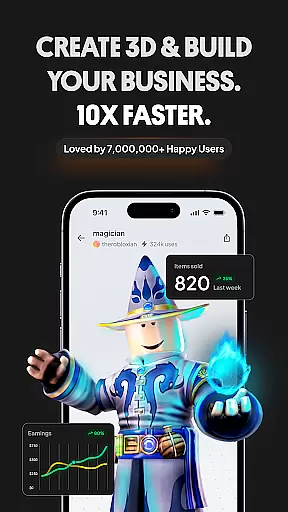
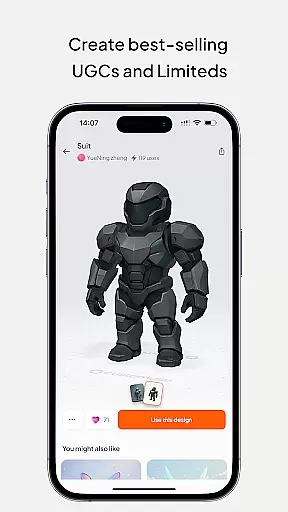
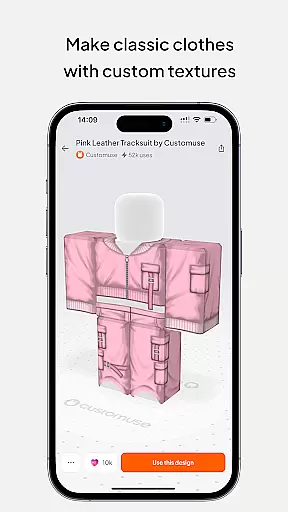
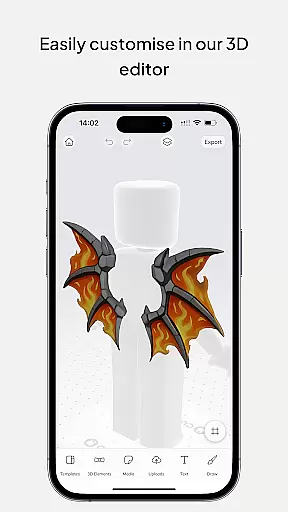
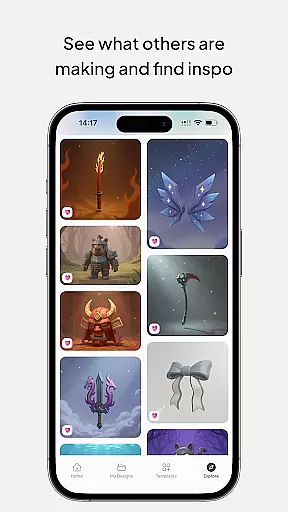
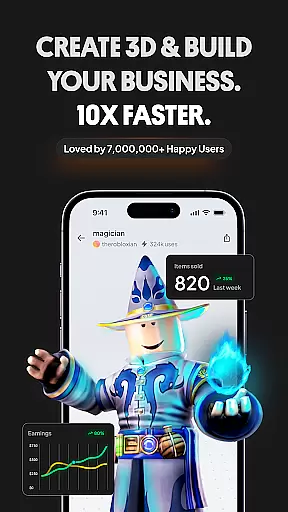
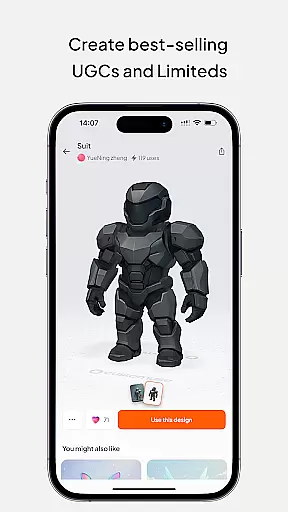
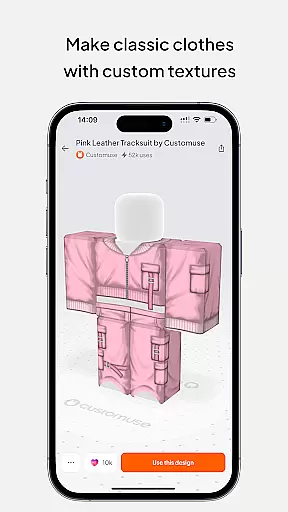
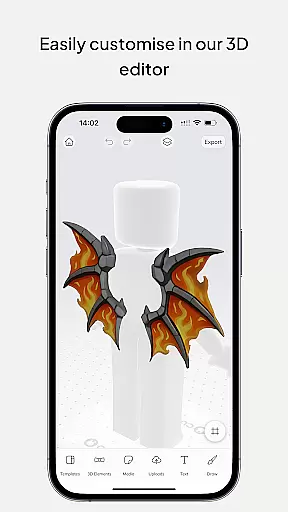
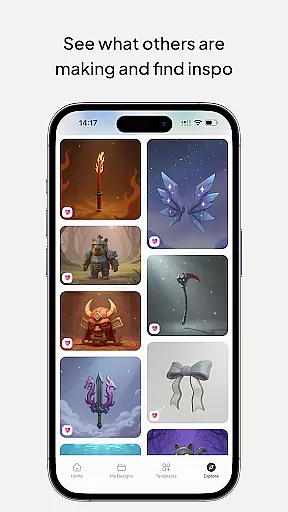
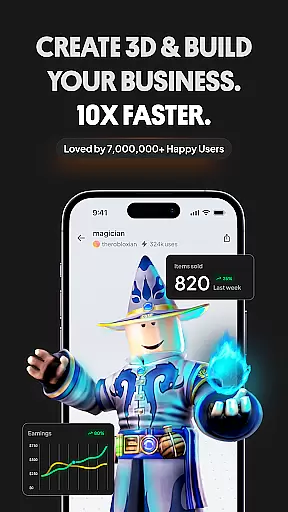
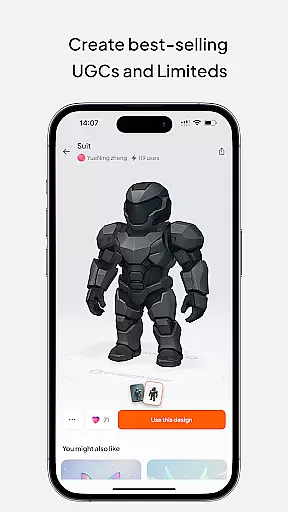
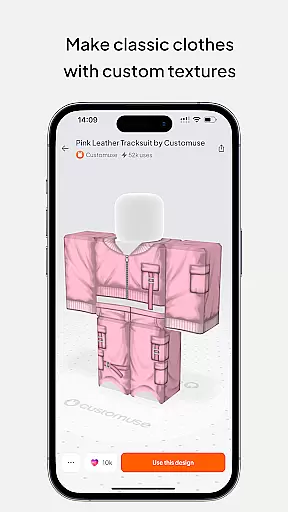
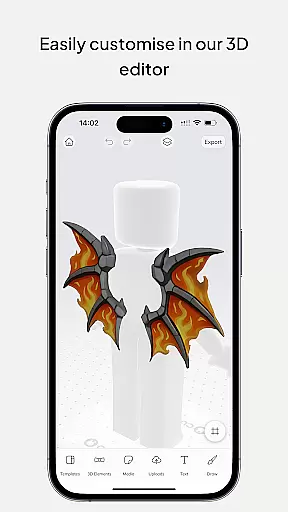
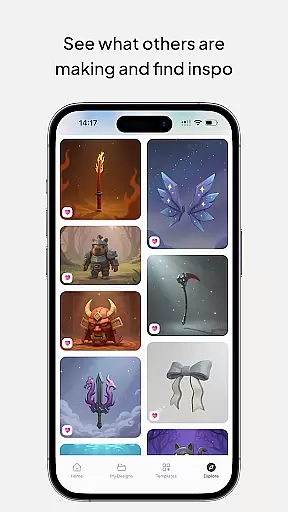
Customuse is the ultimate 3D design tool for creators and designers, boasting a community of over 2 million users. It allows you to create unique designs across multiple platforms such as Roblox skins, Zepeto clothes, Minecraft avatars, and custom filters for social media apps like TikTok, Snapchat, and Instagram. With its intuitive interface, both beginners and professionals can easily navigate through thousands of templates or start from scratch.
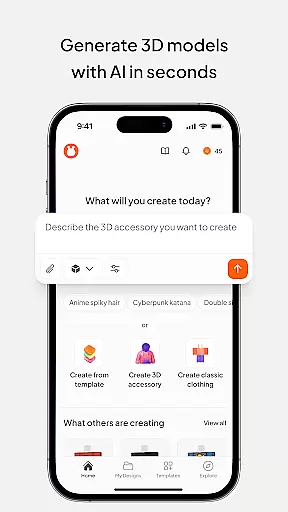
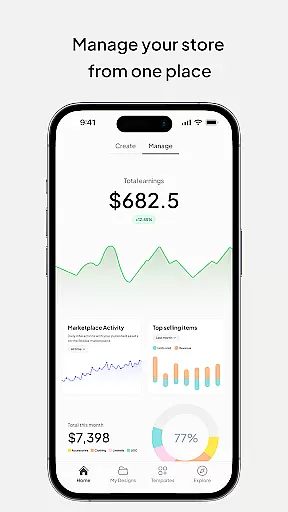
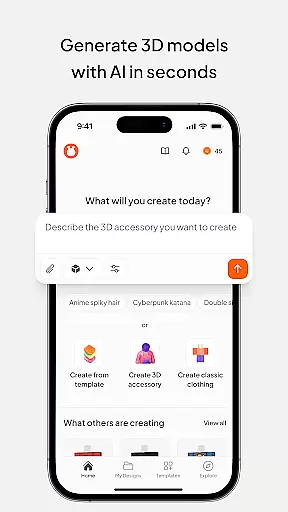
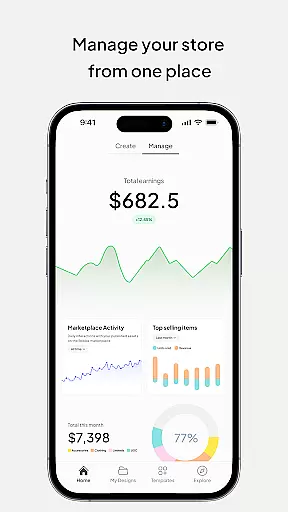
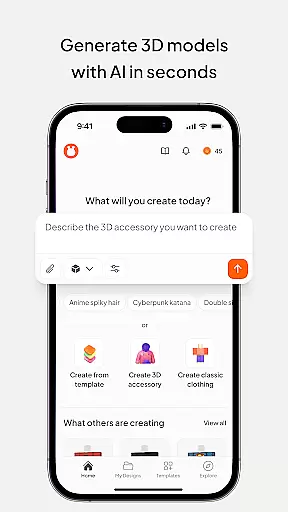
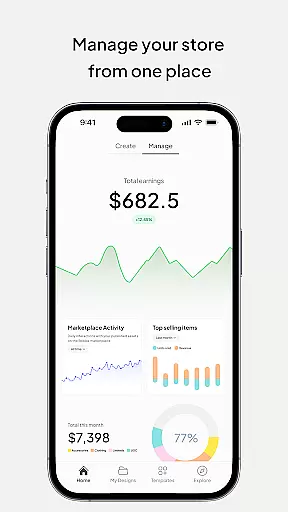
The app's standout feature is its AI tools that assist in generating designs based on simple prompts, making it easier than ever to bring creative visions to life. Whether you're looking to enhance your gaming experience, boost your fashion profile, or create dynamic social media posts with AR elements, Customuse provides all the necessary tools. Additionally, users can monetize their creations by selling them on marketplaces associated with these platforms.
Available on various devices including iPhone, Desktop, and even as a portable Roblox Studio for iPad, Customuse ensures accessibility and convenience. Its virtual try-on feature for designing clothes adds another layer of practicality, perfect for aspiring fashion designers who want to see how their creations would look in real life before sharing them across social media channels.
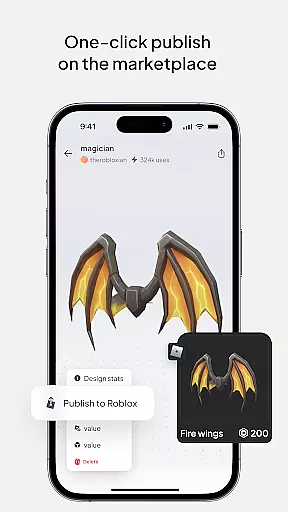
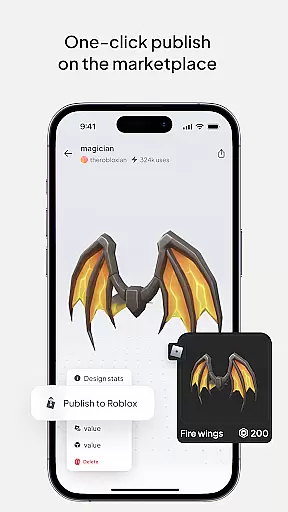
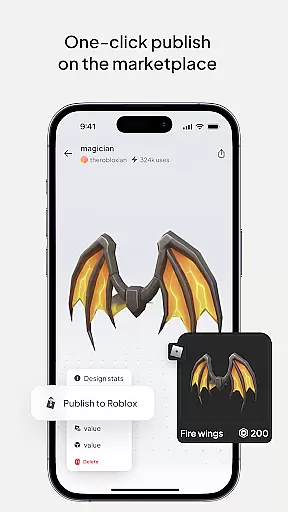
Customuse offers an extensive range of features tailored to meet the needs of diverse creators. One key aspect is its ability to facilitate the creation of unique Roblox skins, allowing users to design their dream outfits using thousands of templates or starting from scratch. The process is streamlined with options to publish directly to Roblox or upload via Roblox Studio, while also providing opportunities to earn Robux through marketplace sales.
Beyond Roblox, Customuse extends its capabilities to other popular platforms like Minecraft and Zepeto. Users can craft distinctive Minecraft skins and Zepeto clothes, enhancing their gaming and social experiences. The app's AI tools further elevate this creative process by offering design suggestions and enabling the generation of skins and outfits based on user prompts. This makes it an invaluable resource for those looking to explore new design realms within the metaverse.
Additionally, Customuse supports the creation of custom AR filters for Instagram, Snapchat, and TikTok, empowering users to produce engaging content that captures attention. Its 3D clothing mockup feature lets designers visualize their creations in detail, complete with branding options. These comprehensive tools ensure that whether you're a beginner or a seasoned designer, Customuse has something to offer, making it a versatile choice for anyone interested in digital art and design.
In the realm of digital design, having a comprehensive suite of creative tools is essential for unleashing one's artistic potential. Customuse rises to this occasion by offering an extensive array of features tailored for designers and creators alike. With capabilities ranging from crafting unique Roblox skins to designing Zepeto clothes, and even creating Minecraft avatars, the app stands as a versatile ally in the creative process.
Customuse doesn't just stop at gaming platforms; it extends its utility towards social media by allowing users to customize filters for platforms like TikTok, Snapchat, and Instagram. The inclusion of AI tools further enriches the experience, enabling users to generate designs through simple prompts and receive personalized suggestions that refine their work.
The true value of Customuse lies in its ability to cater to both novices and professionals. Beginners can leverage ready-made templates while advanced users have the freedom to create from scratch. This dual approach ensures that regardless of skill level, users can achieve professional-grade results, making Customuse an indispensable asset for anyone looking to make their mark in the digital art space.
Flexibility in canvas and format options is crucial for designers who wish to express their creativity without limitations. Customuse understands this need and offers unparalleled adaptability in its design platform. Users can explore various dimensions and formats, ensuring that their vision is accurately brought to life whether they're working on 3D clothing mockups or intricate avatar designs.
The application supports a wide range of output formats suitable for different platforms, including direct publishing to Roblox and sharing across social media channels. This versatility allows creators not only to visualize but also to implement their ideas seamlessly within the ecosystems where they intend to publish or share their work.
Moreover, Customuse enhances the design workflow with virtual try-on features and dynamic AR elements, which are perfect for aspiring fashion designers looking to experiment with styles and fabrics in a digital environment. By providing these flexible canvas and format options, Customuse empowers users to push the boundaries of their creativity and produce standout content that captivates audiences across multiple platforms.
User-friendly interface
Versatile design options
Monetization opportunities
AI-assisted creativity
Cross-platform compatibility
Limited platform affiliation
Premium feature costs
Learning curve for beginners
Occasional bugs reported
Device-specific issues

Meet the magic aı 3d photo generator and smart AI video generator app.
 3.20
3.20
Your Essential Color Theory Guide: Red, Yellow, Blue (RYB)
4.5
Photo blender app to create overlay photos & double exposure.
4.40
Convert image to JPG PNG HEIC PDF, support almost all kinds of image formats
4.70
Castle is social media for creating and playing games!
4.60
Draw glowing spinners, relax, and spin your creative art
4.60
Powerful home decoration & house design that allows you to design dream home.
3.80
Get an overview over all your embroidery threads, projects and more.
4.60
All-in-One art, logo & collage maker. Design photos and edit video backgrounds
4.80
See Color, Paint Color
4.90
Passport size photo maker, create ID photo and visa photo in seconds
4.80
Make your phone cooler and have a fantastic experience
4.80
Draw Trace image sketch by, AR art projector app, Easy to trace any image.
4.50
Kling AI is an image and video generation and editing studio powered by AI.
4.50
Trace, draw, and create art with AR - from memes to masterpieces!
4.30
Beauty Camera - Selfie Camera is the ultimate beauty camera and selfie app
4.30
AR Anime Drawing: How to draw anime with AR drawing & sketching apps!
4.00
Create trending AI photos & videos with powerful effects and 3D styles.
3.20
Premium version of Shimeji-ee app with no ads & no limit active shimeji
4.4


User Reviews