
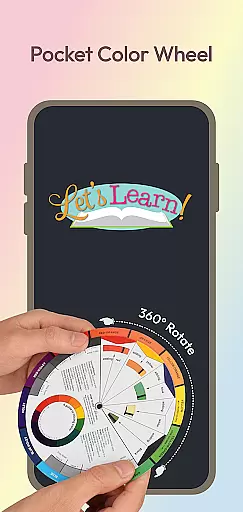
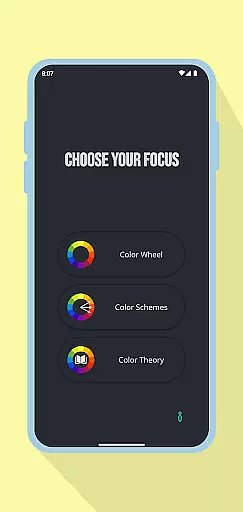
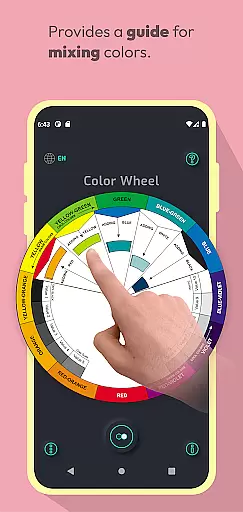
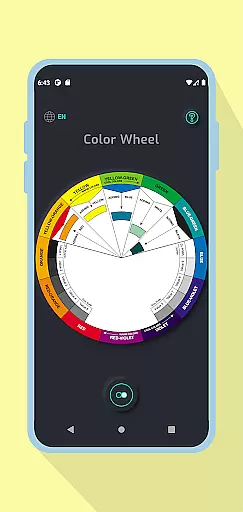
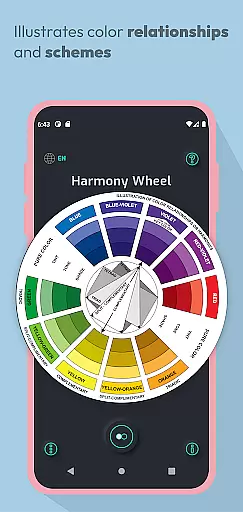
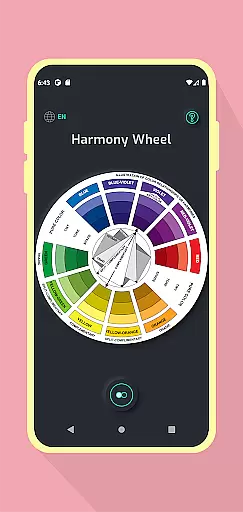
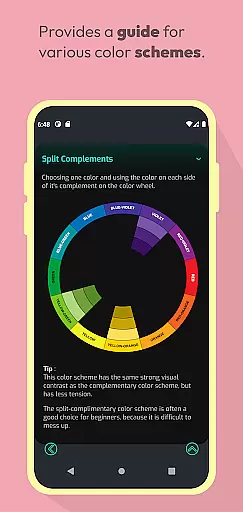
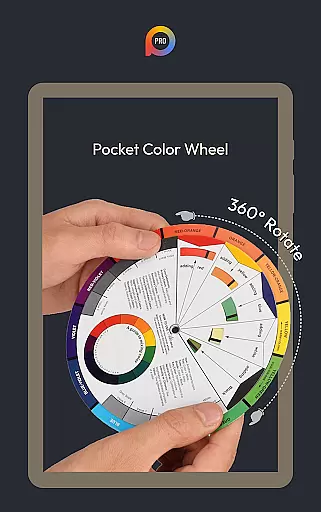
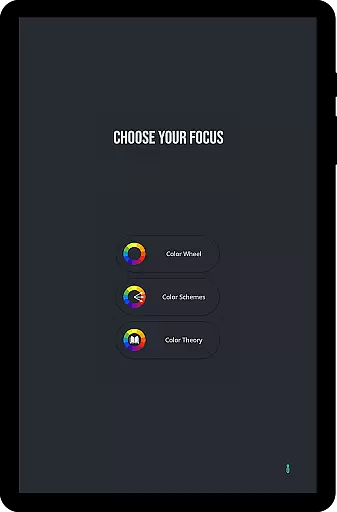
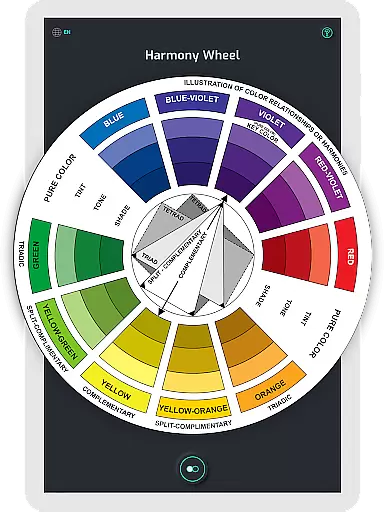
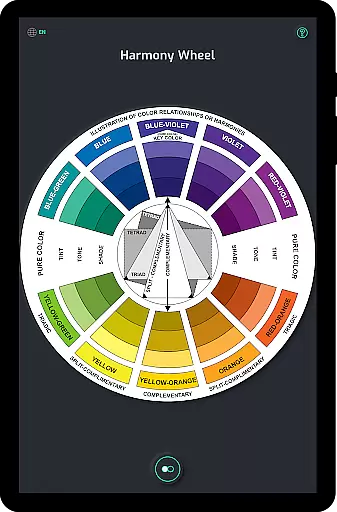
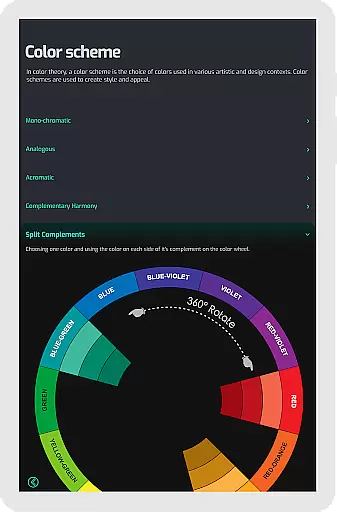
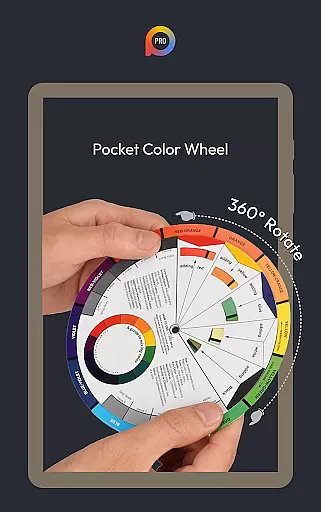
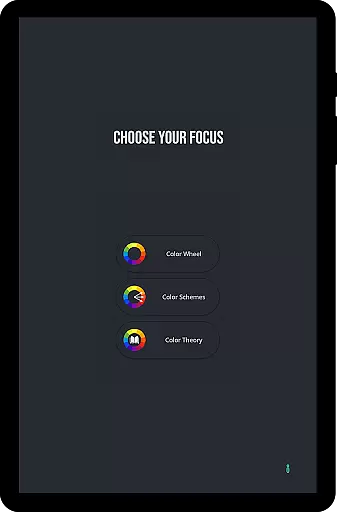
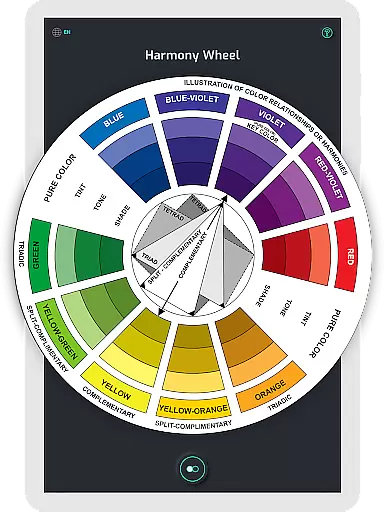
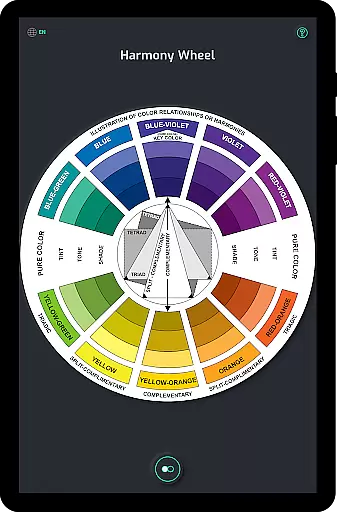
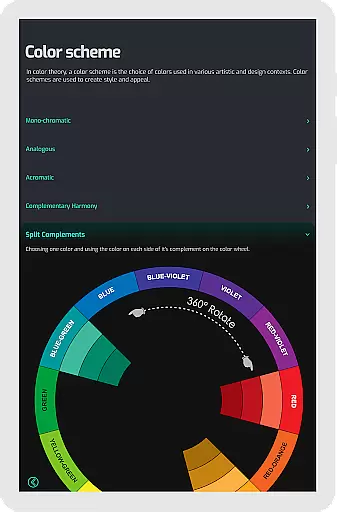
Pocket Color Wheel Pro is a comprehensive colour theory reference tool designed for artists, designers, and students. This app simplifies the complexities of colour mixing, relationships, and harmonies by offering an interactive and visual guide that fits right in your pocket. With its intuitive interface, users can explore various colour schemes such as monochromatic, analogous, complementary, split-complementary, triadic, and tetradic combinations.
One standout feature of the Pro version is the choice between 12 or 18 color wheel options, allowing for more nuanced exploration of hues and blends. Whether you're working on digital designs, paintings, or studying colour theory, this app provides all the tools necessary to create stunning visuals. Additionally, Pocket Color Wheel Pro works offline, ensuring uninterrupted access to its features anytime, anywhere.
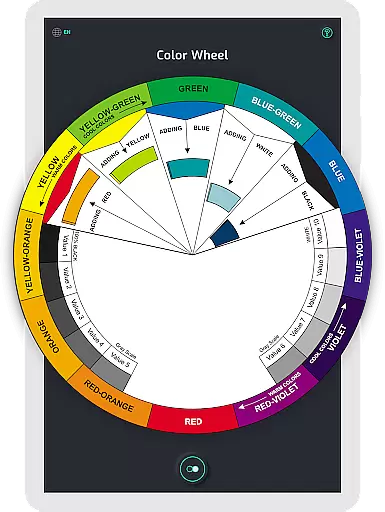
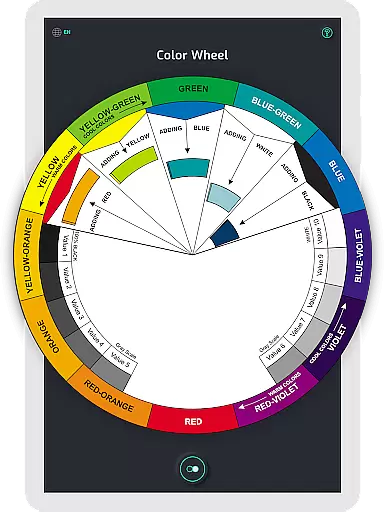
The Pocket Color Wheel Pro offers several advanced features that cater to both beginners and professionals in art and design. The interactive colour wheel lets users rotate and explore different colour relationships, making it easy to discover harmonious combinations like complementary, triadic, and analogous colours. This hands-on approach helps users understand how different colours interact with each other.
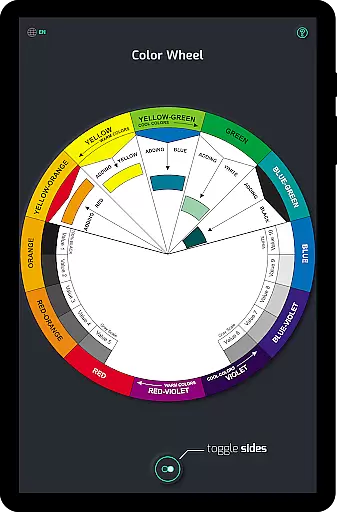
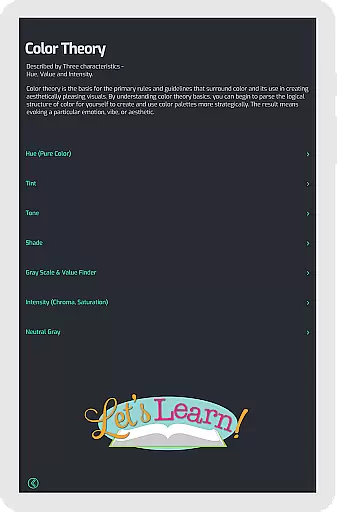
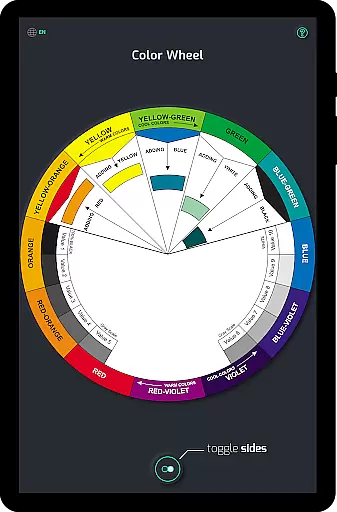
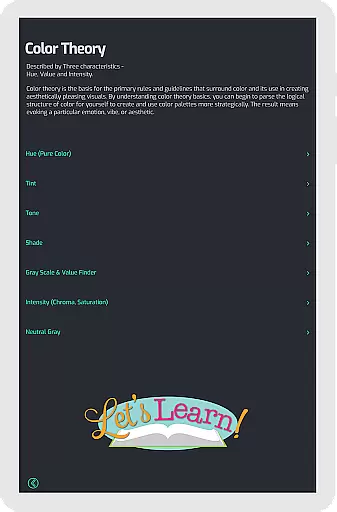
Another key feature is the simplified colour mixing tool. By selecting a base colour, users can instantly see the results of their mix directly on the wheel. This immediate feedback aids in learning and experimentation. Furthermore, the app includes tone and shade variations, providing clear examples of tints and shades, which are crucial for creating depth in any artwork. The inclusion of a grey scale and common colour terms ensures that users have a complete understanding of essential concepts in colour theory.
In the realm of digital art and design, having a comprehensive set of creative tools is paramount. Pocket Color Wheel Pro stands out by offering an extensive suite of features that cater to colour theory mastery. This includes an interactive colour wheel for exploring relationships between colours, simplifying the process of colour mixing, and providing complete colour schemes.
Users benefit from advanced options such as the Color Schemes Tool, which allows selection between 12 or 18 color wheel configurations, opening up a myriad of hues and blends. Whether you're devising monochromatic themes or experimenting with complementary, split-complementary, triadic, or tetradic schemes, this app has it all covered.
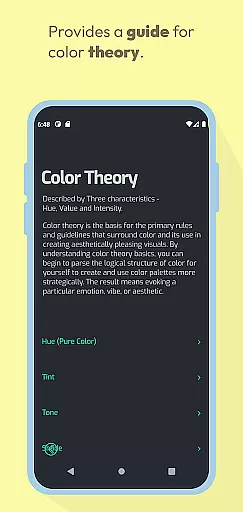
The inclusion of tone and shade variations along with a grey scale ensures that users can delve into tints, tones, and shades with clarity. Such depth in available tools not only enhances learning but also empowers artists and designers to create visually stunning work with precision and ease.
Flexibility in canvas and format options is crucial for accommodating diverse artistic expressions and project requirements. Pocket Color Wheel Pro addresses this need by ensuring its functionalities are adaptable to various design needs without compromising on quality or performance.
One significant advantage is its offline access capability, allowing creators to utilize the app's full range of features without an internet connection. This means you can work on your designs anywhere, be it during travel or in remote locations, without worrying about network availability affecting your creative flow.
Moreover, the app provides clear definitions of essential colour terms alongside visual guides like the grey scale for neutral tones. These elements contribute towards making Pocket Color Wheel Pro an indispensable companion for anyone involved in creative projects, ensuring they have everything needed at their fingertips for successful outcomes.
User-friendly interface
Comprehensive colour schemes
Offline functionality
Interactive learning tool
Ideal for all skill levels
Limited free version
No advanced tutorials
Basic UI design
Few customization options
Occasional bugs reported

Floor Plan Creator lets you create, edit and share floor plans.
 4.00
4.00
Custom Character Creator & PFP Maker!
4.20
AI Assistant, powered by ChatGPT GPT-4 & GPT-4o. Your intelligent companion.
3.50
Draw beautiful mandala's very easily
4.60
Castle is social media for creating and playing games!
4.60
AI Art Generator transforms your words into AI generated art & paintings.
3.70
Your homescreen as an elegant glass with customized blur, lighting, and visuals.
3.70
Bring One UI 8.5 Icons to life -elegant dark icons with a modern, premium touch.
4.30
Draw, make movies & animate cartoons easily with our 2D animation maker app
4.40
Passport size photo maker, create ID photo and visa photo in seconds
4.80
Make your phone cooler and have a fantastic experience
4.80
Your AI soulmate — meaningful chats, and unique emotional moments
4.70
Photo stitcher for automatically screenshot stitching into a long screenshot
4.70
Draw glowing spinners, relax, and spin your creative art
4.60
Create neon drawing with magic doodle and fun doodle art effects!
4.50
Kling AI is an image and video generation and editing studio powered by AI.
4.50
Turning simple sketches into captivating tales filled with life and motion
3.90
Powerful home decoration & house design that allows you to design dream home.
3.80
Android 14 style widgets and wallpapers app.
4.1


User Reviews