
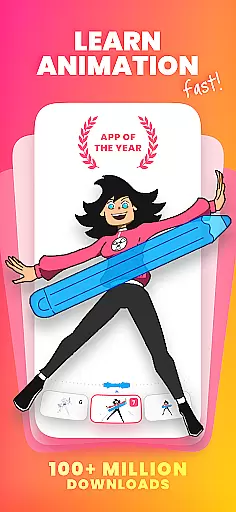
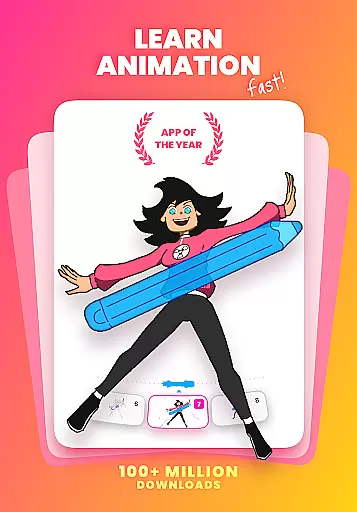
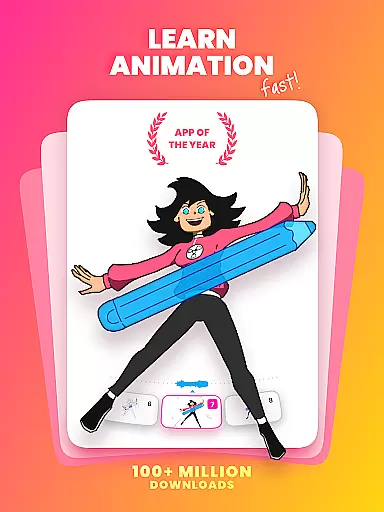
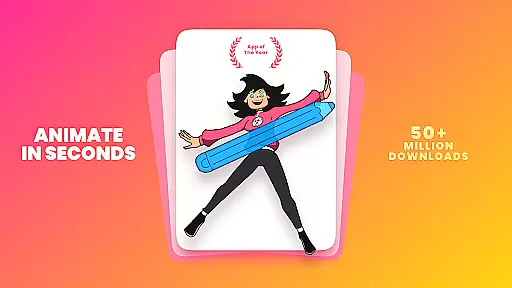
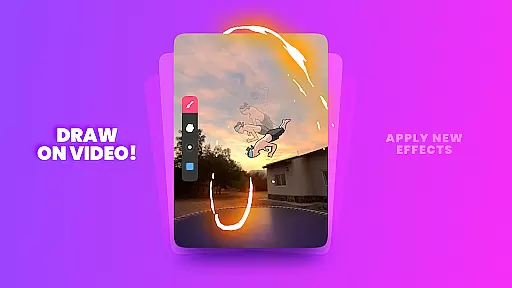
FlipaClip is a premier 2D animation app designed for artists and creators who want to bring their drawings to life. This powerful tool allows users to draw, animate, and create short animated movies and flipbooks with ease. With its intuitive interface and professional-grade features, FlipaClip caters to both beginners and experienced animators. The app supports frame-by-frame animation, onion skinning, and multi-layer editing, making it ideal for creating cartoons, anime, memes, and more.
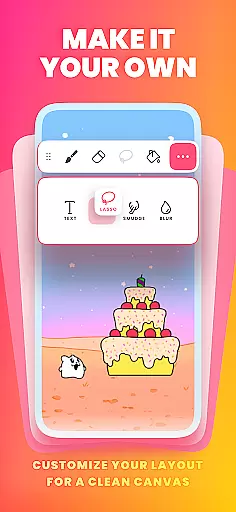
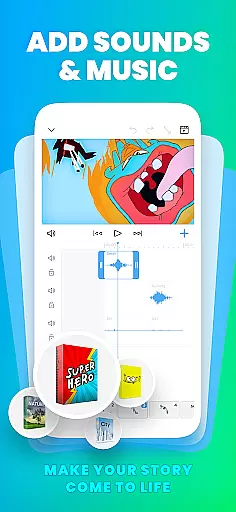
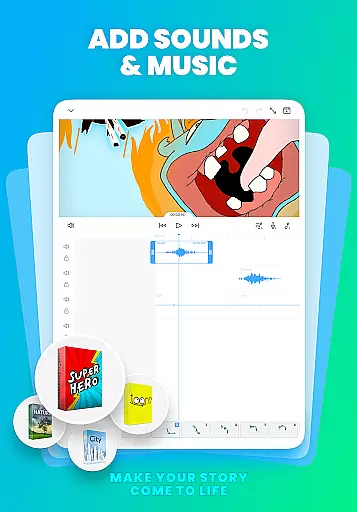
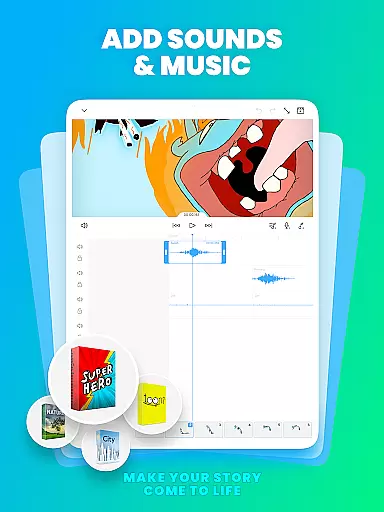
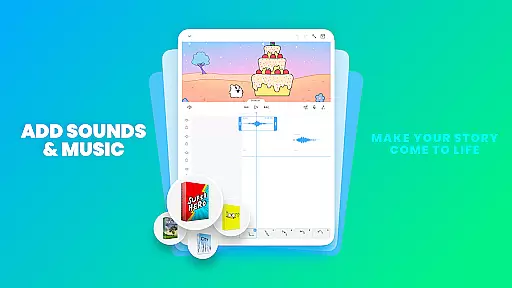
One of the standout features of FlipaClip is its versatility. Whether you're sketching simple doodles or crafting complex animations, the app provides all the necessary tools such as brushes, fill, lasso, eraser, ruler, text, and shape tools. Additionally, pressure-sensitive stylus support ensures precision and natural drawing experiences. Users can also add music, voice, and sound effects to their animations, enhancing the storytelling aspect of their creations.
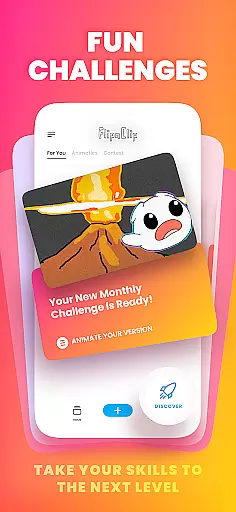
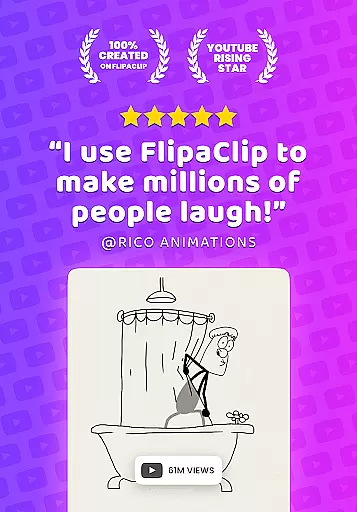
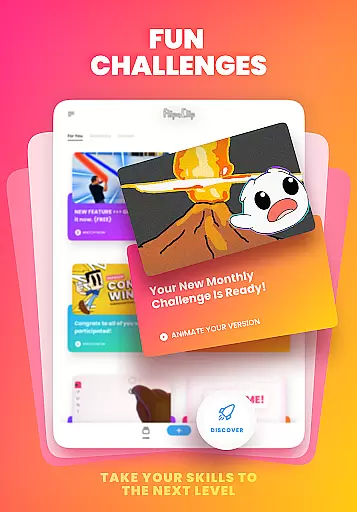
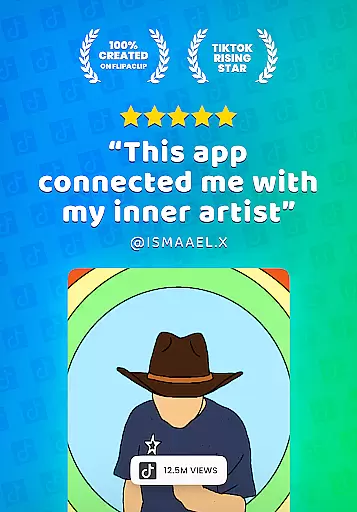
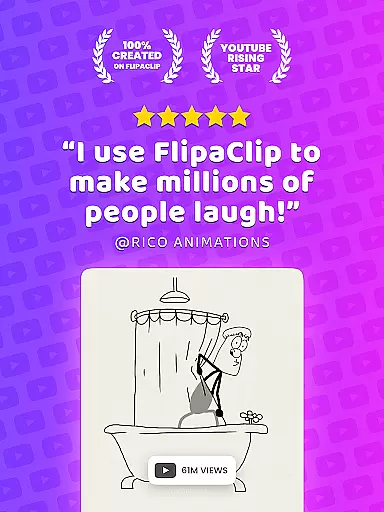
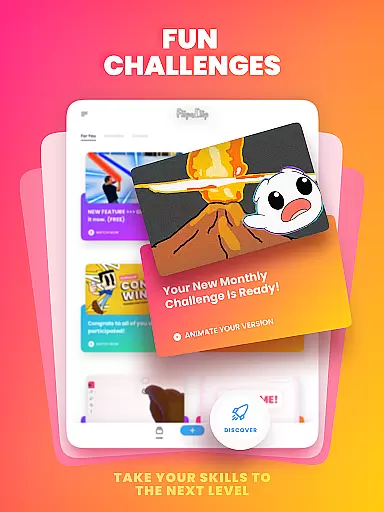
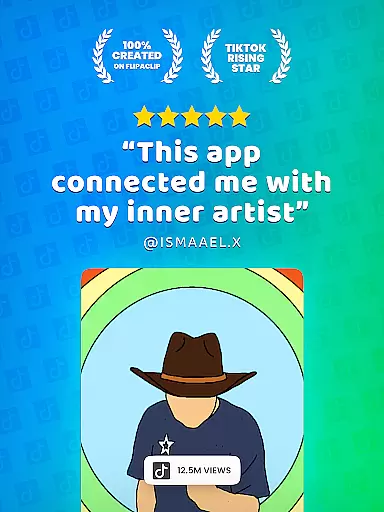
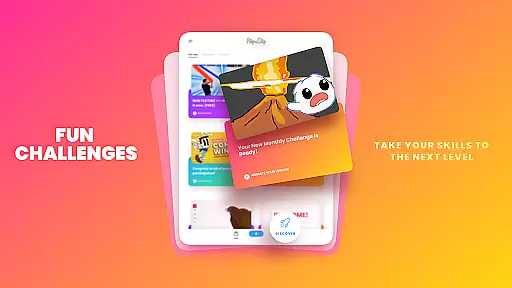
FlipaClip is not just an animation app; it's a community. With over 80 million monthly active users, creators can join weekly challenges, seasonal contests, and in-app events. Sharing your work is seamless, allowing you to export animations as MP4 or GIF files and instantly post them on platforms like TikTok, YouTube, Instagram, and more. Whether you're learning how to animate or looking to refine your skills, FlipaClip offers a comprehensive suite of tools that inspire creativity and innovation.
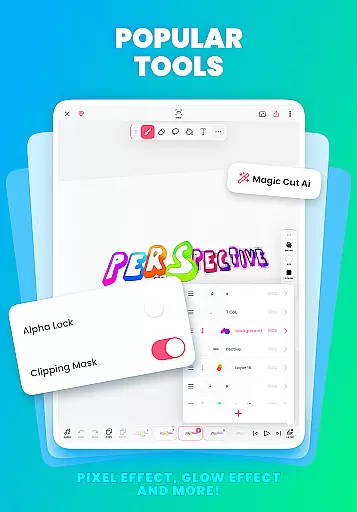
FlipaClip stands out with its robust set of features tailored for both novice and professional animators. At its core, the app offers a frame-by-frame animation timeline, giving users complete control over each frame. The onion skin tool facilitates smooth transitions between frames, ensuring fluid animations. With support for up to 10 layers (3 free), users can create intricate drawings and animations with ease.
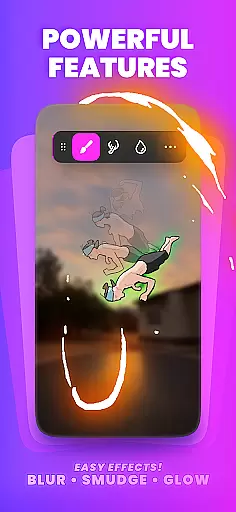
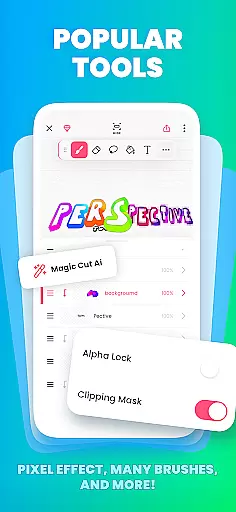
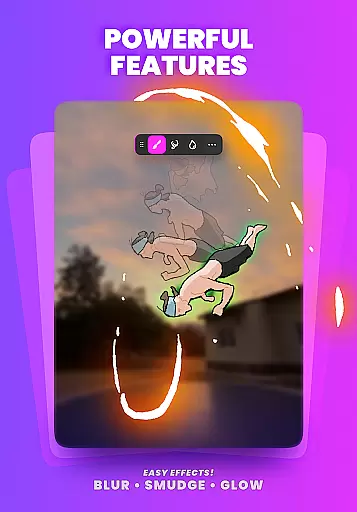
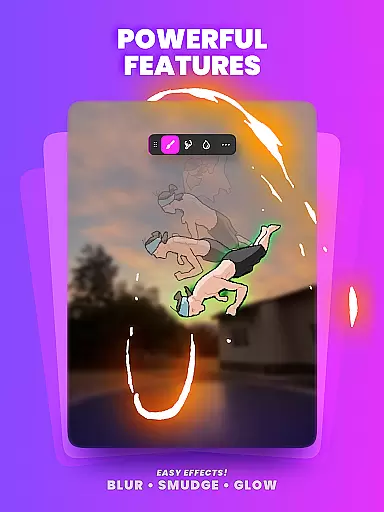
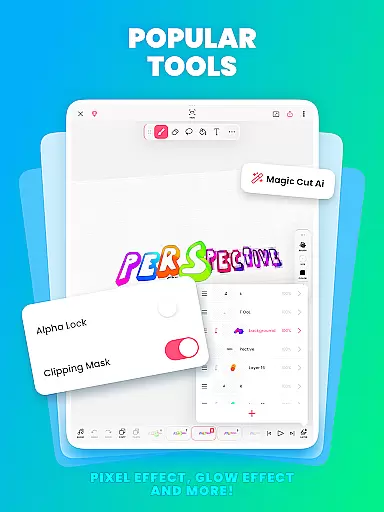
Beyond basic drawing tools, FlipaClip includes advanced features such as glow effects, blending modes, and AI-powered tools like Magic Cut, which intelligently slices images and objects from frames. Importing photos or videos enables rotoscope animations, adding another layer of creativity. Export options are versatile, allowing users to save their work as MP4, GIF, or PNG sequences with transparency.
The app also excels in audio integration. Animations can be enhanced with up to 6 free audio tracks, custom sound effects, or songs. The AI Voice Maker feature adds lifelike narration, perfect for storytellers and content creators. FlipaClip's combination of intuitive design and professional capabilities makes it an indispensable tool for anyone interested in 2D animation, cartoon making, or storyboarding.
FlipaClip stands out as a comprehensive creative suite for both budding and professional artists in the realm of 2D animation. The app provides an extensive array of drawing tools including brushes, fill, lasso, eraser, ruler, text, and shape tools that cater to a wide range of artistic expressions. These instruments are not just basic utilities but are crafted to offer precision and control, akin to what one would expect in professional-grade software.
The inclusion of pressure-sensitive stylus support, compatible with devices like Samsung S Pen and SonarPen, elevates the drawing experience by allowing users to create strokes with varying thickness and opacity, mimicking traditional drawing techniques. This feature is crucial for artists who value tactile feedback and fine control over their digital creations.
Moreover, FlipaClip's capability to handle complex animations is enhanced by its support for up to 10 layers (with 3 free), glow effects, blending modes, and the innovative Magic Cut tool powered by AI. These features enable creators to produce detailed and rich animations that can range from simple doodles to intricate scenes ready for professional use.
By merging classic flipbook animation principles with advanced editor tools, FlipaClip ensures that every artist has the necessary toolkit to bring their imagination to life, regardless of their expertise level. This fusion of simplicity and sophistication makes it an indispensable app for anyone interested in the art of animation.
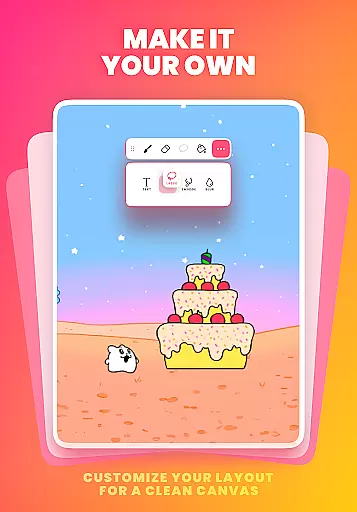
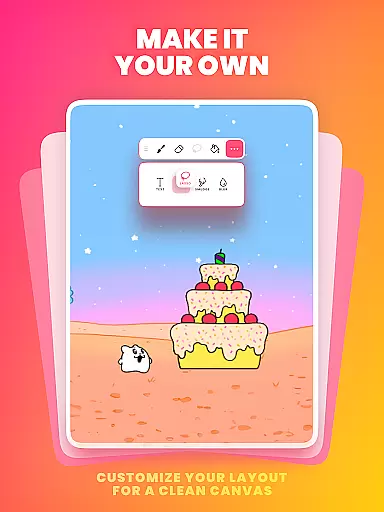
Flexibility in canvas and format options is vital for unleashing creativity without constraints, and FlipaClip delivers this through its versatile platform. Users can draw and animate on custom canvas sizes, which means they are not limited to predefined dimensions. This adaptability is essential for creating content that fits various platforms and mediums, from social media snippets to full-scale animated productions.
Furthermore, the ability to export animations in multiple formats such as MP4, GIF, or PNG sequences with transparency offers unparalleled convenience. Creators can choose the most suitable format based on their project requirements, whether it's for high-quality video playback or web-friendly graphics. This versatility ensures that the final output aligns perfectly with the creator's vision and intended use.
FlipaClip also supports importing photos or videos to create rotoscope animations, adding another layer of creative possibilities. This feature allows artists to experiment with live-action footage and integrate it seamlessly into their animations, providing a hybrid approach to content creation that is both innovative and practical.
Ultimately, FlipaClip empowers artists to push the boundaries of their creativity by offering flexible canvas options and diverse export formats. By doing so, it not only meets the needs of todayu2019s dynamic digital landscape but also encourages creators to explore new horizons in the field of 2D animation and cartoon drawing.
User-friendly interface
Powerful animation tools
Vibrant creator community
AI-powered features
Multi-platform sharing
Limited free layers
Premium features cost
Steep learning curve
Occasional bugs
High storage usage

Pose and morph realistic male and female models! 3D poser app
 3.00
3.00
Customizable Outlined Fonts. Watch Face Format. Battery friendly Digital Clock.
4.20
Novices can also easily complete diamond painting masters
4.70
Minecraft & Roblox Clothes
4.70
Your homescreen as an elegant glass with customized blur, lighting, and visuals.
3.70
Art of Combination Wear OS Watch faces (for Wear OS 5+ devices)
3.90
Create and Design Custom Logos in Seconds with AI-Powered Tools!
4.40
Create amazing pictures and unleash your creative genius with AR Drawing Sketch
4.40
Explore future self face age filter & remove background image for a unique look.
3.50
See Color, Paint Color
4.90
Photo editor for art, avatars, filters & fun transformations.
4.60
Image resizer to resize, crop, rotate, flip, change dpi photo or picture in bulk
4.60
Discover Cartoon Dream : Unleash Your Creativity with CuttingEdge AI
4.50
The perfect place to start sketching! Use Sketchbook to draw and paint sketches.
4.50
Stylish letters, Stylish Keyboard, Symbols, Emojis, Cool nickname
4.40
Remove Background, Magic Eraser, Photo Enhancer, Story Templates, Collage Maker
4.30
Nano Banana AI Image Generator, Anime Filter, AI Portrait, AI Photo Generator
4.30
Paint with oils and sketch with natural tools on a realistic virtual canvas.
3.80
Experience next-gen icons with a modern liquid glass look.
3.60


User Reviews