
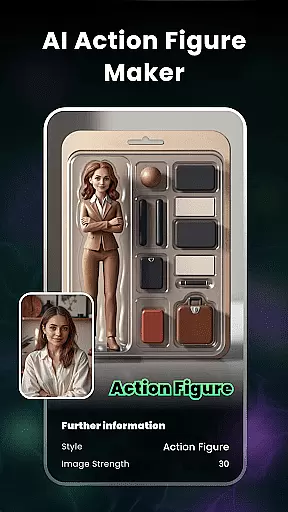
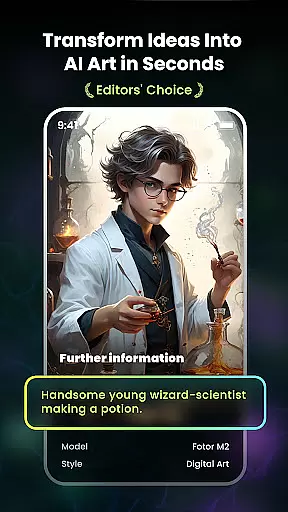
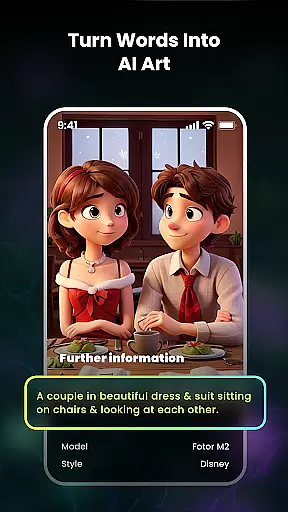
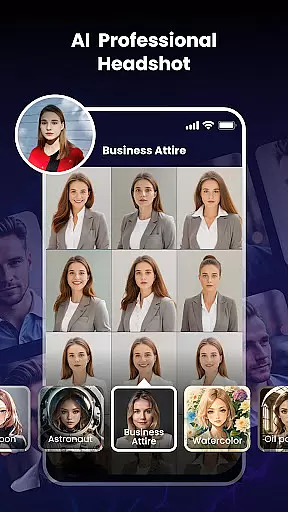
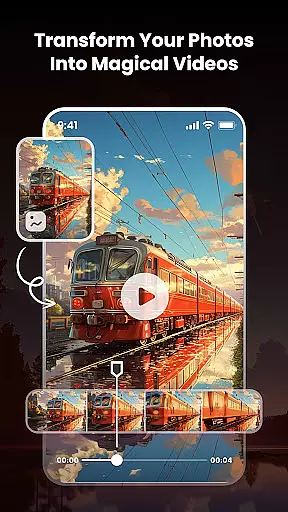
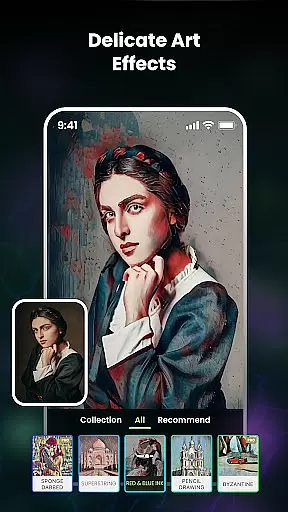
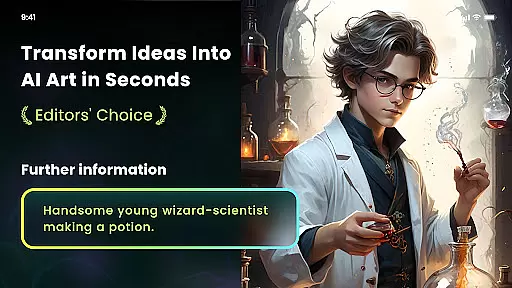
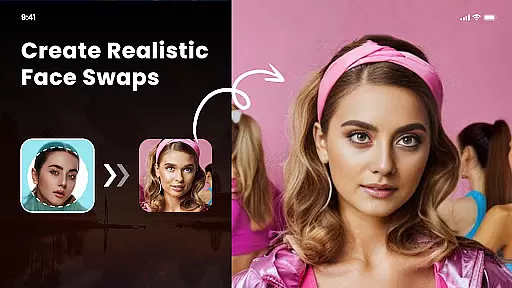
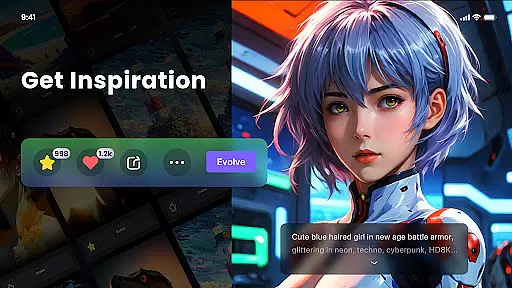
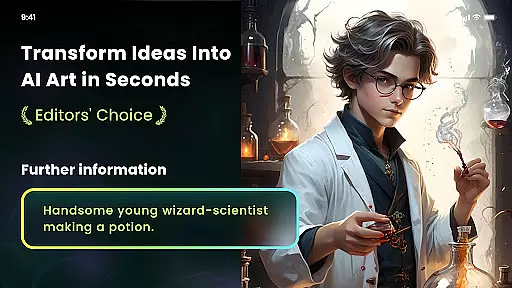
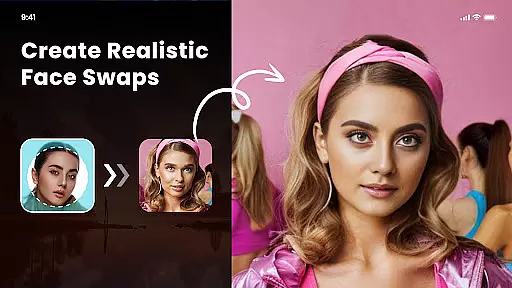
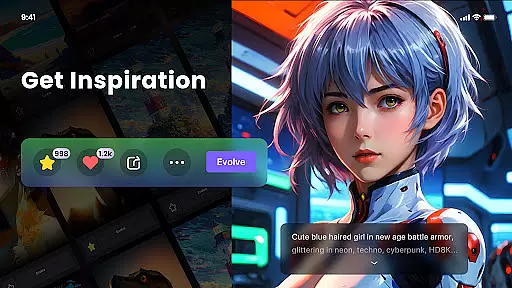
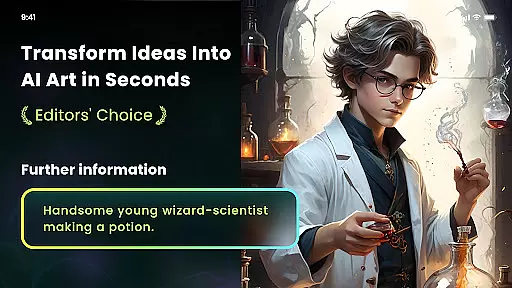
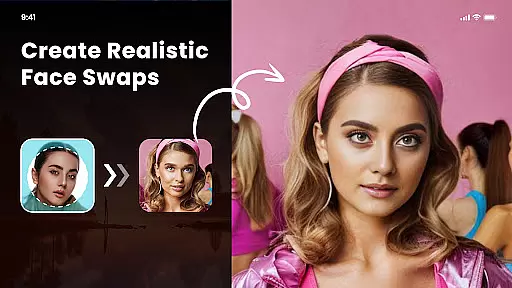
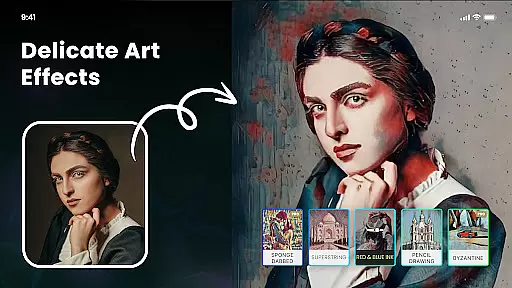
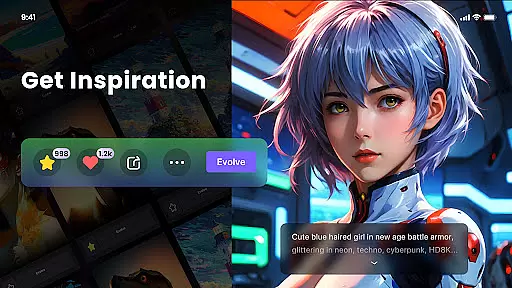
Nano Banana AI Image is a powerful creative tool that transforms your ideas into visually stunning images using advanced AI technology. The app supports both text-to-image and image-to-image generation, allowing users to create lifelike visuals with ease. Leveraging the Gemini 2.5 Flash Image AI, it ensures sharp, context-aware results for professional-quality outputs.
With features like natural language photo editing and multiple artistic style filters, Nano Banana caters to diverse creative needs. Whether you're designing anime-style portraits, surreal illustrations, or classic oil paintings, this app provides an intuitive platform to explore limitless artistic possibilities. It's perfect for artists, designers, and hobbyists looking to bring their visions to life effortlessly.
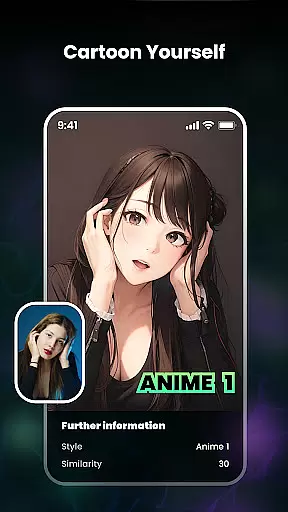
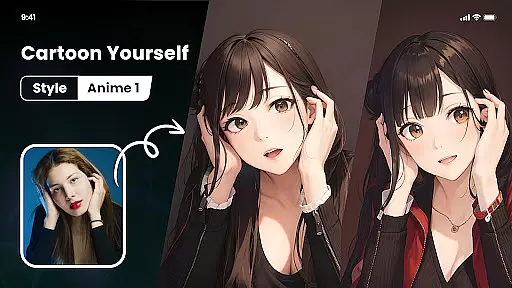
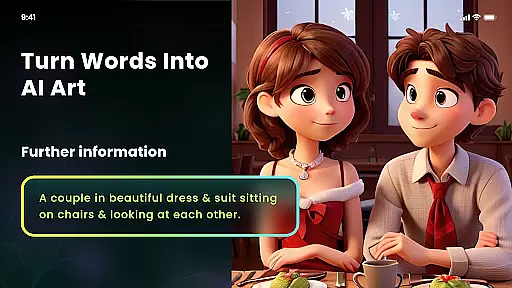
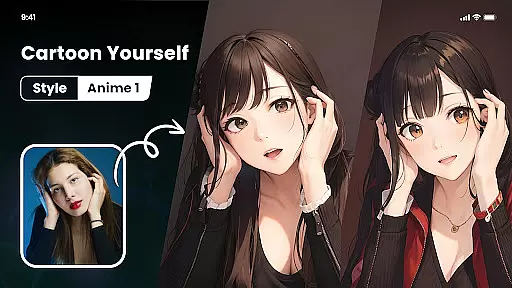
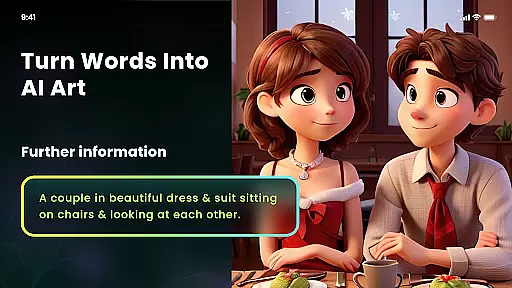
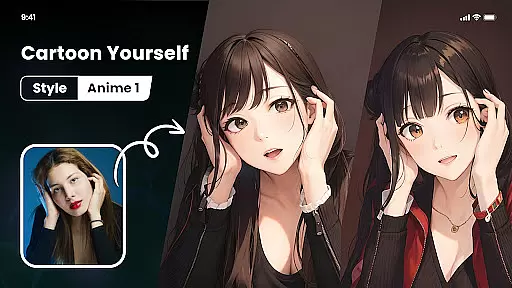
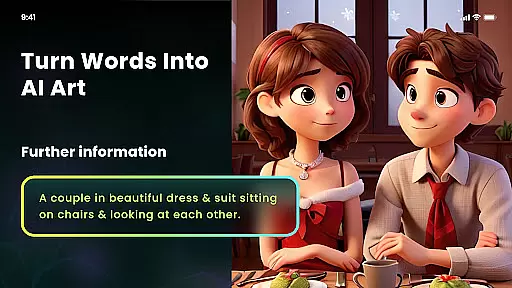
Nano Banana offers a comprehensive suite of tools designed to enhance creativity and streamline image generation. Its standout feature is the Photo Cartoonizer, which turns ordinary photos into cartoon avatars with one click. Additionally, its Japanese Anime Filter transforms images into anime-style art, while the AI Art Generator converts text prompts into unique artworks in seconds.
The app also includes advanced functionalities such as AI Cutout for background removal and replacement, high-definition export options up to 8 megapixels, and NFT minting capabilities. These features ensure users can customize every aspect of their creations while maintaining professional-grade quality. With support for various artistic styles, Nano Banana empowers users to achieve distinctive visual results tailored to their preferences.
In the realm of digital artistry, having a comprehensive suite of creative tools is paramount. Nano Banana AI Image offers an extensive array of features that cater to both amateur artists and professional designers. With capabilities ranging from text-to-image generation using advanced AI models like Gemini 2.5 Flash Image AI, to image transformations such as Photo Cartoonizer and Japanese Anime Filters, this application ensures that users can explore various artistic expressions.
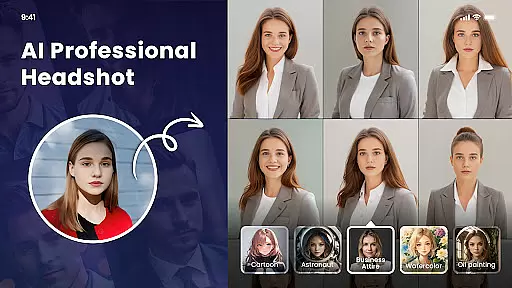
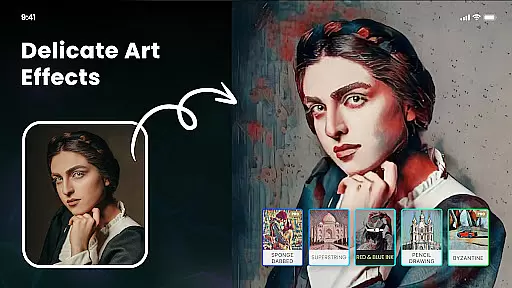
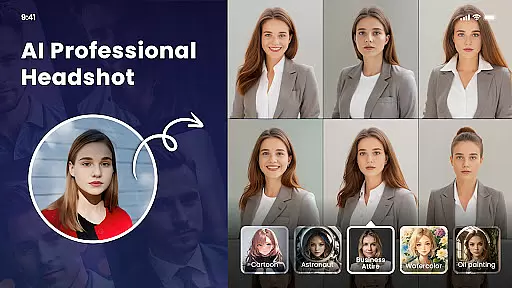
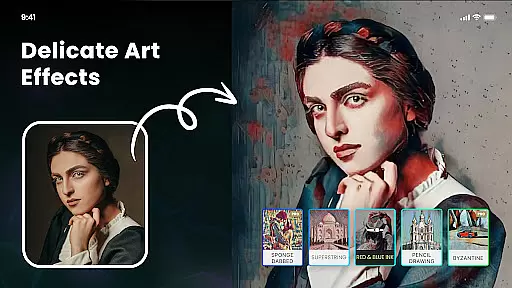
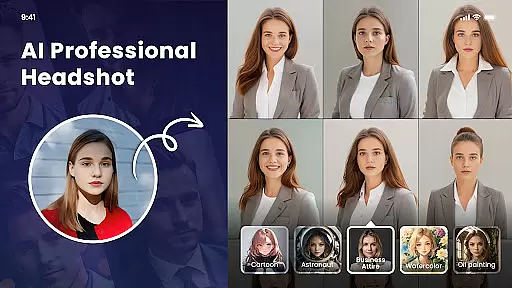
Moreover, the inclusion of multiple artistic style filters provides users with the flexibility to experiment with different genres including impressionism, ukiyo-e, and even masterful recreations in the style of Van Gogh or Monet. This diversity not only enhances creativity but also allows for personalized art creation that stands out. The ability to mint NFTs further extends the platform's utility by enabling artists to monetize their unique creations within the digital art marketplace.
The app also excels in practical functionalities such as AI Cutout, which simplifies background removal and replacementu2014a crucial feature for creating polished artwork. By supporting high-definition exports and offering adjustable parameters for customization, Nano Banana empowers users to refine their work down to the smallest detail. Such robust functionality makes it an indispensable tool for anyone looking to bring their imaginative concepts to life with precision and flair.
Flexibility in canvas size and format options is essential for artists who wish to adapt their work across different mediums and platforms. Nano Banana AI Image addresses this need by providing versatile solutions that accommodate a wide range of creative projects. Whether you're designing for digital screens, preparing artwork for print on T-shirts, or crafting visuals for large-scale displays, the app's support for high-definition outputs ensures your creations maintain their quality and impact.
One notable feature is the ability to export images at resolutions up to 8 megapixels, making it suitable for professional-grade printing. This capability allows artists to expand their creative reach beyond digital confines and into physical spaces without compromising on clarity or detail. Additionally, the ease of adjusting image strength and applying one-click transformations means users can swiftly iterate on their designs, experimenting with styles until they achieve the desired outcome.
Furthermore, Nano Banana's user-friendly interface streamlines the process of switching between different formats and settings, ensuring a seamless experience regardless of project complexity. From simple photo edits to intricate AI-generated artworks, the app's adaptable framework supports diverse artistic endeavors while maintaining intuitive control over every aspect of the creative process. This blend of flexibility and power positions Nano Banana as a go-to solution for modern creators seeking boundless possibilities in their digital toolkit.
User-friendly interface
High-definition outputs
Multiple artistic filters
One-click background removal
AI-powered creativity tools
Premium subscription required
Limited free features
Occasional processing delays
Advanced tools may overwhelm beginners
Export resolution could be higher

Vidu is an AI video generator made for creators and aspiring makers.
 3.30
3.30
The ultimate tool for creating animations
4.60
Draw anime & manga drawing, art with templates to create stunning picture!
4.50
AI Face Swap, Video Effects Editor, Realtime Morph, Funny Video FX,AI Filters
3.70
Paint with oils and sketch with natural tools on a realistic virtual canvas.
3.80
Painting, drawing, & sketching
4.50
Resize photos and print photos in exact size with our powerful photo printer!
3.80
2D animation studio for Android tablets - unlimited layers, infinite timeline
4.70
Turning simple sketches into captivating tales filled with life and motion
3.90
Castle is social media for creating and playing games!
4.60
Draw glowing spinners, relax, and spin your creative art
4.60
Image resizer to resize, crop, rotate, flip, change dpi photo or picture in bulk
4.60
Get an overview over all your embroidery threads, projects and more.
4.60
Image/ Text to Video Generator
4.40
Everything you need to create hand drawn animation, anywhere you go!
4.40
Draw, make movies & animate cartoons easily with our 2D animation maker app
4.40
Get creative and make art with your Sesame Friends!
4.00
Design your dream room with AI. Get decor ideas & plan home interiors
3.90
Powerful home decoration & house design that allows you to design dream home.
3.80


User Reviews