
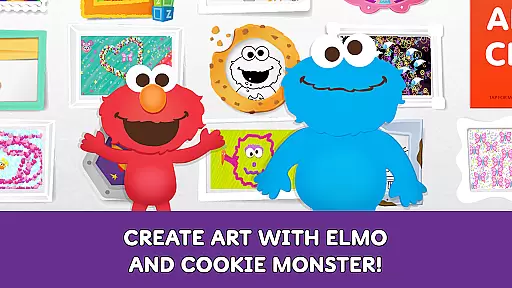
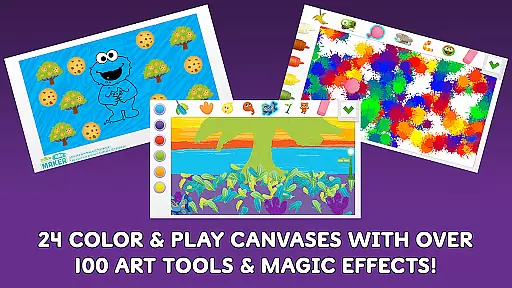
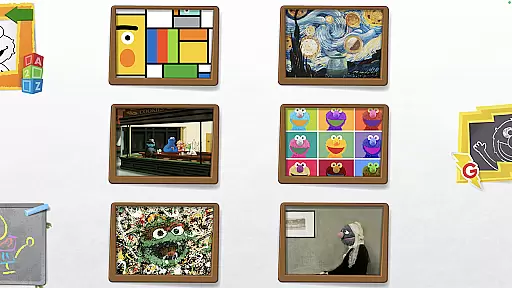
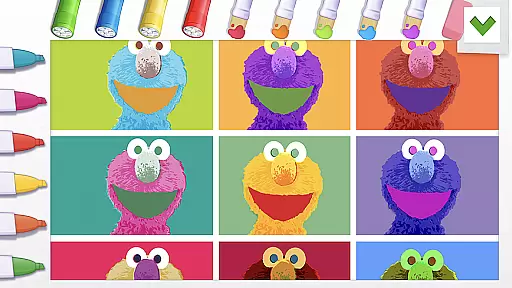
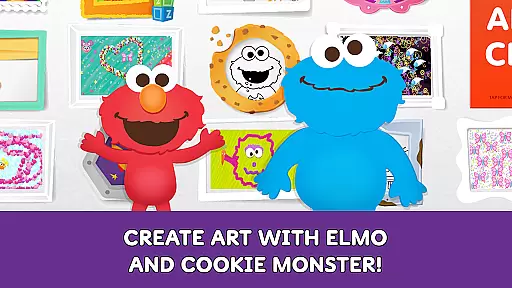
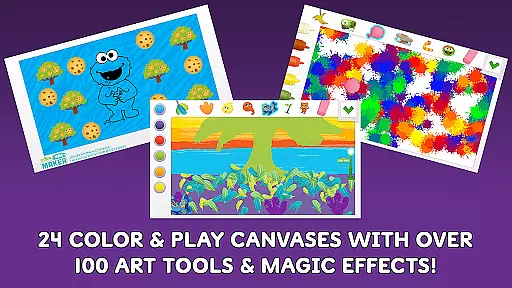
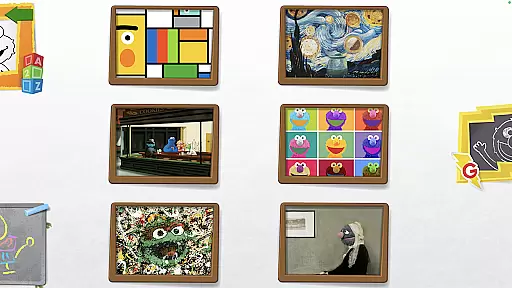
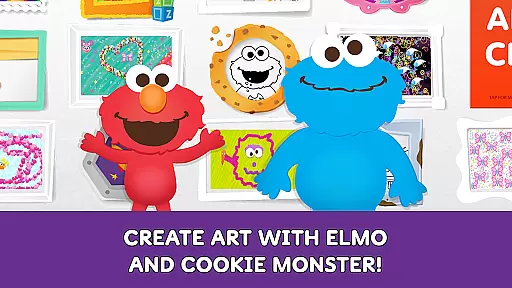
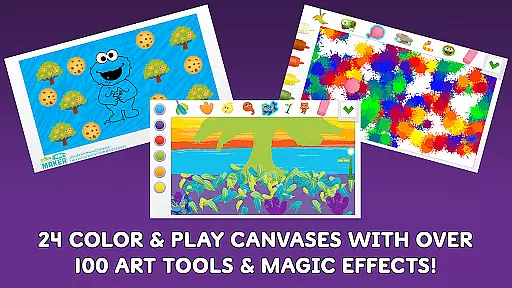
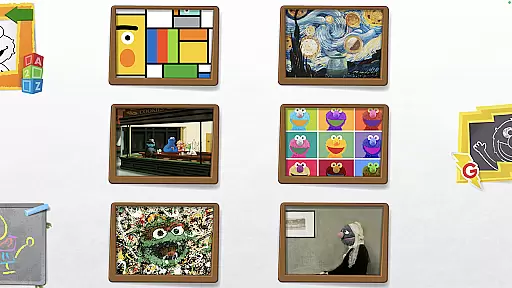
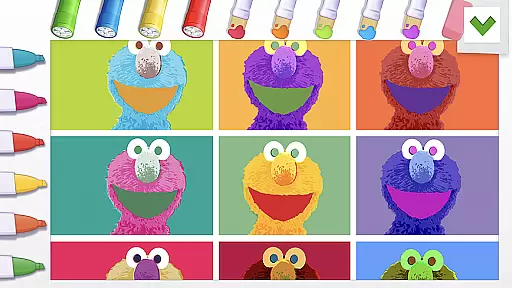
Sesame Street Art Maker is an innovative creativity app designed to inspire young artists through interactive digital experiences. The app offers a rich selection of 24 unique canvases featuring beloved Sesame Street characters, providing children with diverse starting points for their artistic explorations.
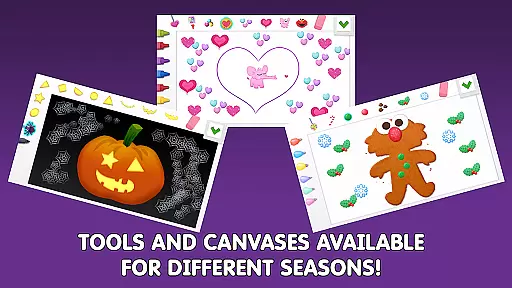
With over 100 realistic art tools including finger paints, fur textures, and Abby's magic wand, the app enables endless creative possibilities. Children can also enjoy seasonal canvas updates, animated character stickers, and coloring pages that keep the content fresh and engaging throughout the year.
This educational tool helps develop children's imagination and artistic skills while allowing them to share their creations through the Art Maker Challenge. The app's integration with Sesame Workshop's educational mission makes it a valuable resource for parents seeking both entertainment and developmental benefits for their kids.
The app's feature set includes a comprehensive collection of creative tools designed to stimulate children's artistic expression. Its signature offering is the vast array of over 100 unique art instruments, ranging from traditional finger paints to magical elements like Abby's wand, providing both conventional and imaginative creation methods.
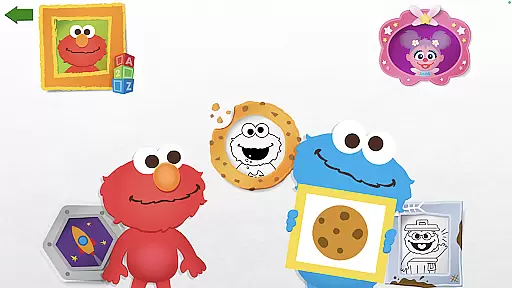
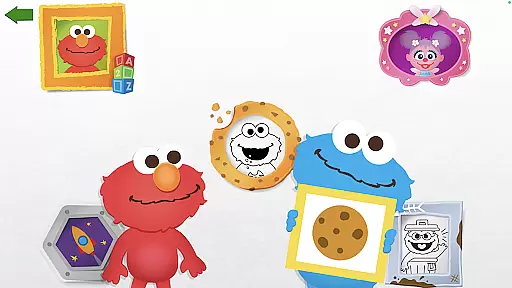
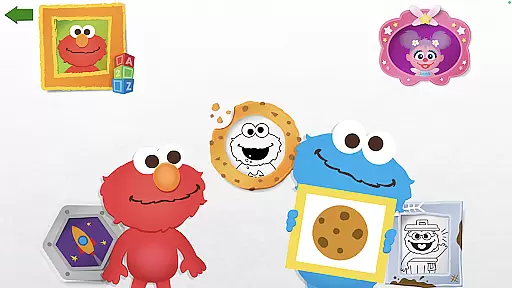
A standout feature is the interactive feedback system where beloved characters Elmo and Cookie Monster respond to children's artwork, creating an engaging and encouraging experience. The photo canvas functionality adds another dimension of personalization, allowing users to decorate their own images with silly stickers and effects.
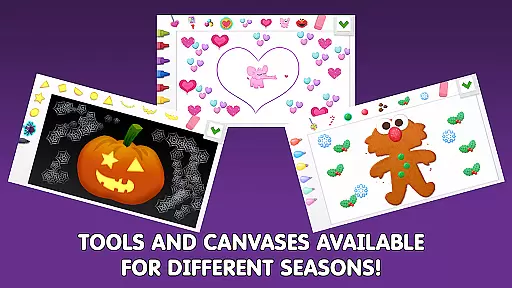
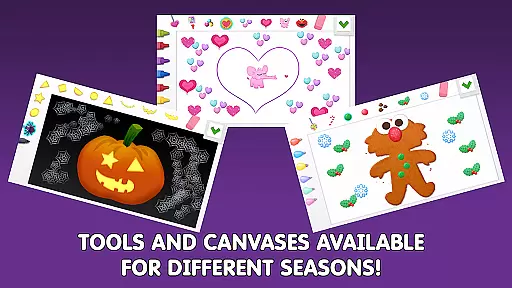
Additional features include seasonally updated canvases, Sesame Street themed coloring pages, and animated talking stickers that bring artwork to life. The optional Expansion Kits provide themed content collections, enhancing the creative possibilities while maintaining fresh and relevant content throughout the year.
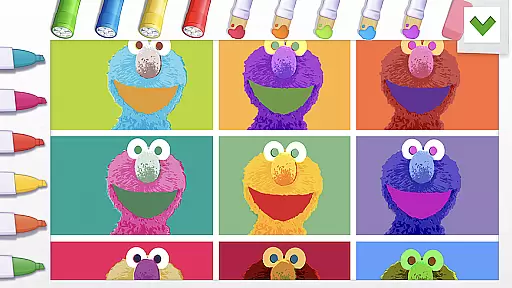
In the realm of digital creativity, having a comprehensive set of tools is paramount. Sesame Street Art Maker offers over 100 unique art tools that cater to various artistic needs and preferences. From finger paint to Abbyu2019s magic wand, these tools mimic real-life art supplies while adding a touch of magic.
Children can experiment with different textures and effects, such as fur and sequins, enhancing their sensory experience and encouraging exploration. The variety ensures that whether a child prefers traditional drawing or more imaginative creations, there's something for everyone.
This extensive toolkit not only supports basic drawing but also enables complex artwork creation, fostering both skill development and creative expression. With regular updates introducing new canvases and themes, the possibilities are continually expanding.
A versatile canvas is essential for unleashing creativity, and Sesame Street Art Maker excels in this area by providing 24 unique canvases inspired by beloved Sesame Street characters. These canvases adapt to seasonal changes throughout the year, keeping the content fresh and engaging.
Beyond static images, the app includes interactive elements like animated, talking character stickers and coloring pages. This dynamic approach allows children to engage with their favorite characters in new ways, making each piece of art a personalized masterpiece.
Additionally, the photo canvas feature lets users decorate their own faces with silly stickers, blending reality with imagination. Such flexibility in format encourages experimentation and personalization, ensuring that every child can find joy and inspiration within the app.
User-friendly interface
Regular content updates
Educational value
Character engagement
Creative freedom
In-app purchases available
Younger audience only
Internet connection required
Limited advanced tools
Storage space needed

Download now for a stylish and functional timepiece
 4.3
4.3
Sketch, trace and master AR drawing with awesome anime art!
3.30
Create neon drawing with magic doodle and fun doodle art effects!
4.50
Art of Combination Wear OS Watch faces
4.3
2D animation studio for Android tablets - unlimited layers, infinite timeline
4.70
Retouch photos. Create or edit images. Endless capabilities.
2.70
Kling AI is an image and video generation and editing studio powered by AI.
4.50
How to draw anime step by step for beginner easily by AR drawing sketch & paint.
3.60
AI-powered photo & video creation—fast, fun, and effortless with Quick Actions
4.60
Create stunning art with AI.
4.80
Minecraft & Roblox Clothes
4.70
Photo stitcher for automatically screenshot stitching into a long screenshot
4.70
Unleash your drawing and painting potential
4.50
Everything you need to create hand drawn animation, anywhere you go!
4.40
AI generated images & photos, turn your words into drawing, painting & pictures.
4.30
Turning simple sketches into captivating tales filled with life and motion
3.90
AI Face Swap, Video Effects Editor, Realtime Morph, Funny Video FX,AI Filters
3.70
Inky runs Inkscape on Android devices and Chromebooks
2.90
Transform photos into amazing monochrome dither art with professional algorithms
4.4


User Reviews