
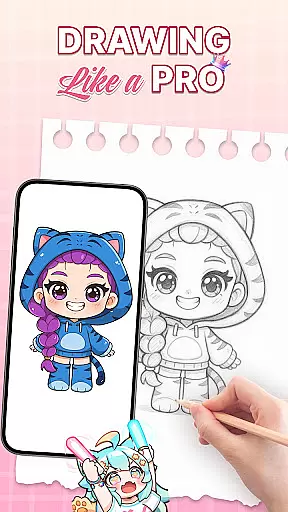
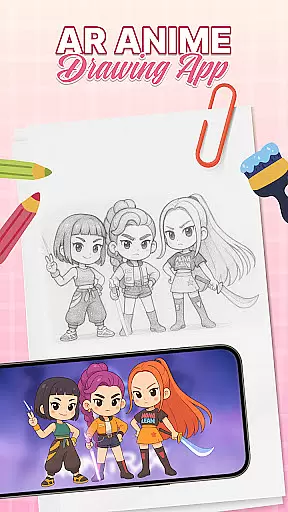
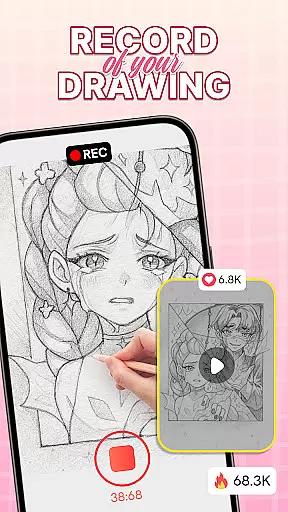
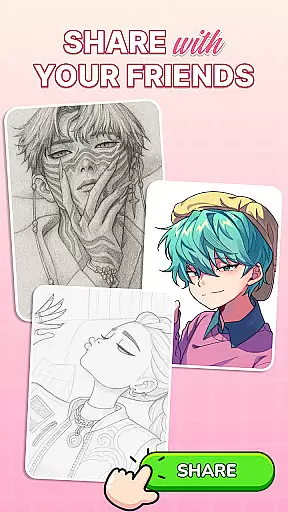
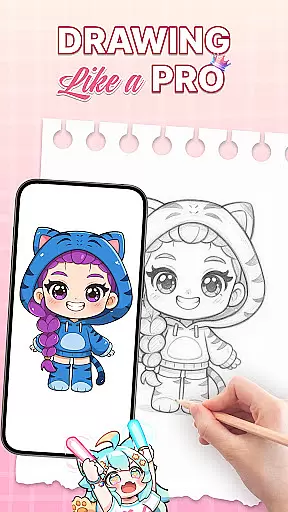
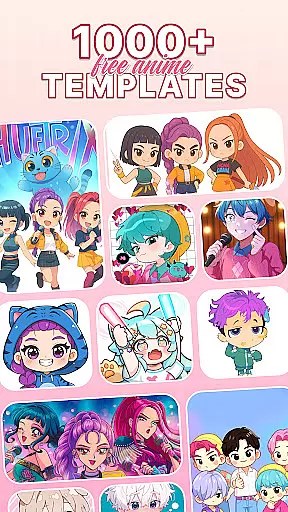
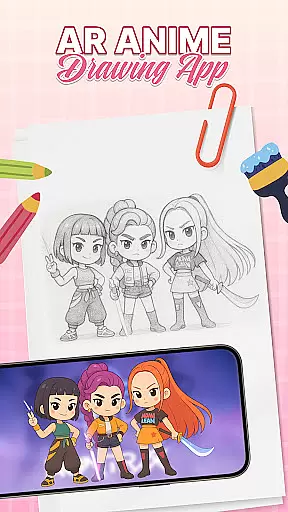
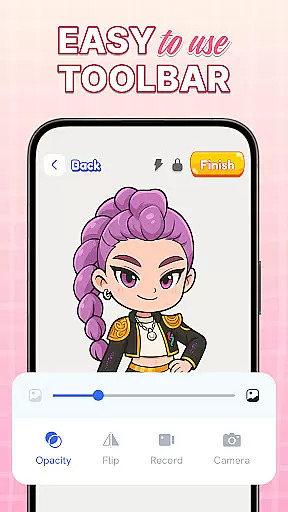
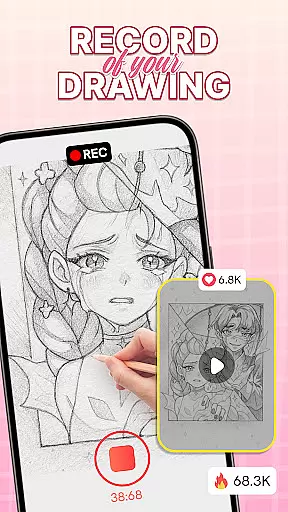
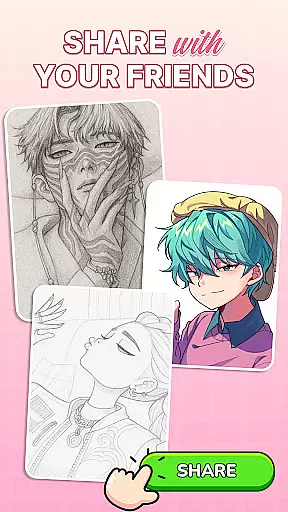
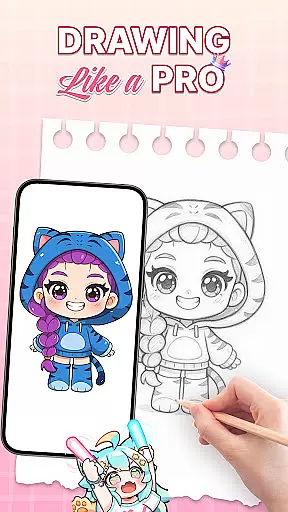
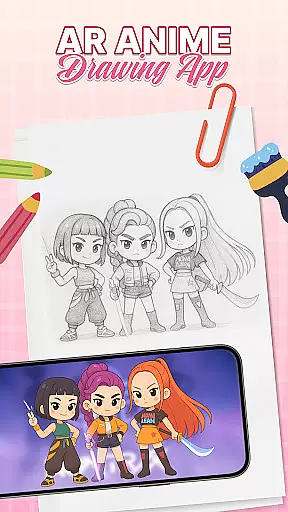
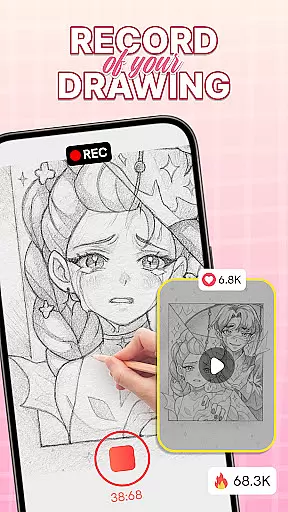
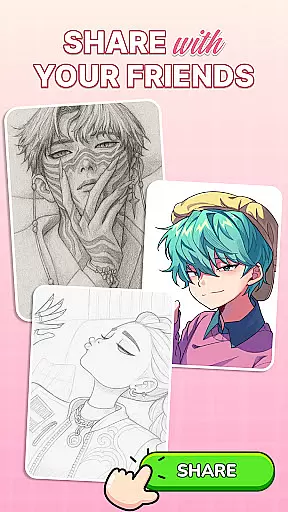
AR Drawing: Sketch & Trace is an innovative mobile application that merges augmented reality with artistic expression, allowing users to project any image onto paper for effortless tracing. This app serves as a comprehensive drawing guide, particularly beneficial for those interested in anime and cartoon art styles.
The app's core functionality lies in its ability to transform images into traceable templates through AR technology. By placing their device on a stable surface, users can project inverted images onto their drawing surface, making the tracing process intuitive and precise. The app caters to various artistic interests, from digital art to traditional sketching, positioning itself as a versatile tool for artists of all levels.
This application is especially valuable for aspiring artists who want to learn proper proportions and shading techniques while having fun. The combination of user-friendly interface and educational benefits makes it suitable for both individual practice and family activities, creating an engaging environment for developing artistic skills.
AR Drawing stands out through its diverse feature set tailored for creative minds. The app's signature capability is its augmented reality tracing function, which projects images directly onto drawing surfaces. This feature supports artists in maintaining accurate proportions while learning different drawing styles.
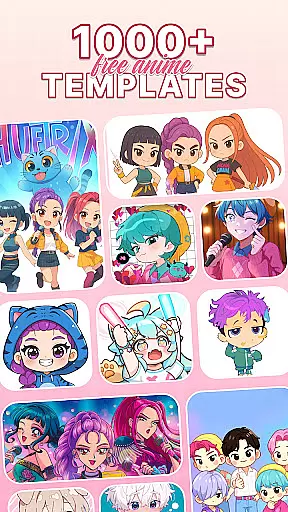
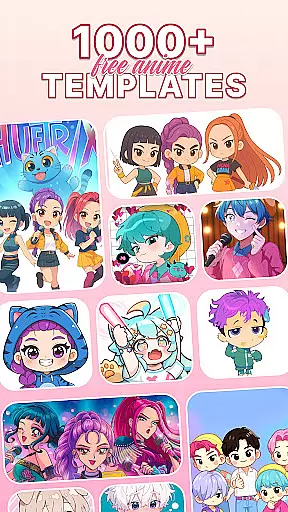
Beyond basic tracing, the app offers an extensive library of categorized drawing templates including anime characters, animals, and natural elements. These templates serve as valuable learning resources for users at various skill levels. Additionally, the integrated Sketch & Paint tools provide advanced coloring options, enabling artists to add professional touches to their work.
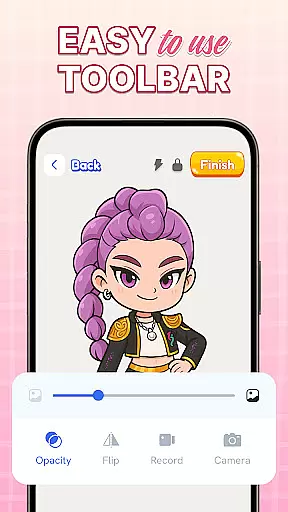
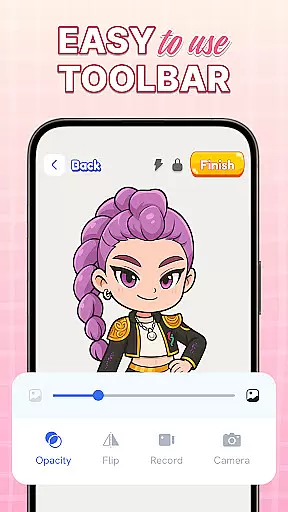
The application also includes practical utilities such as adjustable camera settings and flash control for optimal tracing conditions. These features, combined with regular content updates and a family-friendly interface, create a comprehensive artistic ecosystem that adapts to different learning styles and creative needs.
When it comes to digital art applications, the comprehensiveness of creative tools is paramount. AR Drawing: Sketch & Trace offers an extensive suite of artistic instruments that cater to both amateur and professional artists. The app provides diverse drawing templates covering a wide range of categories such as anime, animals, food, and nature, which serve as a foundation for users' creative expression.
The Sketch & Paint functionalities within the app allow users to add vibrant colors and intricate details to their work. With features like AR drawing and tracing, creators can project any image onto a surface and trace it with precision, bridging the gap between traditional techniques and modern technology. This fusion not only simplifies the process but also enhances accuracy in replication, making it an invaluable resource for learning and improving one's craft.
Moreover, the application includes camera integration that enables direct AR projections on physical surfaces, alongside a built-in flashlight for optimal visibility in various lighting conditions. These practical additions ensure that no matter where inspiration strikes, users have the necessary tools at their disposal to capture and develop their ideas seamlessly.
Flexibility in canvas and format options is essential for artists who wish to explore different mediums and styles without constraint. AR Drawing: Sketch & Trace addresses this need by offering adaptable solutions that support creativity in multiple dimensions. Users can adjust their workspace according to personal preference or project requirements, ensuring comfort and efficiency during the artistic process.
In addition to customizable canvas sizes, the app supports various file formats which makes it convenient for artists to import reference images or export finished pieces for sharing or printing purposes. This versatility empowers creators by removing technical barriers often associated with digital art platforms, thus allowing them more freedom over how they choose to engage with their work.
By combining these flexible canvas options with powerful sketching tools, AR Drawing: Sketch & Trace becomes not just an application but a dynamic studio space where imagination takes center stage. Artists are encouraged to experiment fearlessly knowing that whatever vision they have in mind can be accommodated within this virtual environment designed specifically for boundless innovation.
User-friendly interface
Wide template selection
Augmented reality support
Regular feature updates
Educational value
Limited free content
Device compatibility issues
Subscription fees required
Occasional bugs
Advanced tools locked

Easy 3D drawing design maker & creator. Model designing, Sculpting. Create&paint
 4.00
4.00
Meet the magic aı 3d photo generator and smart AI video generator app.
3.20
Apply cartoon, caricature, and portrait effects to make your photos stand out!
3.60
Digital, Abstract, Classic - all types of color wheels in one app!
4.60
Draw beautiful mandala's very easily
4.60
Draw glowing spinners, relax, and spin your creative art
4.60
Art of Combination Wear OS Watch faces (for Wear OS 5+ devices)
3.90
Unleash the artist in you with our AR drawing and tracing tool for photo drawing
4.10
Beauty Camera - Selfie Camera is the ultimate beauty camera and selfie app
4.30
Create neon drawing with magic doodle and fun doodle art effects!
4.50
Photo blender app to create overlay photos & double exposure.
4.40
Everything you need to create hand drawn animation, anywhere you go!
4.40
AI generated images & photos, turn your words into drawing, painting & pictures.
4.30
Paint with oils and sketch with natural tools on a realistic virtual canvas.
3.80
Powerful home decoration & house design that allows you to design dream home.
3.80
AI Art Generator transforms your words into AI generated art & paintings.
3.70
Art of Combination Wear OS Watch Faces
3.30
Art of Combination Wear OS Watch Faces
4.4
Android 14 style widgets and wallpapers app.
4.3


User Reviews