
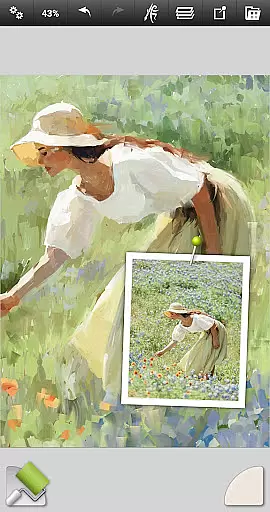
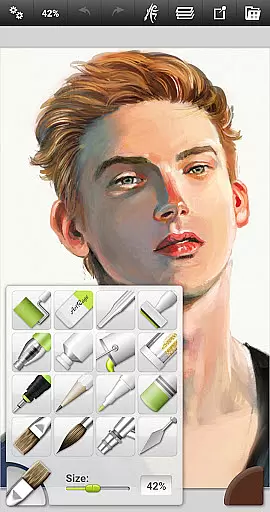
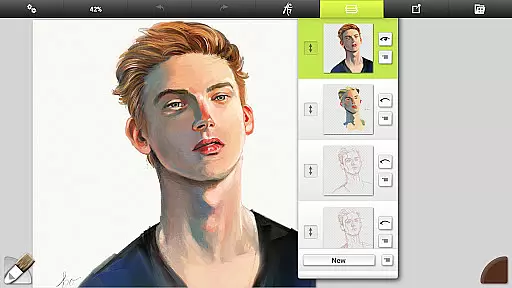
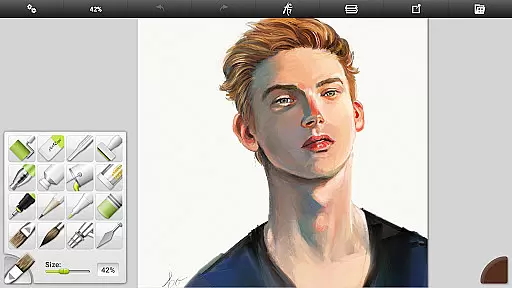
ArtRage Vitae stands out as a premier mobile painting application tailored for both amateur artists and seasoned professionals. This digital art studio brings the authenticity of traditional art mediums to your fingertips by offering a comprehensive suite of 16 meticulously crafted tools. Each instrument, from oil brushes to watercolors, mirrors its real-world counterpart, providing users with genuine creative experiences.
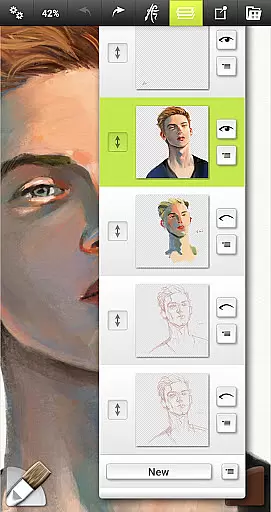
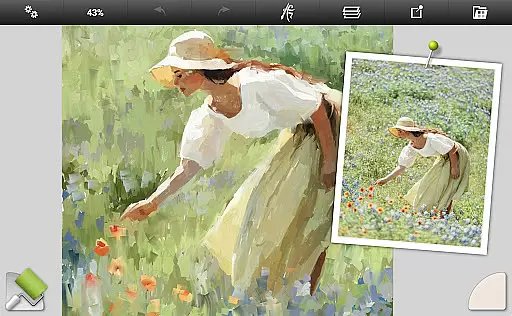
Beyond replicating conventional art supplies, ArtRage Vitae incorporates advanced digital utilities such as layers, blend modes, and tracing images. These features empower artists to experiment without limits, refine their work with precision, and seamlessly integrate hand-drawn elements into their digital creations. With support for canvases up to 4096px x 4096px, the app ensures every stroke retains its clarity and detail, making it suitable for high-resolution artwork.
Whether you're sketching preliminary designs or finishing a masterpiece, ArtRage Vitae adapts to various artistic needs. Its user-friendly interface removes technical barriers, allowing creators to focus on their vision rather than navigating complex menus. By bridging the gap between physical and digital art forms, this app unlocks endless possibilities for expression and innovation.
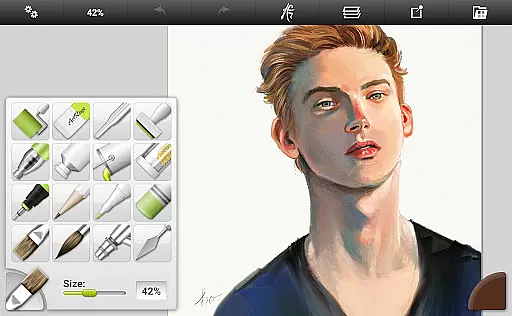
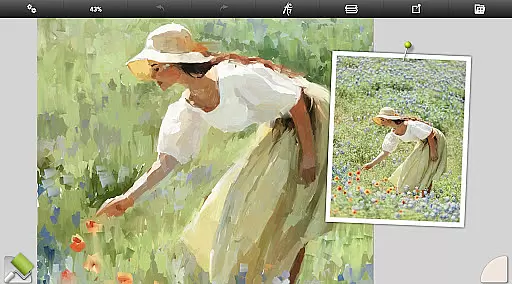
ArtRage Vitae distinguishes itself through an array of sophisticated features designed to elevate the digital painting experience. At its core, the app boasts an impressive selection of 16 tools, each customizable via presets and settings. Users can explore natural painting tools like oil brushes and watercolors, alongside precise sketching implements such as pencils and pastels. Every tool responds authentically, reacting to factors like pressure and texture just like their tangible equivalents.
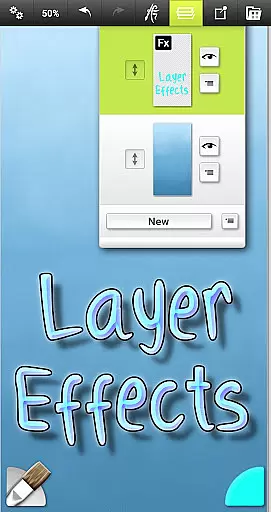
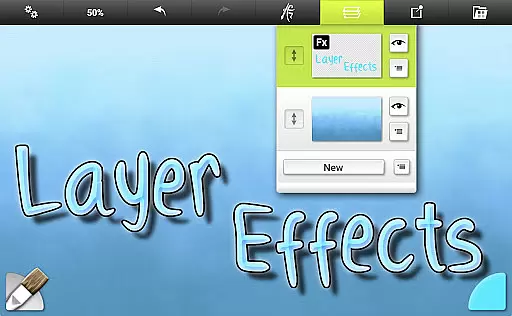
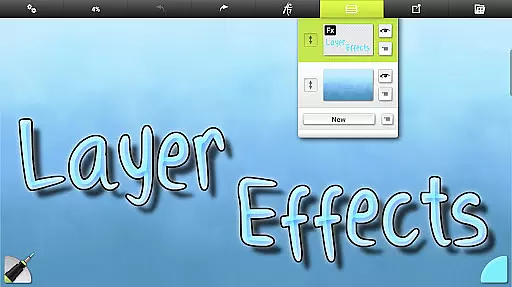
In addition to emulating traditional media, ArtRage Vitae introduces powerful digital enhancements. Artists benefit from professional-grade options including layer effects, which allow for adding highlights, shadows, and 3D elements to individual layers. The inclusion of industry-standard blend modes further expands creative potential, enabling complex compositions and seamless integration of diverse elements. Moreover, the app facilitates efficient workflow management through unlimited undo/redo functions and customizable tool presets.
Usability remains paramount within ArtRage Vitae's design philosophy. An intuitive interface ensures accessibility for users at all skill levels while maintaining depth for advanced techniques. Multi-touch canvas manipulation, stylus-only mode, and keyboard shortcut support cater to different working preferences. Whether creating intricate illustrations or expansive murals, these features combine to deliver a fluid, responsive painting environment that adapts to each artist's unique style and requirements.
In the realm of digital art, having a comprehensive set of creative tools is paramount. ArtRage Vitae Mobile Painting excels in this area by offering 16 diverse tools with countless variations through presets and settings.
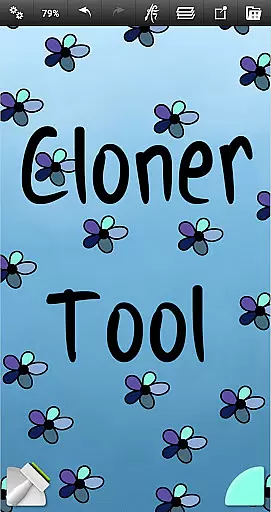
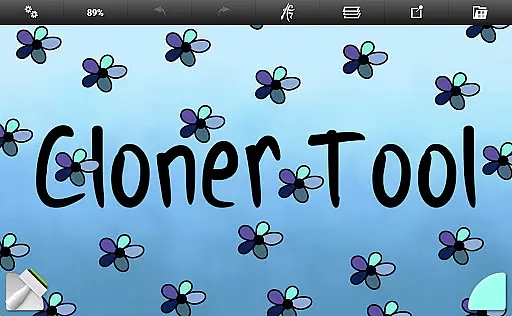
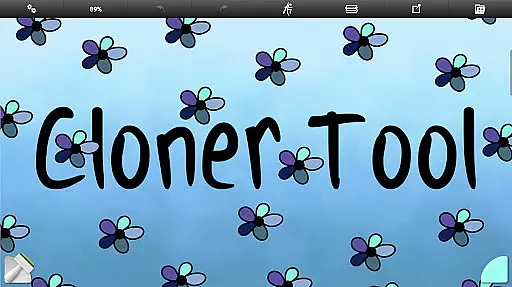
These include natural painting tools like Oil Brush, Watercolor, Palette Knife, as well as sketching and drawing tools such as Airbrush, Ink Pen, and Pencil. Special effect tools like Cloner and Glitter Tube further expand the creative possibilities.
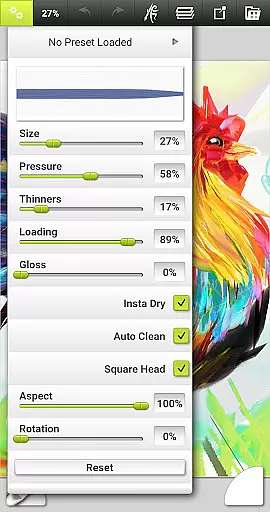
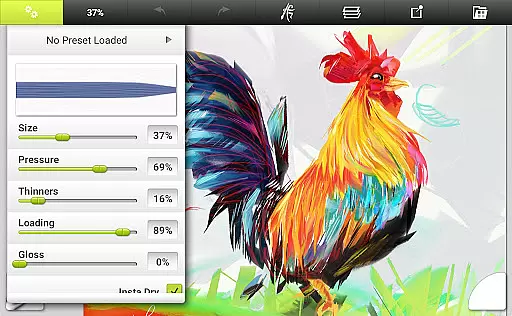
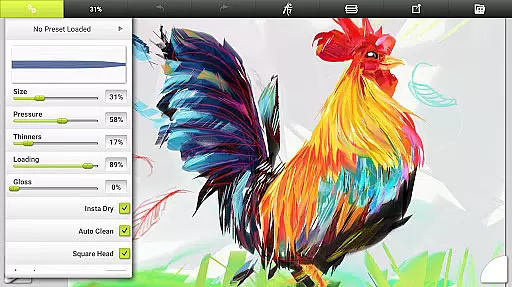
Each tool comes with adjustable settings that reflect natural properties, such as paint thickness or pencil softness, allowing artists to replicate real-world techniques digitally. The ability to store custom presets ensures that users can quickly access their preferred configurations, enhancing workflow efficiency.
This extensive toolkit empowers artists to explore various styles and techniques, making ArtRage Vitae an indispensable companion for both amateur enthusiasts and professional creators.
A versatile canvas is essential for unleashing creativity without constraints. ArtRage Vitae Mobile Painting addresses this need by providing adjustable canvas textures that range from coarse surfaces to smooth papers.
The maximum canvas size has been increased to 4096px x 4096px across all devices, accommodating high-resolution artwork suitable for professional use. This substantial canvas space allows intricate details and expansive compositions to be realized without compromise.
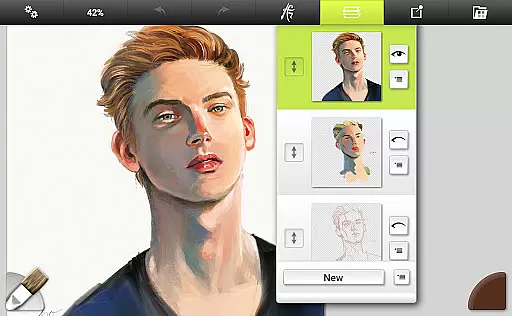
Furthermore, the app supports industry-standard layer blend modes and offers advanced layer options for exporting and merging, along with layer effects that add highlights, shadows, and 3D elements to individual layers. These features contribute to a more dynamic and flexible creative process.
Artists can now work confidently knowing they have the freedom to experiment with different formats and sizes, ensuring their vision is fully realized within the digital space provided by ArtRage Vitae.
Realistic tool simulation
Extensive customization options
High-resolution canvas support
Intuitive user interface
Powerful layer functionality
Higher cost than alternatives
Steep learning curve
Limited free resources
No collaborative features
Occasional performance issues

Premium version of Shimeji-ee app with no ads & no limit active shimeji
 4.0
4.0
The ultimate tool for creating animations
4.60
Image/ Text to Video Generator
4.40
Remove Background, Magic Eraser, Photo Enhancer, Story Templates, Collage Maker
4.30
Turn your drawings into flipbook-style animations with simple creative tools
4.60
Your homescreen as an elegant glass with customized blur, lighting, and visuals.
3.70
Turning simple sketches into captivating tales filled with life and motion
3.90
Create Logos, Tattoos, AI Art & more with our AI Photo Generator & Design Editor
4.20
AI-powered photo & video creation—fast, fun, and effortless with Quick Actions
4.60
Logo Generator powered by AI: Create stunning logos effortlessly!
4.70
Image resizer to resize, crop, rotate, flip, change dpi photo or picture in bulk
4.60
Get an overview over all your embroidery threads, projects and more.
4.60
AI Tattoo Generator: Create Tattoo Designs & Get Ideas! Ink & Stencil Maker
4.50
Just trace a projected picture on paper and color! Draw & Paint with AR drawing
4.40
Beauty Camera - Selfie Camera is the ultimate beauty camera and selfie app
4.30
Meet the magic aı 3d photo generator and smart AI video generator app.
3.20
Download now for a stylish and functional timepiece
4.1
Transform photos into amazing monochrome dither art with professional algorithms
4.5
Art of Combination Wear OS Watch Faces
4.0


User Reviews