
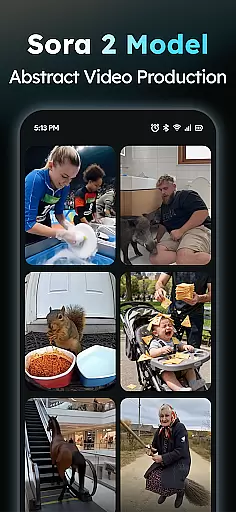
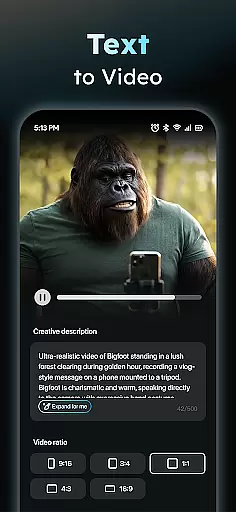
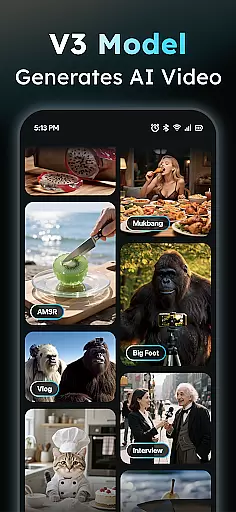
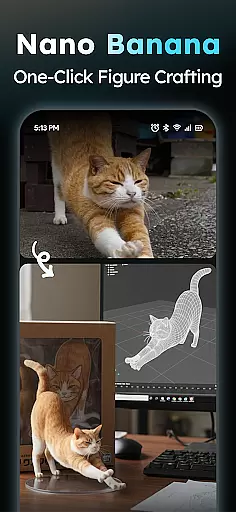
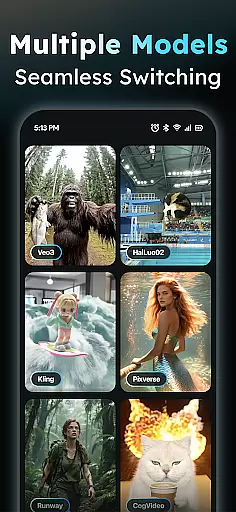
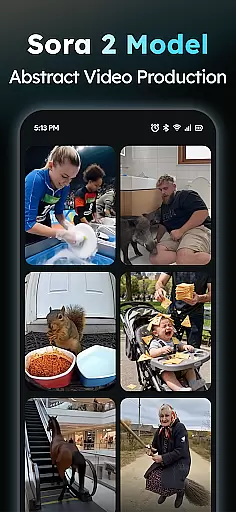
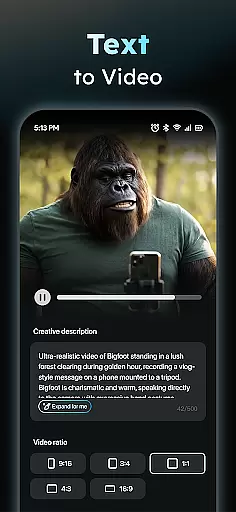
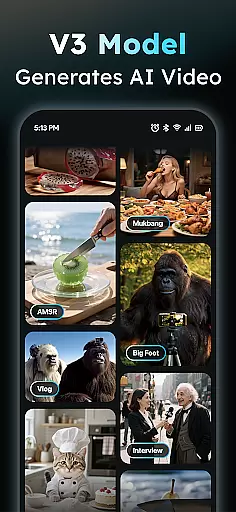
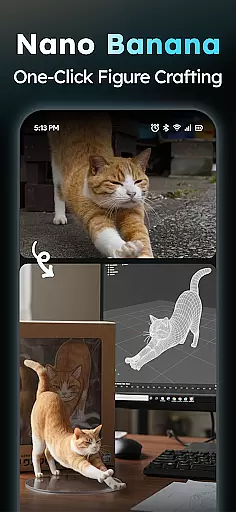
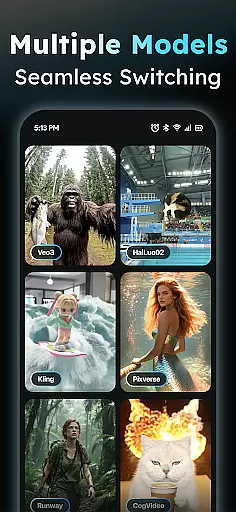
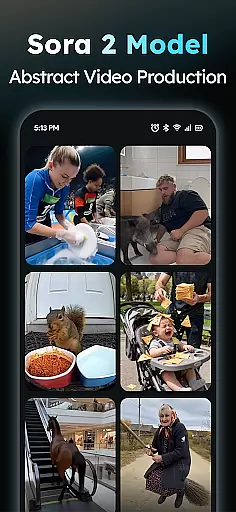
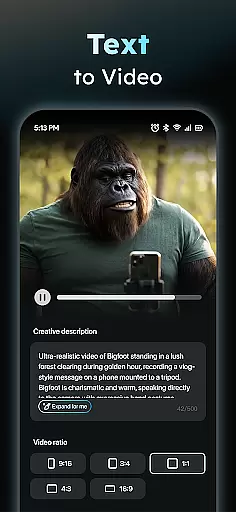
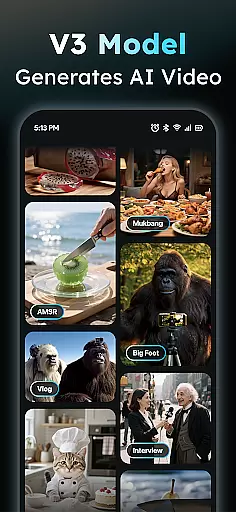
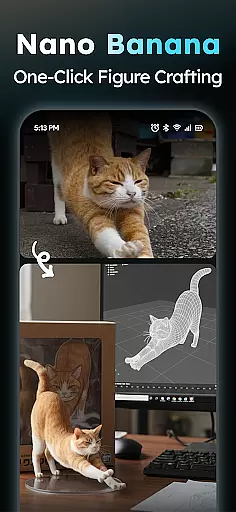
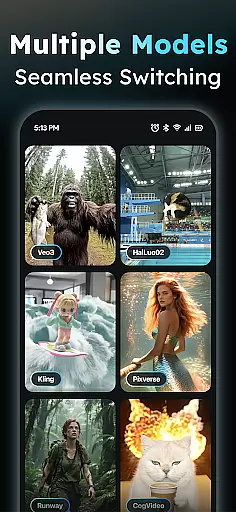
AIreel is an advanced AI-powered video creation tool designed for the Art & Design category, enabling users to produce professional-quality viral videos effortlessly. The application integrates cutting-edge AI models such as veo3, hailluo, and runway to power its dual engines for both Text-to-Video and Image-to-Video generation. With zero prior experience required, users can create cinematic content that rivals mainstream tools while enjoying a 50% faster rendering speed.
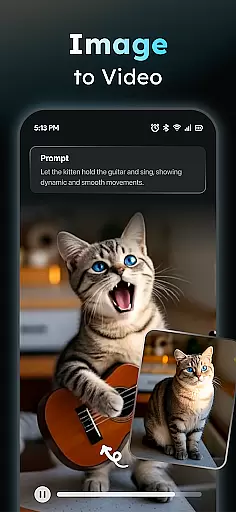
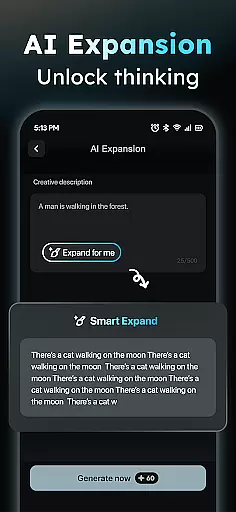
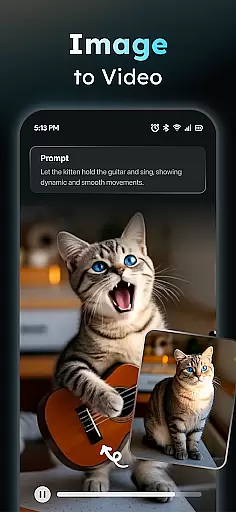
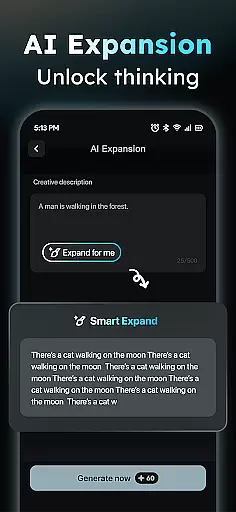
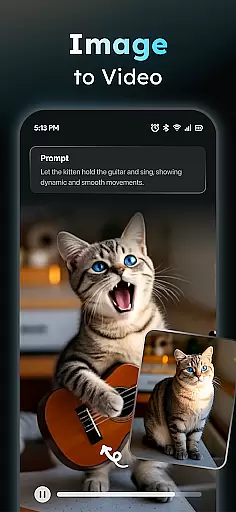
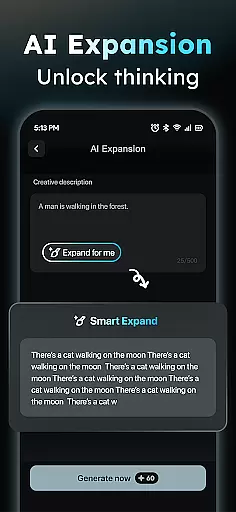
The app's standout features include an AI Video Generator that transforms any text input into engaging short videos complete with auto-added scenes and music. Additionally, the Photo to Video AI supports real-person, anime, and pet images, turning static photos into dynamic masterpieces. AIreel also offers a Prompt Assistant to simplify idea conversion into professional prompts, making AI video creation accessible to all skill levels.
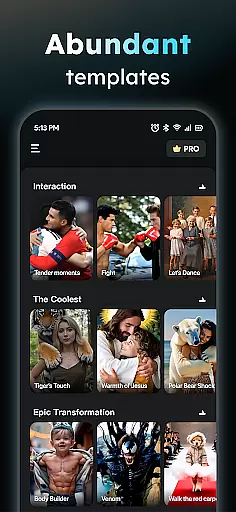
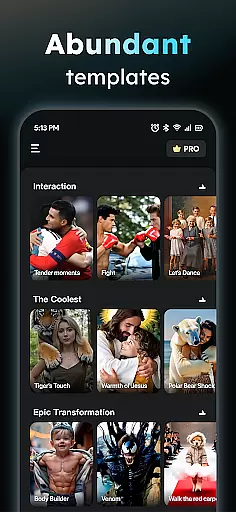
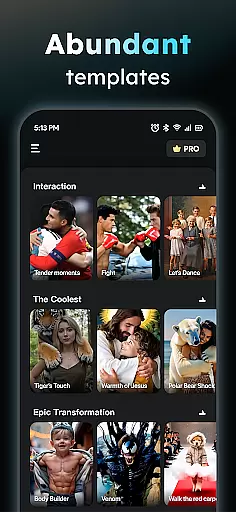
Designed for creative professionals and social media enthusiasts alike, AIreel provides a Social Template Hub with daily updates of trending TikTok, Reels, and Shorts templates. Users can export videos in various aspect ratios (9:16, 16:9, or 1:1) optimized for different platforms. Whether you're crafting promotional content or artistic projects, AIreel delivers privacy-focused local processing and human-moderated quality assurance.
AIreel distinguishes itself through its innovative combination of AI technologies and user-friendly design tailored for the Art & Design field. At its core, the app employs a dual-mode AI generator supporting both text and image inputs, similar to the capabilities of Veo 3 but with added versatility. This unique feature allows users to either type out their ideas or upload existing images (JPG/PNG) and transform them into high-quality moving visuals.
The application's architecture emphasizes efficiency and privacy. Unlike cloud-based solutions, AIreel performs local processing on compatible devices, ensuring that sensitive content remains secure during video generation. The built-in Prompt Assistant further lowers the barrier to entry by helping users craft professional-grade prompts without needing technical expertise. Moreover, the Social Template Hub serves as a valuable resource, offering daily updates of popular templates aligned with current trends across major social media platforms.
Additional notable features include multiple export options catering to different platform requirements and a human-moderation system that lets users report inappropriate content directly through the app. These elements collectively enhance the overall user experience, making AIreel not just a tool for video creation but a comprehensive solution for modern digital artists seeking both functionality and peace of mind.
In the realm of digital creativity, having a comprehensive suite of tools is paramount. AIReel stands out by integrating advanced AI models such as veo3, hailluo, and runway to power its dual engines for both Text-to-Video and Image-to-Video generation. This means users have at their disposal an array of options to transform simple inputs into complex visual narratives.
The application's feature set includes an AI Video Generator that turns text into viral short videos complete with scenes and music. Additionally, it offers a Photo to Video AI function supporting real-person, anime, and pet images, allowing for the creation of dynamic content from static pictures. With these capabilities, AIReel ensures that creators are limited only by their imagination, not by the software's functionality.
For those who may find crafting effective prompts challenging, AIReel provides a Prompt Assistant. This feature simplifies the process of generating professional-grade prompts, thus lowering the barrier to entry for utilizing sophisticated AI technologies. Moreover, the Social Template Hub delivers daily updates on trending TikTok, Reels, and Short templates, ensuring users stay ahead in the fast-paced world of social media content creation.
Flexibility in canvas size and format options is crucial for catering to diverse platforms and audience preferences. AIReel excels in this area by enabling exports in multiple aspect ratios including 9:16, 16:9, or 1:1, making it suitable for all major platforms without compromising on quality or composition.
This adaptability extends beyond mere aspect ratios; AIReel supports various input formats like JPG and PNG while delivering outputs that maintain high resolution and clarity regardless of the chosen dimensions. Such versatility empowers creators to tailor their projects precisely to the requirements of different social media channels or personal creative visions.
Furthermore, AIReelu2019s local processing capability on compatible devices underscores its commitment to user privacy and control over one's creative work. By offering robust customization features alongside stringent data protection measures, AIReel not only enhances artistic freedom but also reassures users about the safety of their intellectual property throughout the creative process.
Fast rendering speeds
Dual-mode AI generator
Privacy-focused design
User-friendly interface
Professional templates
Limited free features
Device compatibility issues
Occasional bugs
Premium subscription cost
Learning curve for new users

AI generated images & photos, turn your words into drawing, painting & pictures.
 4.30
4.30
Create trending AI photos & videos with powerful effects and 3D styles.
3.20
Meet the magic aı 3d photo generator and smart AI video generator app.
3.20
Create stylish invitation cards using templates for weddings, birthdays & RSVP.
4.20
Art of Combination Wear OS Watch faces
4.4
Digital, Abstract, Classic - all types of color wheels in one app!
4.60
Draw glowing spinners, relax, and spin your creative art
4.60
800+ Drawing, Painting Lessons App to Practice, Sketch & Paint Art.
4.30
Sketch and paint on your device with the feel and freedom of drawing on paper
4.00
Make your phone cooler and have a fantastic experience
4.80
Minecraft & Roblox Clothes
4.70
Video AI: Revolutionize Your Content Creation with Advanced Video Generation
4.50
Create and Design Custom Logos in Seconds with AI-Powered Tools!
4.40
Create Logos, Tattoos, AI Art & more with our AI Photo Generator & Design Editor
4.20
Easy 3D drawing design maker & creator. Model designing, Sculpting. Create&paint
4.00
Paint with oils and sketch with natural tools on a realistic virtual canvas.
3.80
Draw anime easily with AR guidance, sketch templates & trace tools!
3.10
Create stunning video, photo & magic from text with FlixAI GPT video generator.
3.10
Premium version of Shimeji-ee app with no ads & no limit active shimeji
4.3


User Reviews