
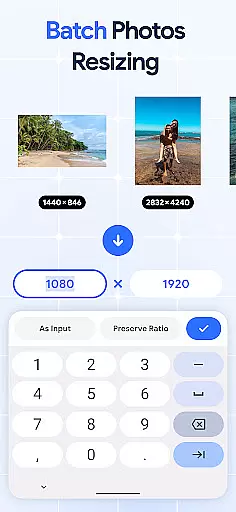
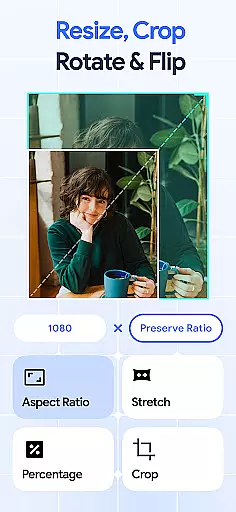
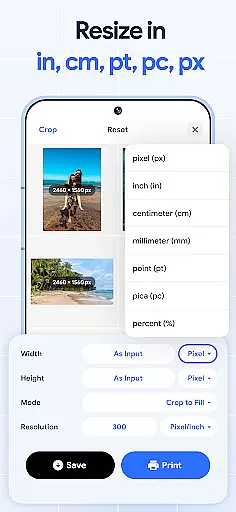
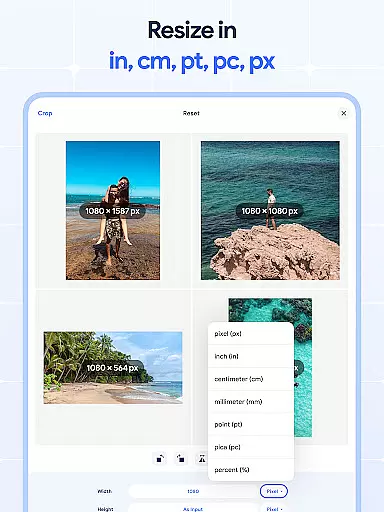
Image Resizer: Crop Photo is a versatile tool designed for resizing, cropping, rotating, flipping, and compressing images with ease. This app caters to users who need to adjust photo resolution, change image size, or prepare images for storage and sharing on various platforms. With its intuitive interface, the app allows both quick edits and detailed adjustments.
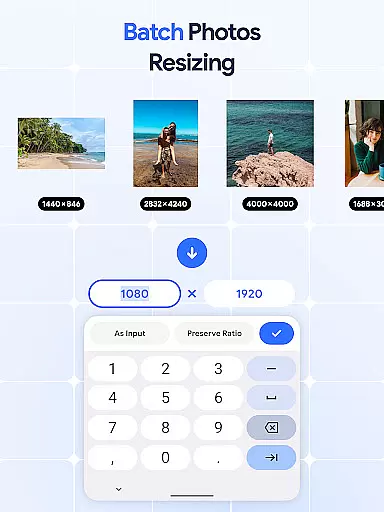
The application stands out with its batch processing capabilities, enabling users to resize multiple images simultaneously. Whether you're optimizing photos for social media, adjusting dpi for print quality, or compressing files for better storage management, Image Resizer provides all necessary tools in one place. Its comprehensive feature set makes it an essential utility for photographers, designers, and casual users alike.
By combining powerful editing features with user-friendly functionality, Image Resizer ensures that professionals and amateurs can achieve desired results efficiently. The app's ability to handle high-resolution images while maintaining quality makes it particularly valuable for creative projects and professional work.
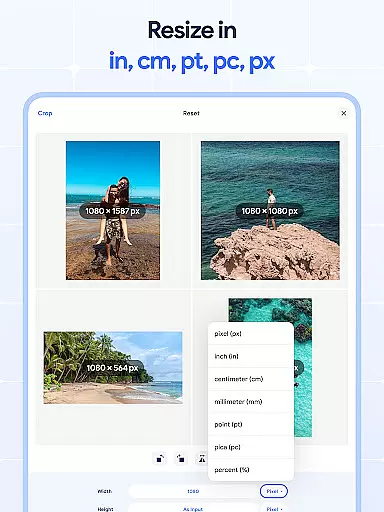
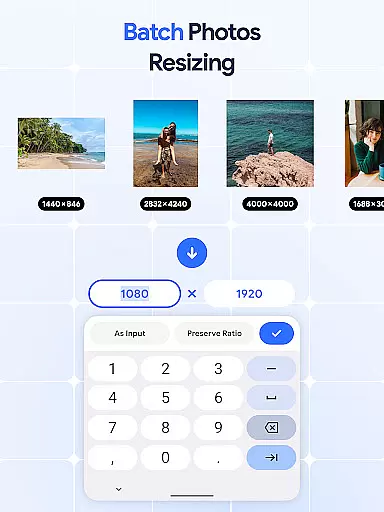
Image Resizer offers an extensive range of features that cater to diverse image editing needs. Users can quickly resize images for different purposes using the intuitive photo resizer, which provides precise control over dimensions and aspect ratios. The batch resize functionality allows for efficient processing of multiple pictures, saving significant time when working on large projects.
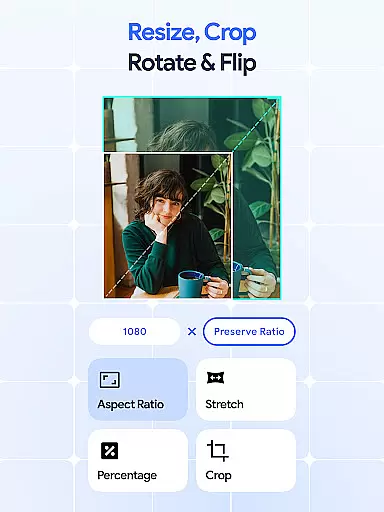
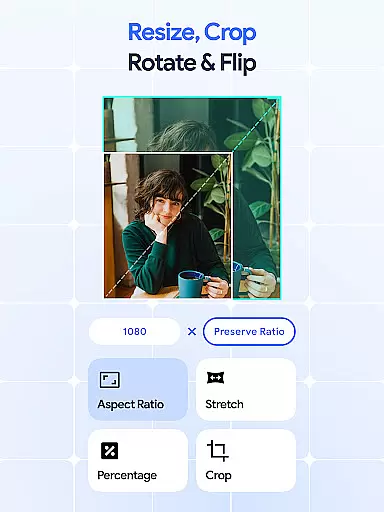
In addition to resizing, the app includes robust cropping tools. The photo cropper enables users to remove unwanted parts of an image while maintaining important elements. For bulk operations, the batch crop feature streamlines the editing process across numerous photos. Rotation and flipping capabilities further enhance the editing options, with dedicated tools for both single and batch operations.
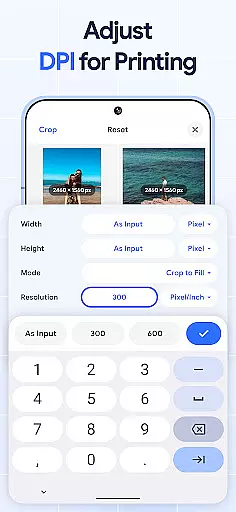
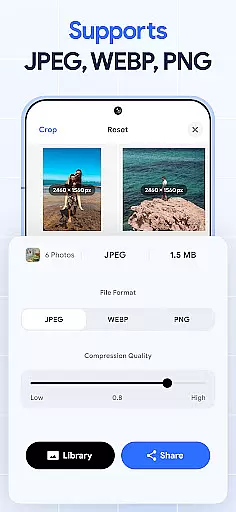
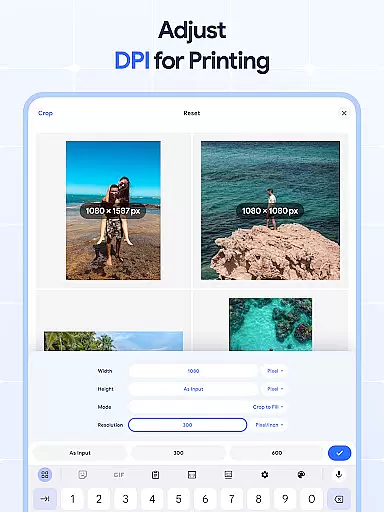
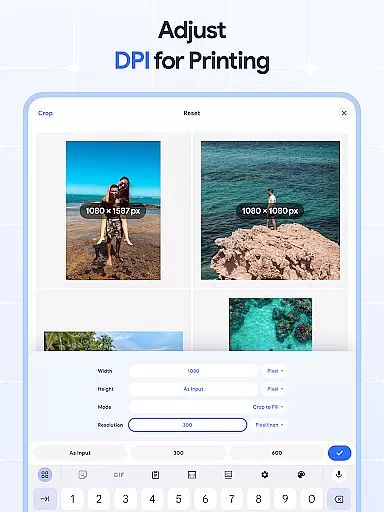
The application also features a dpi changer for adjusting image resolution, crucial for print-quality outputs. Its compression tools help optimize file sizes without compromising visual quality, making it ideal for web use and storage optimization. These comprehensive features, combined with the ability to process images in bulk, make Image Resizer a complete solution for various image manipulation requirements.
In the realm of digital art and design, having access to comprehensive tools is essential for bringing creative visions to life. Image Resizer stands out by offering a wide array of features that cater to various image editing needs.
From resizing images for different platforms to adjusting photo resolution for print or web use, this app provides users with precise control over their edits. The inclusion of a bulk image resizer further enhances productivity, allowing designers to efficiently manage multiple files without compromising on quality.
Moreover, additional functionalities such as cropping, rotating, flipping, and changing DPI ensure that every aspect of image manipulation is covered. This holistic approach not only streamlines workflows but also empowers artists to experiment with new ideas confidently.
By integrating these robust capabilities into an intuitive interface, Image Resizer becomes an indispensable asset in any designer's toolkit, enabling them to produce professional-grade work consistently.
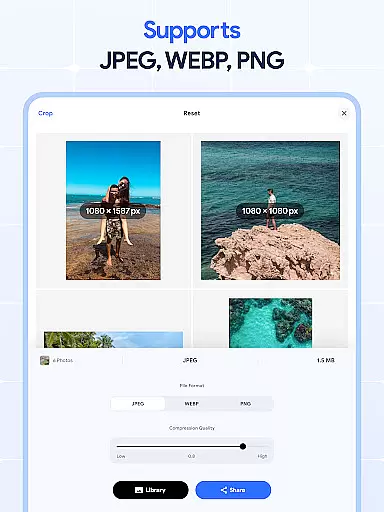
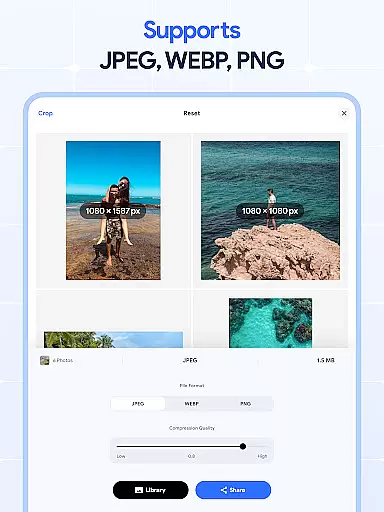
A crucial component of effective design software is its ability to adapt to varying project requirements through flexible canvas options and format compatibility. Image Resizer excels in this area by providing extensive support for diverse file types and sizes.
Designers can easily switch between different formats, ensuring seamless integration with other tools and platforms they may be using. Whether working on high-resolution prints or optimizing assets for digital consumption, the appu2019s dpi changer feature allows for effortless adjustments tailored to specific output needs.
Furthermore, the capacity to handle large batches of images simultaneously adds another layer of versatility. Users can compress photos, shrink image sizes, and even batch rotate images without worrying about losing quality or running into technical limitations.
This adaptability makes Image Resizer a reliable choice for creatives who demand both precision and efficiency from their editing solutions, ultimately leading to enhanced creativity and faster turnaround times across projects.
User-friendly interface
Batch processing capability
High-quality output
Comprehensive editing tools
Efficient performance
Limited advanced filters
No cloud integration
Premium features locked
Occasional bugs
Basic UI design

Art of Combination Wear OS Watch faces
 4.0
4.0
Digital illustration drawing & painting pad app to paint Anime and Manga art
4.50
Trace, draw, and create art with AR - from memes to masterpieces!
4.30
Create color palette from Image, RGB & RYB Color wheel harmonies, Color Scheme
4.50
Passport size photo maker, create ID photo and visa photo in seconds
4.80
Convert image to JPG PNG HEIC PDF, support almost all kinds of image formats
4.70
Unleash the artist in you with our AR drawing and tracing tool for photo drawing
4.10
Bring One UI 8.5 Icons to life -elegant dark icons with a modern, premium touch.
4.30
Everything you need to create hand drawn animation, anywhere you go!
4.40
Make your phone cooler and have a fantastic experience
4.80
Discover Cartoon Dream : Unleash Your Creativity with CuttingEdge AI
4.50
Kling AI is an image and video generation and editing studio powered by AI.
4.50
AR Anime Drawing: How to draw anime with AR drawing & sketching apps!
4.00
Resize photos and print photos in exact size with our powerful photo printer!
3.80
AI Assistant, powered by ChatGPT GPT-4 & GPT-4o. Your intelligent companion.
3.50
Sketch, trace and master AR drawing with awesome anime art!
3.30
Inky runs Inkscape on Android devices and Chromebooks
2.90
Download now for a stylish and functional timepiece
4.3
Transform photos into amazing monochrome dither art with professional algorithms
4.4


User Reviews