
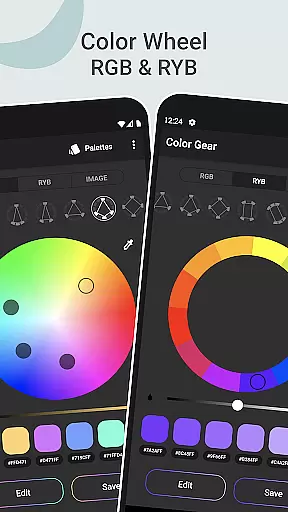
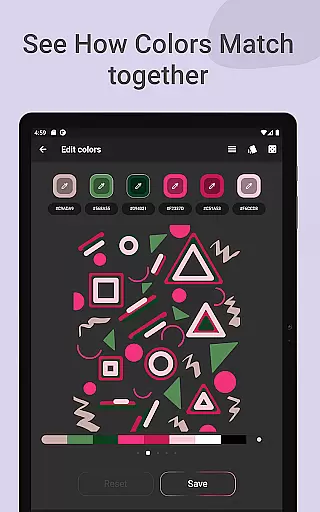
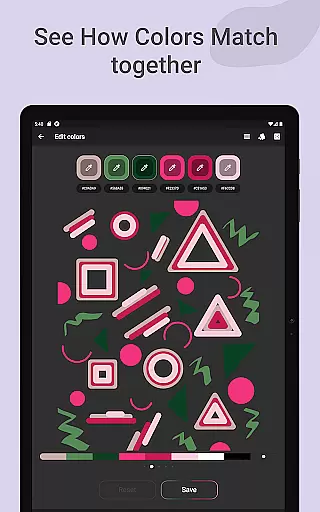
Color Gear is an essential tool for designers and artists, providing a comprehensive suite of features to create harmonious color palettes based on color theory. The app supports two color models - RGB and Itten Color Wheels, catering to both digital media and traditional art forms. With over 10 color schemes available, users can explore various combinations to find the perfect palette.
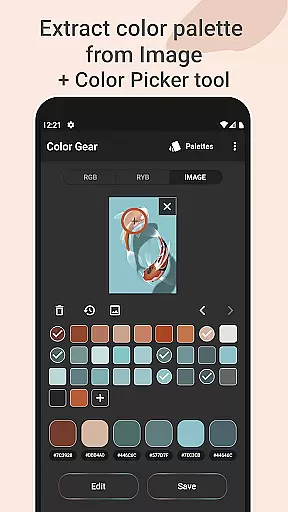
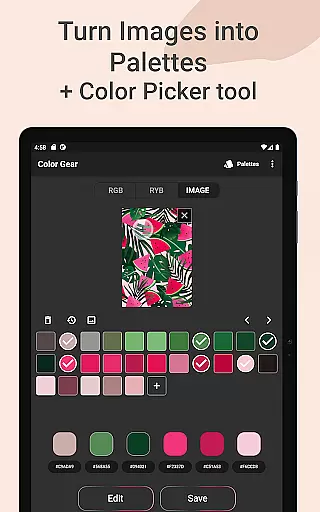
The application goes beyond basic color selection by allowing users to extract palettes from images, manually pick colors with the Hex Color Picker, and perform advanced color editing. These features make it an indispensable tool for professionals who need precise control over their color choices while maintaining creative flexibility.
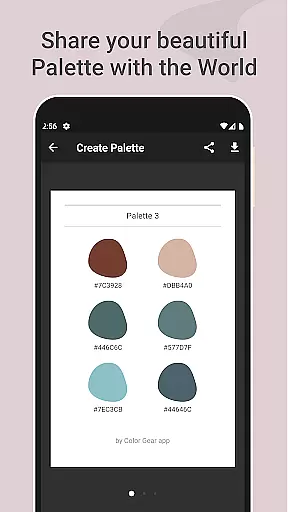
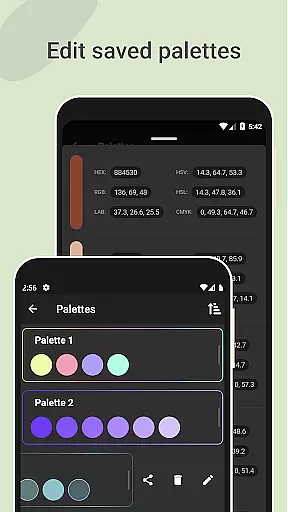
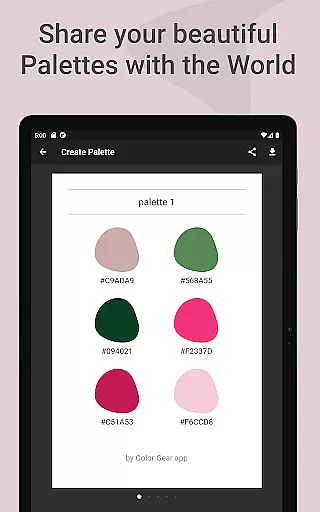
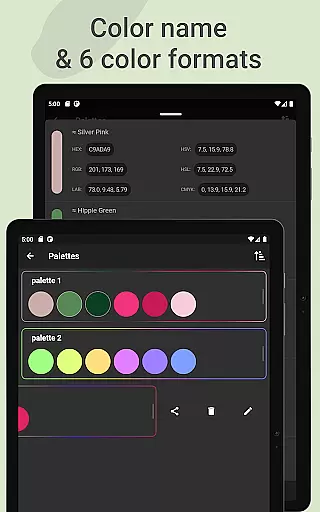
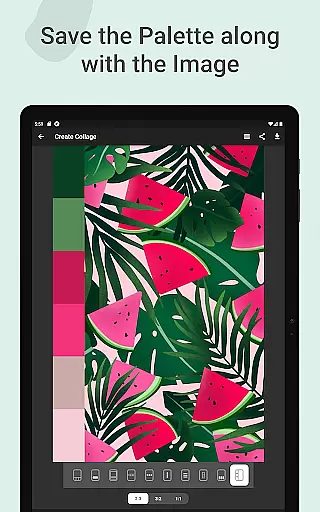
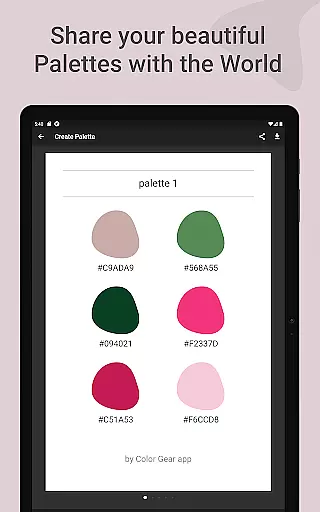
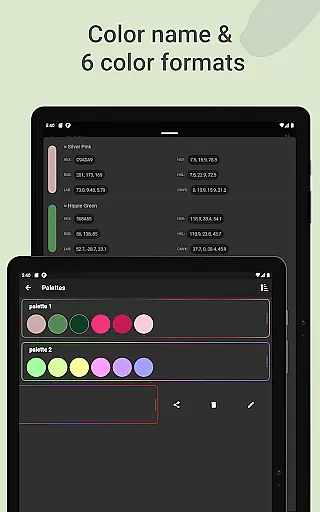
Whether you're working on digital designs or traditional artwork, Color Gear's offline functionality and comprehensive feature set make it a valuable companion for daily color palette creation. Its ability to save palettes along with images and share them in multiple color formats (RGB, HEX, LAB, HSV, HSL, CMYK) adds practical value to any creative workflow.
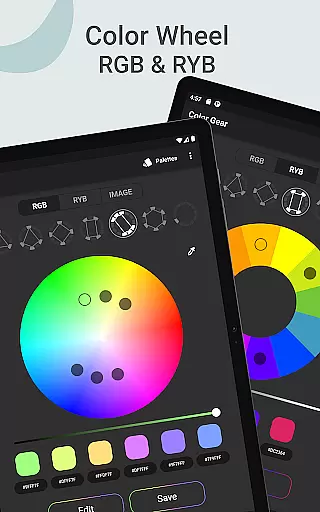
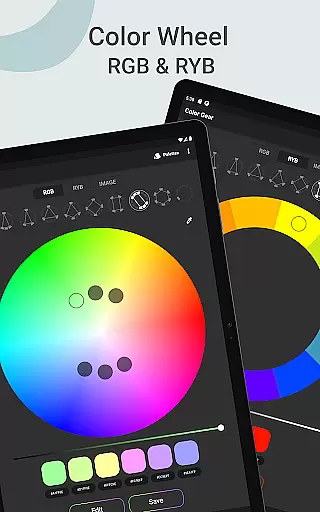
Color Gear stands out with its dual-color wheel system, supporting both RGB and Itten (RYB) models. This unique feature allows users to work seamlessly across different media types while maintaining color accuracy and consistency. The app's implementation of over 10 color harmony schemes provides unparalleled flexibility in palette creation.
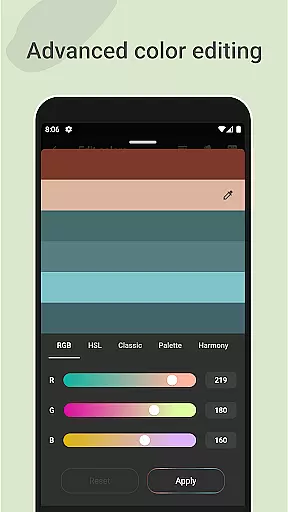
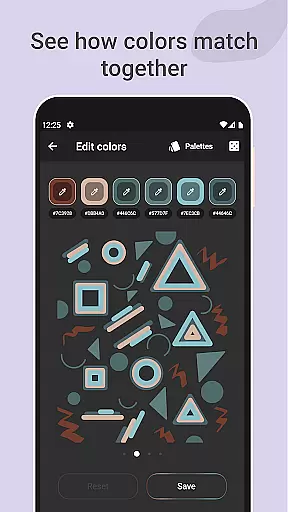
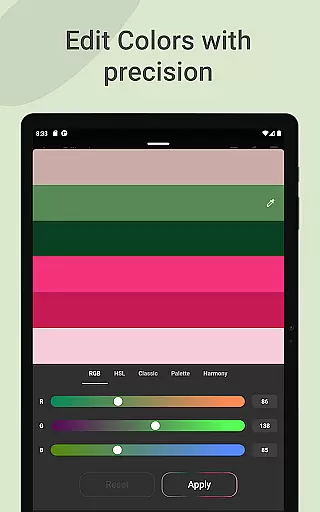
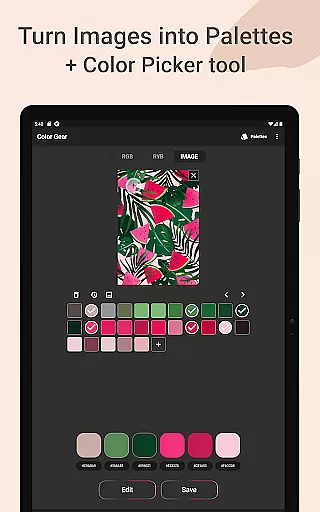
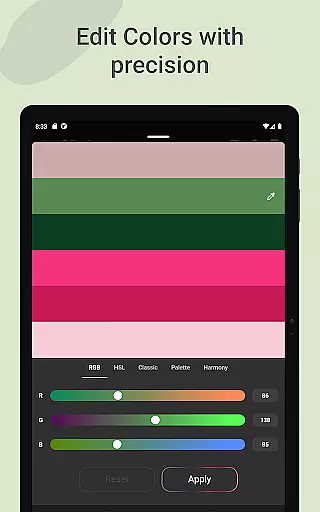
Advanced functionality includes HEX code input for precise color matching, image-based palette extraction, and detailed color editing capabilities. Users can adjust Hue, Saturation, and Lightness with precision, ensuring exact color reproduction. The inclusion of a professional-grade Color Picker tool and color detector makes complex color operations intuitive and efficient.
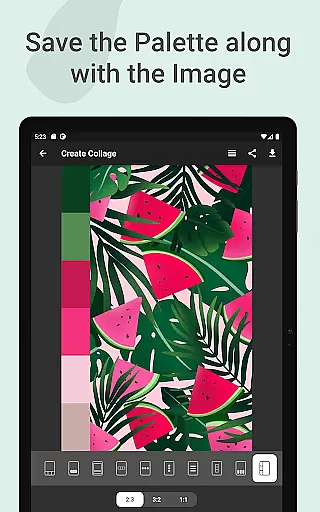
The app's sharing and management features are equally impressive, supporting six color formats and enabling easy palette distribution. The ability to create collages with saved palettes and images adds a creative dimension to color documentation. All these features are accessible offline, making Color Gear a reliable tool regardless of internet connectivity.
In the realm of digital art and design, having a comprehensive set of creative tools is essential for professionals and hobbyists alike. Color Gear stands out by offering an extensive suite of features that cater to various aspects of color theory and palette creation. The app includes two distinct color models - RGB and Itten's RYB color wheels - each supporting over 10 color schemes.
This diverse selection allows users to experiment with different color harmonies and combinations, providing a rich playground for creativity. Additionally, the ability to input specific HEX or RGB color codes enables precise color matching and exploration. With advanced color editing options that adjust hue, saturation, and lightness, designers can fine-tune their palettes with exceptional accuracy.
Furthermore, Color Gear facilitates extracting palettes directly from images, transforming photographs into customizable color sets. This feature, combined with the built-in Hex Color Picker, empowers users to capture exact colors from their visual inspirations. The availability of multiple color formats for sharing (RGB, HEX, LAB, HSV, HSL, CMYK) ensures compatibility across various design platforms and workflows.
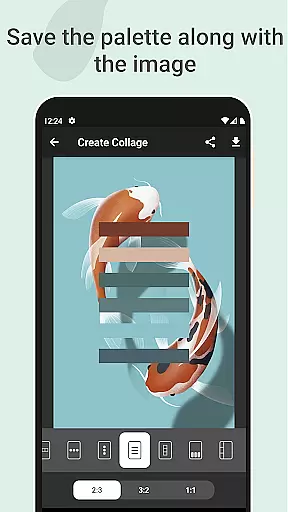
Flexibility in canvas and format options is crucial for adapting to different project requirements and personal preferences. Color Gear addresses this need by providing versatile solutions for managing and utilizing color palettes. The application supports creating collages that combine saved palettes with corresponding images, allowing users to visualize and present their color choices effectively.
Designers can choose from different layout options when creating these collages, ensuring their presentations align with specific aesthetic or functional criteria. This feature not only enhances the creative process but also streamlines collaboration by making color decisions more tangible and communicable. Moreover, the app's offline functionality guarantees uninterrupted access to these flexible tools regardless of internet connectivity.
The ability to save palettes alongside images represents a significant advantage for workflow efficiency. Users can maintain context between inspiration and implementation without losing important visual references. With support for six different color formats, Color Gear ensures that designers can seamlessly integrate their work across various software environments and devices, maintaining consistency and precision throughout their projects.
User-friendly interface
Comprehensive color tools
Offline functionality
Precise color editing
Multiple sharing options
Steep learning curve
Advanced features only
No beginner tutorials
Complex interface
Heavy on resources

The ultimate tool for creating animations
 4.60
4.60
Learn how to draw with step-by-step tutorials, fun lessons & multiplayer drawing
4.70
Stylish letters, Stylish Keyboard, Symbols, Emojis, Cool nickname
4.40
Custom Character Creator & PFP Maker!
4.20
AI Assistant, powered by ChatGPT GPT-4 & GPT-4o. Your intelligent companion.
3.50
Draw on screen: FP sDraw is a simple and lightweight drawing app
4.70
Art of Combination Wear OS Watch faces
4.2
2D animation studio for Android tablets - unlimited layers, infinite timeline
4.70
OneUI 8.5 icons ✨ Smooth, modern & based on the latest Play Store design ??
4.10
Photo stitcher for automatically screenshot stitching into a long screenshot
4.70
Unleash your drawing and painting potential
4.50
Image/ Text to Video Generator
4.40
Create and Design Custom Logos in Seconds with AI-Powered Tools!
4.40
Digital Drawing: Draw & Paint
4.10
Floor Plan Creator lets you create, edit and share floor plans.
4.00
Powerful home decoration & house design that allows you to design dream home.
3.80
Create sweet, cool and unique couple avatars easily, in just a few steps!
3.40
Premium version of Shimeji-ee app with no ads & no limit active shimeji
4.2
Your Essential Color Theory Guide: Red, Yellow, Blue (RYB)
4.0


User Reviews