
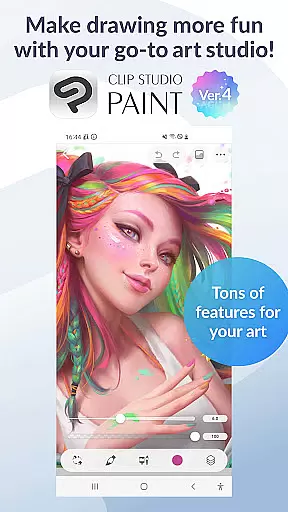
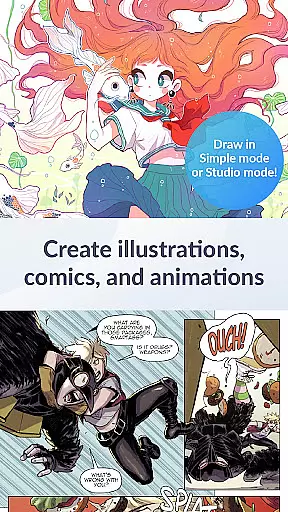
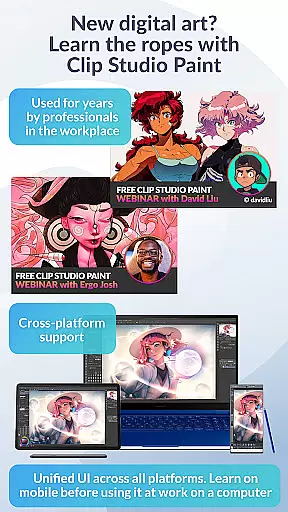
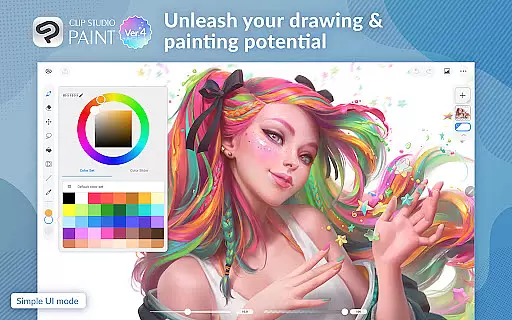
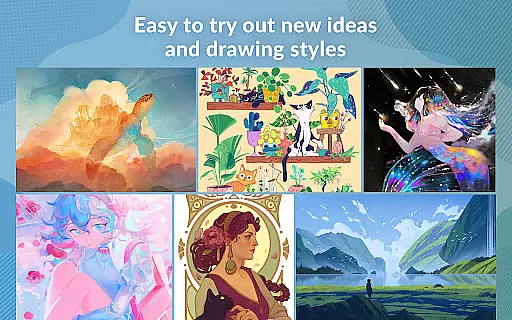
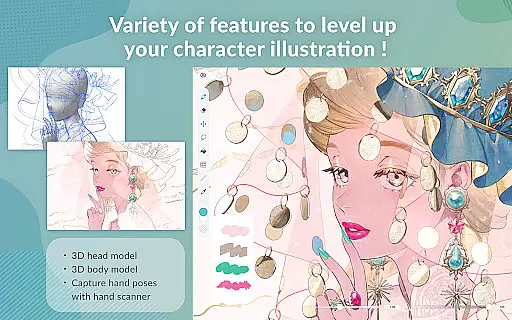
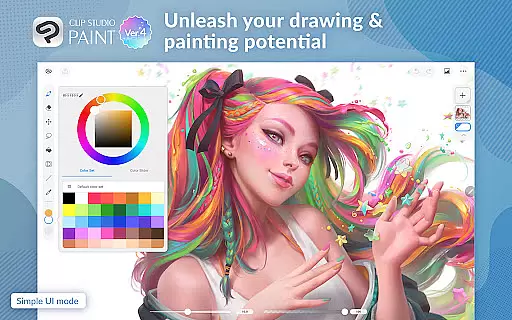
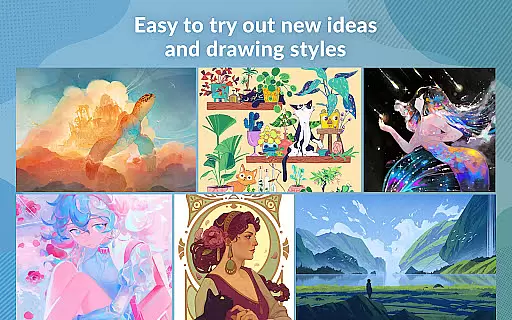
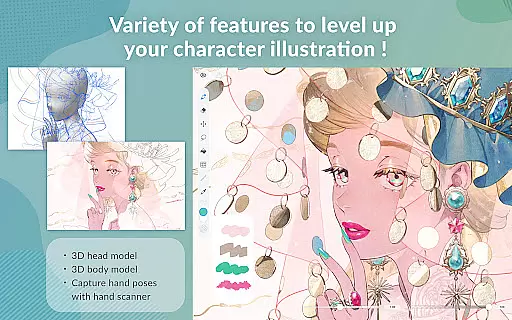
Clip Studio Paint is a premier digital art application designed for artists and creators who want to bring their ideas to life. With its robust set of features, it caters to both beginners and professionals in the Art & Design category. The app offers a free 30-day trial, allowing users to explore its capabilities without any initial investment.
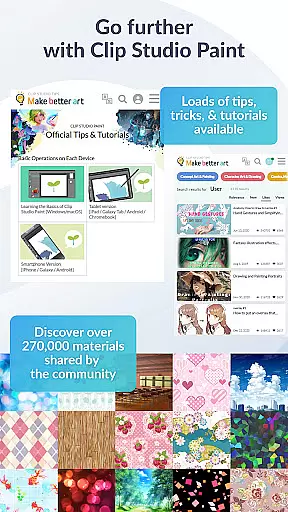
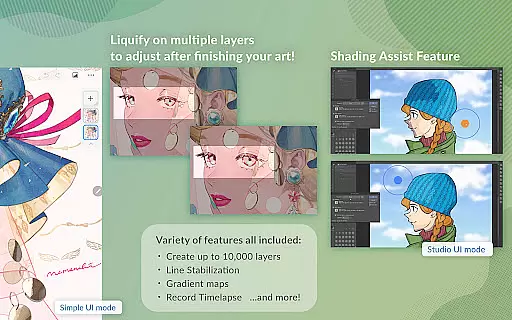
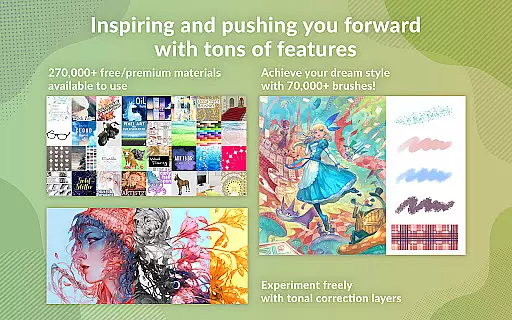
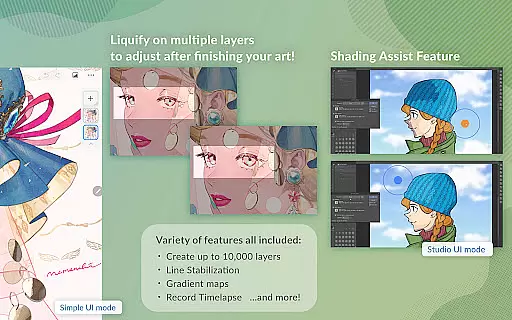
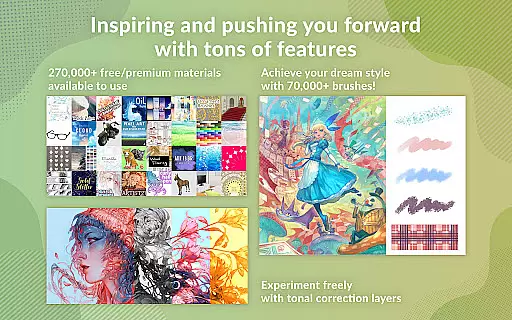
The application supports advanced drawing tools, including the ability to create up to 10,000 layers, pose 3D models, and use liquify effects on multiple layers. It also provides access to over 270,000 materials made by other creators, enhancing creativity with textures and brushes. Whether you're working on character art, comics, or animations, Clip Studio Paint delivers the tools necessary to produce high-quality artwork.
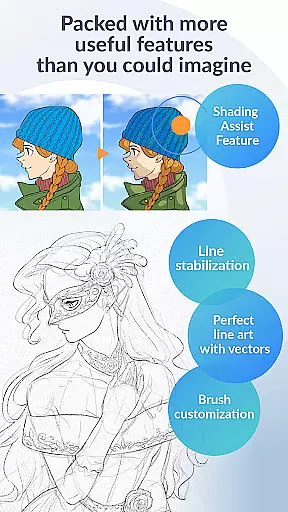
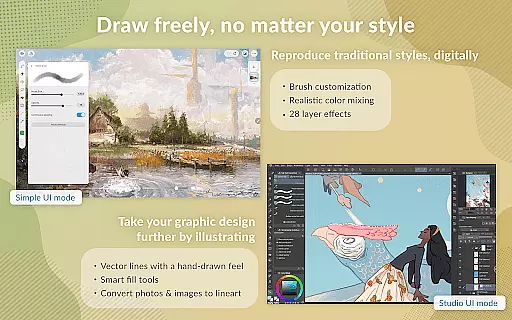
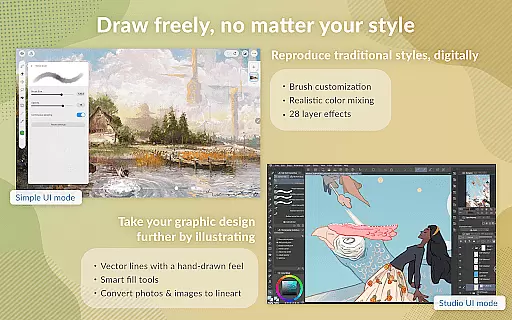
With support for vector drawing, gradient maps, and perceptual color mixing, this app ensures that your artwork maintains its quality at any scale. Additionally, it includes features like line stabilization and smart fill tools, making it easy to achieve professional results. Available on tablets and smartphones, it offers flexibility and power, ensuring that artists can work seamlessly across devices.
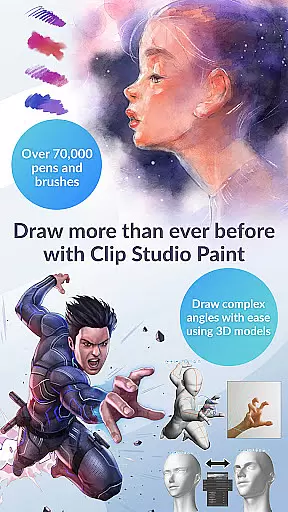
Clip Studio Paint stands out with its extensive array of features tailored for digital artists. One of its key strengths is the vast library of resources available to users. This includes over 70,000 brushes created by artists worldwide, which can be accessed through the dedicated Assets store. These brushes are fully customizable, allowing artists to adjust texture, shape, and color mixing to suit their unique style.
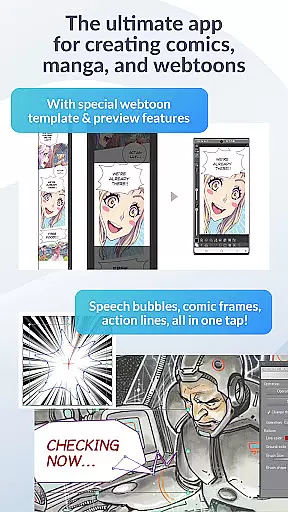
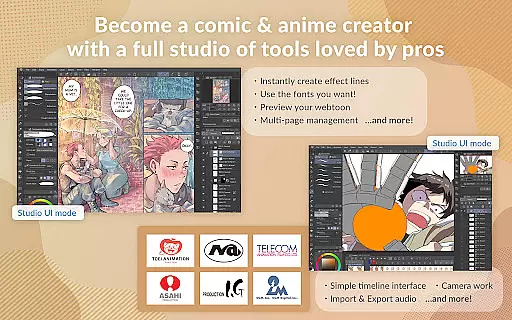
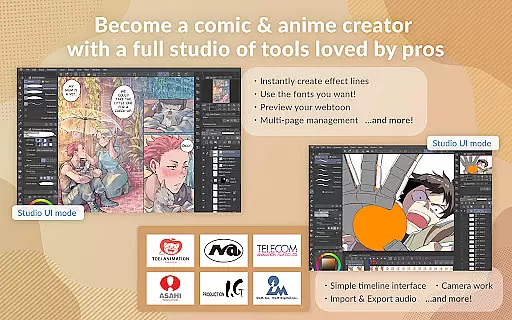
The app also excels in providing powerful tools for creating detailed artwork. Users can take advantage of features such as Puppet Warp, snap functions for precise object placement, and timelapse recording to capture their creative process. For comic and manga creators, Clip Studio Paint offers specialized tools like speech bubbles, frames, and action lines, along with Shading Assist for adding shadows effortlessly.
Another notable feature is the app's ability to handle large files and complex projects with ease. Recommended for devices meeting specific specs, it ensures smooth performance even when using advanced 3D tools or editing multi-page works. Furthermore, the app supports animation creation, from simple GIFs to full-length projects with sound and camera movements, making it a versatile choice for all types of digital art projects.
In the realm of digital art, having access to a comprehensive suite of creative tools is paramount. Clip Studio Paint excels in this area by offering an extensive array of features that cater to both amateur artists and seasoned professionals. With over 70,000 brushes available, including custom textures, shapes, and dual brush settings, users can craft their perfect brush for any style or technique.
Moreover, the app provides advanced layer effects and perceptual color mixing, allowing for nuanced artwork adjustments and realistic paint blending. Artists can also leverage vector drawing capabilities, ensuring their creations maintain quality at any scale. The inclusion of 3D primitives and customizable materials further enhances the ability to experiment with layouts and perspectives, making Clip Studio Paint a versatile choice for all forms of visual expression.
The availability of live video reference capture and Puppet warp empowers creators to refine their work with precision. These innovative tools enable users to adjust drawings dynamically and emulate real-world hand poses, thus elevating the authenticity of their art. By integrating traditional techniques with cutting-edge technology, Clip Studio Paint ensures that every artist has the means to bring their visions to life.
Flexibility in canvas and format options is essential for artists who wish to explore various mediums and styles without constraint. Clip Studio Paint addresses this need by providing a highly adaptable platform where creators can construct detailed artworks using up to 10,000 layers. This unparalleled layer capacity allows for intricate designs and complex compositions, granting artists the freedom to express their creativity fully.
Additionally, the application supports diverse file formats, empowering users to export their work in multiple formats suitable for different platforms and purposes. Whether it's for print, web, or animation, Clip Studio Paint ensures that your artwork retains its intended quality and presentation. The smart fill tool and perspective drawing guides further enhance workflow efficiency, enabling swift color application and accurate background creation.
For those interested in animation, the software facilitates everything from simple GIFs to elaborate full-length productions. Users can incorporate sound, camera movements, and tweening into their projects, expanding the scope of what can be achieved within a single application. With such robust canvas and format flexibility, Clip Studio Paint stands out as an indispensable tool for modern digital artists seeking to push the boundaries of their craft.
User-friendly interface
Extensive brush library
Powerful layer management
Advanced 3D modeling tools
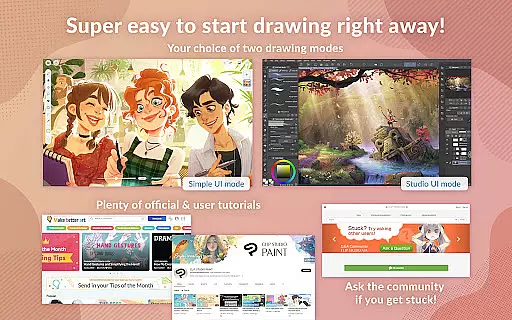
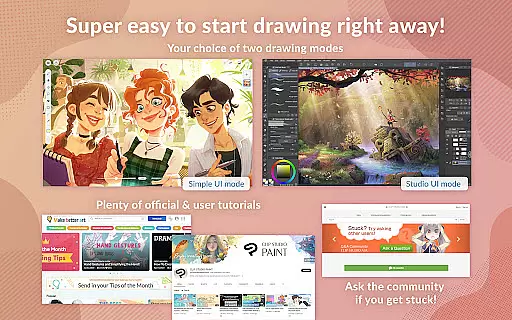
Comprehensive tutorial support
Subscription required for full access
Limited free trial hours
High system requirements
Complex for beginners
Occasional bugs reported

AI generated images & photos, turn your words into drawing, painting & pictures.
 4.30
4.30
Create stunning art with AI.
4.80
AR Anime Drawing: How to draw anime with AR drawing & sketching apps!
4.00
Draw glowing spinners, relax, and spin your creative art
4.60
Minecraft & Roblox Clothes
4.70
Experience next-gen icons with a modern liquid glass look.
3.60
Everything you need to create hand drawn animation, anywhere you go!
4.40
Draw, fidget, and spin glow art! Relax and express your creativity with a finger
4.60
Explore future self face age filter & remove background image for a unique look.
3.50
Make your phone cooler and have a fantastic experience
4.80
Photo stitcher for automatically screenshot stitching into a long screenshot
4.70
The ultimate tool for creating animations
4.60
Get an overview over all your embroidery threads, projects and more.
4.60
Draw Trace image sketch by, AR art projector app, Easy to trace any image.
4.50
Video AI: Revolutionize Your Content Creation with Advanced Video Generation
4.50
Kling AI is an image and video generation and editing studio powered by AI.
4.50
Art of Combination Wear OS Watch Faces
3.30
Inky runs Inkscape on Android devices and Chromebooks
2.90
Download now for a stylish and functional timepiece
4.1


User Reviews