
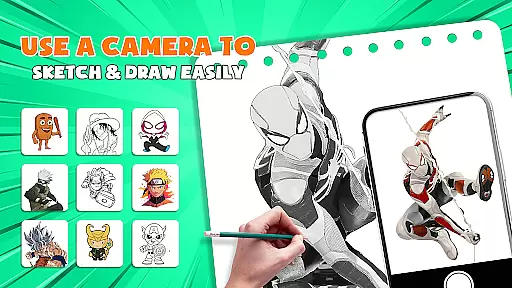
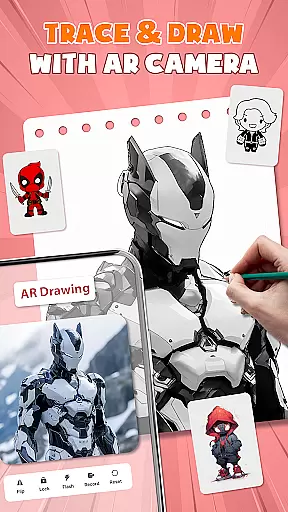
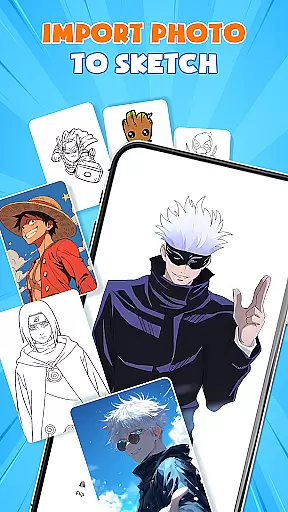
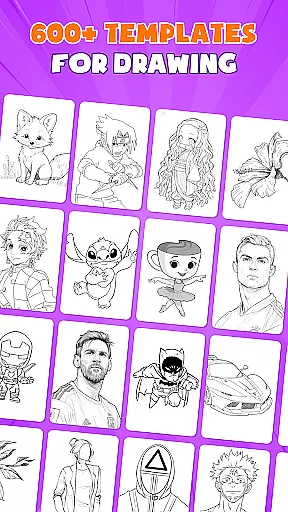
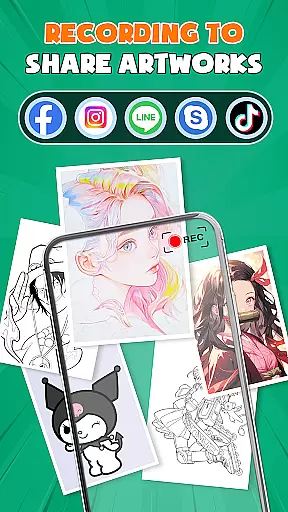
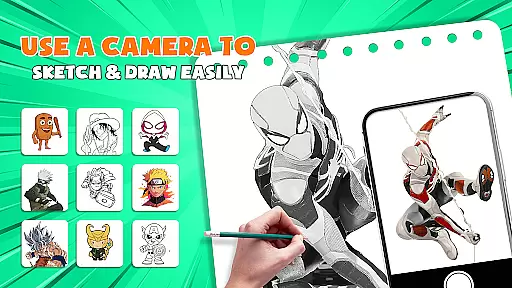
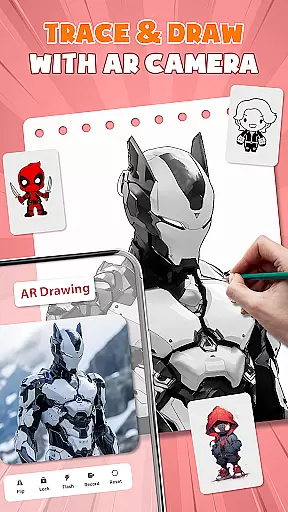
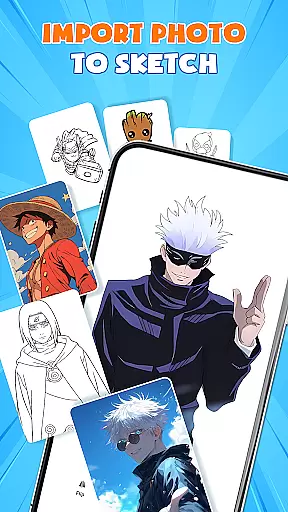
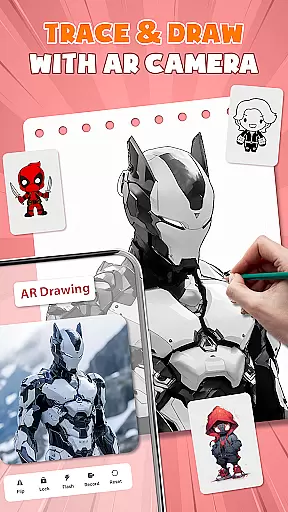
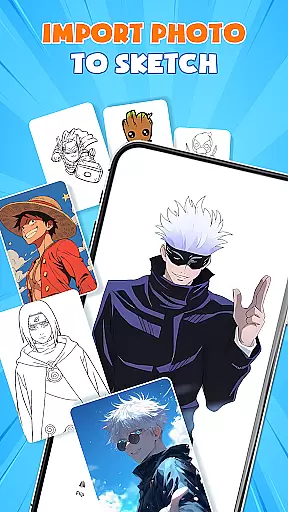
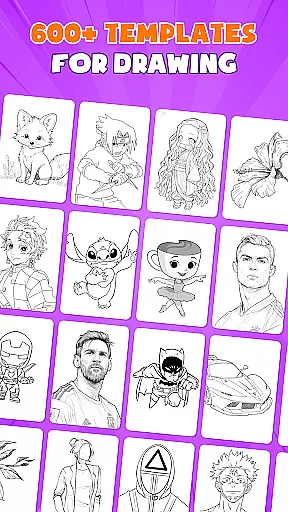
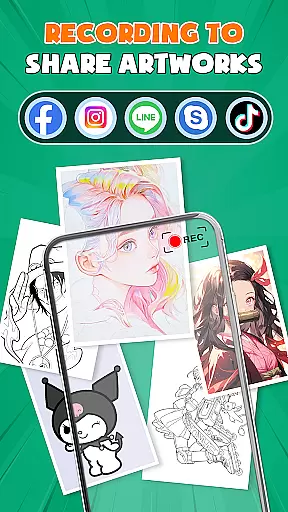
AR Drawing - Paint & Sketch is an innovative art application that combines augmented reality technology with traditional drawing techniques. This app allows users to create stunning anime-style artwork using advanced AR tracing and sketching tools. With features like AR projection, precise tracing overlays, and a vast library of free templates, the app caters to both beginners and professional artists.
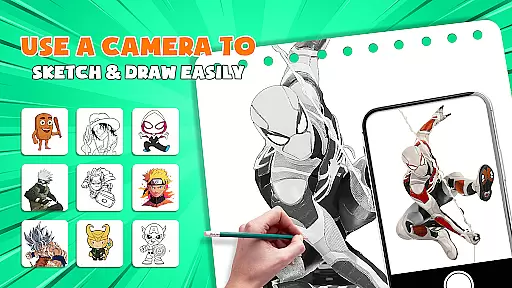
The application's standout feature is its ability to transform your device into a mobile art studio. Users can import images, adjust opacity, and trace directly on paper or canvas with perfect alignment. The app also includes dedicated modes for pencil sketching, tattoo design, and anime creation, making it a versatile tool for various artistic styles. Whether you're learning to draw or looking to enhance your skills, this app provides all the necessary tools in one comprehensive package.
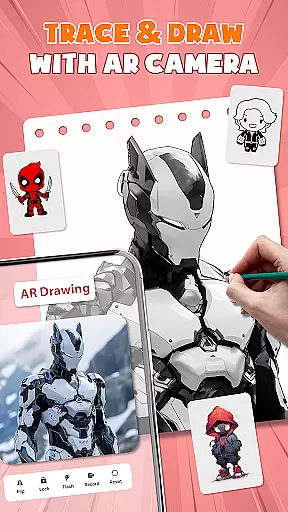
One practical use case is digital artists who want to transfer their digital creations to physical media. By using the app's AR projection feature, they can easily trace and refine their work on paper, creating tangible pieces from digital concepts. This seamless integration of digital and traditional art forms makes AR Drawing - Paint & Sketch an invaluable tool for modern artists.
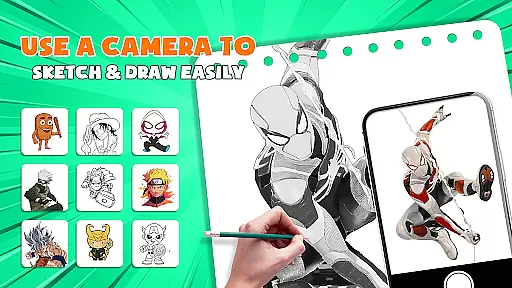
AR Drawing - Paint & Sketch distinguishes itself through its comprehensive set of features designed for artists of all levels. The app's AR projection capability allows users to project any image onto a drawing surface, enabling precise tracing and accurate reproductions. This feature is particularly useful for artists who need exact proportions in their work or those who are learning basic drawing techniques.
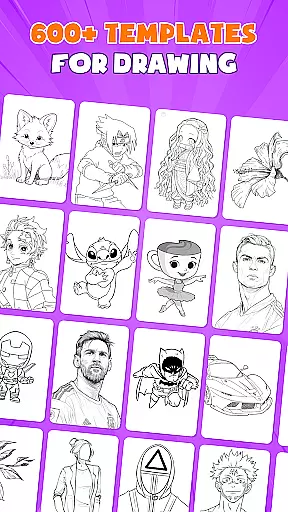
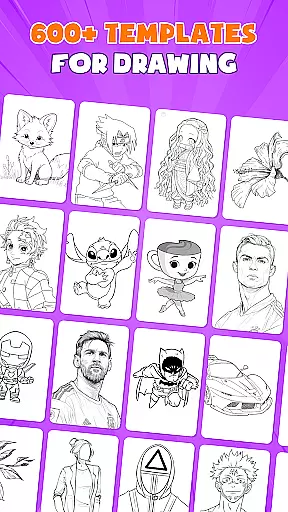
The application offers over 1000 free drawing templates and sketch samples, providing endless inspiration and practice material. These templates cover various art styles, from realistic portraits to anime characters, and can be easily customized. The app's anime studio mode includes specialized tools for creating Japanese-style artwork, complete with preset effects and sketch overlays that help users achieve authentic results.
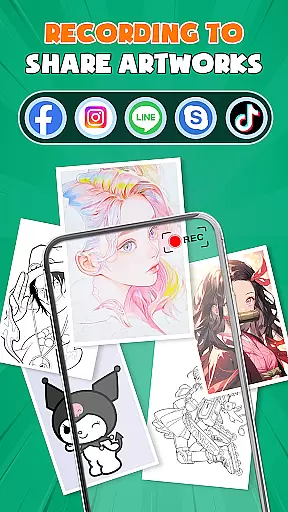
What sets this app apart is its community integration and competitive elements. Users can participate in drawing games and tournaments, challenging themselves against other artists while improving their skills. The app also facilitates sharing and collaboration through its built-in social platform, where artists can showcase their work, receive feedback, and connect with fellow creatives. This combination of professional tools and social interaction creates a dynamic environment for artistic growth and development.
AR Drawing - Paint & Sketch offers an extensive suite of creative tools that cater to both amateur and professional artists. The app includes AR projection and tracing features, allowing users to turn their devices into mobile projectors for precise sketching. With a full range of painting functionalities, users can shade with an AR pencil, apply vibrant brushes, and experiment with various art styles.
The Anime Studio mode is particularly noteworthy, providing specialized tools for creating anime-style artwork. Users have access to drawing tutorials, preset guides, sketch effects, and overlays tailored for anime art. This ensures that whether you're exploring casual sketches or detailed anime drawings, the app delivers the necessary instruments to bring your vision to life.
In addition to its creative capabilities, the app offers over 1000 free templates, ranging from basic outlines to intricate patterns. These resources are invaluable for artists seeking inspiration or reference material. The inclusion of tattoo and pencil art modes further expands the creative possibilities, making this app a versatile choice for diverse artistic projects.
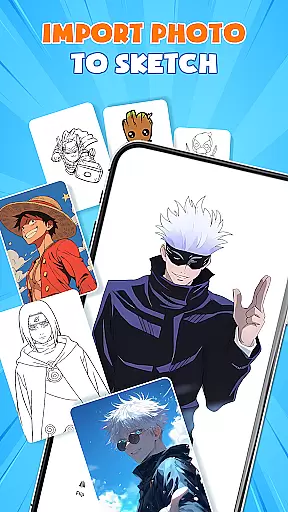
One of the standout features of AR Drawing - Paint & Sketch is its exceptional canvas and format flexibility. Artists can import images directly from their gallery, adjust opacity, and trace them seamlessly. This functionality transforms any photo into instant artwork, offering limitless creative potential. Whether working on anime drawings or realistic sketches, users can customize their canvas settings to suit their specific needs.
The app supports multiple drawing modes, including paint and sketch functions, ensuring adaptability across different artistic styles. Users can switch between modes effortlessly, experimenting with shading, coloring, and fine-tuning their artwork. The ability to adjust size, position, and transparency in AR view adds another layer of precision to the creative process.
Furthermore, AR Drawing - Paint & Sketch provides easy sharing and exporting options. Once completed, artworks can be saved in various formats, shared directly from the app, or exported for further refinement. This flexibility in handling different file formats and output options makes the app suitable for both personal projects and professional workflows.
User-friendly interface
Extensive template library
Precise AR tracing
Versatile drawing modes
Active artist community
Requires stable internet
Steep learning curve
Some features locked
Device compatibility
Battery intensive

Custom Character Creator & PFP Maker!
 4.20
4.20
Create neon drawing with magic doodle and fun doodle art effects!
4.50
See Color, Paint Color
4.90
Passport size photo maker, create ID photo and visa photo in seconds
4.80
Digital, Abstract, Classic - all types of color wheels in one app!
4.60
Draw anime easily with AR guidance, sketch templates & trace tools!
3.10
The perfect place to start sketching! Use Sketchbook to draw and paint sketches.
4.50
Resize photos and print photos in exact size with our powerful photo printer!
3.80
Inky runs Inkscape on Android devices and Chromebooks
2.90
Mobile pixel art editor. Simple. Fast. Portable.
4.80
Photo editor for art, avatars, filters & fun transformations.
4.60
Draw anime & manga drawing, art with templates to create stunning picture!
4.50
Digital illustration drawing & painting pad app to paint Anime and Manga art
4.50
Photo blender app to create overlay photos & double exposure.
4.40
Just trace a projected picture on paper and color! Draw & Paint with AR drawing
4.40
Customizable Outlined Fonts. Watch Face Format. Battery friendly Digital Clock.
4.20
AI Face Swap, Video Effects Editor, Realtime Morph, Funny Video FX,AI Filters
3.70
Pose and morph realistic male and female models! 3D poser app
3.00
Your Essential Color Theory Guide: Red, Yellow, Blue (RYB)
4.3


User Reviews