
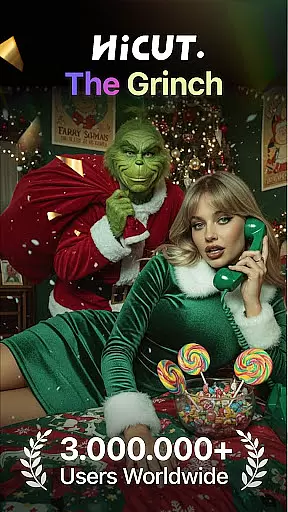
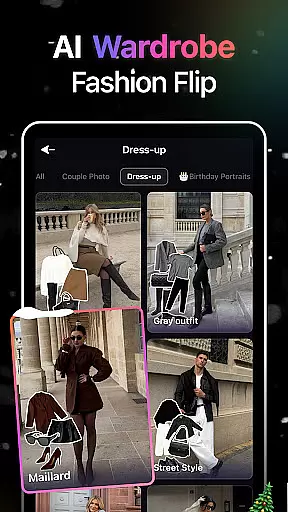
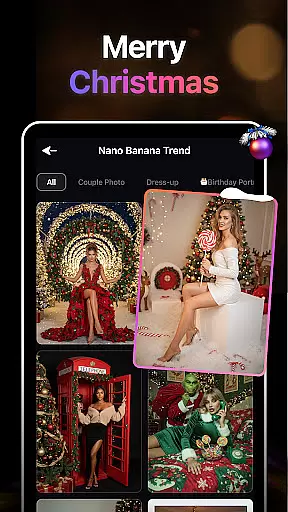
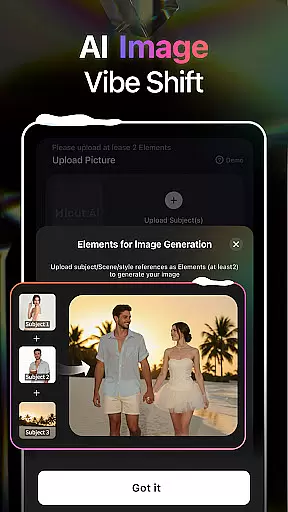
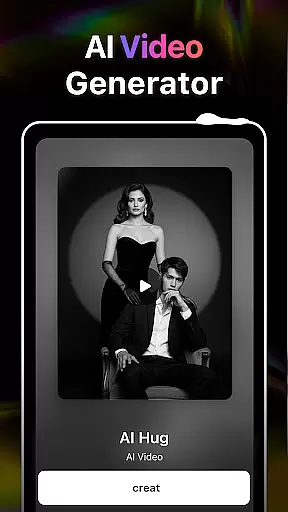
AI Video Generator-HiCut is a cutting-edge Art & Design application that leverages advanced AI technology to transform photos into creative visual formats. The app specializes in anime, comic, and game-style conversions, offering users the ability to create personalized avatars and memorable content. Its standout feature is the AI Hugging Video function, which uses two single-person photos to generate realistic virtual hugs, transcending time and space limitations.
With tools like Anime Photo Editor, Cartoon Filters, and Game Character Maker, HiCut provides hundreds of customizable styles for diverse creative outputs. Whether you're designing innovative avatars or crafting unique moments with loved ones, this app empowers users to explore their creativity through AI-driven photo and video editing.
HiCut stands out with its diverse range of AI-powered features tailored for creative expression. The AI Hugging Video function allows users to upload two photos and generate a lifelike virtual hug, making it ideal for emotional connections. The Anime Photo Editor offers hundreds of anime-style filters, converting regular photos into two-dimensional anime art effortlessly.
Additional features include Cartoon Filters for creating comic-style avatars, and the Game Character Maker, which generates unique characters in retro, cyberpunk, and pixel-art styles. These tools are designed to cater to various artistic needs, ensuring users can experiment with multiple visual formats while maintaining professional-quality results.
In the realm of digital creativity, having a comprehensive suite of tools is paramount. AI Video Generator-HiCut rises to this occasion by offering an extensive array of features that cater to photo editing and video creation aficionados. The application boasts AI filters, video style conversion, and the pioneering AI hugging video technology.
Users can transform their images into various artistic renditions such as anime, comic characters, or sketches with unprecedented ease. This versatility ensures that whether you're looking to craft innovative content, design personalized avatars, or immortalize cherished moments, HiCut's cutting-edge AI technology has got you covered.
The app doesn't stop at static image transformations; it ventures into the dynamic world of videos too. With its Anime Photo Editor and Game Character Maker functions, users have at their disposal hundreds of styles and templates to choose from, thus guaranteeing that their creative vision can be fully realized without compromise.
Flexibility in canvas and format options is crucial for unleashing full creative potential. AI Video Generator-HiCut understands this need and provides adaptable solutions for creators. Whether it's adjusting the canvas size to fit specific project requirements or choosing from a multitude of formats for final output, HiCut stands ready to accommodate diverse needs.
The application allows users to experiment with different dimensions and resolutions, ensuring that the end product not only meets but exceeds expectations. From creating high-definition anime-style videos to generating game characters in retro or cyberpunk aesthetics, the app delivers unparalleled control over the creative process.
Moreover, HiCutu2019s support for various file formats means that your creations can be seamlessly integrated into other projects or shared across different platforms without loss of quality or compatibility issues. This adaptability makes it an indispensable tool for artists who demand both precision and flexibility in their work.
User-friendly interface
Wide variety of styles
Emotionally engaging features
Advanced AI technology
Customizable creative options
May require high device specs
Limited free features
Premium subscription costs
Occasional processing delays
Learning curve for beginners

Your Essential Color Theory Guide: Red, Yellow, Blue (RYB)
 4.2
4.2
Art of Combination Wear OS Watch faces
4.4
Digital, Abstract, Classic - all types of color wheels in one app!
4.60
Nano Banana AI Image Generator, Anime Filter, AI Portrait, AI Photo Generator
4.30
Create stunning art with AI.
4.80
Design unique, funny and adorable cat stickers that reflect your own style!
3.80
Photo editor for art, avatars, filters & fun transformations.
4.60
Your homescreen as an elegant glass with customized blur, lighting, and visuals.
3.70
Just trace a projected picture on paper and color! Draw & Paint with AR drawing
4.40
Passport size photo maker, create ID photo and visa photo in seconds
4.80
Novices can also easily complete diamond painting masters
4.70
Turn your drawings into flipbook-style animations with simple creative tools
4.60
Unleash your drawing and painting potential
4.50
Everything you need to create hand drawn animation, anywhere you go!
4.40
Create stylish invitation cards using templates for weddings, birthdays & RSVP.
4.20
Draw anime easily with AR guidance, sketch templates & trace tools!
3.10
Pose and morph realistic male and female models! 3D poser app
3.00
Download now for a stylish and functional timepiece
4.0
Art of Combination Wear OS Watch Faces
4.3


User Reviews