
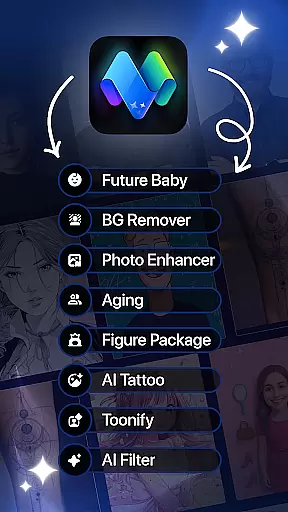
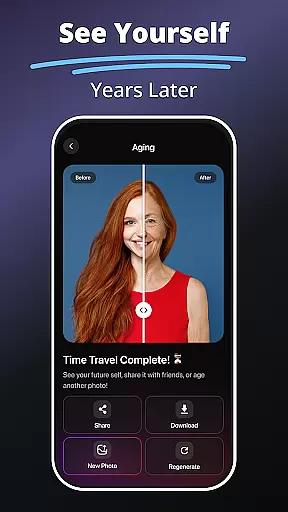
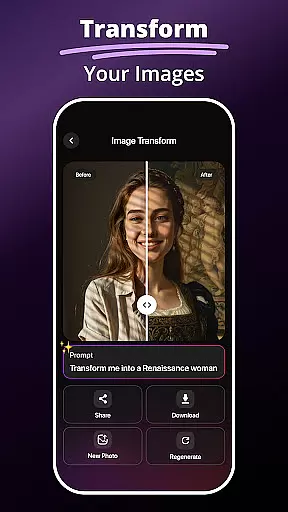
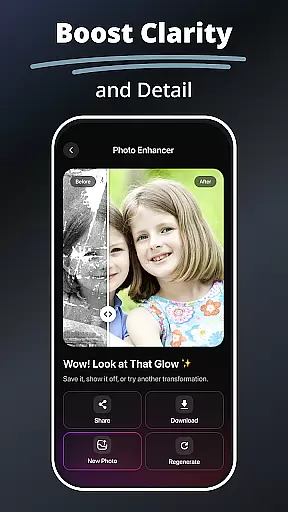
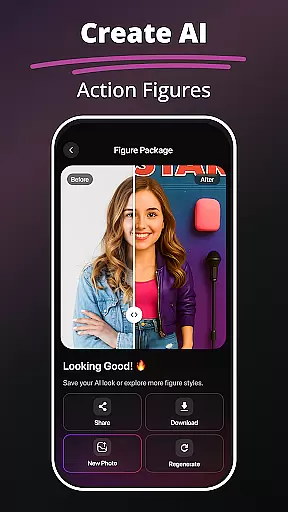
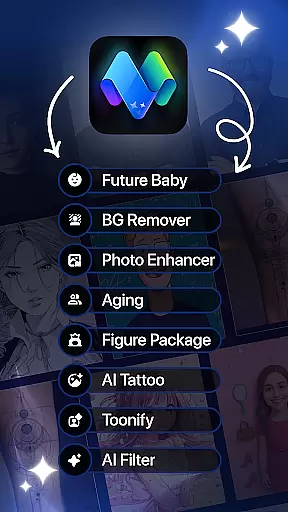
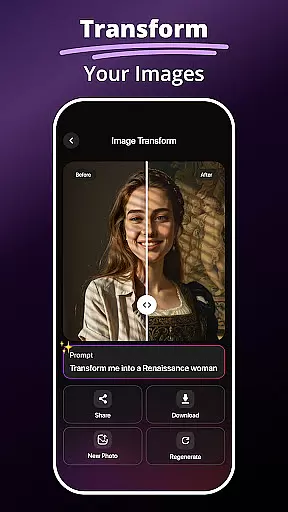
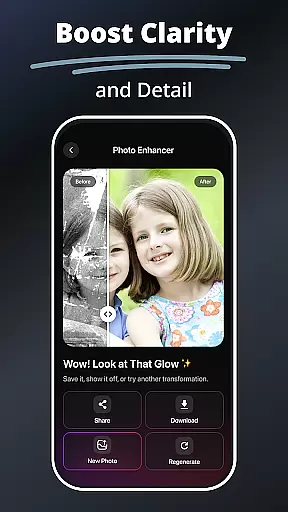
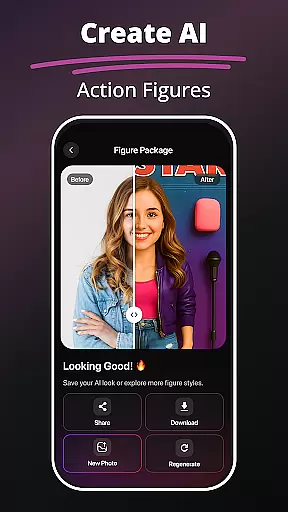
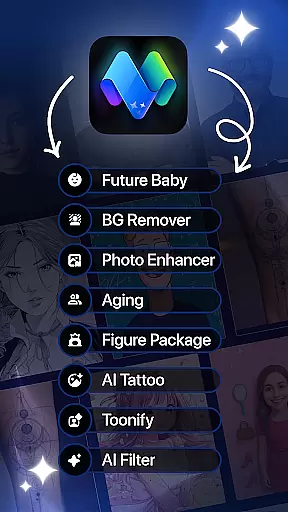
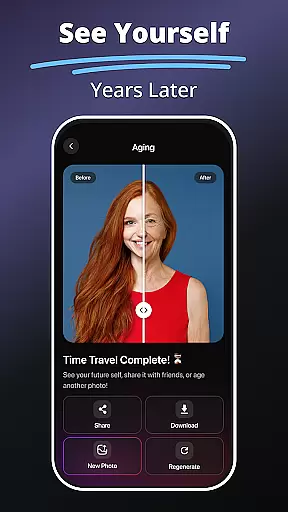
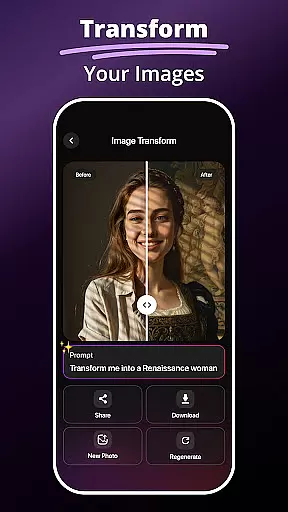
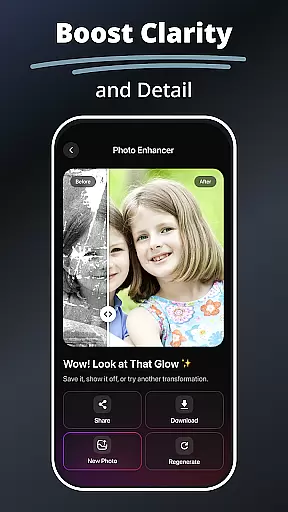
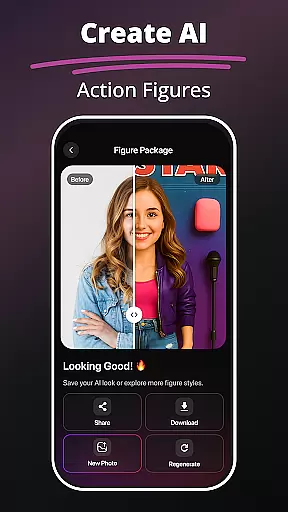
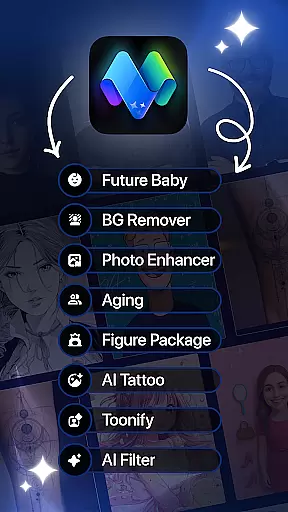
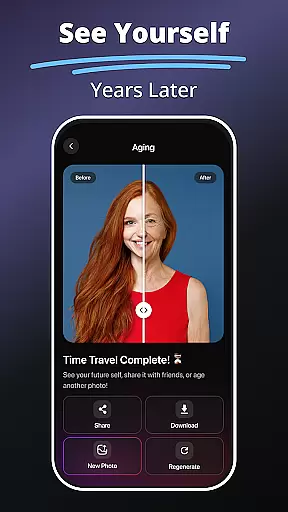
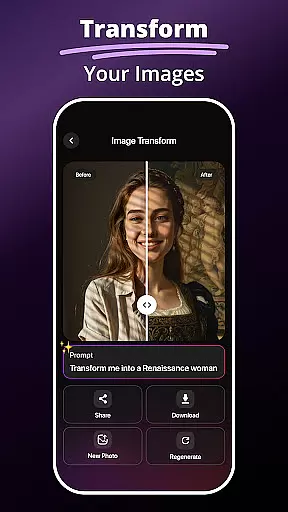
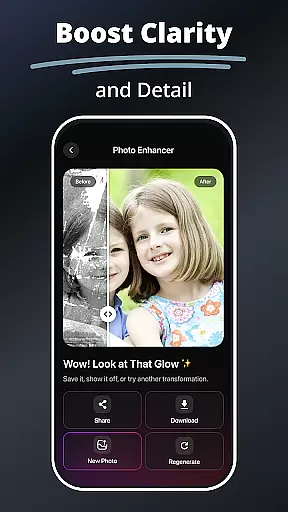
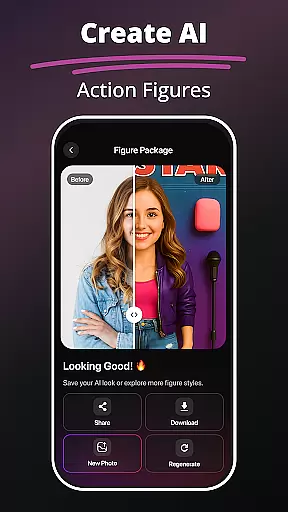
MePic is an advanced AI-powered photo editor designed for creative professionals and casual users alike. This all-in-one solution allows you to transform ordinary photos into stunning digital artworks with minimal effort. The app's core features include AI-driven image generation, advanced photo editing tools, and innovative avatar creation capabilities.
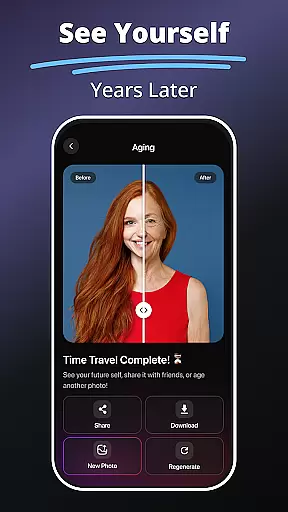
One of MePic's standout functions is its Text to Image feature, which converts descriptive text into unique visuals. Users can also experiment with futuristic tools like the Future Baby Generator and enjoy professional-grade editing with AI filters and enhancement tools. Whether you're looking to create artistic portraits or design personalized avatars, MePic provides the tools to bring your vision to life.
The application is particularly valuable for social media enthusiasts and content creators who need high-quality visuals for their platforms. With its intuitive interface and powerful features, MePic streamlines the photo editing process while maintaining professional standards.
MePic distinguishes itself through its comprehensive suite of AI-powered editing tools. The Text to Image feature uses advanced algorithms to interpret user input and generate custom visuals, making it ideal for concept artists and designers. The app's AI Photo Editor offers a wide range of filters and effects, from basic skin smoothing to complex digital painting transformations.
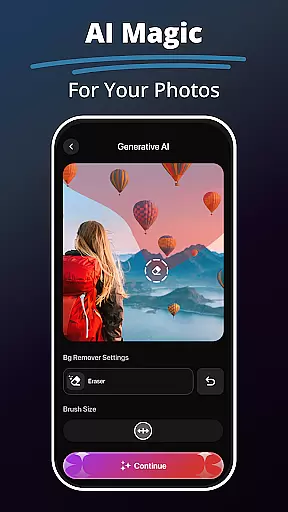
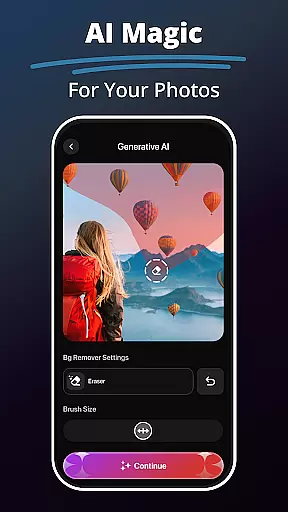
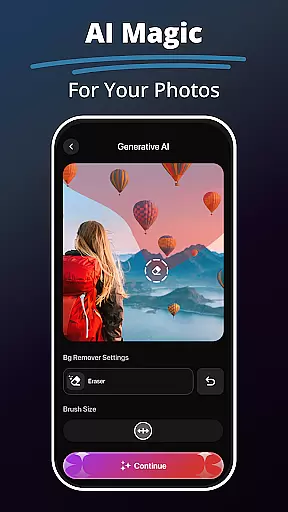
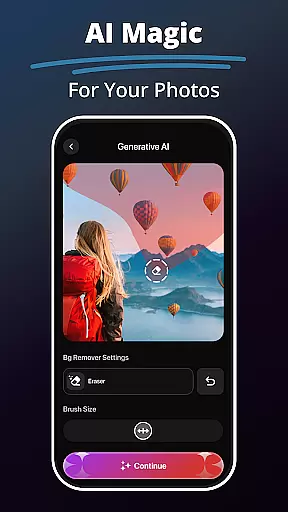
The Avatar Creator stands out as an innovative feature, allowing users to design personalized representations in various styles. From professional headshots to fantasy characters, the customization options are extensive. Additional tools like the Hair & Beard Changer provide realistic previews of different looks, while the Background Remover enables precise object editing without compromising image quality.
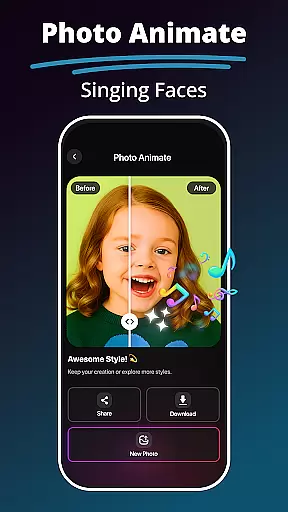
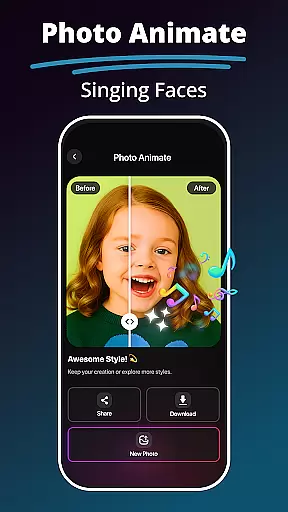
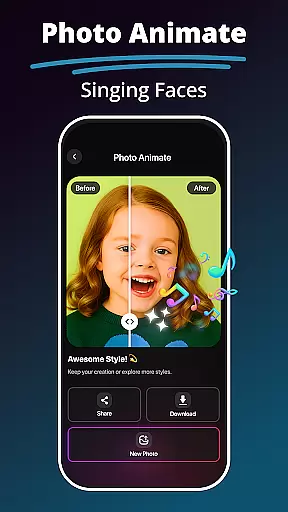
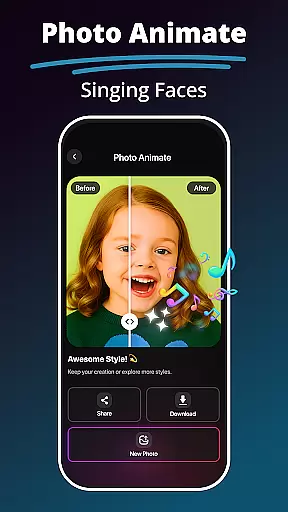
What sets MePic apart is its ability to combine multiple advanced features in one platform. The Photo Animate function adds dynamic motion effects to static images, creating engaging content for social media. These features collectively offer users unprecedented creative control over their digital content.
In the realm of digital artistry, having a comprehensive suite of creative tools is essential. MePic stands out by offering an extensive array of features that cater to both amateur enthusiasts and professional designers. The application includes functionalities such as Text to Image transformation, which leverages AI to generate visuals from textual descriptions, allowing for unparalleled creative exploration.
Moreover, MePic doesn't stop at static image creation; it extends into the territory of imaginative avatar crafting and style manipulation. Users can experiment with an assortment of aesthetic modifications, including diverse hairstyles, makeup options, and even facial hair variations. This versatility ensures that whether you're looking to refine portrait details or embark on a complex artistic project, MePic provides the necessary instruments to bring your visions to life.
The app further enhances its creative arsenal with object editing capabilities, such as background removal and color swapping. Such features empower users to produce professionally polished images without requiring a steep learning curve or sophisticated equipment. By integrating these robust tools, MePic delivers a seamless editing experience that encourages artistic expression and innovation.
Flexibility in canvas and format options is crucial for accommodating various artistic visions and project requirements. MePic addresses this need by enabling creators to modify their digital canvases with ease. Whether altering dimensions for social media posts or adjusting resolutions for high-definition prints, users can customize their workspace to suit specific objectives.
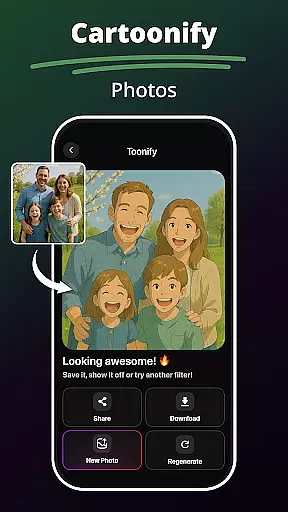
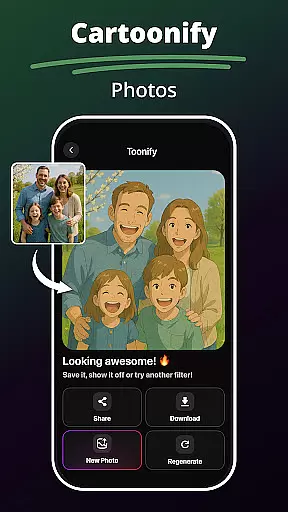
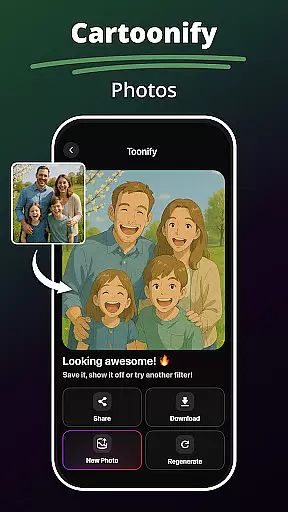
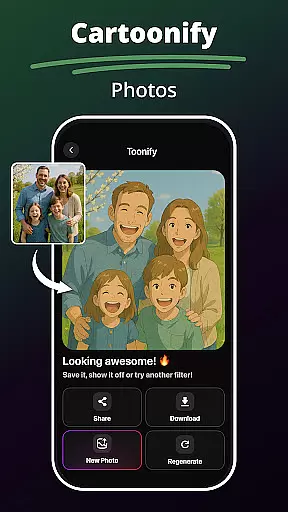
Beyond basic adjustments, MePic offers advanced features like Photo Animate, which introduces motion effects to static images. This capability not only diversifies the types of content creators can produce but also adds a dynamic layer to storytelling through visuals. Additionally, the app's support for different stylesu2014ranging from cartoonish avatars to realistic portraitsu2014demonstrates its adaptability across artistic genres.
By providing such a malleable platform, MePic ensures that artists are limited only by their imagination. The ability to switch between formats and styles effortlessly means that each project can be tailored precisely, enhancing both the creative process and the final output. With MePic, flexibility isn't just an optionu2014it's a fundamental aspect of the design journey.
User-friendly interface
Advanced AI features
Comprehensive toolset
High-quality results
Creative versatility
Premium features locked
Occasional processing delays
Steep learning curve
Limited free usage
Subscription required

The ultimate tool for creating animations
 4.60
4.60
Learn how to draw with step-by-step tutorials, fun lessons & multiplayer drawing
4.70
Stylish letters, Stylish Keyboard, Symbols, Emojis, Cool nickname
4.40
Unleash Your Creativity with Draw Cartoon - AR Drawing App
4.10
Turn your drawings into flipbook-style animations with simple creative tools
4.60
2D animation studio for Android tablets - unlimited layers, infinite timeline
4.70
Photo stitcher for automatically screenshot stitching into a long screenshot
4.70
Everything you need to create hand drawn animation, anywhere you go!
4.40
Video AI: Revolutionize Your Content Creation with Advanced Video Generation
4.50
Passport size photo maker, create ID photo and visa photo in seconds
4.80
Image resizer to resize, crop, rotate, flip, change dpi photo or picture in bulk
4.60
Discover Cartoon Dream : Unleash Your Creativity with CuttingEdge AI
4.50
Image/ Text to Video Generator
4.40
Bring One UI 8.5 Icons to life -elegant dark icons with a modern, premium touch.
4.30
Beauty Camera - Selfie Camera is the ultimate beauty camera and selfie app
4.30
Sketch and paint on your device with the feel and freedom of drawing on paper
4.00
Powerful home decoration & house design that allows you to design dream home.
3.80
Create trending AI photos & videos with powerful effects and 3D styles.
3.20
Your Essential Color Theory Guide: Red, Yellow, Blue (RYB)
4.0


User Reviews