
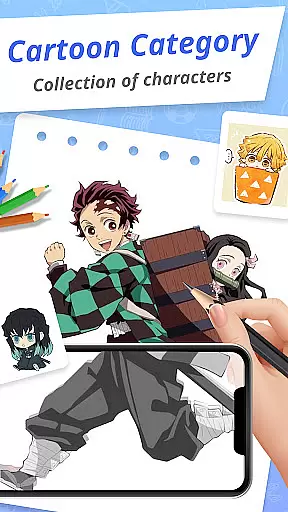
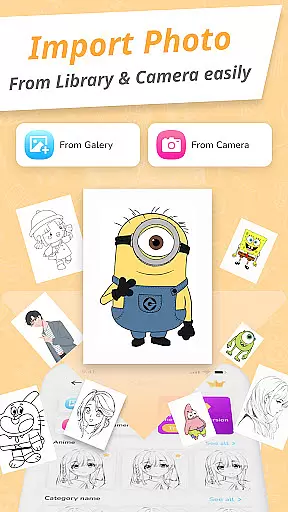
Draw Cartoon - AR Drawing App is an innovative art application that allows users to create stunning augmented reality drawings. The app utilizes advanced AR technology, enabling artists to incorporate real-world elements into their sketches through the device's camera.
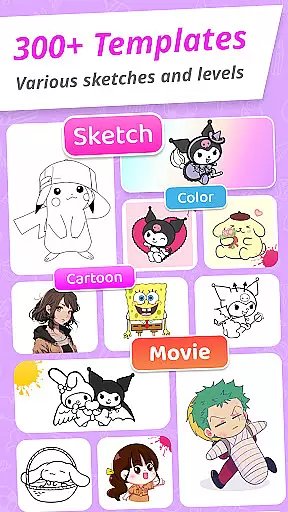
With features like adjustable opacity, flashlight control, and image locking, the app caters to both amateur and professional artists. Users can choose from various cartoon templates including popular themes like Pikachu and Scooby-Doo, making it a versatile tool for creative expression.
This app is particularly useful for aspiring artists who want to improve their skills while having fun. The ability to save and share artwork with friends makes it perfect for those looking to document their artistic journey in augmented reality.
Draw Cartoon offers a comprehensive set of features designed to enhance the drawing experience. The app's powerful AR capabilities allow users to project images onto real-world surfaces, creating unique tracing opportunities.
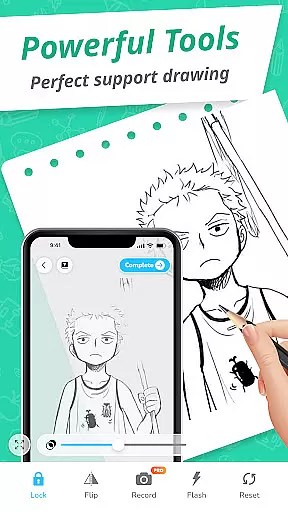
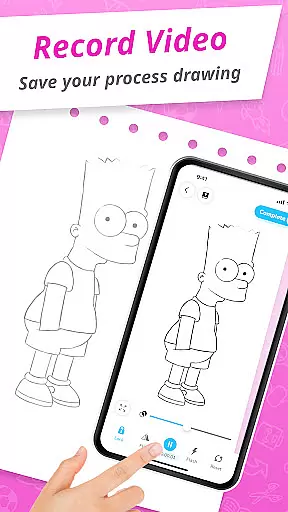
The interface includes practical tools such as video recording, photo capture, and opacity adjustment. These features enable artists to experiment with different techniques while maintaining precise control over their work environment.
Additional functionality includes a dedicated My Artwork section where users can track their progress, access free drawing templates, and explore various cartoon themes. This combination of professional-grade tools and user-friendly design makes Draw Cartoon suitable for artists of all skill levels.
In the realm of digital art, having a comprehensive set of creative tools is essential for artists to fully express their visions. Draw Cartoon - AR Drawing App rises to the occasion by offering an extensive suite of features tailored for cartoon enthusiasts and aspiring artists.
The app leverages augmented reality to infuse real-world elements into sketches, providing users with advanced options such as recording video, taking photos, adjusting opacity, controlling the flashlight, and locking or resetting their work. This powerful combination ensures that artists have everything they need to create stunning AR artwork.
With free samples of painting and tracing templates, including a variety of cartoon themes like Pikachu and Scooby-Doo, Draw Cartoon equips artists with resources to explore different styles and techniques. These features make it suitable for both amateur artists looking to learn and seasoned creatives seeking new ways to innovate.
By prioritizing simplicity without compromising on functionality, this app makes sophisticated art tools accessible to everyone, enhancing skills and inspiring creativity across the board.
Flexibility in canvas and format options is crucial for artists who wish to customize their workspace and produce art that fits various mediums and platforms. Draw Cartoon - AR Drawing App addresses this need by providing adaptable solutions that cater to diverse artistic requirements.
Artists can utilize the app's AR capabilities to draw in a dynamic environment that mirrors the real world, allowing them to create art that is not confined by traditional canvas dimensions. The ability to adjust the opacity and use the camera empowers creators to blend digital elements seamlessly with physical surroundings.
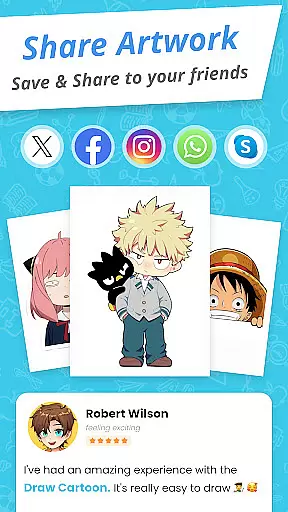
Moreover, the My Artwork feature enables users to save or share their creations effortlessly with friends and family. By tracking their artistic journey within the app, users gain valuable insights into their progress and achievements over time.
This adaptability ensures that whether artists are producing content for social media, personal portfolios, or professional projects, Draw Cartoon - AR Drawing App provides the necessary flexibility to meet their unique needs while maintaining high-quality standards.
User-friendly interface
Wide range of templates
Powerful AR features
Professional drawing tools
Active community support
Limited free content
Device compatibility issues
Occasional performance lags
Subscription fees required
Steep learning curve

Create color palette from Image, RGB & RYB Color wheel harmonies, Color Scheme
 4.50
4.50
Castle is social media for creating and playing games!
4.60
The perfect place to start sketching! Use Sketchbook to draw and paint sketches.
4.50
Create stunning art with AI.
4.80
Android 14 style widgets and wallpapers app.
4.5
Bring One UI 8.5 Icons to life -elegant dark icons with a modern, premium touch.
4.30
Everything you need to create hand drawn animation, anywhere you go!
4.40
Unleash your inner artist! Sketchar: AR Drawing for Limitless Creativity
4.40
AI-powered photo & video creation—fast, fun, and effortless with Quick Actions
4.60
See Color, Paint Color
4.90
Photo editor for art, avatars, filters & fun transformations.
4.60
Photo blender app to create overlay photos & double exposure.
4.40
AI generated images & photos, turn your words into drawing, painting & pictures.
4.30
Nano Banana AI Image Generator, Anime Filter, AI Portrait, AI Photo Generator
4.30
Unleash the artist in you with our AR drawing and tracing tool for photo drawing
4.10
Sketch and paint on your device with the feel and freedom of drawing on paper
4.00
Resize photos and print photos in exact size with our powerful photo printer!
3.80
AI Art Generator transforms your words into AI generated art & paintings.
3.70
Draw anime easily with AR guidance, sketch templates & trace tools!
3.10


User Reviews